Free • No signup Reshape Eyebrows · Free

AI Eyebrow Shaper

Just describe your ideal eyebrow shape and AI handles the reshaping.
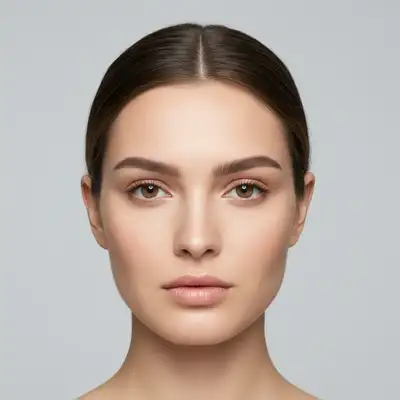
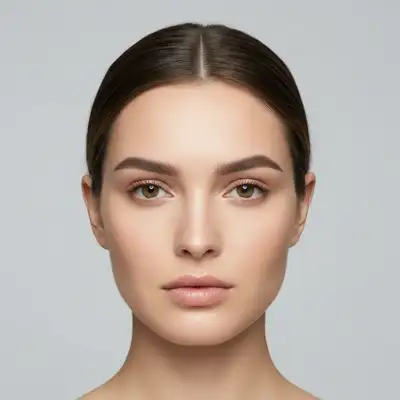
Portrait with flat eyebrows before reshaping
Before
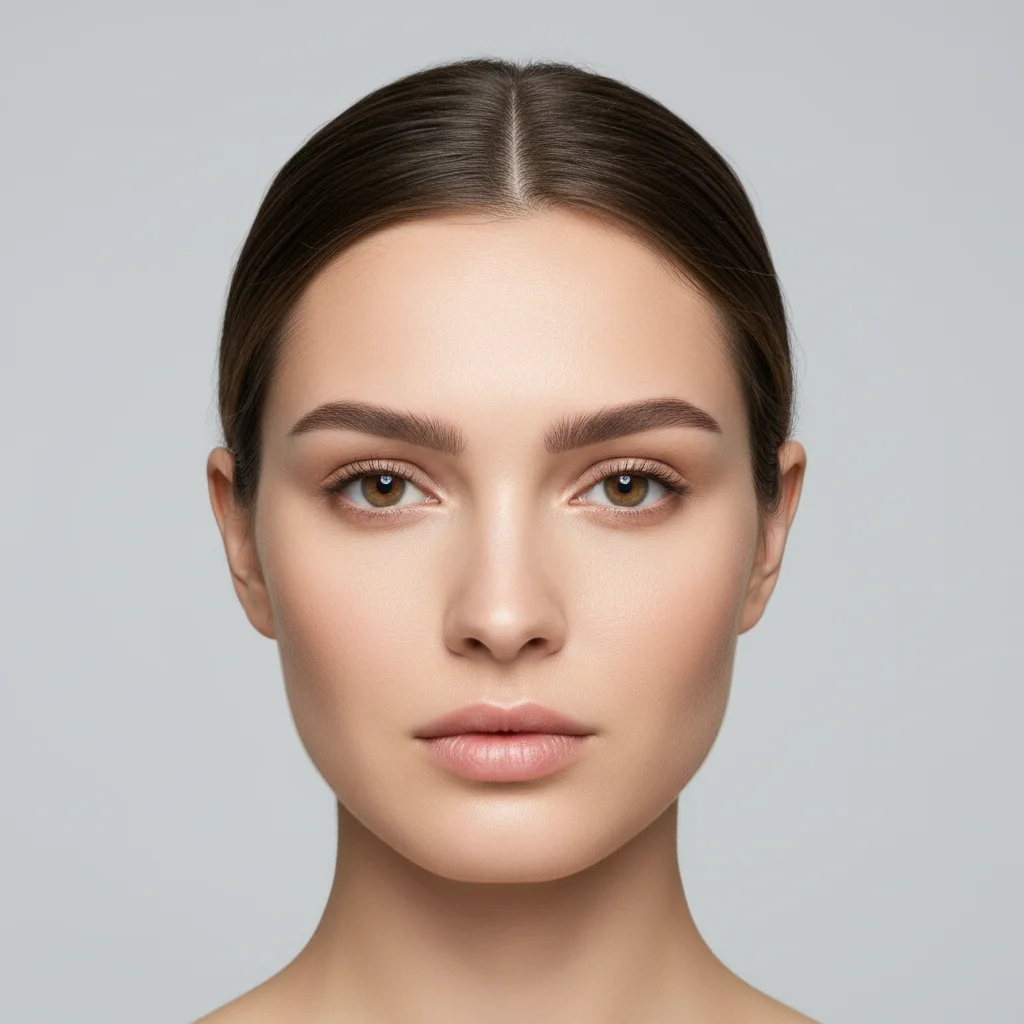
Portrait with defined arched eyebrows after AI reshaping
After

AI Eyebrow Shaper

Drop your photo here

or click to browse

Release to upload

Free • No signup

Advertisement
Popular use cases:
  • professional headshots
  • LinkedIn profile photos
  • dating app profiles
  • Instagram selfies
  • portrait photography
  • beauty photography
  • model portfolios
  • actor headshots

Cost
Free No signup required
Time
Instant results in 15-30 seconds
Works on
Any device - browser, phone, tablet, desktop
Powered by
AI-powered photo editing
Scenario Prompt Time
Higher arch reshape eyebrows to have a higher, more defined arch at the center, keeping natural thickness 15s
Symmetry fix make both eyebrows symmetrical with matching arch height and tail length, natural shape 20s
Straighter brows reshape eyebrows to be straighter with minimal arch, slightly thicker, defined tails 20s
Fuller brows reshape eyebrows to be fuller and more defined, filling in sparse areas with natural hair texture 25s

How it works

  1. Upload your portrait photo

    Drop your image into EditThisPic. JPG, PNG, WebP up to 7MB. For best results, use well-lit portraits where eyebrows are clearly visible and face is front-facing.

    Expect: Simple eyebrow reshaping: 15-30 seconds. Complex changes with major symmetry fixes: may need 2-3 refinements.
  2. Describe your ideal eyebrow shape

    Type your instruction: 'reshape eyebrows to have a higher arch and more defined tail' or 'make eyebrows straighter and thicker.' Be specific about arch height, thickness, and tail shape. No marking needed—the AI understands facial features and eyebrow anatomy.

    Tip: Mention specific eyebrow characteristics: arch position (higher/lower), thickness (thicker/thinner), tail length (longer/shorter), overall shape (straight/arched/angular)

    Copy one of these to get started:

    Create higher arch for elegant look reshape eyebrows to have a higher, more defined arch at the center, keeping natural thickness
    Fix asymmetric eyebrows make both eyebrows symmetrical with matching arch height and tail length, natural shape
    Straighter brows for modern look reshape eyebrows to be straighter with minimal arch, slightly thicker, defined tails
    Define sparse eyebrows reshape eyebrows to be fuller and more defined, filling in sparse areas with natural hair texture
    3 more prompts
    Soften over-plucked brows reshape eyebrows to be thicker and softer, filling out over-plucked areas with natural growth
    Angular brows for bold look reshape eyebrows to have sharp, angular arch with defined tail, bold and dramatic
    Natural feathered brows reshape eyebrows with soft feathered look, gentle arch, natural and fluffy appearance
  3. Generate and review

    Click Generate and watch as AI reshapes your eyebrows while maintaining natural hair texture and skin tone. Review at full zoom to check symmetry, arch position, and tail definition. Process takes 3-5 seconds.

  4. Refine with markers if needed

    If one eyebrow needs different shaping than the other, or you want to adjust specific areas like the arch peak, tap markers on those spots and regenerate. This is optional—most reshaping works without markers.

    Tip: Markers are for asymmetric adjustments when you want different shapes for left vs right eyebrow. Try without them first.
Try it free

AI Eyebrow Shaper

Drop your photo here

or click to browse

Release to upload

Free • No signup

"Finally! Perfect eyebrow symmetry in my headshots without hours in Photoshop. Just described what I wanted." @beautyeditor

See it in action

Portrait with flat eyebrows before reshaping
Before
->
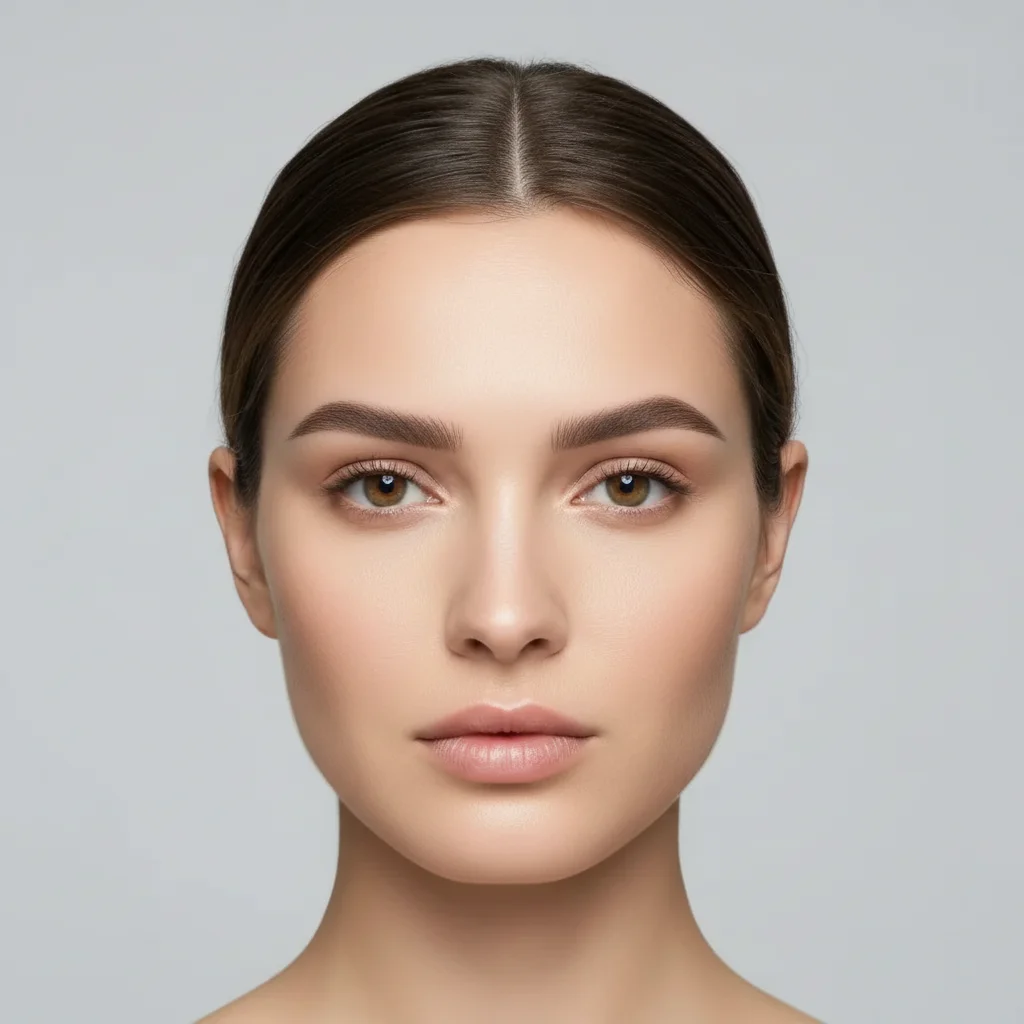
Portrait with defined arched eyebrows after AI reshaping
After

Higher Arch Reshaping

Reshaped flat eyebrows to have a defined arch for a more lifted, elegant appearance.

Prompt: reshape eyebrows to have a higher, more defined arch at the center, keeping natural thickness
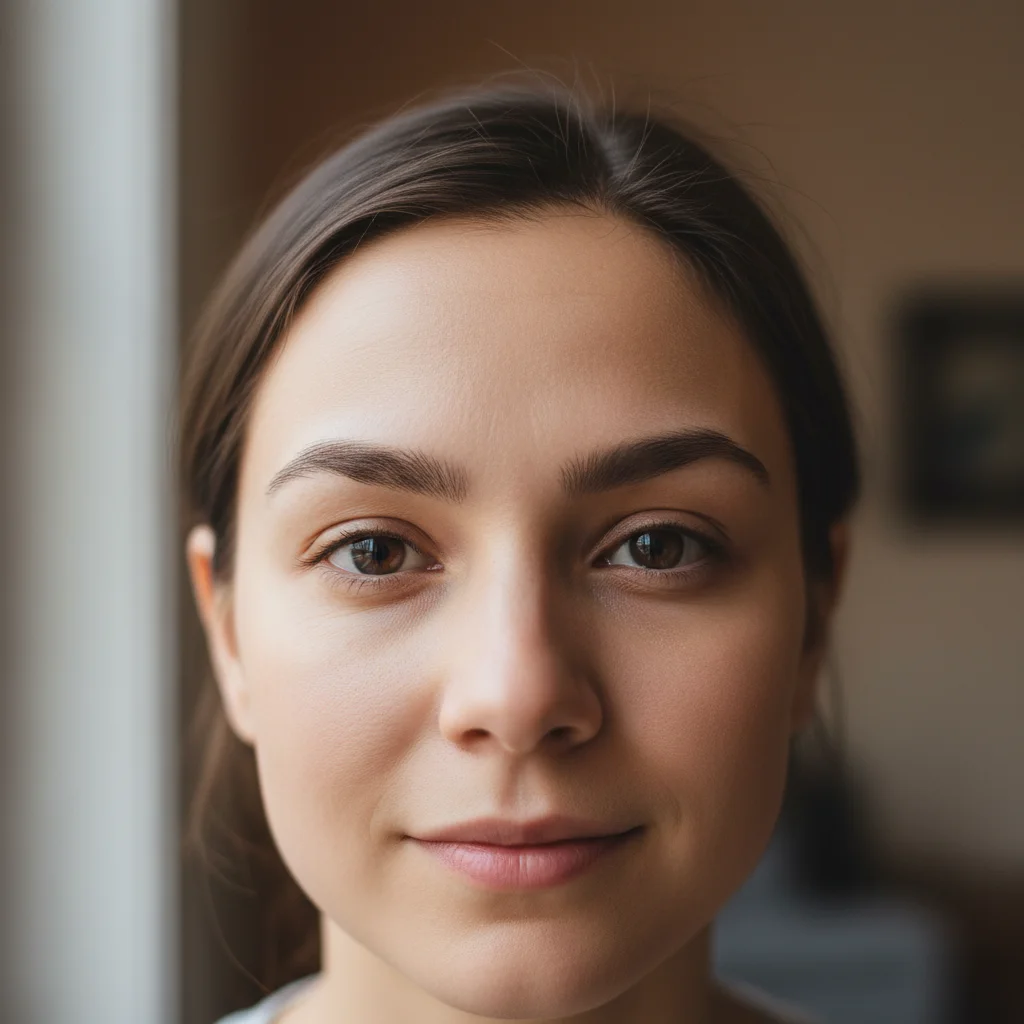
Portrait with asymmetric eyebrows before correction
Before
->
Portrait with symmetrical eyebrows after AI reshaping
After

Symmetry Correction

Fixed uneven eyebrows where one was higher and more arched than the other for a balanced look.

Prompt: make both eyebrows symmetrical with matching arch height and tail length, natural shape
Portrait with thin sparse eyebrows before reshaping
Before
->
Portrait with fuller defined eyebrows after AI enhancement
After

Fuller Brow Reshaping

Reshaped thin, over-plucked eyebrows to be fuller and more defined while maintaining natural appearance.

Prompt: reshape eyebrows to be fuller and more defined, filling in sparse areas with natural hair texture
Advertisement

If something looks off

AI changed the wrong eyebrow or adjusted something I didn't want changed

Why: The AI couldn't determine exactly which eyebrow you meant from description alone. This happens when you want asymmetric changes.

Try: Tap a marker on the specific eyebrow you want to reshape, then regenerate with the same prompt

Tip: Markers tell the AI 'I mean THIS eyebrow specifically.' Use them when you want different shapes for left vs right.

Eyebrows look too thick or drawn-on

Why: The prompt asked for 'fuller' or 'thicker' without specifying to maintain natural texture, so AI added too much density.

Try: Add 'with natural hair texture' or 'subtle and natural' to your prompt, or try 'slightly thicker' instead of just 'thicker'

Tip: Always include 'natural' in your prompt when adding thickness to prevent the drawn-on look

Arch is too high or in the wrong position

Why: Without specific positioning, AI places arch at the standard position which may not match your face structure.

Try: Specify exactly where you want the arch: 'arch peak above the outer third of the eye' or 'arch closer to the center'

Tip: Use eye landmarks as reference points: 'arch directly above the pupil' or 'arch above the outer edge of iris'

Eyebrows still look asymmetric after symmetry correction

Why: Major asymmetry often needs multiple passes, or the original photo angle makes true symmetry impossible.

Try: Try a second pass with the same symmetry prompt, or use markers to adjust the outlier eyebrow specifically

Tip: Perfect symmetry requires a straight-on photo angle. Side-lit or angled faces will always have some visual asymmetry

Tail end disappeared or became too short

Why: The reshaping prompt didn't mention tail length, so AI focused on arch and ignored the tail.

Try: Add tail specification to your prompt: 'with long defined tail extending to temple' or 'maintaining tail length'

Tip: Always mention 'tail' in your prompt if you want to preserve or extend the eyebrow tail

Color or tone doesn't match natural eyebrow hair

Why: Heavy reshaping can sometimes alter color, especially when filling in sparse areas from scratch.

Try: Add 'matching natural eyebrow color' or specify the exact color: 'dark brown to match existing hair'

Tip: For best color matching, use well-lit photos where natural eyebrow color is clearly visible

Quick answers

Do I need to mark the eyebrows before describing?

No! Just describe what you want: 'reshape eyebrows to have a higher arch' or 'make eyebrows symmetrical.' The AI understands facial features and where eyebrows are. Only use markers when you want to reshape one eyebrow differently than the other, or when refining specific areas after your first attempt.

How do I reshape eyebrows in photos for free?

Upload your portrait to EditThisPic and describe the eyebrow shape you want: higher arch, thicker, straighter, more symmetrical, etc. The AI reshapes them in 15-30 seconds while maintaining natural hair texture and skin tone. Completely free to try, no account or watermark.

Can AI fix asymmetric eyebrows where one is higher than the other?

Yes! Use a prompt like 'make both eyebrows symmetrical with matching arch height and tail length.' The AI analyzes both eyebrows and balances them to have the same shape, arch position, and length. For severe asymmetry, you may need 2-3 refinements.

Will reshaped eyebrows look natural or obviously edited?

When you include 'natural' in your prompt and use well-lit front-facing photos, reshaped eyebrows maintain realistic hair texture, density, and color. The AI preserves individual hairs and natural variation. Avoid overly dramatic changes for the most natural results.

What is the best free AI tool for eyebrow shaping in photos?

EditThisPic's AI Eyebrow Shaper lets you reshape eyebrows with simple text instructions - no manual drawing or selection tools. Just describe the arch, thickness, and shape you want. Free, no login required, no watermark on your edited photos.

Ready to reshape your eyebrows?

Free to try. No signup required.

Try it free