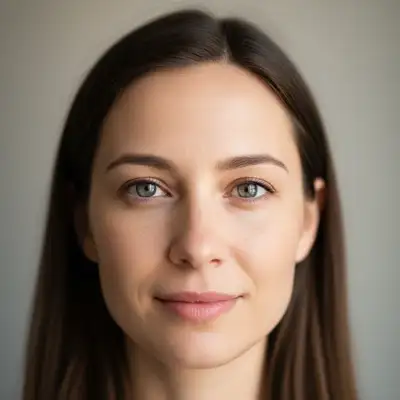
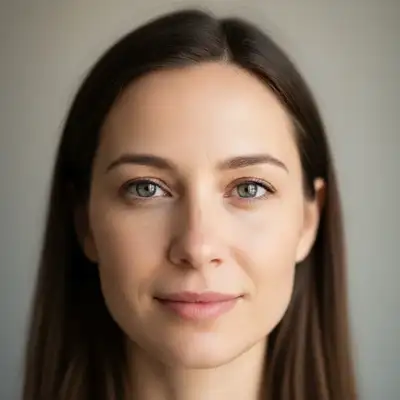
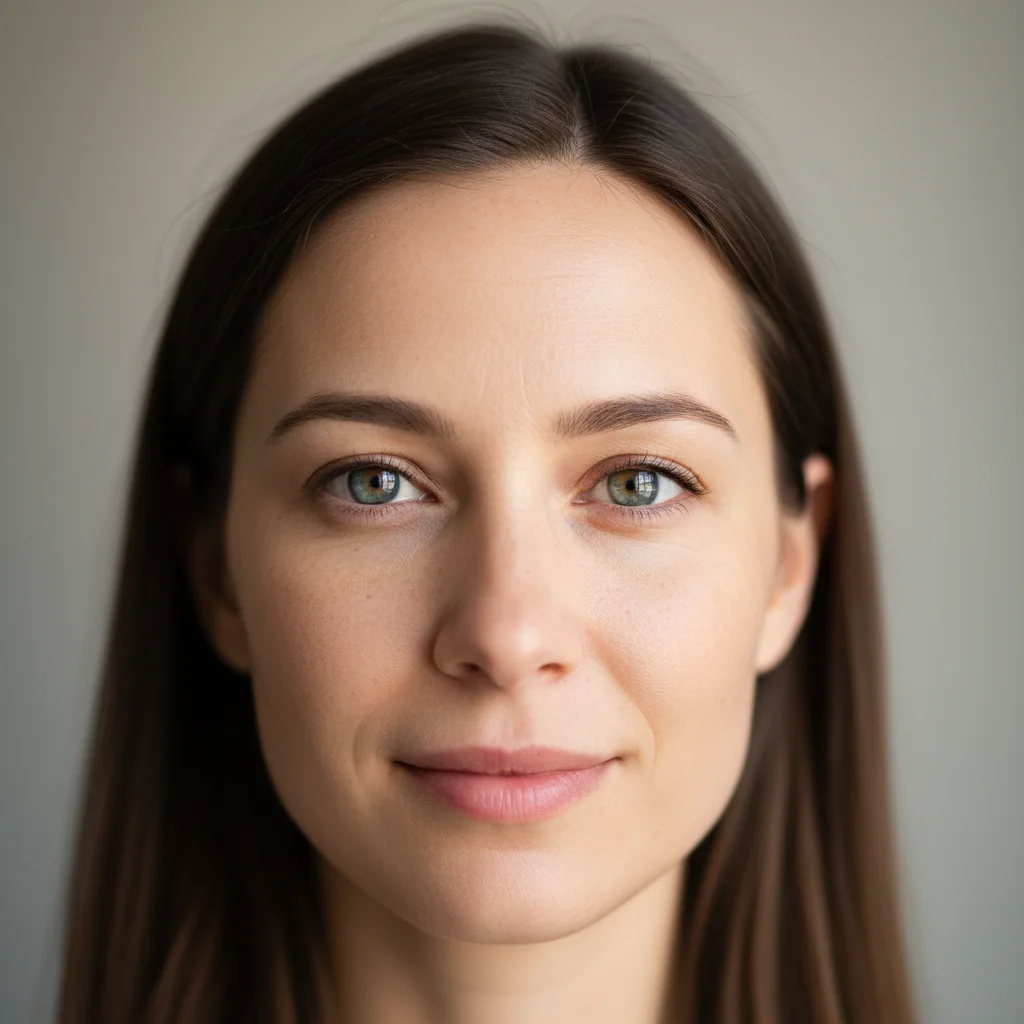
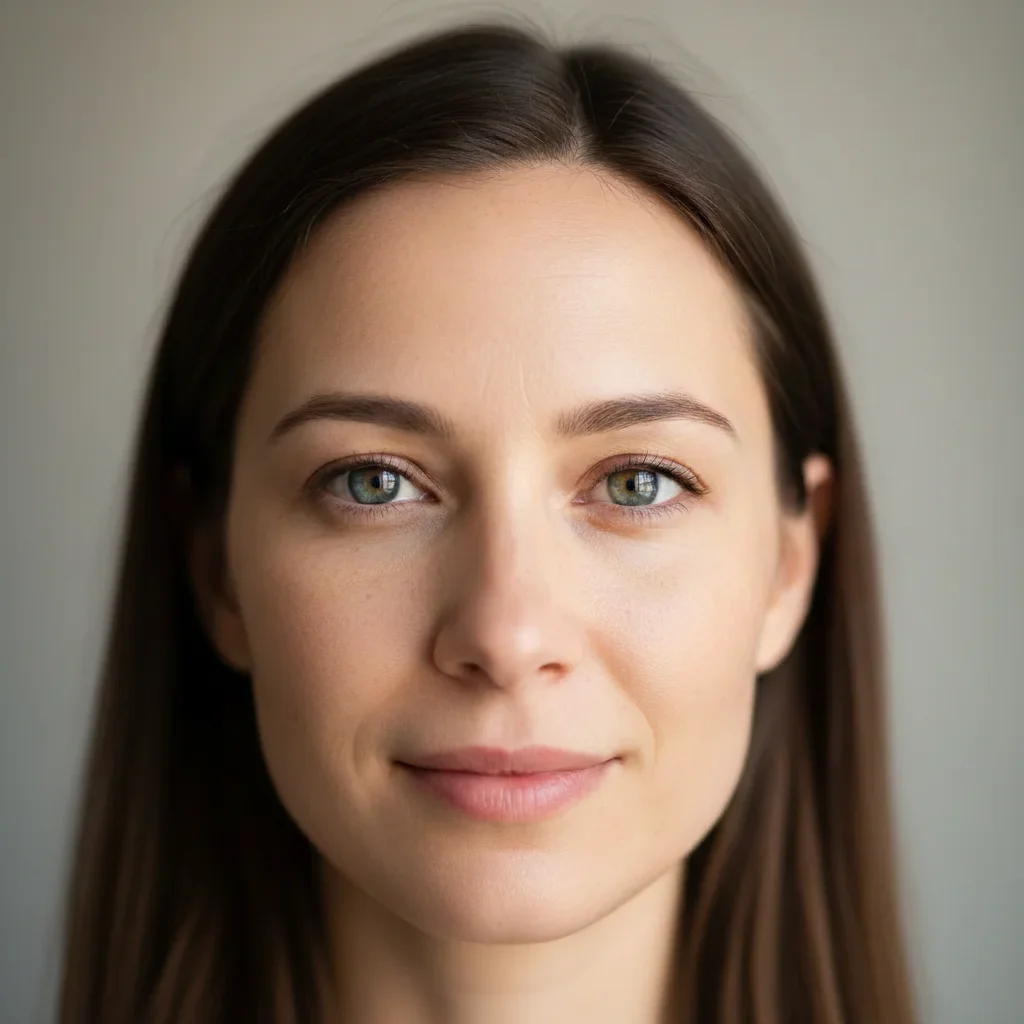
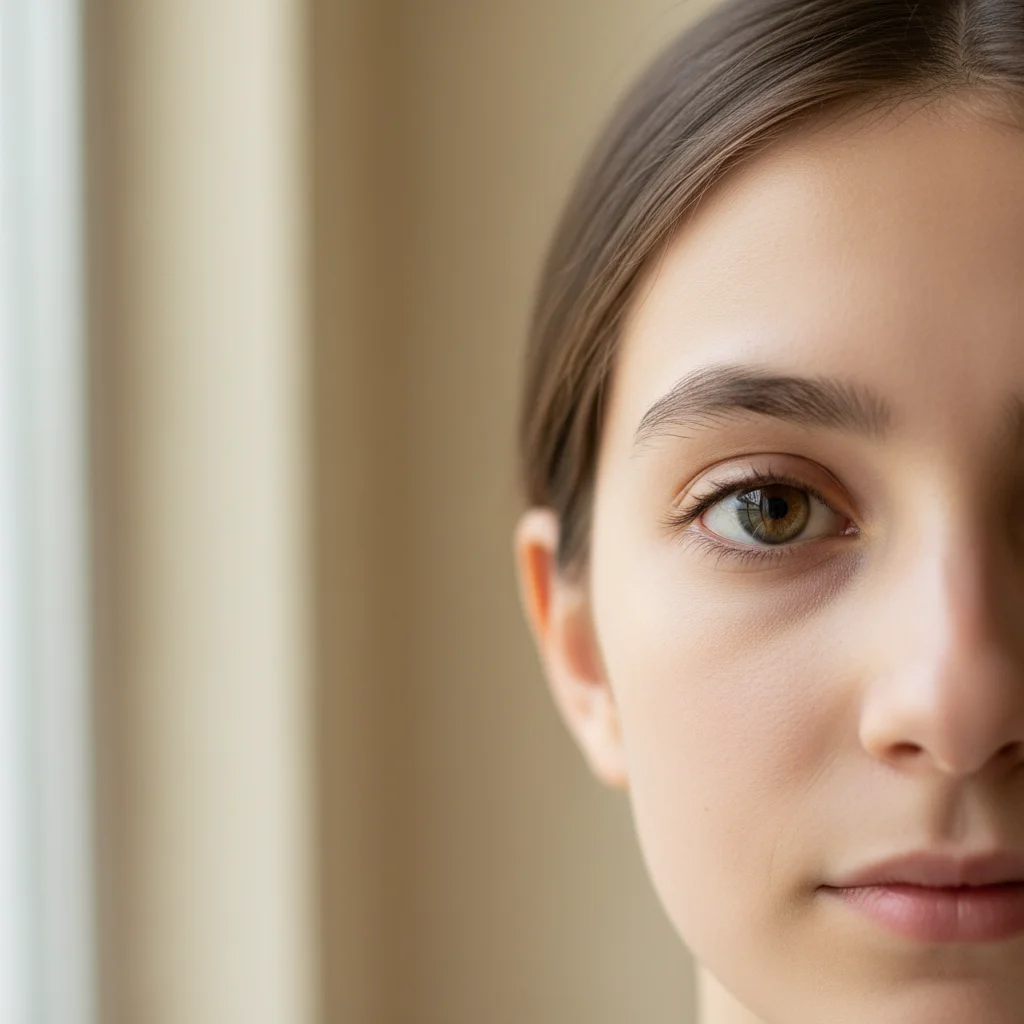
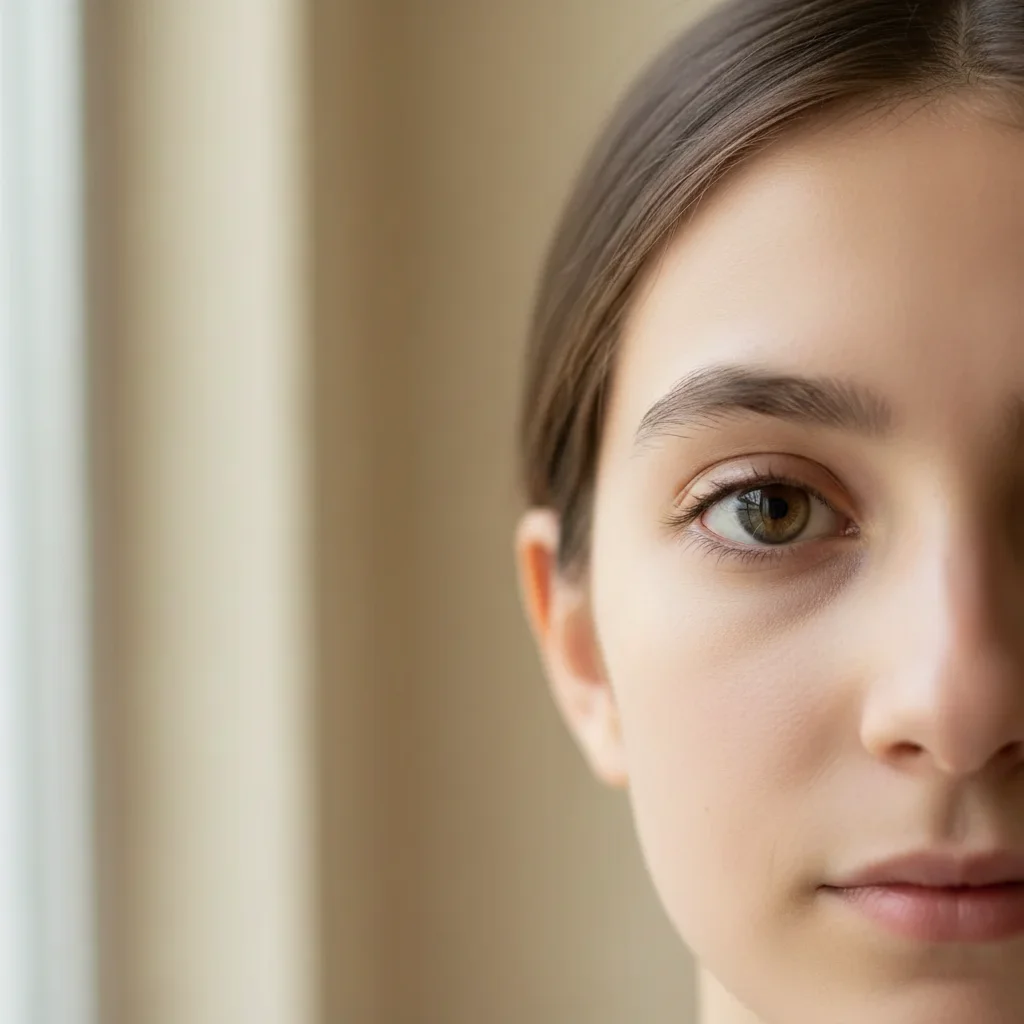
Do I need to mark the eyes before describing what I want enlarged?
No! Just describe what you want: 'enlarge eyes slightly' or 'make eyes bigger.' The AI understands eye anatomy and facial proportions. Only use markers when you need precision—like enlarging only one eye for symmetry, or refining after your first attempt.
How do I enlarge eyes in a photo for free?
Upload your photo to EditThisPic and type 'enlarge eyes slightly for a more expressive look while keeping natural proportions.' The AI increases eye size while preserving detail in 20-30 seconds. Completely free, no signup required.
Will enlarged eyes look natural or fake?
When you use 'slightly' or 'moderately' and include 'keeping natural proportions,' the AI creates realistic enlargement. Subtle enhancements are virtually undetectable. Very dramatic changes may look stylized or artistic.
Can I control how much bigger the eyes get?
Yes. Use intensity descriptors: 'slightly' for subtle enhancement, 'moderately' for noticeable change, 'noticeably' for dramatic enlargement. Start subtle and regenerate for more if needed.
What's the best eye enlargement for portraits?
For professional or natural-looking portraits, use 'enlarge eyes slightly while keeping natural proportions.' For creative or beauty photography, you can go with 'moderately' or 'noticeably.'
Is EditThisPic's AI eyes enlarger really free?
Yes — you get 1 free edit per week, no account needed. For unlimited edits, plans start at $3.99/month.
Can I enlarge eyes on my phone?
Yes. EditThisPic works in any mobile browser — iPhone, Android, tablet. No app download needed.
What photo formats does the AI eyes enlarger support?
JPG, PNG, WebP, and HEIC. Upload any common photo format and EditThisPic handles the rest.