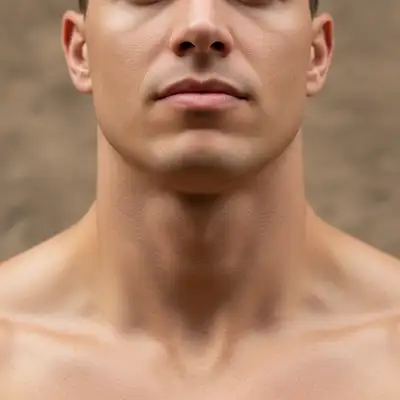
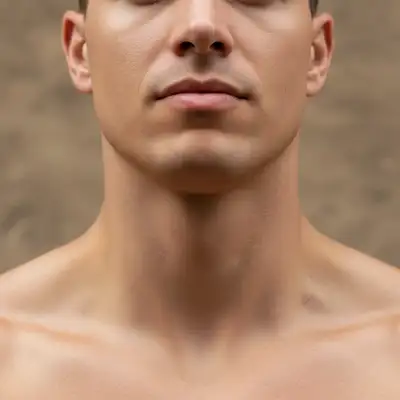
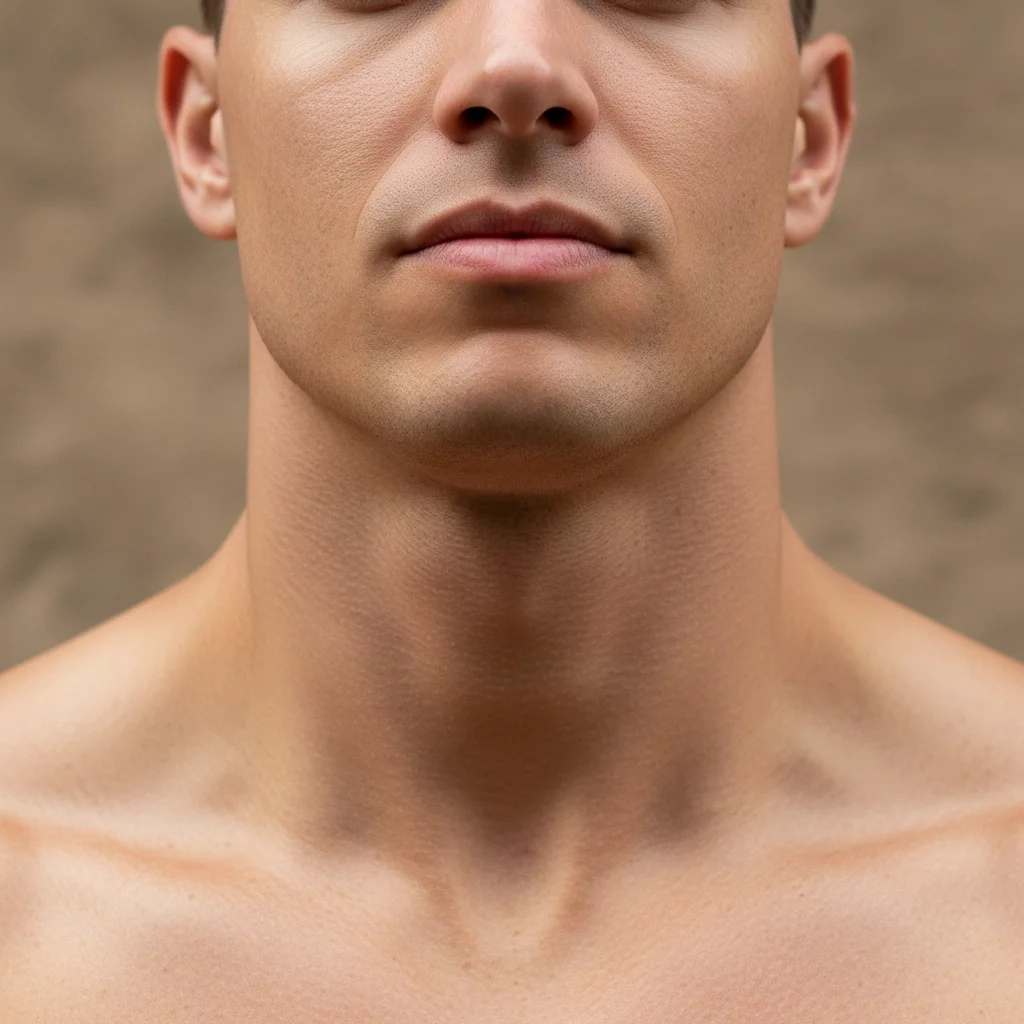
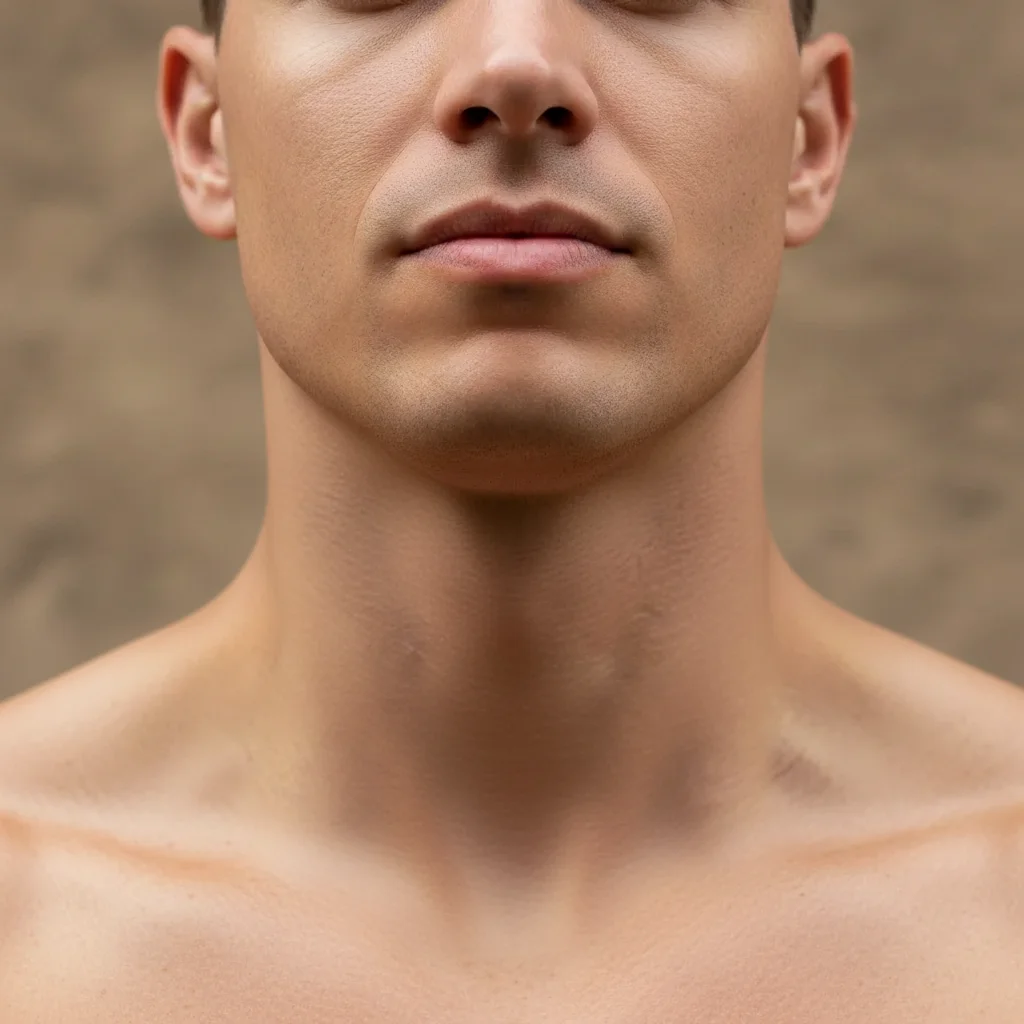
Do I need to mark the neck area before describing what I want slimmed?
No! Just describe what you want: 'slim and refine the neck area' or 'reduce neck width.' The AI understands neck anatomy and natural proportions.
How do I slim neck in a photo for free?
Upload your photo to EditThisPic and type 'slim and refine the neck area while maintaining natural proportions.' The AI reduces neck width while preserving skin texture and natural shadows in 20-30 seconds. Completely free, no signup required.
Will the slimmed neck look natural or obviously edited?
When you include 'maintaining natural proportions' in your prompt, the AI preserves anatomical realism, skin texture, and lighting. Subtle to moderate slimming looks completely natural.
Can I slim neck and reduce double chin at the same time?
Yes. Use 'slim neck and reduce double chin appearance' in your prompt. The AI addresses both areas while maintaining natural contours.
What's the difference between neck slimming and adding definition?
Neck slimming reduces width. Adding definition enhances shadows and contours without changing size. For pure contouring, use 'add definition to neck without slimming.'
Is EditThisPic's AI neck slimer really free?
Yes — you get 1 free edit per week, no account needed. Credit packs start at $4.99 for 10 edits.
Can I slim neck on my phone?
Yes. EditThisPic works in any mobile browser — iPhone, Android, tablet. No app download needed.
What photo formats does the AI neck slimer support?
JPG, PNG, WebP, and HEIC. Upload any common photo format and EditThisPic handles the rest.
How much does EditThisPic cost?
You get 1 free edit per week — no account needed. After that, one-time credit packs start at $4.99 for 10 edits, valid 12 months, no subscription. Power users who edit daily can pick Studio Membership, a monthly workspace at $49.99/mo for 300 edits. Purchased downloads are clean with no watermark.