Free β€’ No signup Slim Waist Β· Free

AI Waist Slimmer - Slim Waist in Photos

Slim your waist naturally in photos with AI - no marking or editing skills needed
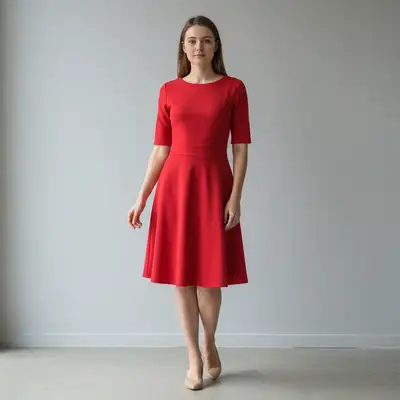
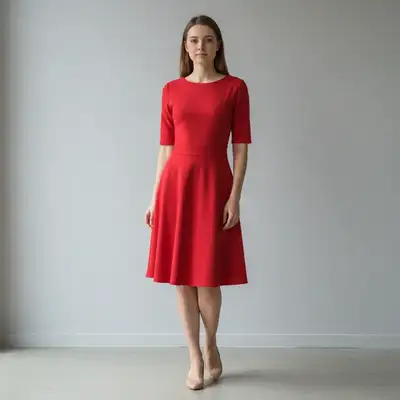
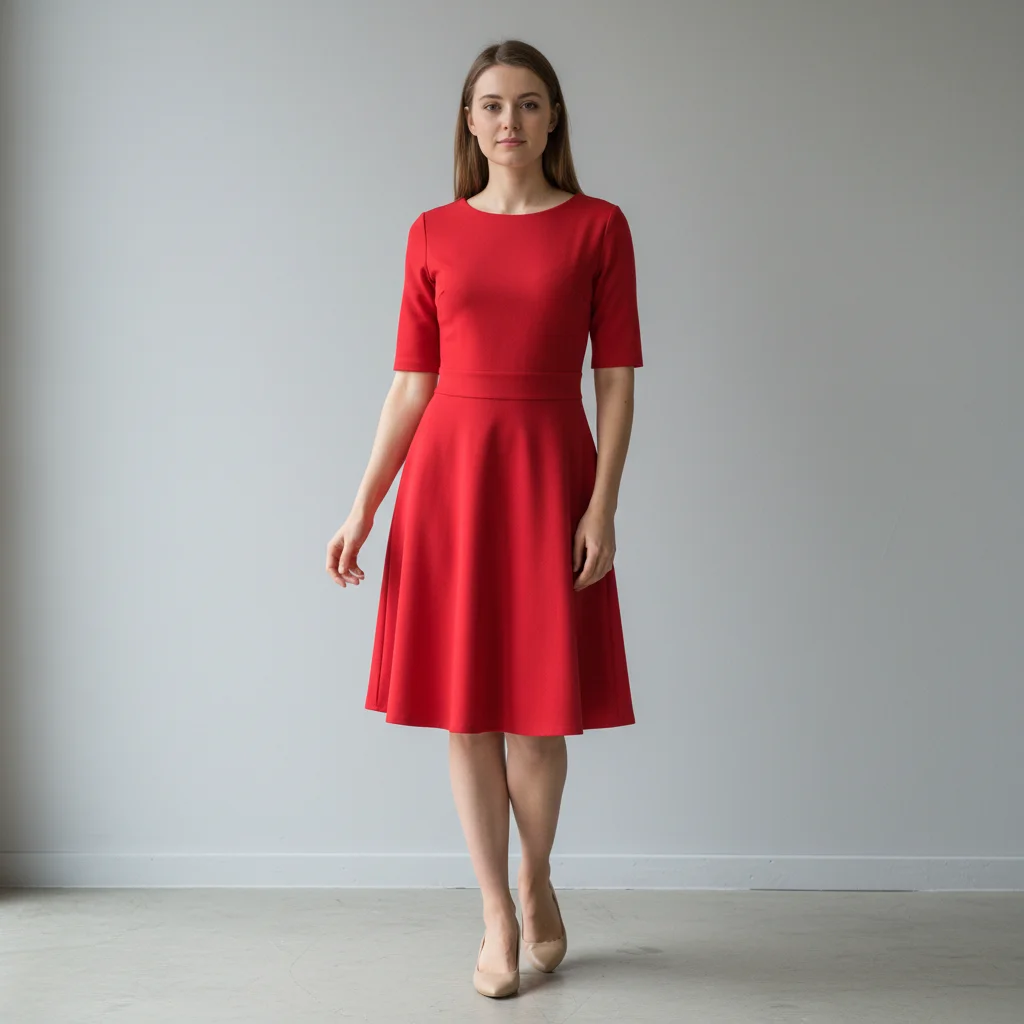
Woman in emerald dress with natural waist
Before
β†’
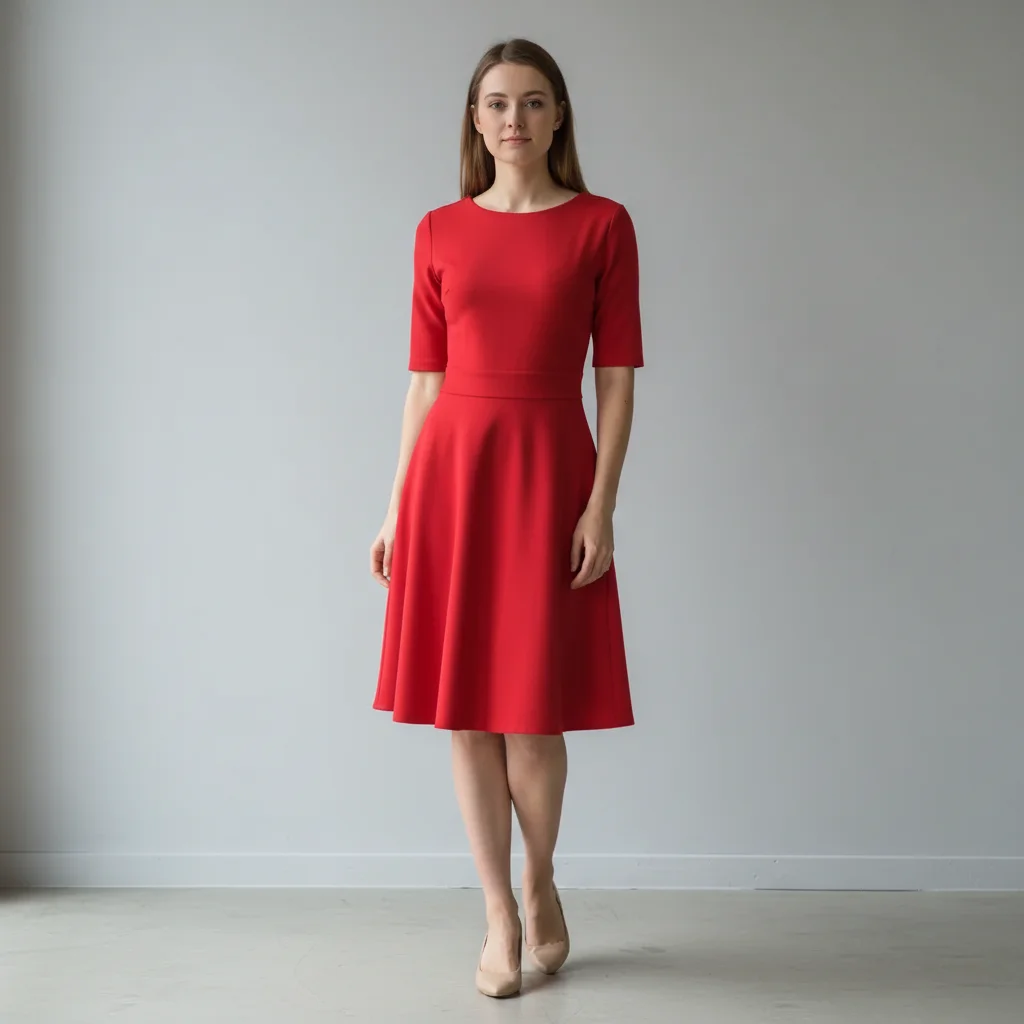
Same woman with naturally slimmed waist enhancing dress fit
After

Slim Waist in Photo

Upload photo to slim waist

Free β€’ Results in 30 seconds β€’ No signup

Release to upload

FreeNo signupNo watermark
Popular use cases:
  • waist slimming
  • body editing
  • outfit photos
  • waist toning
  • silhouette enhancement
  • photo retouching

Cost
Free No signup required
Time
Instant results in 15-30 seconds
Works on
Any device - browser, phone, tablet, desktop
Powered by
AI-powered photo editing
Scenario Prompt Time
Moderate slimming make my waist 2 inches slimmer 25s
Subtle definition create a slightly more defined waistline 20s
Hourglass shape slim my waist to create hourglass silhouette 30s
Outfit enhancement make waist slimmer so outfit looks fitted 28s

How it works

  1. Upload your photo

    Choose a photo where your waist is clearly visible. Full-body shots or upper-body photos work best. Good lighting and a front-facing pose help the AI deliver the most natural results.

    Expect: Simple waist adjustments: 20-30 seconds. Complex reshaping with clothing: 35-45 seconds and may need refinements.
  2. Describe what you want

    Type your instruction like 'make my waist 2 inches slimmer' or 'create a more hourglass shape.' Be specific about the amount of change you want. No need to mark anything first - just describe the transformation.

    Tip: Specify measurements like '2 inches slimmer' or use words like 'slightly' or 'dramatically' for predictable results

    Copy one of these to get started:

    Moderate waist slimming Make my waist 2 inches slimmer while keeping proportions natural
    Subtle waist definition Create a slightly more defined waistline without dramatic changes
    Hourglass figure Slim my waist to create a more hourglass silhouette
    Dress/outfit enhancement Make my waist slimmer so this outfit looks more fitted and flattering
    3 more prompts
    Athletic waist Make my waist appear more toned and athletic with subtle slimming
    Dramatic transformation Significantly slim my waist by 4 inches for a dramatic hourglass shape
    Bloating reduction Flatten and slim my waist to reduce any bloating or puffiness
  3. Review the result

    Check that your waist looks naturally slimmed and proportional to your body. Ensure clothing still fits properly and the overall silhouette looks balanced and realistic.

  4. Refine with markers if needed

    Optional: If the AI changed other areas or you want to adjust specific sides differently, tap markers on your waist area and regenerate. Most waist edits work perfectly with description alone.

    Tip: Markers are for precision when you want asymmetric adjustments or if the first result wasn't quite right.
Try it free ↓

Slim Waist in Photo

Upload photo to slim waist

Free β€’ Results in 30 seconds β€’ No signup

Release to upload

Free β€’ No signup

"Perfect for my outfit photos! Made my dress look so much more flattering without looking edited at all." @FashionFinds2024

See it in action

Woman in emerald dress with natural waist
Before
->
Same woman with naturally slimmed waist enhancing dress fit
After

Outfit Enhancement for Social Media

A fashion blogger wanted her dress to look more fitted and flattering for Instagram posts.
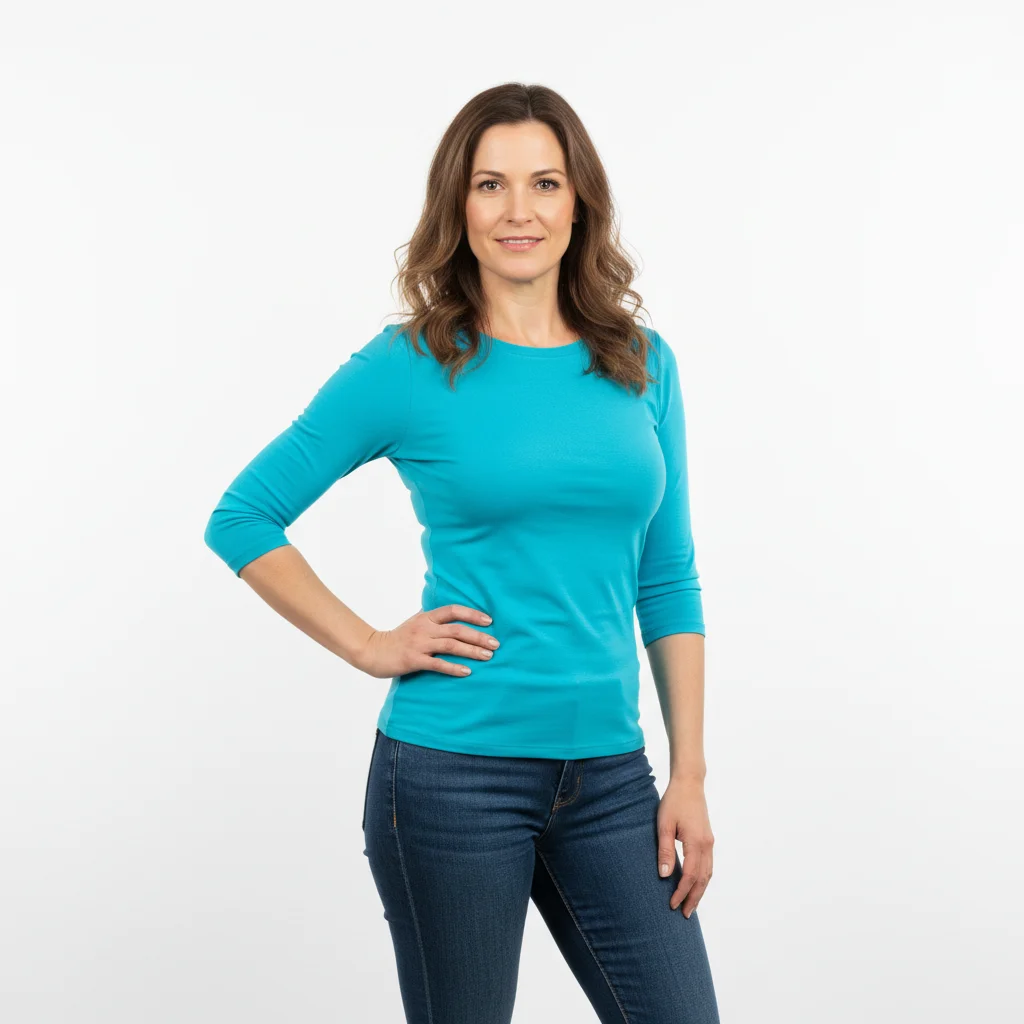
Prompt: Make my waist 2 inches slimmer while keeping proportions natural
Professional woman in navy blazer with natural waist
Before
->
Same woman with subtly enhanced waist definition
After

Professional Headshot Enhancement

A businesswoman wanted subtle waist definition for her LinkedIn professional photos.

Prompt: Create a slightly more defined waistline without dramatic changes
Bride in white gown with natural waist
Before
->
Same bride with elegant hourglass waist silhouette
After

Wedding Photo Touch-up

A bride wanted her waist to create a perfect hourglass silhouette in her wedding dress.

Prompt: Slim my waist to create a more hourglass silhouette

If something looks off

AI changed the wrong area or something I didn't want changed

Why: The AI couldn't determine exactly which area you meant from description alone.

Try: Tap a marker on the specific waist area you want to change, then regenerate with the same prompt

Tip: Markers tell the AI 'I mean THIS area specifically.' Use them when description alone is ambiguous.

Waist looks too thin or unrealistic

Why: The prompt might have been too aggressive or the AI over-corrected.

Try: Try 'make my waist slightly slimmer while keeping it natural-looking'

Tip: Add words like 'slightly', 'natural', or 'realistic' to prevent over-editing.

Clothing looks distorted or unnatural

Why: The AI reshaped the waist but didn't properly adjust the clothing to match.

Try: Add 'and adjust the clothing to fit naturally' to your original prompt

Tip: Mention clothing adjustment when editing waist in fitted or structured garments.

One side of waist changed more than the other

Why: The original photo angle or lighting made one side more prominent to the AI.

Try: Add markers on both sides of waist and use 'make both sides equally slimmer'

Tip: Symmetrical prompts help ensure balanced results on both sides.

Hips or torso changed unexpectedly

Why: The AI interpreted 'waist' too broadly and adjusted nearby body areas.

Try: Be more specific: 'slim only the waist area between ribs and hips'

Tip: Define boundaries clearly when you want to change only specific body parts.

Background got warped near the waist

Why: Complex backgrounds can be challenging when reshaping body parts.

Try: Try 'slim my waist while keeping the background straight and undistorted'

Tip: Simple backgrounds give cleaner results. For busy backgrounds, start with subtle changes.

Quick answers

Do I need to mark my waist before describing what I want?

No! Just describe what you want like 'make my waist 2 inches slimmer.' The AI will automatically detect and edit your waist area. Only use markers if you need to be very specific about which part of your torso or if the first result wasn't quite right.

How do I slim my waist for free?

Upload your photo to EditThisPic and type what you want. It's completely free to try with no account needed. You get instant results and can refine the edit if needed.

Is there a free waist slimming tool that doesn't require login?

Yes, EditThisPic is free to try with no account needed. Just upload your photo and describe the waist changes you want. No downloads, registrations, or personal information required.

Will the waist edits look natural and realistic?

Yes, our AI is trained to make natural-looking body adjustments. Specify amounts like '2 inches slimmer' for predictable results, or add words like 'natural' for subtler changes. The AI preserves proportions and clothing fit.

Can I slim my waist in group photos without affecting others?

Yes! The AI can focus on specific people in photos. If it edits the wrong person, use markers to point to your waist specifically, then regenerate with the same prompt.

Ready to slim your waist?

Free to try. No signup required.