Free β€’ No signup Slim Legs Β· Free

AI Leg Slimmer

Just describe how you want your legs to look - no need to mark areas first

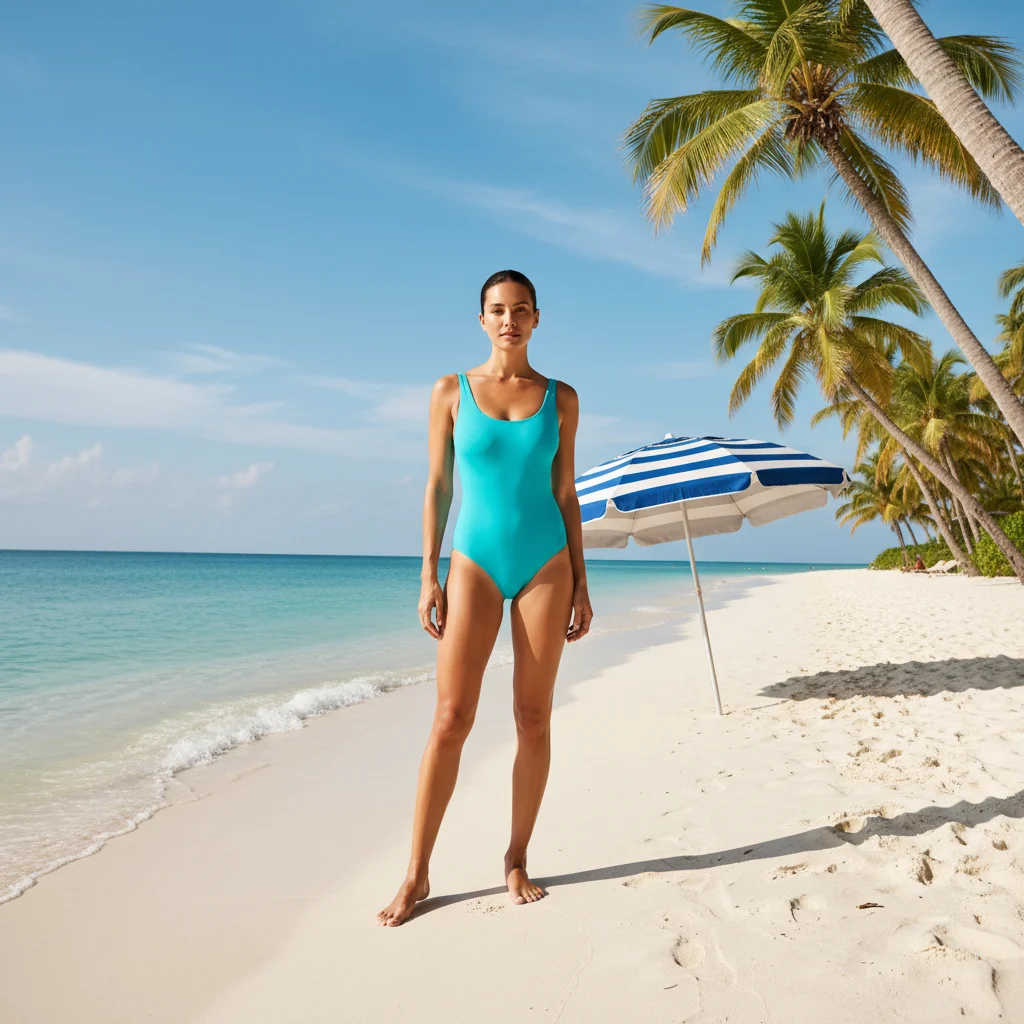
Woman in red athletic shorts with original leg proportions
Before
β†’
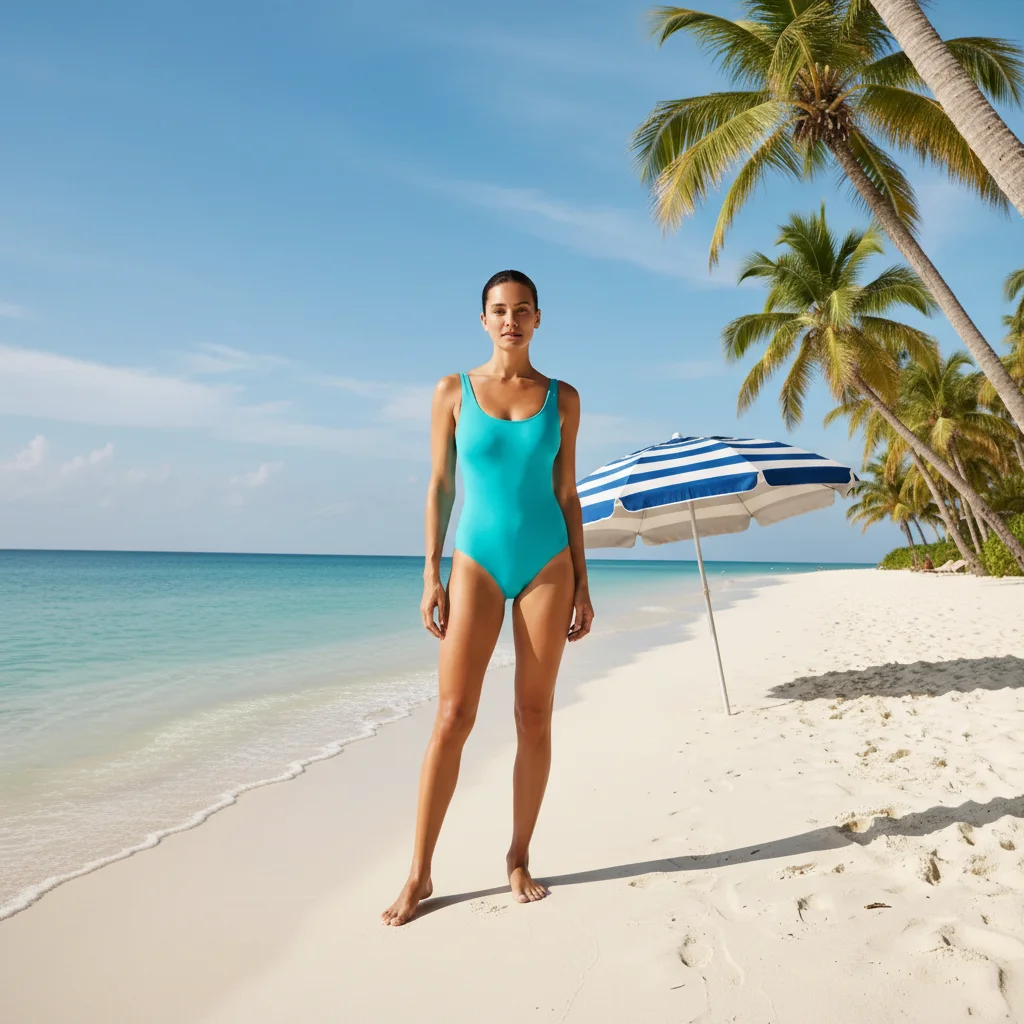
Same woman with naturally slimmed thighs maintaining realistic look
After

AI Leg Slimmer

Upload photo to slim legs

Free β€’ Results in 30 seconds β€’ No signup

Release to upload

FreeNo signupNo watermark
Popular use cases:
  • fitness
  • body enhancement
  • leg slimming
  • photo editing
  • natural editing

Cost
Free No signup required
Time
Instant results in 15-30 seconds
Works on
Any device - browser, phone, tablet, desktop
Powered by
AI-powered photo editing
Scenario Prompt Time
Natural slimming Slim my legs naturally while keeping realistic proportions 20s
Target thighs Make my thighs slimmer but keep my calves the same 25s
Athletic tone Give my legs a more toned and athletic appearance 30s

How it works

  1. Upload your photo

    Choose a clear full-body or leg photo with good lighting. The AI works best with photos where your legs are clearly visible and not obscured by shadows or clothing.

    Expect: Simple edits: 15-30 seconds. Complex body proportions: 45 seconds and may need refinements.
  2. Describe how you want your legs to look

    THIS IS THE KEY STEP. Type specific instructions like 'slim my thighs naturally' or 'make my legs more toned and defined.' Be specific about which areas - thighs, calves, or overall leg shape. No marking needed first.

    Tip: Use natural language like 'slim my thighs but keep the muscle definition' or 'make my calves appear more toned' for best results.

    Copy one of these to get started:

    Natural overall slimming Slim my legs naturally while keeping realistic proportions
    Target specific areas Make my thighs slimmer but keep my calves the same
    Fitness/toning effect Give my legs a more toned and athletic appearance
    Subtle improvement Slightly slim my legs for a more flattering silhouette
    3 more prompts
    Dress/pants fit Slim my legs to show how this outfit would look with a slimmer silhouette
    Professional photos Create a professionally slimmed leg silhouette for headshots
    Before/after comparison Show what my legs might look like after several months of toning
  3. Review the result

    Check that the leg proportions look natural and realistic. Zoom in to verify the slimming looks smooth and doesn't distort other body parts or clothing.

  4. Refine with markers if needed

    OPTIONAL. If the AI edited the wrong leg area or you want more precise control, tap markers on specific areas like thigh or calf muscles, then regenerate.

    Tip: Markers are for precision - use them when you want to target just one specific area like 'only slim the outer thigh.'
Try it free ↓

AI Leg Slimmer

Upload photo to slim legs

Free β€’ Results in 30 seconds β€’ No signup

Release to upload

Free β€’ No signup

"Perfect for fitness progress photos! Made my legs look naturally slimmer without obvious editing." @FitnessJourney2026

See it in action

Woman in red athletic shorts with original leg proportions
Before
->
Same woman with naturally slimmed thighs maintaining realistic look
After

Natural thigh slimming

A fitness enthusiast wanted to see how her legs would look with more definition. The AI naturally slimmed her thighs while maintaining realistic muscle tone.
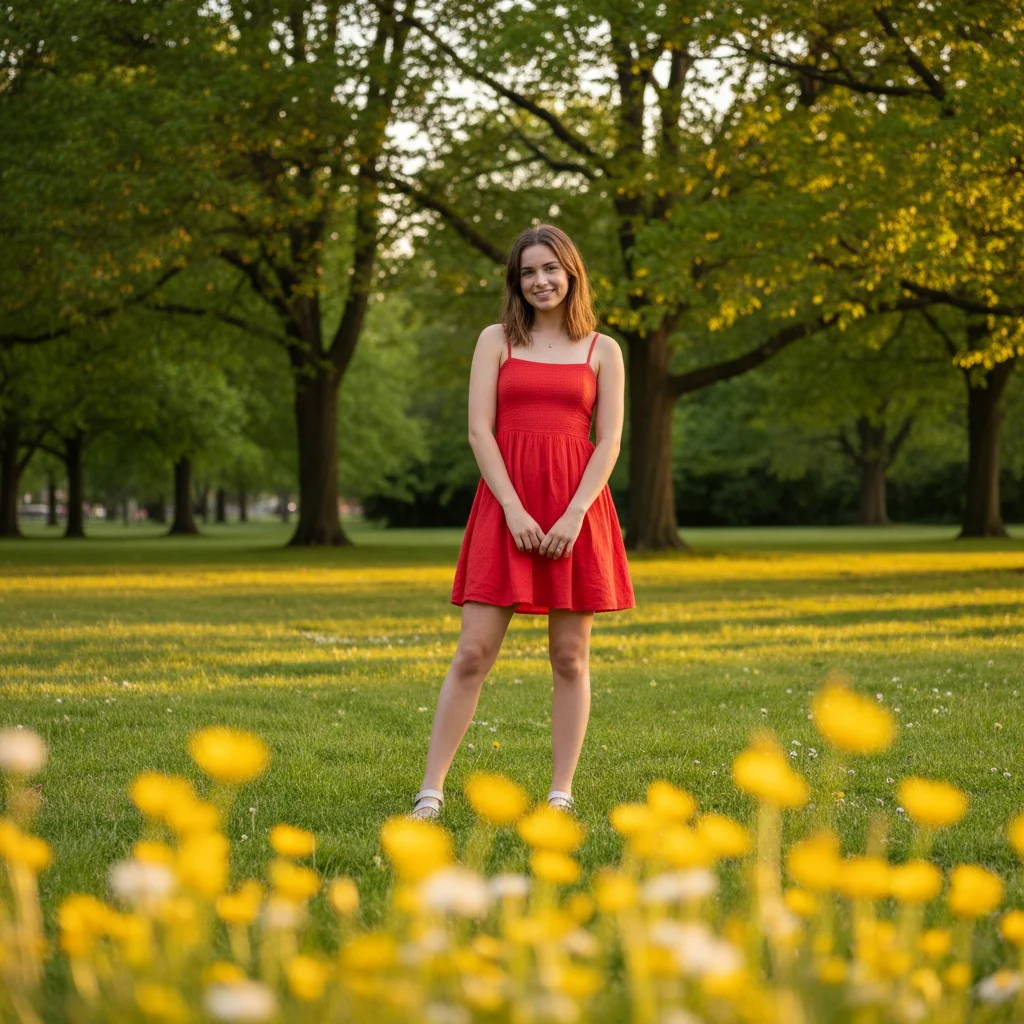

Prompt: Slim my thighs naturally while keeping realistic proportions
Professional woman in blue dress with original leg proportions
Before
->
Same woman with subtly slimmed legs for professional photo
After

Professional photo enhancement

For a business photoshoot, this professional wanted a slightly more flattering leg silhouette without obvious editing.

Prompt: Slightly slim my legs for a more flattering silhouette
Athletic man in yellow shorts during run with original leg definition
Before
->
Same man with enhanced leg muscle definition and athletic tone
After

Athletic transformation goal

A runner wanted to visualize their fitness goals by seeing how their legs might look after months of training.

Prompt: Give my legs a more toned and athletic appearance

If something looks off

AI changed the wrong area or something I didn't want changed

Why: The AI couldn't determine exactly which part of your legs you meant from description alone.

Try: Tap a marker on the specific leg area you want to change, then regenerate with the same prompt

Tip: Markers tell the AI 'I mean THIS area specifically.' Use them when description alone is ambiguous.

The legs look unnatural or distorted

Why: The slimming was too aggressive or the original photo had challenging angles or lighting.

Try: Try a gentler prompt like 'slightly slim my legs' or 'subtly improve my leg silhouette'

Tip: Start with subtle changes first, then build up if needed. Natural-looking results work better than dramatic transformations.

Other body parts got changed too

Why: The AI included nearby areas when interpreting your leg slimming request.

Try: Be more specific: 'only slim my thighs, don't change anything else' or use markers to target exact areas

Tip: Add 'only' and 'don't change' instructions to keep the AI focused on just legs.

The clothing looks weird after slimming

Why: Tight-fitting clothes can distort when leg shape changes, especially around seams and patterns.

Try: Try 'slim my legs while keeping the clothing fit natural' or use a photo with looser clothing

Tip: Looser clothing like flowing dresses or wide-leg pants work better than tight jeans or leggings.

Quick answers

Do I need to mark my legs before describing what I want?

No! Just describe how you want your legs to look, like 'slim my thighs naturally' or 'make my calves more defined.' The AI understands leg anatomy and can target the right areas. Only use markers if you want to be super specific about one particular spot.

How do I slim my legs for free?

EditThisPic's leg slimmer is completely free to try. Upload your photo, describe how you want your legs to look, and get results in seconds. No account needed, no watermarks, and you can save the result.

Is there a free leg slimming tool that doesn't require login?

Yes, EditThisPic is free to try with no account needed. You can slim legs in photos immediately without signing up, downloading apps, or providing personal information.

Will the leg slimming look natural and realistic?

The AI is designed to create natural-looking results that maintain realistic body proportions. Using gentle prompts like 'slightly slim' or 'naturally tone' produces the most believable results for social media and professional photos.

Can I slim specific parts like just thighs or just calves?

Yes! Use specific instructions like 'slim only my thighs' or 'make my calves more defined but leave thighs alone.' The AI can target different leg areas independently for precise control.

Ready to slim your legs naturally?

Free to try. No signup required.