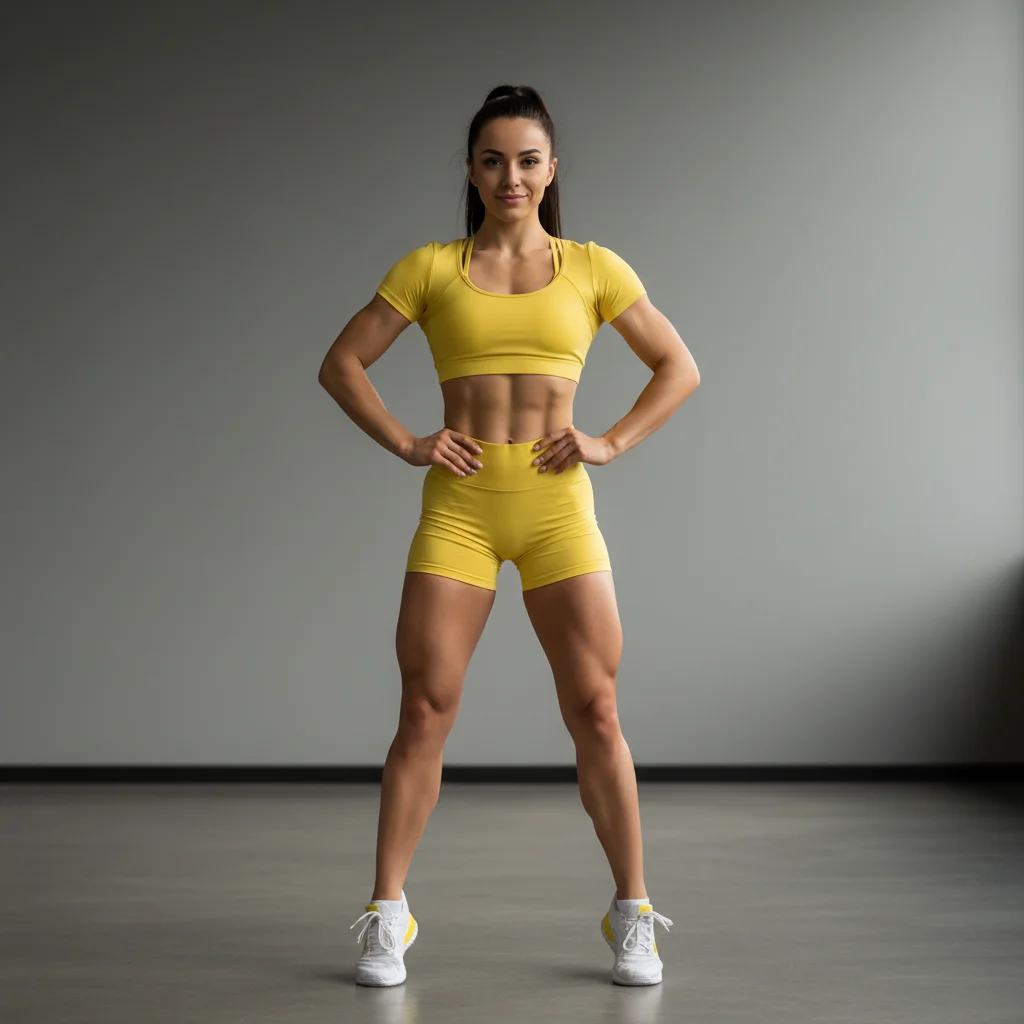
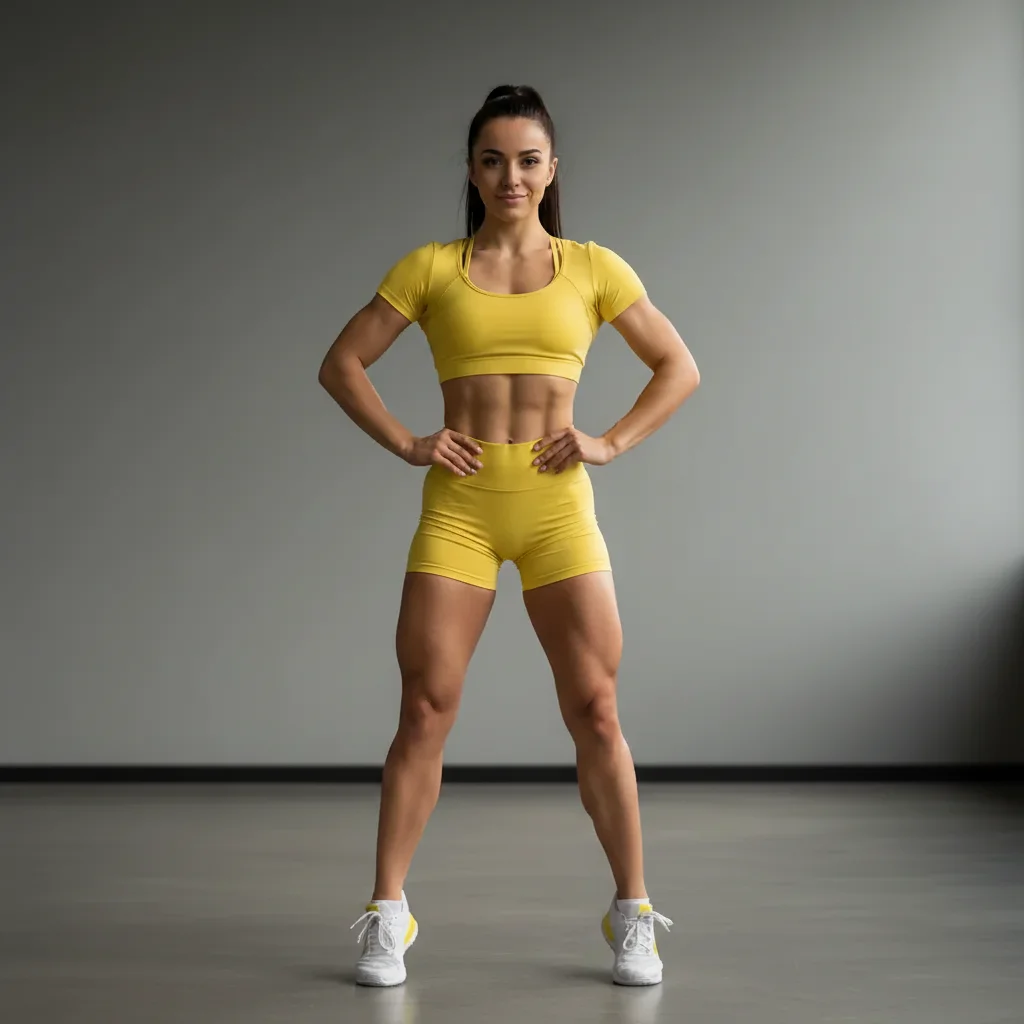
How specific should my prompt be to get a good AI Body Slimmer result on the first try?
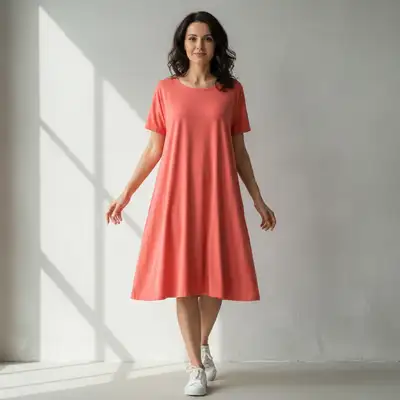
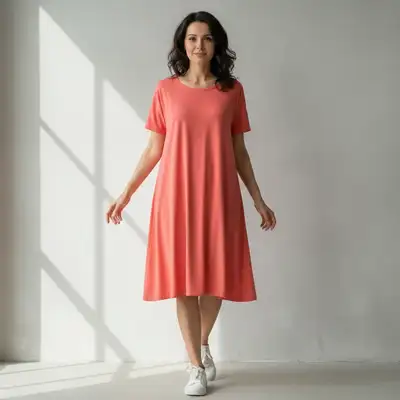
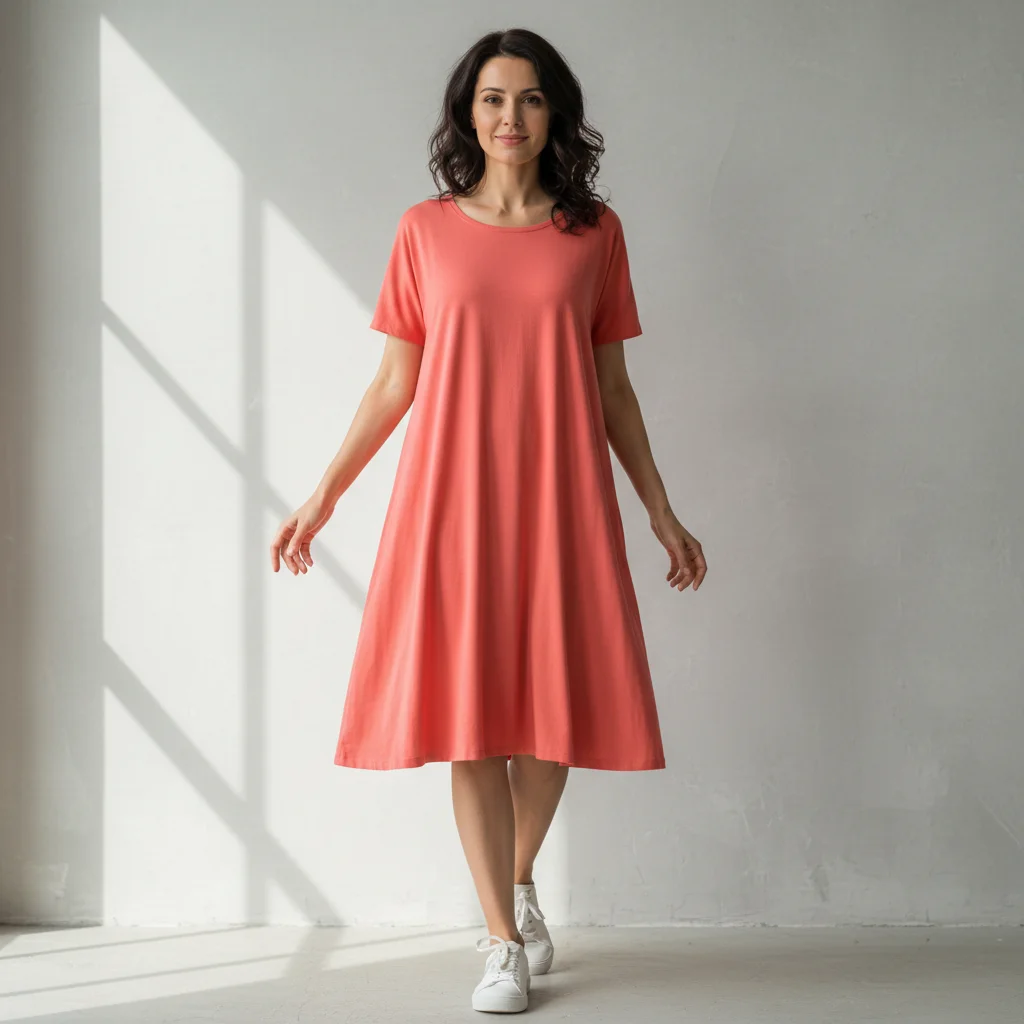
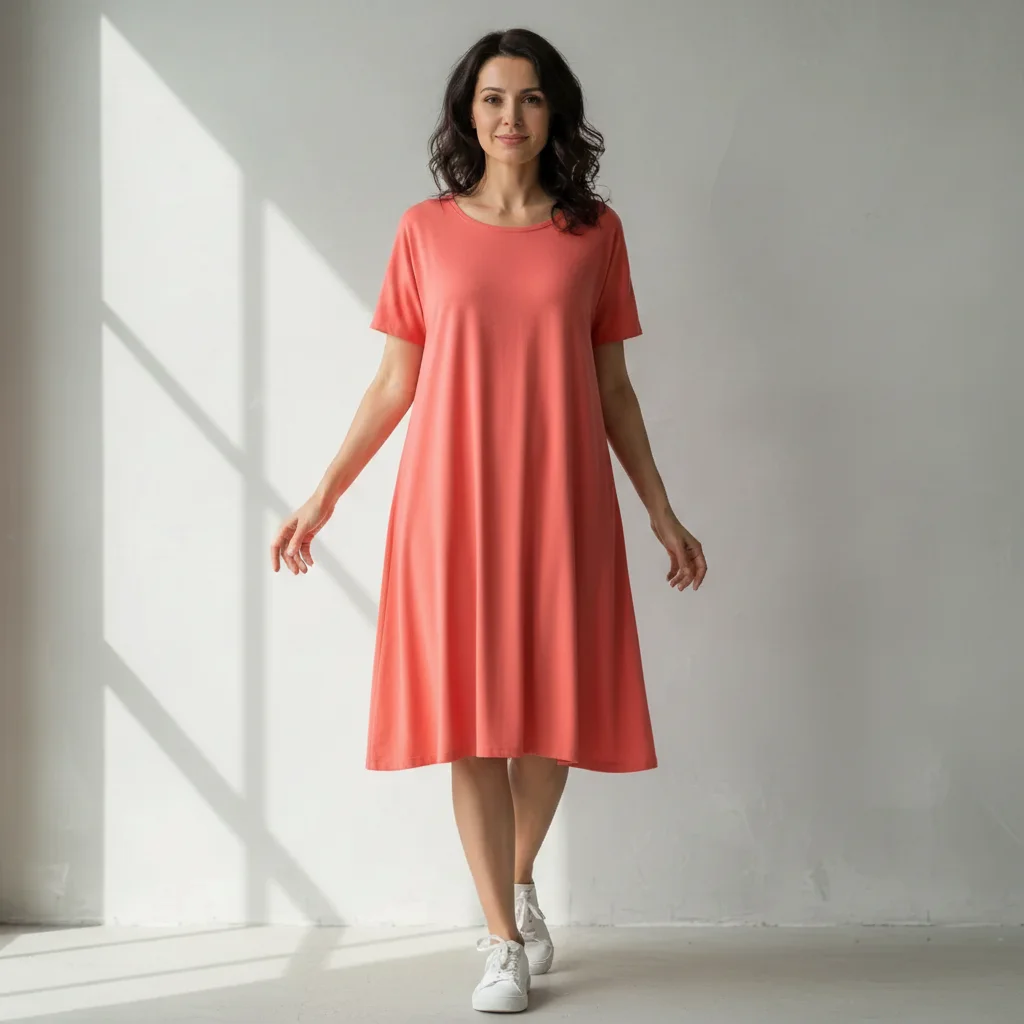
One sentence is usually enough: 'slim the body for a more fitted appearance.' If the first result is off, refine with details — color, position, lighting, or what to keep. Each pass takes 20-45 seconds and runs separately, so you can compare. Free first edit per week, no signup.
How much can I slim my body without it looking fake?
For natural-looking results, stick to 10-15 pounds of overall slimming or about 1-2 inches per specific area (arms, waist, legs). Anything beyond 20 pounds starts to look disproportionate unless you're wearing very loose clothing. Start moderate—you can always run a second edit for more slimming.
Can I slim specific body parts instead of the whole body?
Yes! Just specify which areas: 'slim the arms and waist' or 'make the legs more toned.' The AI will focus on those parts and leave the rest unchanged.
Does this work on group photos or photos with multiple people?
It works best on photos with one person. The AI may struggle to identify who to slim in crowded photos.
What's the best free AI body slimmer tool?
EditThisPic offers free AI body slimming with no signup required. Unlike apps that need you to trace your body outline, just describe the change you want—overall slimming or specific areas. It handles proportions, clothing adjustment, and lighting automatically to create natural-looking results in seconds.
Is EditThisPic's AI body slimer really free?
Yes — you get 1 free edit per week, no account needed. Credit packs start at $4.99 for 10 edits.
What photo formats does the AI body slimer support?
JPG, PNG, WebP, and HEIC. Upload any common photo format and EditThisPic handles the rest.
How long does it take to slim body?
Usually 15-30 seconds. Upload your photo, describe what you want, and the AI delivers the result.
How much does EditThisPic cost?
You get 1 free edit per week — no account needed. After that, one-time credit packs start at $4.99 for 10 edits, valid 12 months, no subscription. Power users who edit daily can pick Studio Membership, a monthly workspace at $49.99/mo for 300 edits. Purchased downloads are clean with no watermark.