AI Exterior Trim Color Visualizer
← Browse all creative effectsLast updated
Upload a photo of your home and describe the new trim color — the AI repaints all trim in 30 seconds. Free, no account needed.
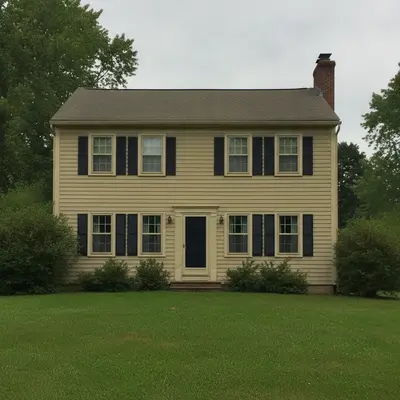
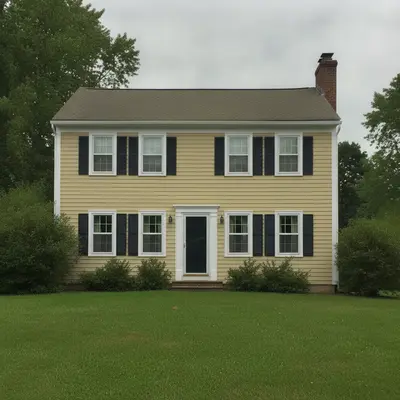
Upload photo to visualize exterior trim color
"change all exterior trim to matte black — window casings, fascia, corner boards, and shutters. Keep the white siding, roof, and door unchanged."
Free to try · no sign-up · never used for AI training
Release to upload
How it works
See it in action
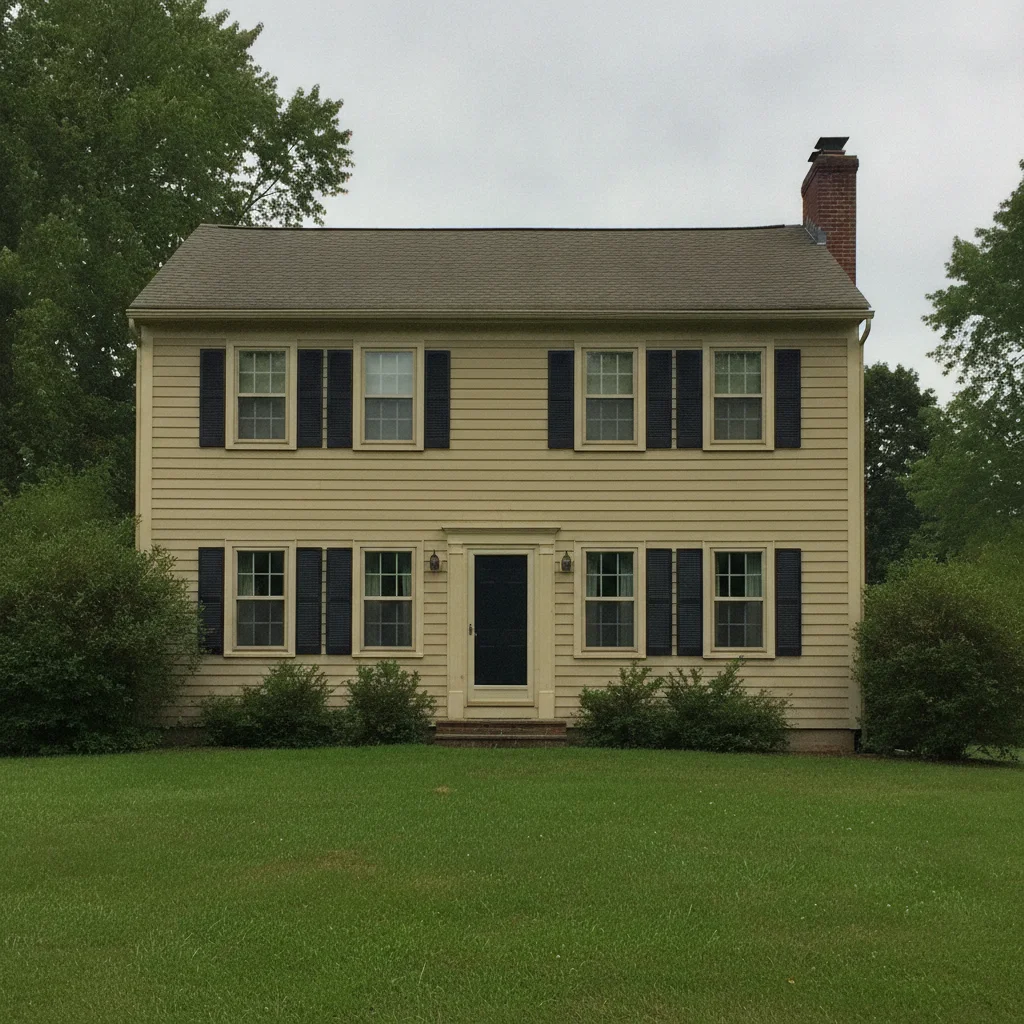
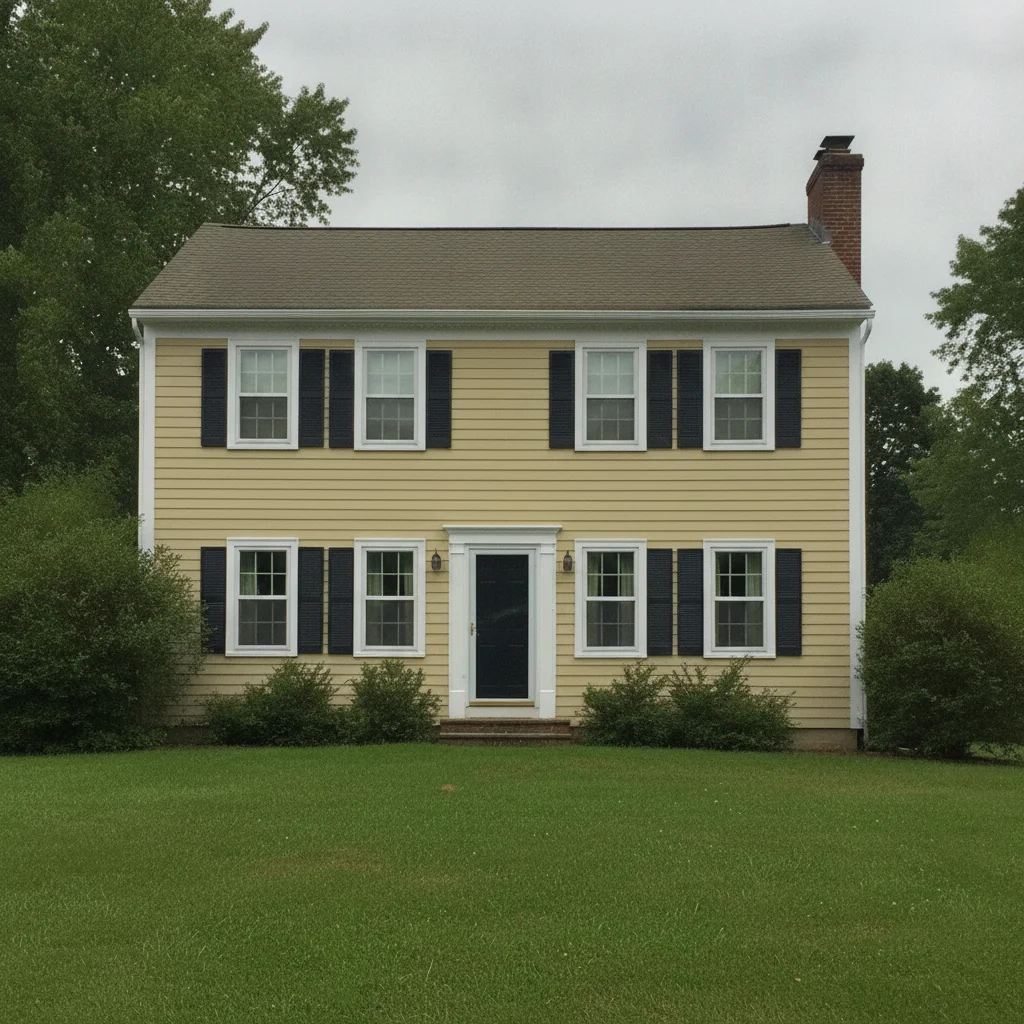
Beige trim to white — curb appeal improvement for listing
Colonial home with tan siding and faded beige/cream trim that blended with the siding and lacked definition. Realtor needed to show the listing with crisper white trim to increase visual appeal. All trim recolored — window casings, fascia, and corner boards — with siding unchanged.
change all exterior trim to crisp white — window casings, fascia boards, soffit, corner boards, and door frame. Keep the siding, roof, and front door color unchanged.
White trim to black — modern farmhouse update
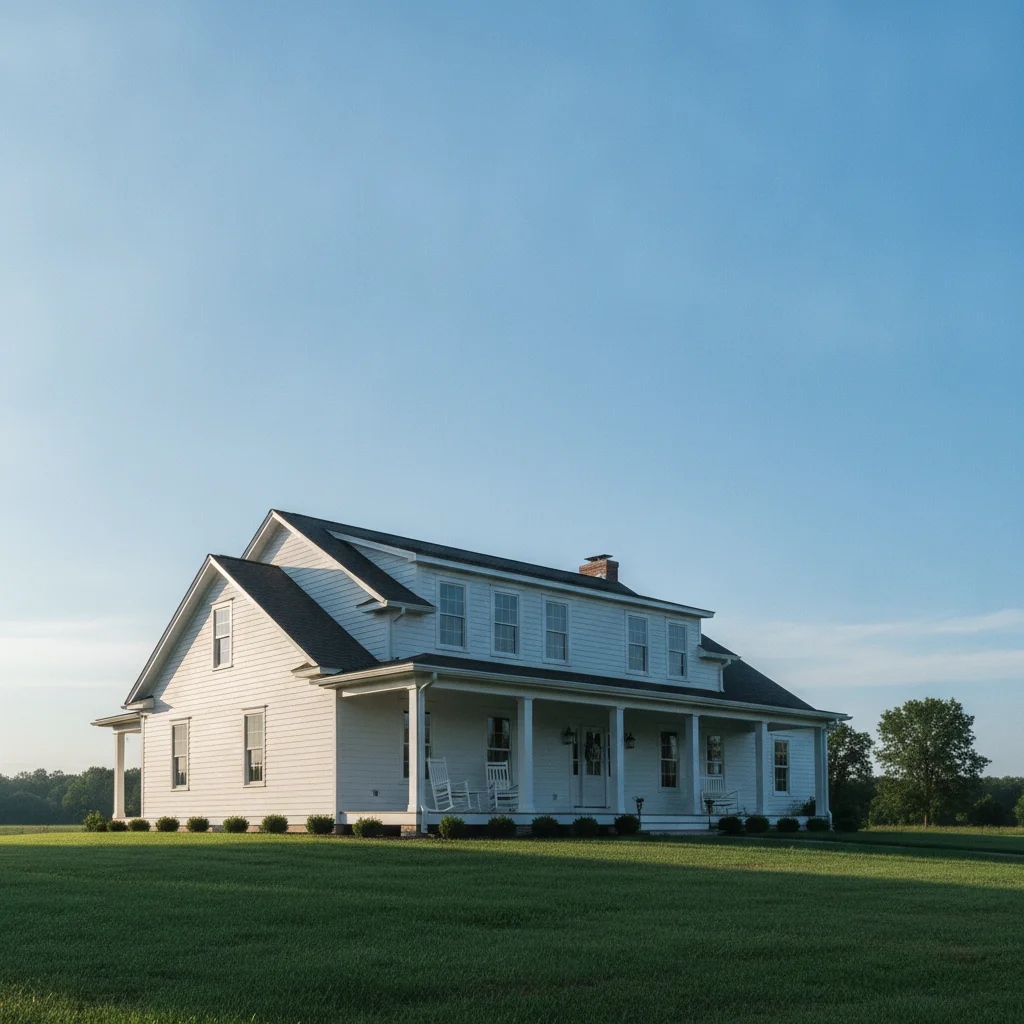
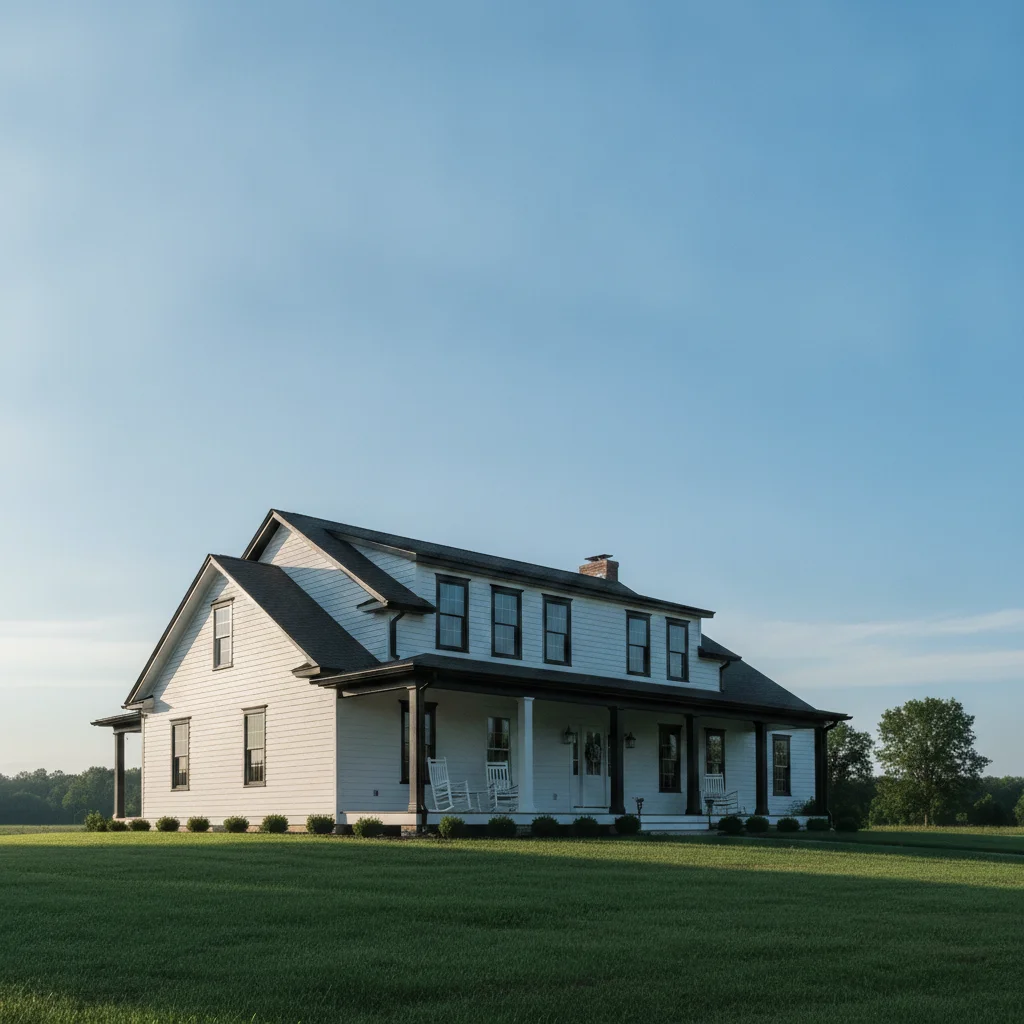
White clapboard farmhouse with standard white trim — invisible against the siding. Homeowner wanted to visualize black trim as a modern farmhouse accent. Matte black rendered across window casings, fascia, and corner boards with dramatic siding contrast.
change all exterior trim to matte black — window casings, fascia, corner boards, and shutters. Keep the white siding, roof, and door unchanged.
Gray trim to navy — coordinating with new front door
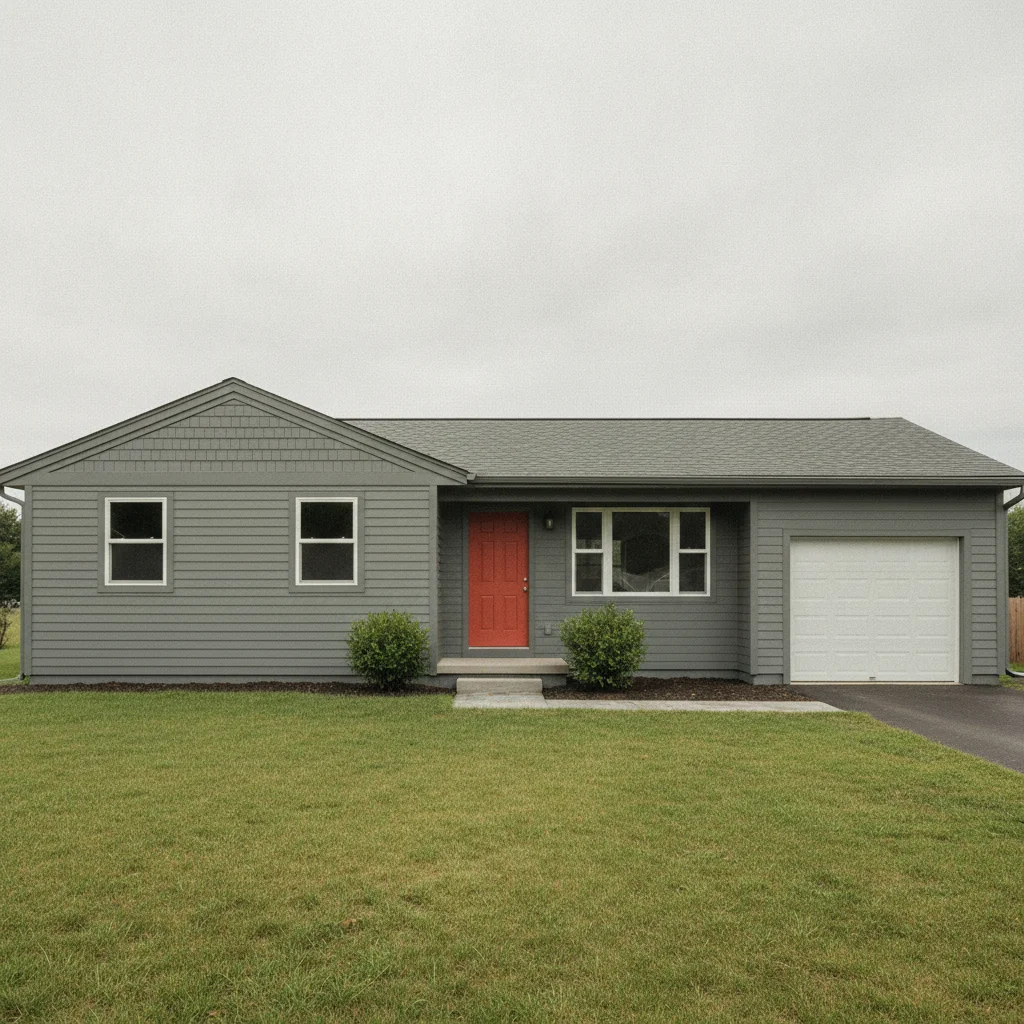
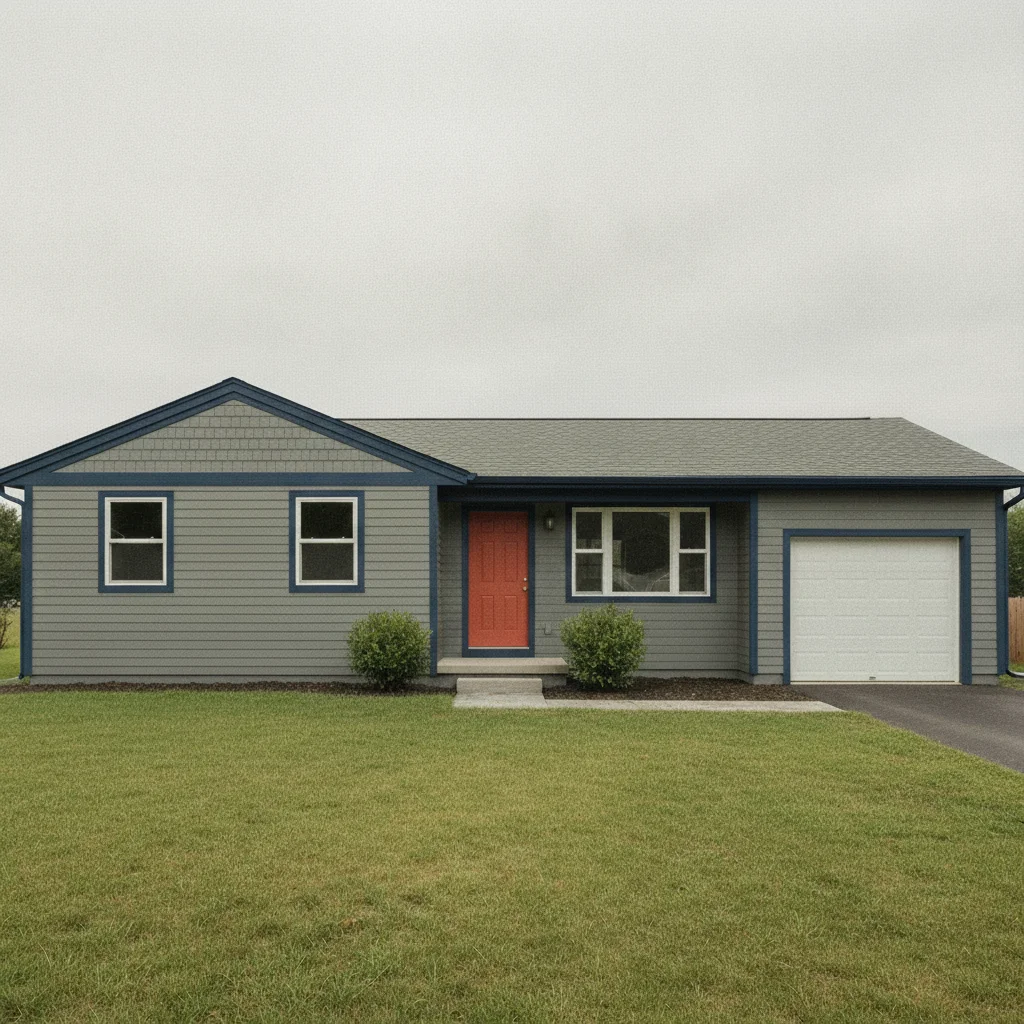
Ranch home that recently had a terracotta door installed. Homeowner wanted to update the trim to a navy that would coordinate with both the door and the gray siding. Navy rendered consistently on all visible trim elements.
change the exterior trim to deep navy blue — window casings, fascia, and corner boards — coordinate with the terracotta front door. Keep the gray siding and roof unchanged.
Quick answers
Popular use cases
Ready to visualize your new trim color?
Free to try. No signup required.