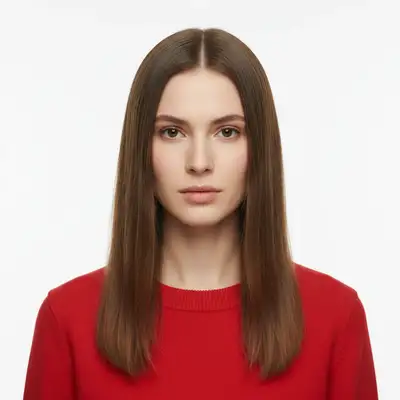
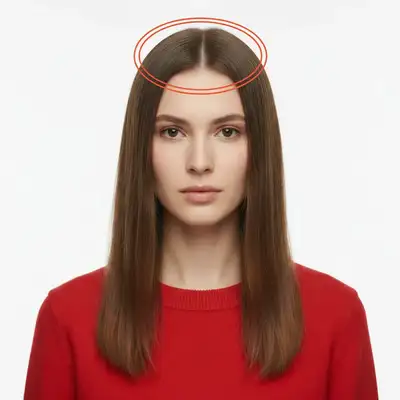
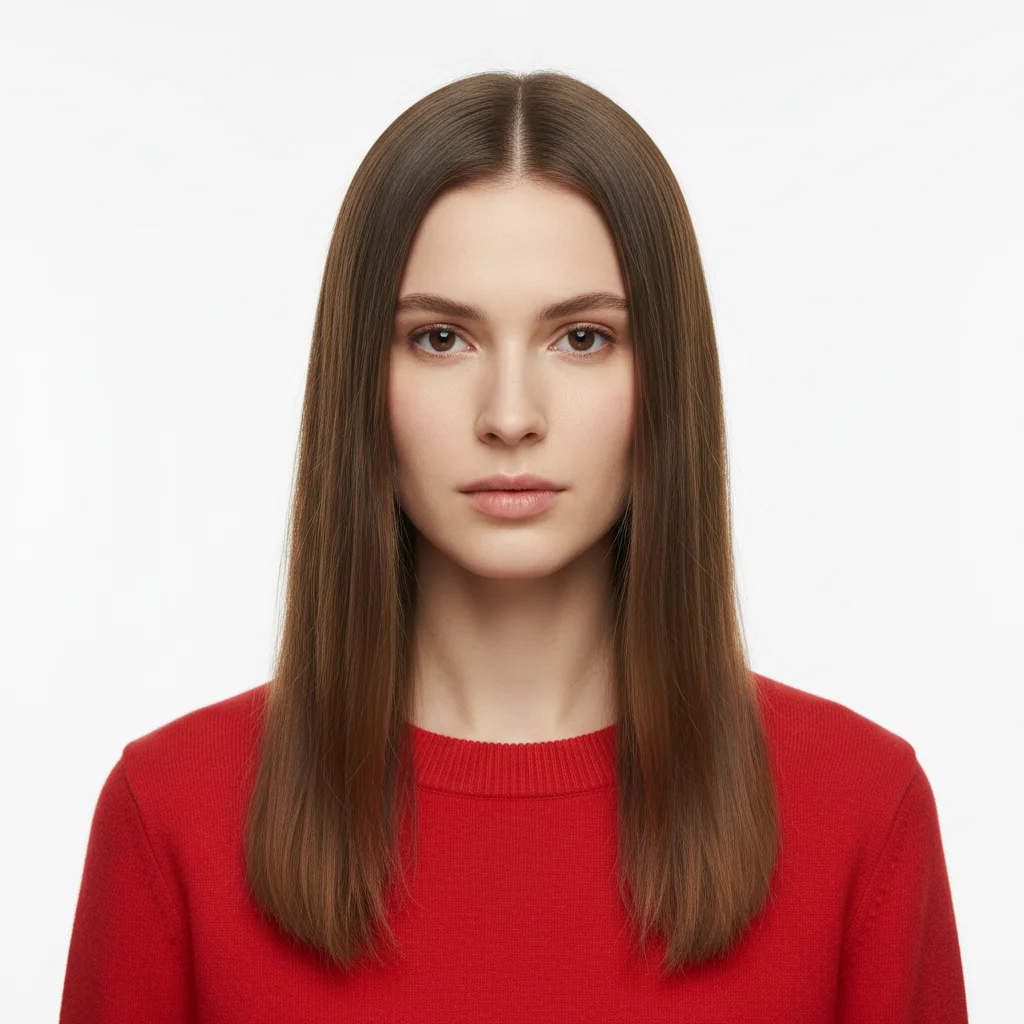
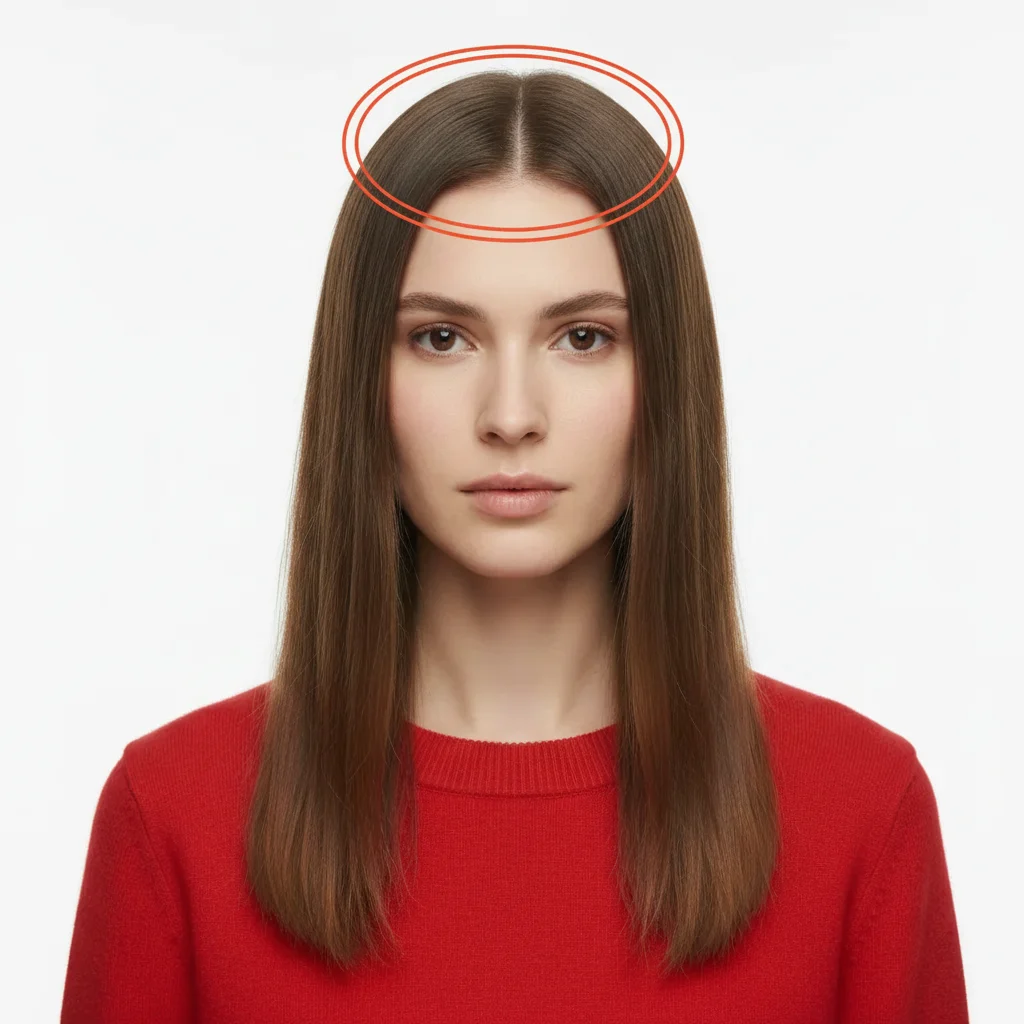
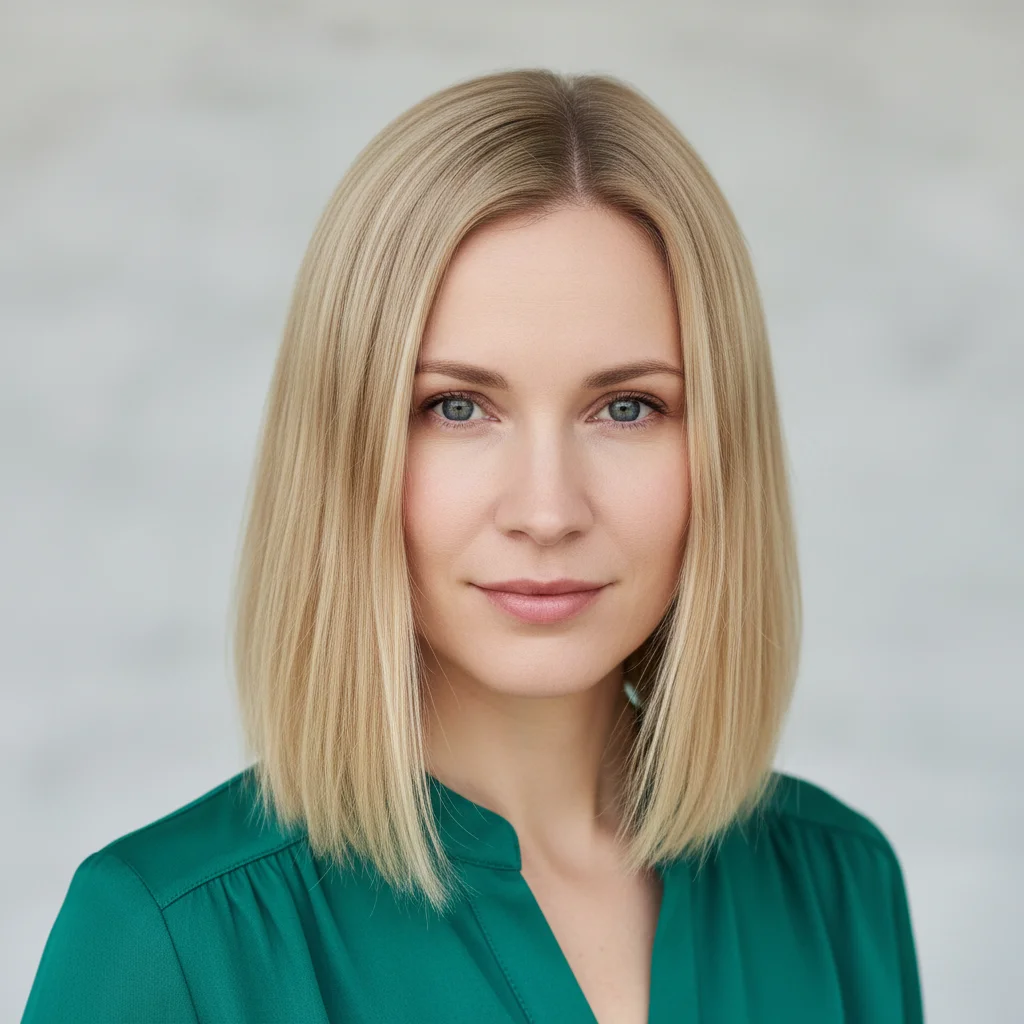
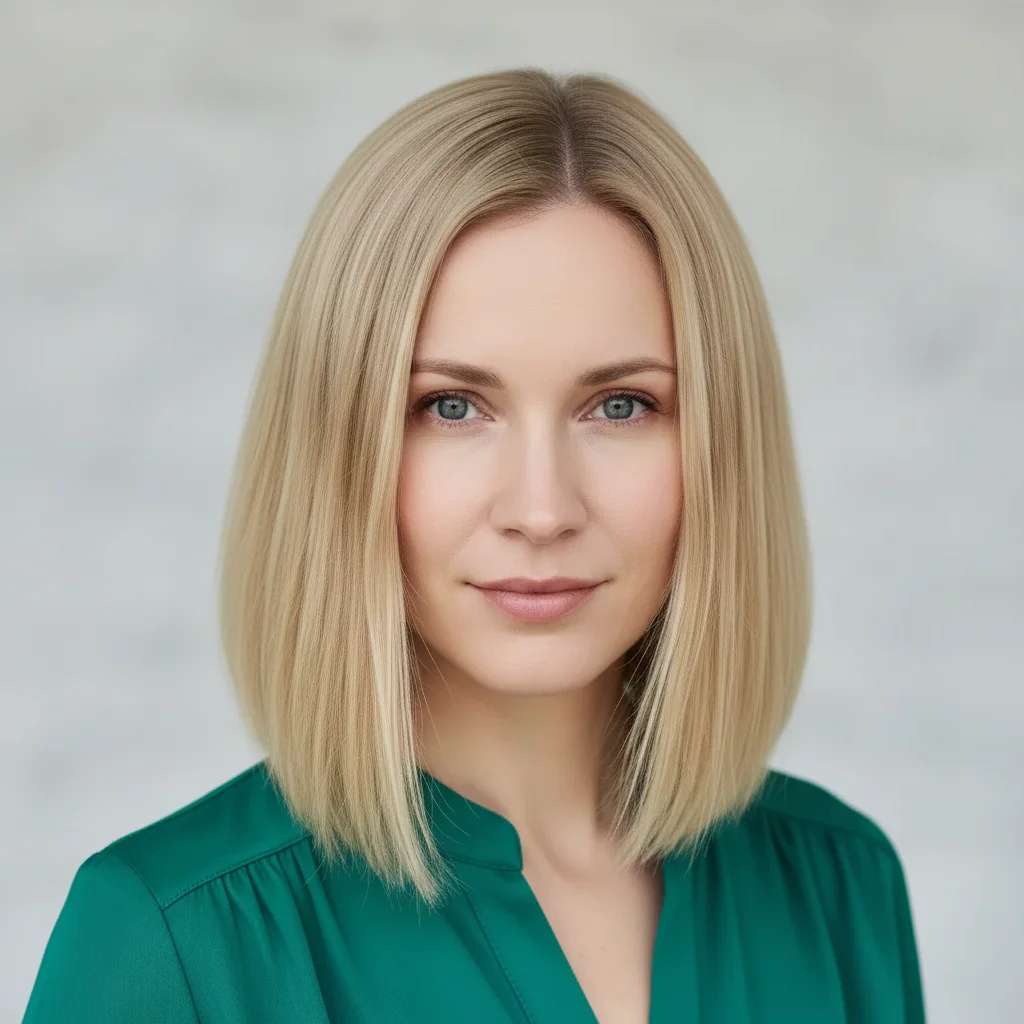
Will Enhance Hair Volume in Photo with AI sharpen detail without making faces look plastic?
Yes. The AI lifts detail in clothing, eyes, and texture while keeping skin tones natural — no over-smoothing by default. If you want extra control, add 'preserve skin texture, keep noise grain natural.' Most enhances finish in 20-45 seconds. Free first edit per week, no signup.
How do I enhance hair volume for free?
Upload your photo to EditThisPic, type the volume enhancement you want ("add volume to hair", "lift the roots", "make hair fuller"), and the AI boosts volume instantly. Free to use with no signup required and no watermark on your downloads.
Will adding volume change my hair color or texture?
No, volume enhancements only affect fullness and body. Your hair color, texture, and style stay the same - the AI just makes it look fuller and more lifted. If texture changes, specify in your prompt: "add volume while keeping hair straight".
Can I add volume to just one section of hair?
Yes! This is perfect for asymmetric styles or fixing one flat area.
Does this work on all hair types?
Yes, the AI enhances volume on straight, wavy, curly, and coily hair. The enhancement adapts to your hair type - curly hair gets bigger, bouncier curls while straight hair gets lift and body. Results look natural for each texture.
Is EditThisPic's AI hair volume enhancer really free?
Yes — you get 1 free edit per week, no account needed. Plans start at $4.99/month for 15 edits.
Can I enhance hair volume on my phone?
Yes. EditThisPic works in any mobile browser — iPhone, Android, tablet. No app download needed.
What photo formats does the AI hair volume enhancer support?
JPG, PNG, WebP, and HEIC. Upload any common photo format and EditThisPic handles the rest.
How much does EditThisPic cost?
You get 1 free edit per week — no account needed. After that, credit packs start at $1.99 for 3 edits. Monthly plans start at $4.99/mo for 20 edits with unused credits rolling over. All edits are full resolution with no watermark.