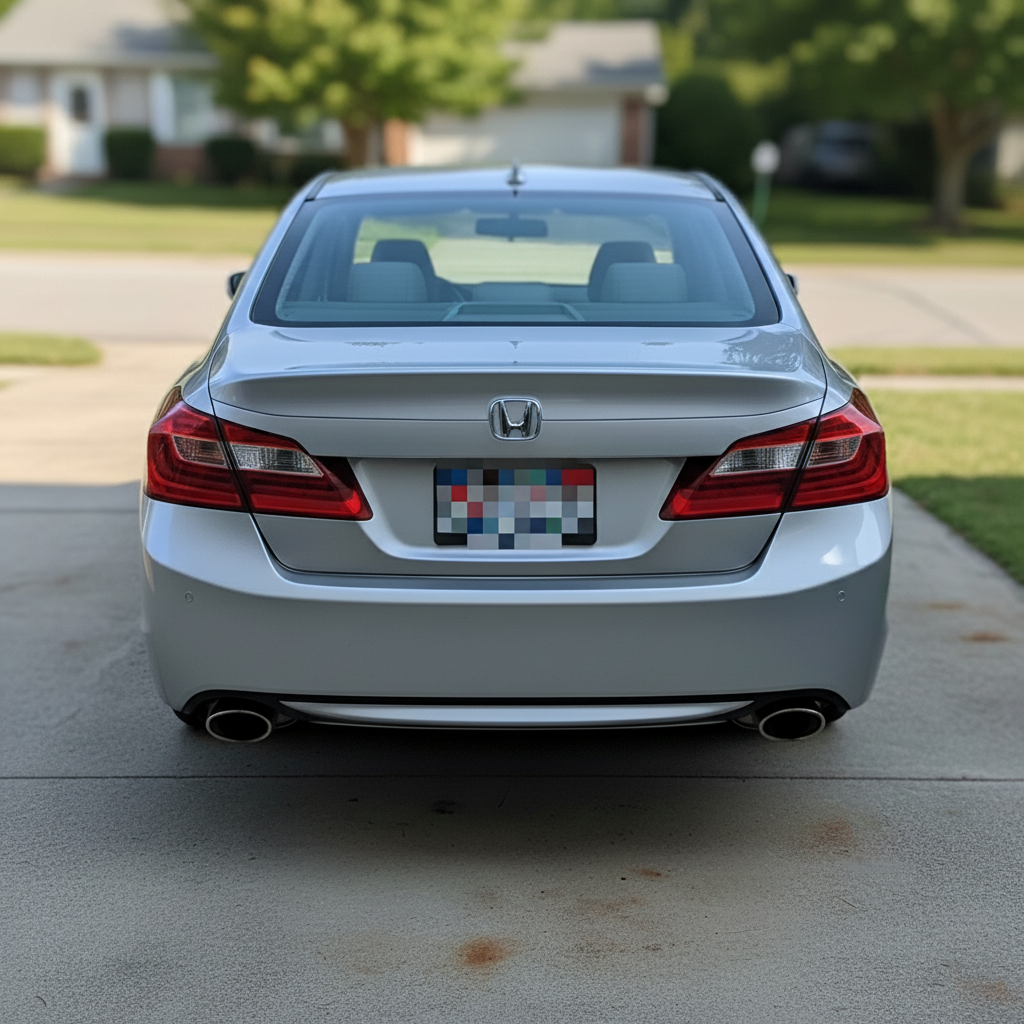
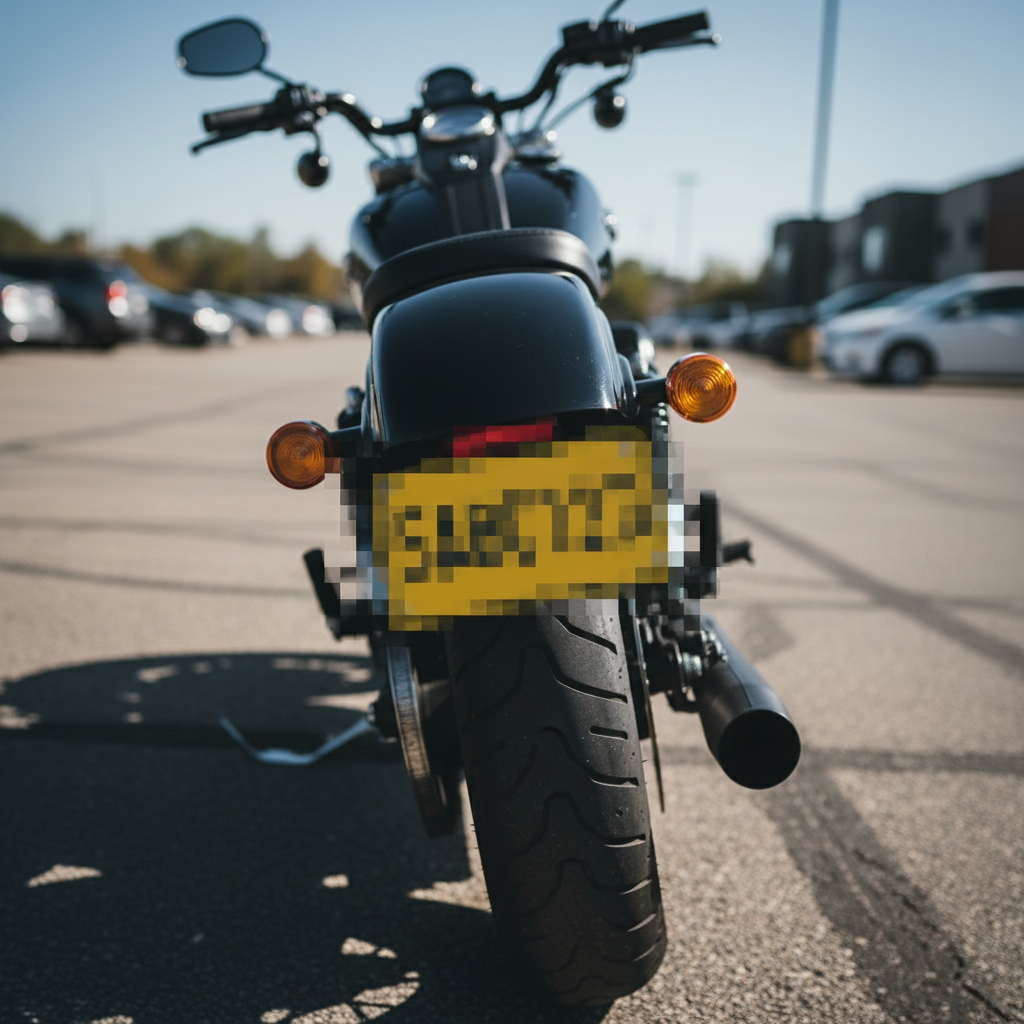
Free • No signup Blur License plate · Free

AI License Plate Blur

Type 'blur license plates' - AI finds and blurs them all.
Parking lot with 3 visible license plates
Before
Same parking lot with all 3 license plates blurred
After

Blur License Plates in Photos

Drop your photo here

or click to browse

Release to upload

Free • No signup

Advertisement
Popular use cases:
  • real estate photography
  • car sales photos
  • event photography
  • street photography
  • parking lot photos
  • accident documentation
  • news photography
  • social media privacy

Cost
Free No signup required
Time
Instant results in 15-30 seconds
Works on
Any device - browser, phone, tablet, desktop
Powered by
AI-powered photo editing
Scenario Prompt Time
Blur all plates blur all license plates in this photo 15s
Blur real estate driveway plate blur all license plates on vehicles in the driveway and street 15s
Blur specific vehicle plate blur the license plate on the black car 10s
Blur parking lot plates blur license plates on all the parked cars 20s

How it works

  1. Upload your photo

    Drop your image into EditThisPic. JPG, PNG, WebP up to 7MB. Works with street photos, parking lots, driveways, car shows, or any scene with visible vehicles.

    Expect: Single plate: 10-15 seconds. Multiple vehicles: 15-20 seconds.
  2. Describe what to blur

    Type 'blur all license plates' and the AI automatically detects every visible plate in the image. No need to mark or select - the AI recognizes license plate text and position automatically.

    Tip: For selective blurring: 'blur the license plate on the red car' or 'blur only the front plate'

    Copy one of these to get started:

    Blur all plates in a photo with multiple vehicles blur all license plates in this photo
    Blur plates in real estate exterior photos blur all license plates on vehicles in the driveway and street
    Blur specific vehicle's plate blur the license plate on the black car
    Blur plates in parking lot or street scene blur license plates on all the parked cars
    2 more prompts
    Blur front and rear plates separately blur only the front license plate
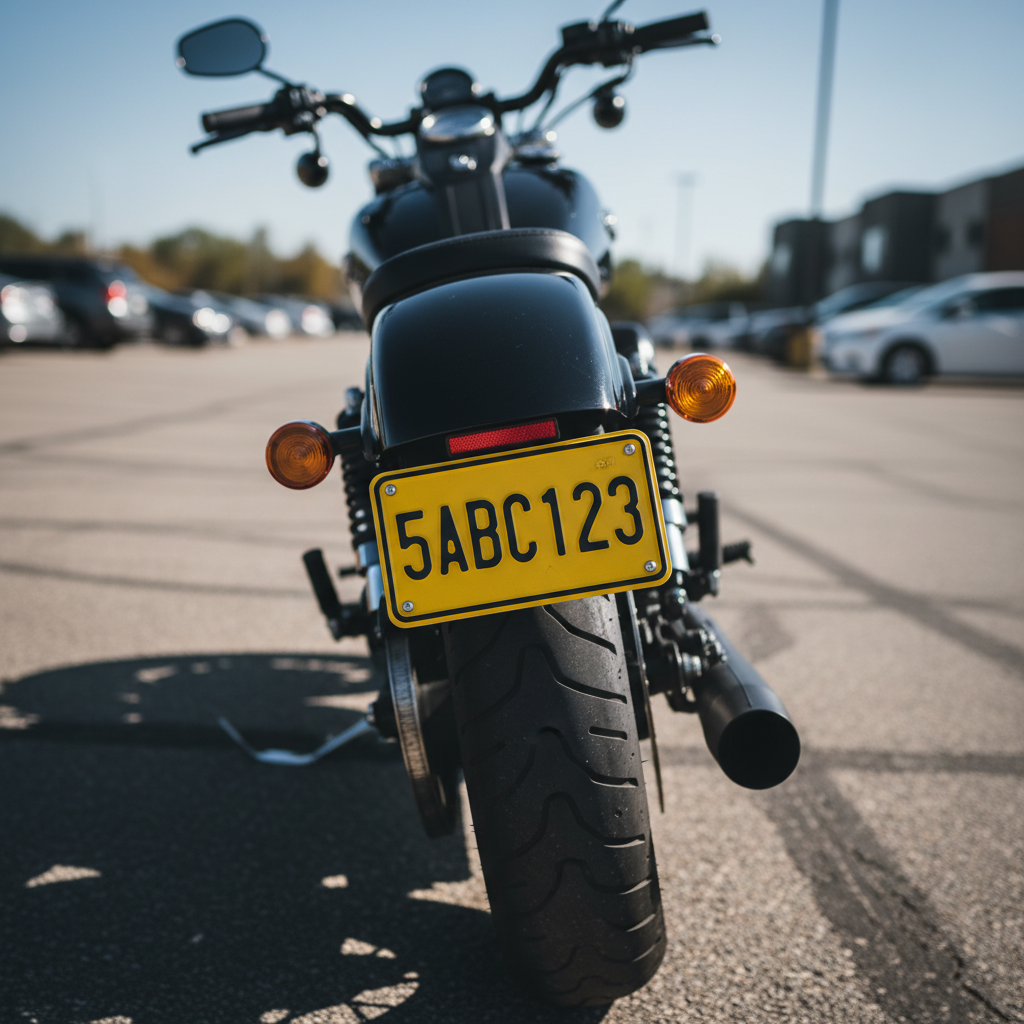
    Blur motorcycle or trailer plates blur the motorcycle license plate
  3. Download your privacy-protected photo

    Verify all plates are blurred at full zoom, then download. The blur is permanent and protects vehicle owner privacy for public sharing.

Try it free

Blur License Plates in Photos

Drop your photo here

or click to browse

Release to upload

Free • No signup

"Shooting real estate exteriors, I always have cars in driveways. This tool blurs all the plates automatically - saves me so much time." @realestate_photos

See it in action

Parking lot with 3 visible license plates
Before
->
Same parking lot with all 3 license plates blurred
After

All plates blurred in parking lot

Event photography with multiple vehicles - all plates automatically blurred for privacy.
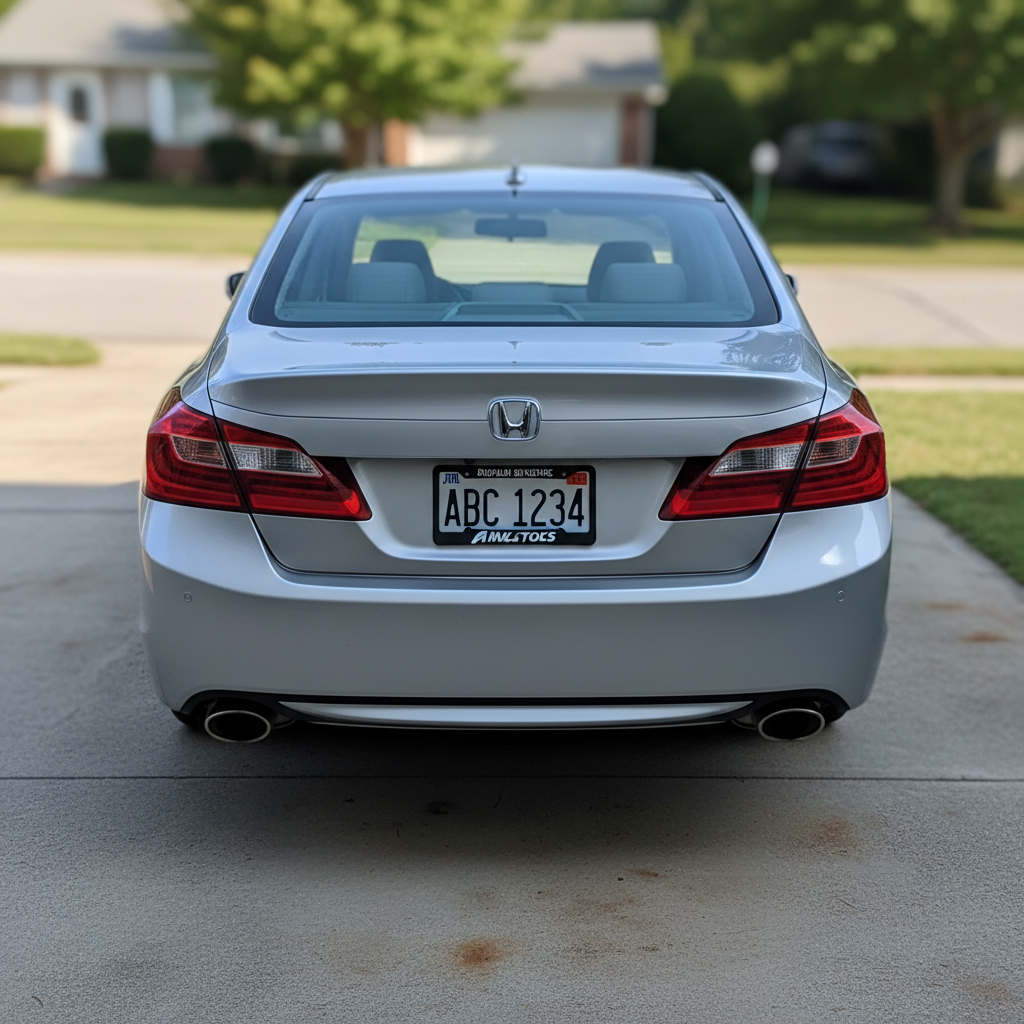
Prompt: blur all license plates in this photo
House with car showing visible license plate in driveway
Before
->
Same house photo with license plate blurred
After

Driveway car plate blurred for real estate

Real estate exterior photo with car in driveway - plate blurred to protect homeowner privacy.

Prompt: blur the license plate on the car in the driveway
Advertisement

If something looks off

AI missed a license plate or only blurred some plates

Why: The plate might be partially obscured, at an angle, or too small in the frame for automatic detection.

Try: Tap a marker directly on the missed plate, then regenerate with the same prompt

Tip: Markers help the AI find plates that are angled, dirty, or partially hidden.

Blur is too weak and plate numbers are still readable

Why: Default blur balances privacy with photo aesthetics, which may not fully obscure text.

Try: Add 'heavily' to your prompt: 'heavily blur all license plates' for complete text obscuration

Tip: Heavy blur makes plate numbers completely unreadable but is more visible in the photo.

Blur extended beyond the plate to bumper or car body

Why: The AI's detection region includes some surrounding area to ensure the entire plate is covered.

Try: Request precise blur: 'blur only the license plate text area' for tighter masking

Tip: Plate-only blur looks more natural but may leave some plate border visible.

AI changed the wrong area or something I didn't want changed

Why: The AI couldn't determine exactly which area you meant from description alone. This happens with ambiguous requests.

Try: Tap a marker on the specific area you want to change, then regenerate with the same prompt

Tip: Markers tell the AI 'I mean THIS one specifically.' Use them when description alone is ambiguous.

Quick answers

Do I need to mark license plates before blurring them?

No! Just type 'blur all license plates' and the AI automatically finds and blurs every visible plate. Only use markers if the AI misses a plate that's angled, dirty, or partially obscured.

Is there a free license plate blur tool that works without signup?

Yes - EditThisPic's License Plate Blur is completely free to try with no account required. Upload your photo, describe which plates to blur, and download in seconds. No watermarks, no registration, no limits.

Does it work on all types of license plates?

Yes. The AI recognizes license plates from cars, trucks, motorcycles, trailers, RVs, and boats. It works with most plate formats and can handle multiple plates in a single photo.

Can I blur some plates while leaving others visible?

Absolutely. Use selective descriptions like 'blur the license plate on the red car' or 'blur only the front plates, keep rear plates visible.' The AI understands vehicle colors and positions.

Ready to protect vehicle privacy in your photos?

Free to try. No signup required.

Try it free