Do I need to mark the blurry areas before describing?
No! For most unblur edits, just describe what you want: 'sharpen and enhance clarity' or 'remove the blur.' The AI processes the entire image automatically. Only use markers when you want to sharpen just one specific area while leaving others unchanged, like sharpening a face while keeping background blur.
Can AI really fix any blurry photo?
AI can significantly improve most blurry photos, but results depend on how much information remains. Slight blur from camera shake or soft focus recovers well. Severely blurred photos where subjects are unrecognizable may not fully restore. The AI reconstructs likely details based on patterns, so some detail is always inferred rather than recovered.
What types of blur can be fixed?
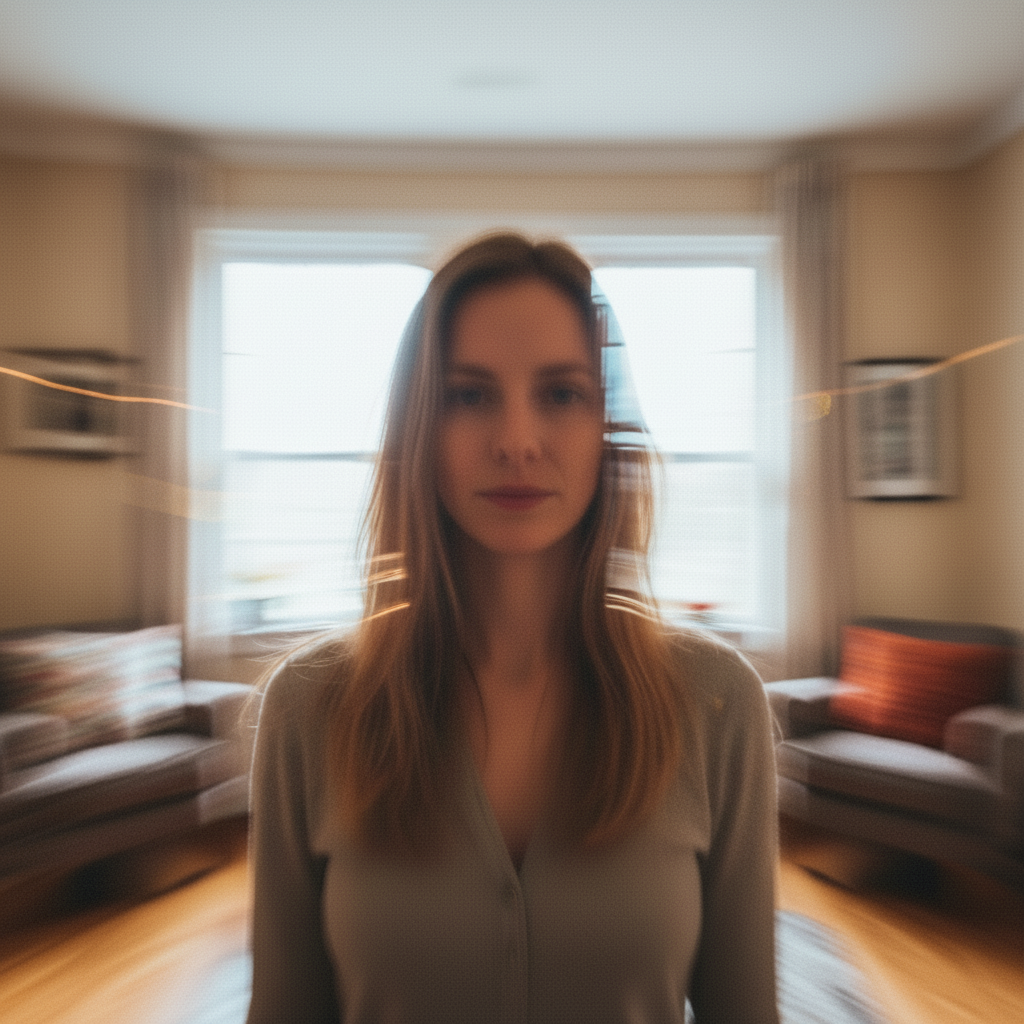
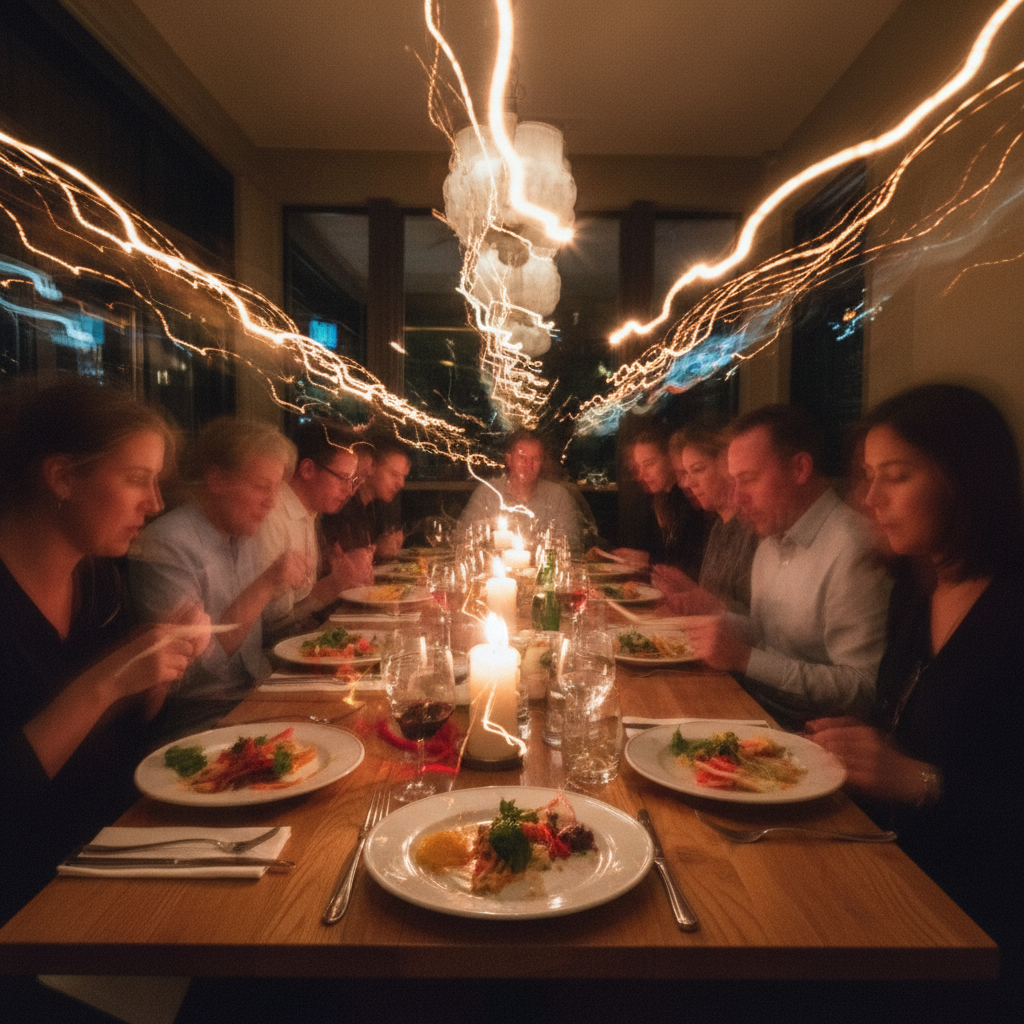
EditThisPic handles motion blur from camera shake, out-of-focus blur, slight defocus, and general softness. It also helps with low resolution images by adding realistic detail. Heavy bokeh (intentional background blur) and extreme motion trails are harder to fix completely.
Will sharpening make the photo look unnatural?
When using natural prompts like 'sharpen while keeping realistic look,' the AI avoids over-processing. If results look harsh, add 'naturally' or 'softly' to your prompt. You can always regenerate with adjusted wording until the balance looks right.
How is this different from Photoshop's unsharp mask?
Traditional sharpening tools enhance existing edges. AI sharpening actually reconstructs missing detail by understanding what should be there. This means faces, text, and objects can recover detail that edge-sharpening alone cannot restore.
Is EditThisPic's AI photo unblurer really free?
Yes — you get 1 free edit per week, no account needed. For unlimited edits, plans start at $3.99/month.
Can I unblur photo on my phone?
Yes. EditThisPic works in any mobile browser — iPhone, Android, tablet. No app download needed.
What photo formats does the AI photo unblurer support?
JPG, PNG, WebP, and HEIC. Upload any common photo format and EditThisPic handles the rest.