Free • No signup Edit Podcast cover art and promotional photos · Free

AI Photo Editor for Podcasters

← Browse all creative effects

Last updated

Edit podcast headshots, cover art photos, and show banners with AI — just describe what you want.
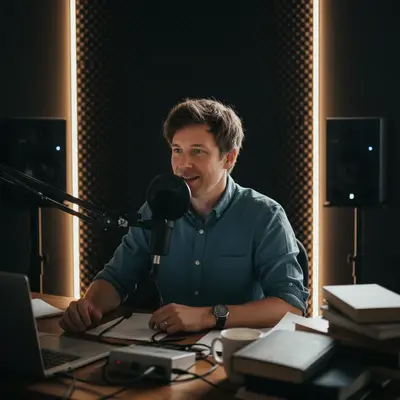
Podcast host photo with cluttered home office background Same host with clean dark professional studio background

Upload photo to edit podcast cover art and promotional photos

"brighten the face, reduce shadows under the eyes, add warm professional studio lighting"

Release to upload

50,000+photos edited
<30stypical edit
1 freeedit weekly

1 free edit·then from $4.99

How it works

  1. Upload your podcast photo or headshot

    Drop in your host headshot, episode thumbnail source image, or promotional photo. JPEG and PNG work best. Even informal photos from your phone can be transformed into professional podcast artwork.

    Expect: Simple background cleanup: 15 seconds. Complex changes like adding studio lighting effects: 25-30 seconds.
  2. Describe the change you want

    Type what you need for your podcast image — 'replace the background with a dark studio look,' 'brighten the face and remove shadows,' or 'make this look like a professional podcast photo.' No need to select areas or use any tools. The AI reads your description and applies the edit.

    Tip: For podcast cover art, mention the aesthetic: 'clean and professional,' 'dark moody studio,' or 'bright and energetic.' Style context produces better results than just describing the specific change.

    Copy one of these to get started:

    Clean up headshot background for cover art replace the background with a clean dark charcoal studio look, professional podcast aesthetic
    Improve lighting on face brighten the face, reduce shadows under the eyes, add warm professional studio lighting
    Remove clutter behind podcast host remove all the clutter and mess in the background, replace with a clean neutral backdrop
    Make photo look more professional make this photo look like a professional podcast headshot — clean background, sharp focus, good lighting, polished look
    2 more prompts
    Add mic or studio vibes to background replace the background with a blurred podcast studio setting with subtle microphone and equipment visible in the background
    Sharpen and enhance overall image sharpen this photo, enhance the detail, make the colors more vivid and the overall image crisper
  3. Review the result

    Check that the lighting looks natural on your face, the background is clean, and the image reads well at small sizes (podcast cover art is often viewed at thumbnail size). Zoom in to check facial detail quality.

See it in action

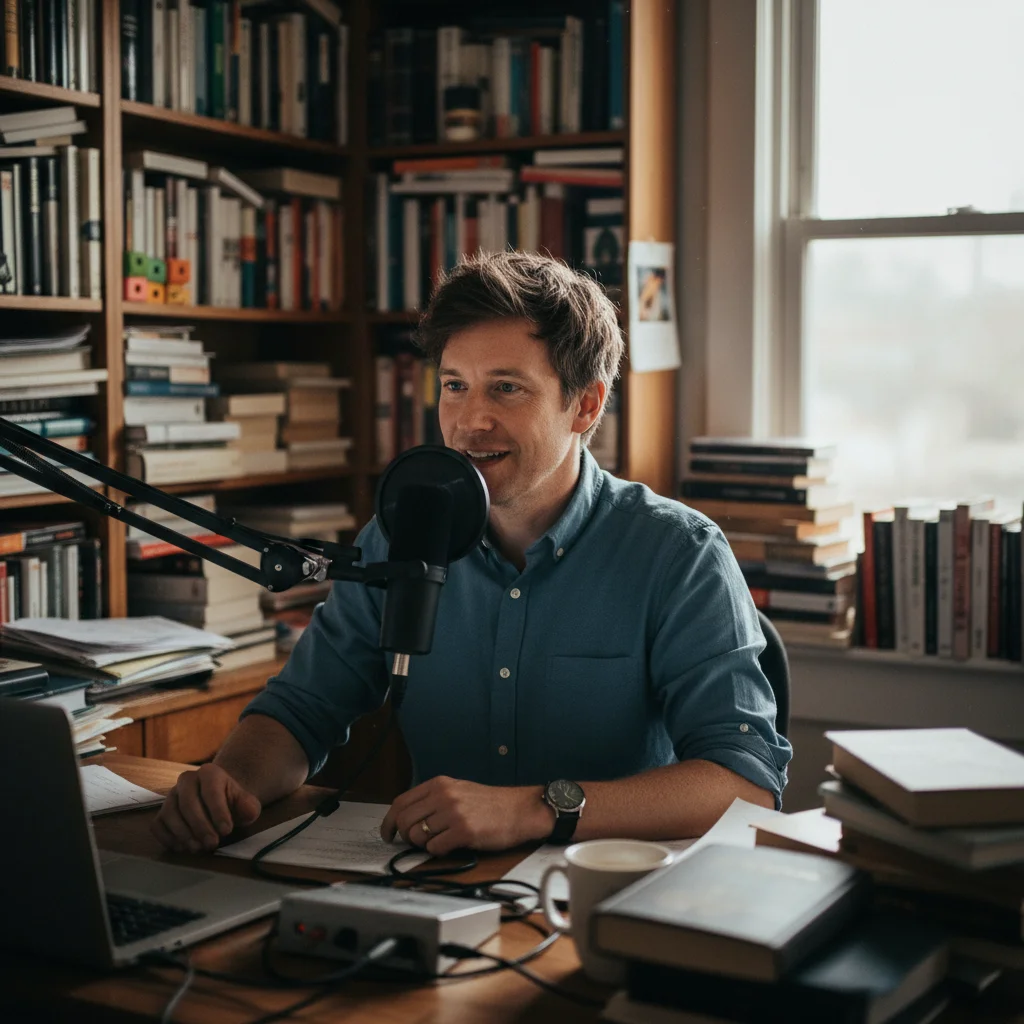
Podcast host photo with cluttered home office background
Before
->
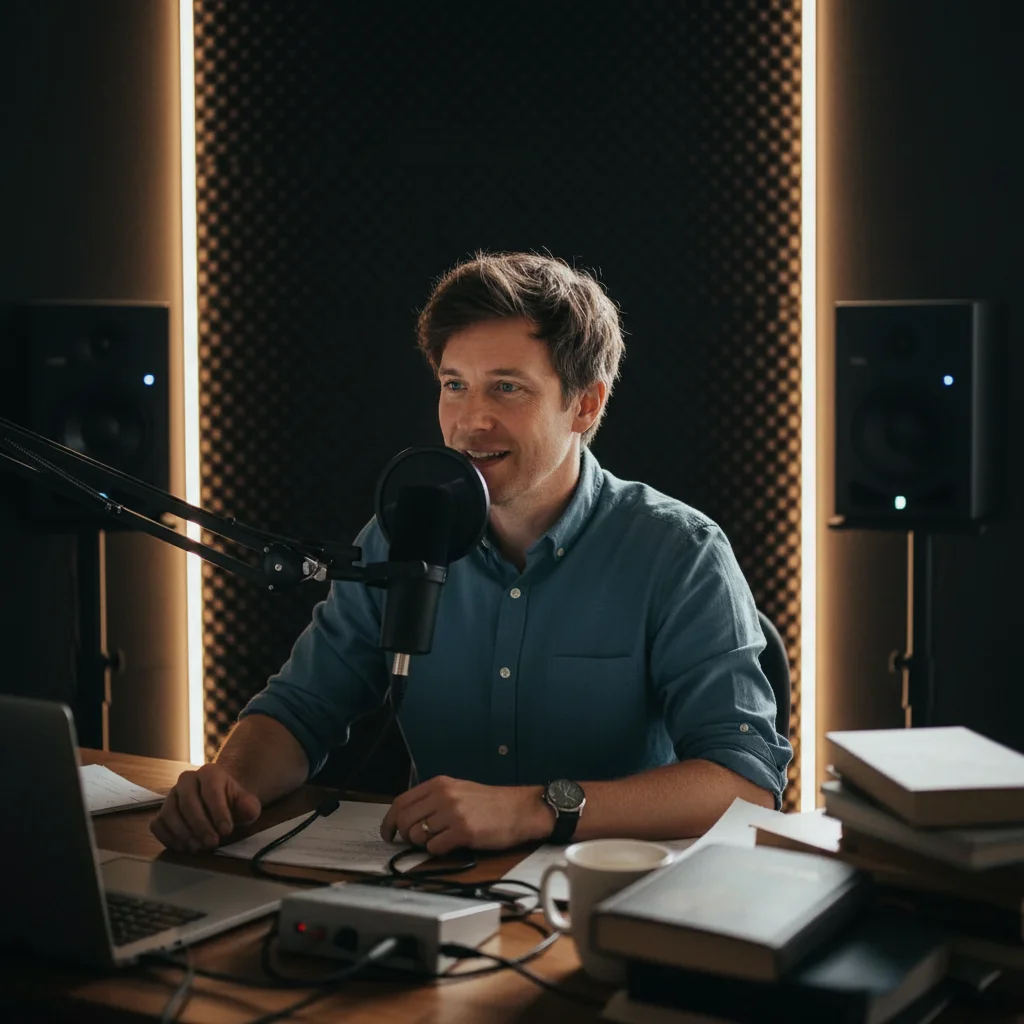
Same host with clean dark professional studio background
After

Home office selfie → podcast cover art

A podcast host shot a selfie in their home office. The cluttered background needed replacing for the show's cover art.

Prompt: replace the home office background with a clean dark studio look, professional podcast aesthetic
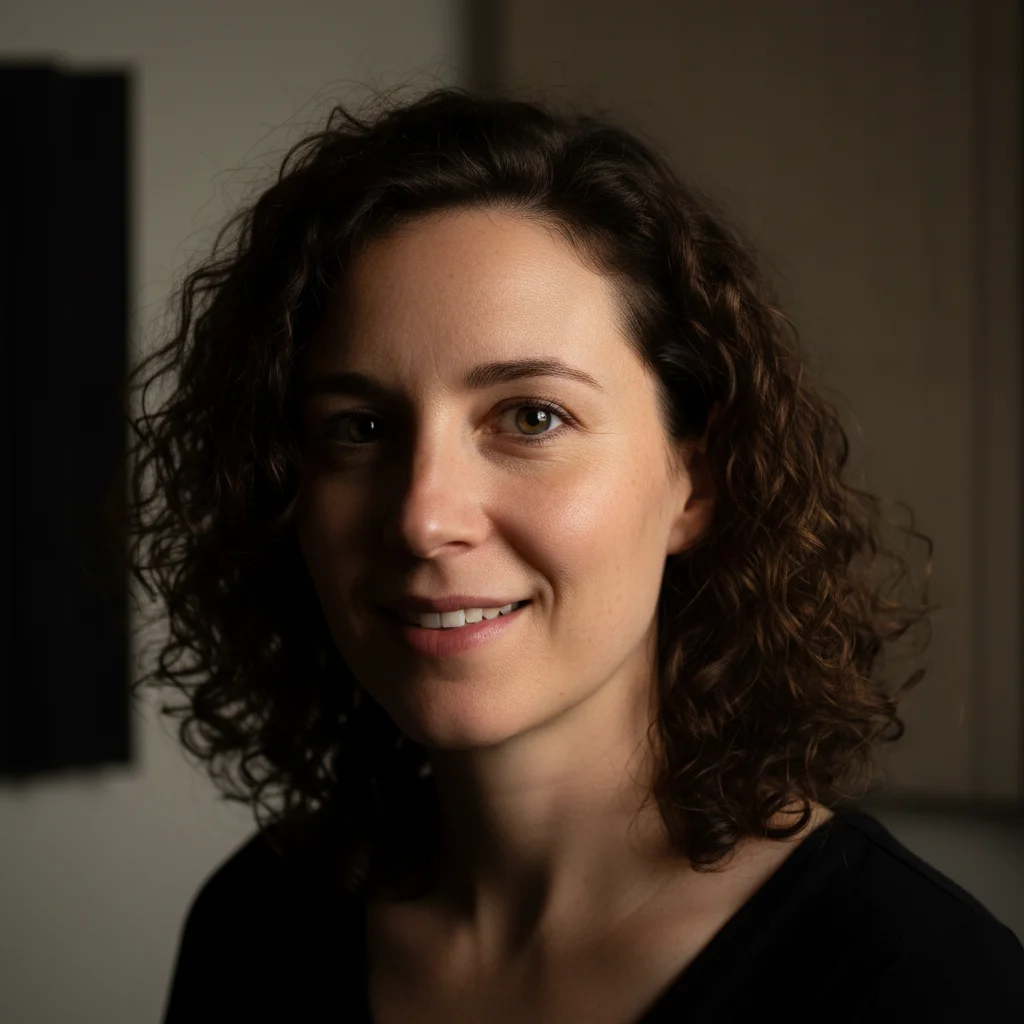
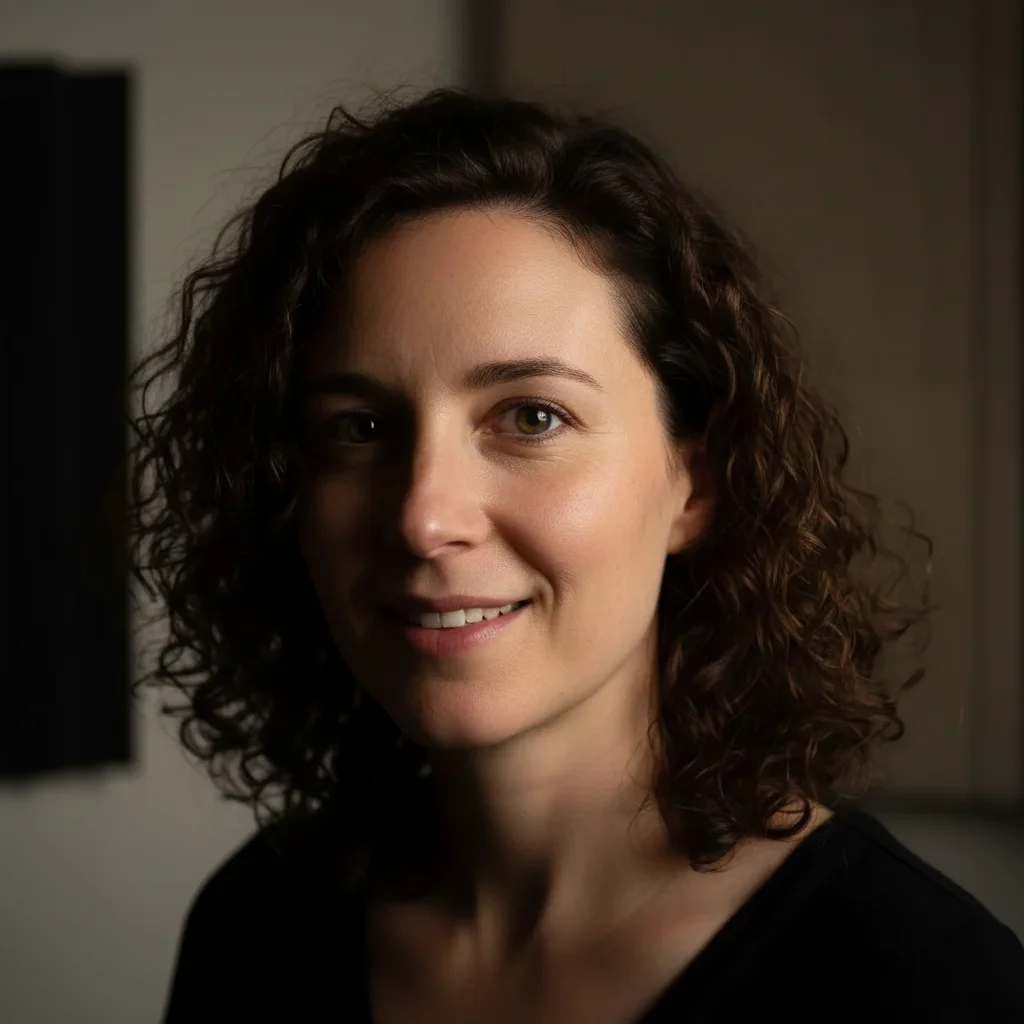
Podcast host headshot with harsh uneven side lighting
Before
->
Same headshot with even professional studio lighting
After

Fixing uneven lighting on host headshot

A host's headshot had harsh side lighting leaving deep shadows. Needed fixing for the podcast's episode thumbnails.

Prompt: brighten the face, even out the lighting, reduce the harsh shadows on the left side, make it look like professional studio lighting

Quick answers

Do I need to select or mark areas before editing my podcast photo?

No. Just describe what you want — 'clean up the background,' 'fix the lighting on my face,' or 'make this look like a professional podcast headshot.' The AI reads your description and applies the edit.

How do I make podcast cover art from a photo for free?

Upload your headshot to EditThisPic, describe the look you want ('dark professional studio background,' 'clean lighting,' etc.), and download the result. It's free with no signup. You'll still need to add text and your show name in a design tool like Canva, but the photo element is handled here.

Is there a free podcast photo editor that doesn't require login?

Yes — EditThisPic is free to try with no account needed. Upload your photo, describe the change, and download. No registration, no subscription, no watermark on basic edits.

What size should my podcast cover art photo be?

Spotify, Apple Podcasts, and most platforms require 3000x3000 pixels for cover art, minimum 1400x1400px. Start with the highest resolution photo you have — EditThisPic preserves your original resolution when editing.

Can EditThisPic remove a microphone from a photo?

Yes. Upload your photo and type: 'remove the microphone from the front of the frame and replace with the background.' The AI can remove mic stands, boom arms, or handheld mics and fill the area with the background behind it.

How much does EditThisPic cost?

You get 1 free edit per week — no account needed. After that, credit packs start at $1.99 for 3 edits. Monthly plans start at $4.99/mo for 20 edits with unused credits rolling over. All edits are full resolution with no watermark.

Ready to create your podcast cover photo?

Free to try. No signup required.

1 free edit included·Credit packs from $4.99