Free • No signup Apply Stained glass filter · Free

AI Stained Glass Art Filter

Just describe the stained glass look you want and AI transforms your photo.

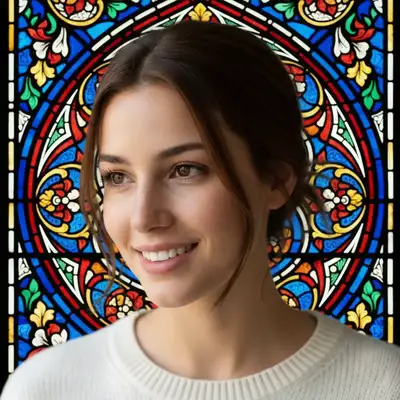
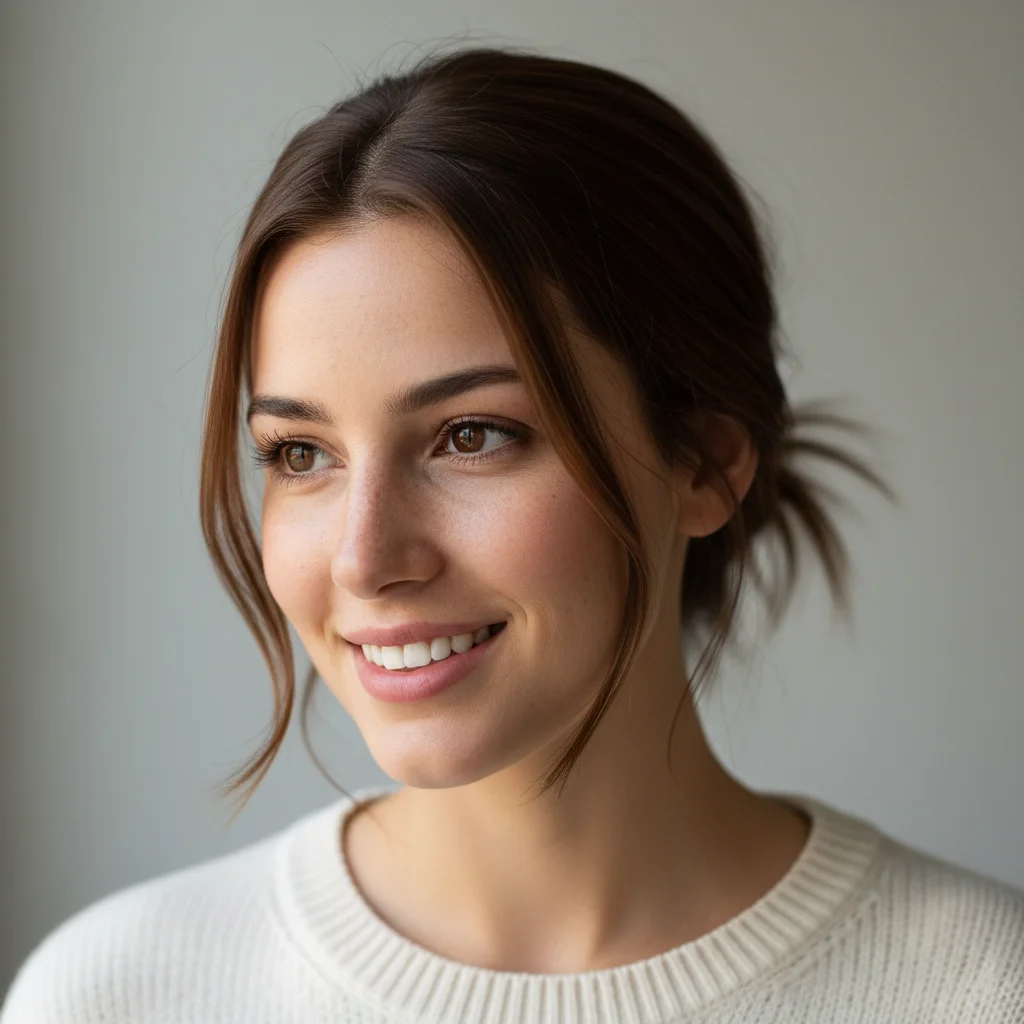
Original portrait photo
Before
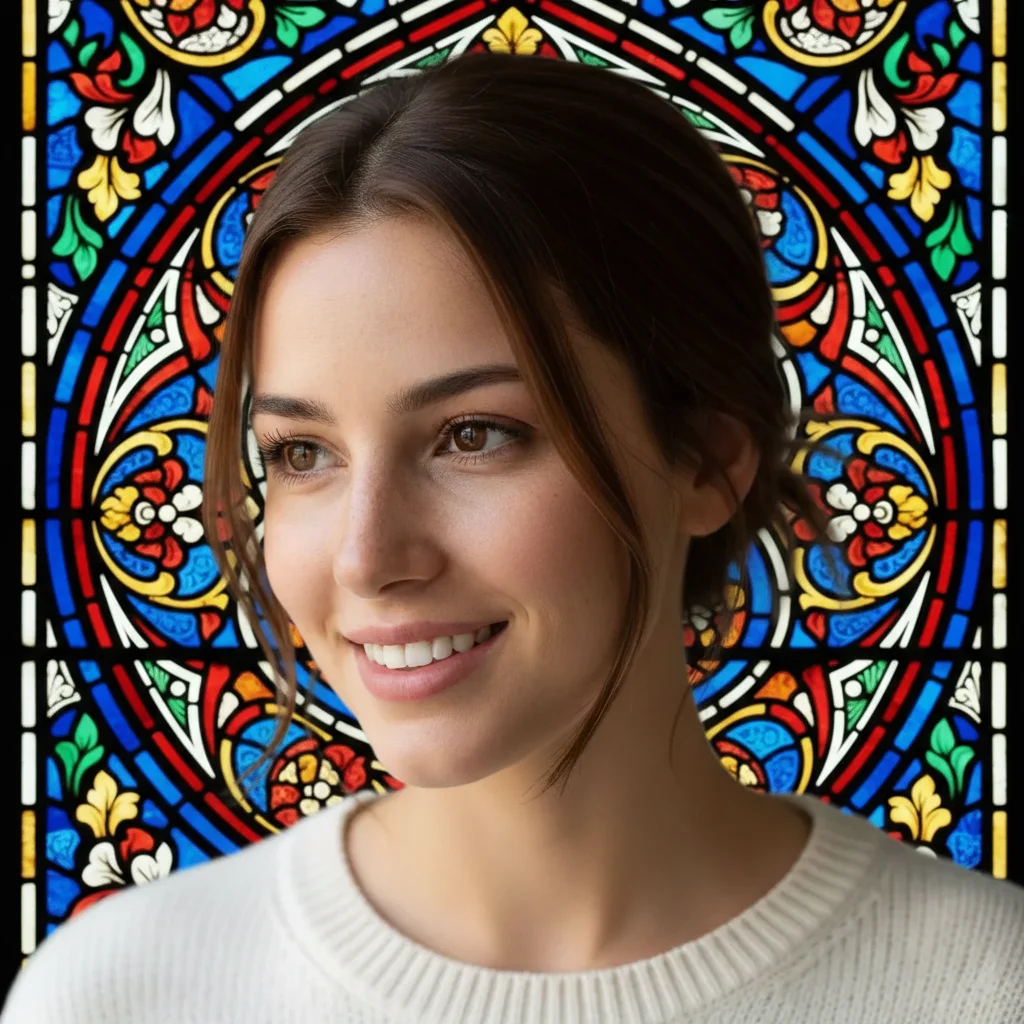
Portrait transformed into Gothic stained glass window art
After

Apply Stained Glass Filter to Photo

Drop your photo here

or click to browse

Release to upload

Free • No signup

Advertisement
Popular use cases:
  • religious art
  • church presentations
  • artistic album covers
  • decorative wall art
  • spiritual graphics
  • medieval aesthetics

Cost
Free No signup required
Time
Instant results in 15-30 seconds
Works on
Any device - browser, phone, tablet, desktop
Powered by
AI-powered photo editing
Scenario Prompt Time
Cathedral window transform into stained glass art style with vibrant colors and thick dark lead lines 25s
Gothic church apply Gothic stained glass window effect with rich jewel tones and ornate glass segments 25s
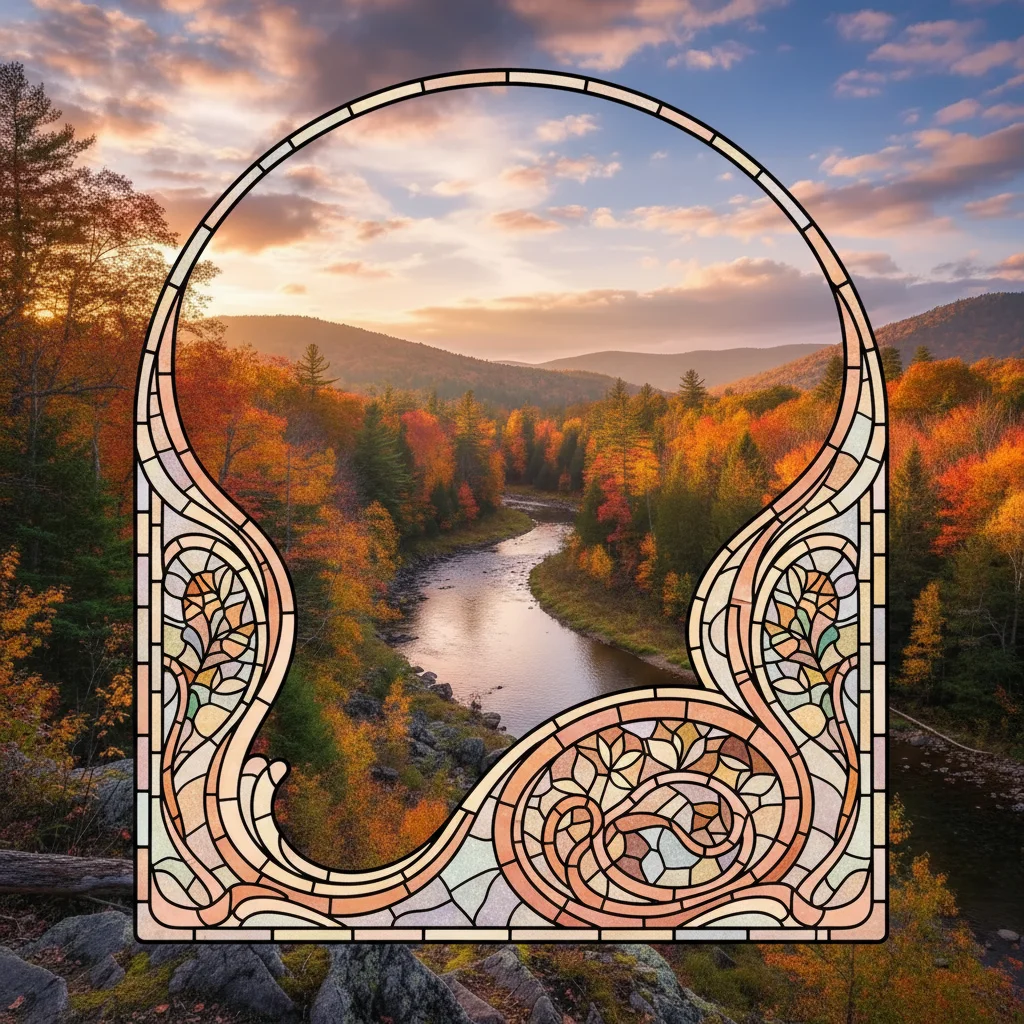
Art Nouveau transform into Art Nouveau stained glass with flowing organic lines and pastel colors 25s
Modern geometric apply modern stained glass effect with geometric segments and bold primary colors 25s
Tiffany style transform into Tiffany-style stained glass with copper foil lines and warm amber tones 25s

How it works

  1. Upload your photo

    Upload any photo for color work. Images with varied tones give the AI more to work with for stained glass filter adjustments. JPG, PNG, WebP up to 7MB.

    Expect: Simple stained glass effects: 20-30 seconds. Complex multi-color cathedral style with specific patterns: may need 2 refinements.
  2. Describe what you want

    Type your instruction: 'transform into stained glass art style' or 'apply stained glass window effect with vibrant colors and dark lead lines.' Be specific about style (Gothic cathedral vs. Art Nouveau) and color intensity (subtle pastels vs. rich jewel tones). No marking needed—the AI understands 'stained glass' as a complete style transformation.

    Tip: Mention 'thick dark lead lines' or 'thin copper foil lines' to control the segment border style.

    Copy one of these to get started:

    Classic cathedral window transform into stained glass art style with vibrant colors and thick dark lead lines
    Gothic church window apply Gothic stained glass window effect with rich jewel tones and ornate glass segments
    Art Nouveau style glass transform into Art Nouveau stained glass with flowing organic lines and pastel colors
    Modern geometric glass apply modern stained glass effect with geometric segments and bold primary colors
    3 more prompts
    Tiffany lamp style transform into Tiffany-style stained glass with copper foil lines and warm amber tones
    Rose window design apply circular rose window stained glass effect with radiating symmetrical patterns
    Subtle faux glass overlay apply subtle stained glass overlay with thin lead lines and soft translucent colors
  3. Generate and review

    Click Generate and watch your photo transform into stained glass artwork. Check the glass segment shapes, lead line thickness, and color vibrancy. Zoom in to verify the translucent glass texture and authentic window aesthetic.

  4. Refine with markers if needed

    If certain areas need different segment sizes or color adjustments, tap markers on those spots and regenerate. This is optional—most stained glass transformations work perfectly without markers.

    Tip: Markers are for precision refinement, not required. Try without them first.
Advertisement
Try it free

Apply Stained Glass Filter to Photo

Drop your photo here

or click to browse

Release to upload

Free • No signup

"Incredible stained glass effect! Turned my portrait into a gorgeous cathedral window design with just one prompt." @artlover23

See it in action

Original portrait photo
Before
->
Portrait transformed into Gothic stained glass window art
After

Portrait as Cathedral Stained Glass

Transformed portrait into Gothic cathedral window with rich jewel tones and lead lines.

Prompt: apply Gothic stained glass window effect with rich jewel tones and ornate glass segments
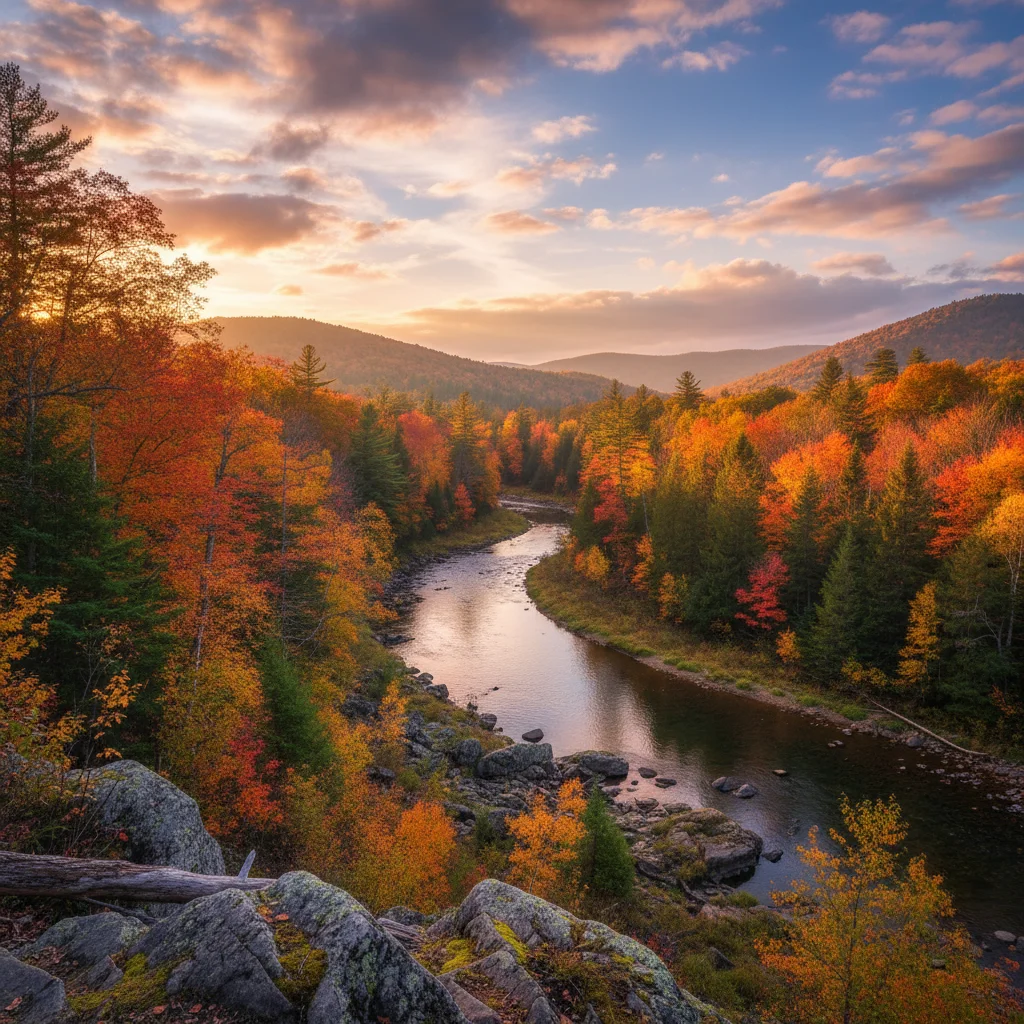
Original landscape photo
Before
->
Landscape as Art Nouveau stained glass with flowing lines
After

Landscape as Art Nouveau Glass

Converted landscape into flowing Art Nouveau stained glass with organic curved lines.

Prompt: transform into Art Nouveau stained glass with flowing organic lines and pastel colors

Detailed Guides by Scenario

📷

Art & Decoration

Transform your photos into stained glass filter artwork for wall prints, framed art, and home decoration.

Common Scenarios

  • Converting a favorite photo into a stained glass filter print for your living room wall
  • Creating a series of stained glass filter portraits of family members as matching wall art
  • Turning landscape or travel photos into stained glass filter art for office decoration

Best Practices

  • Start with a high-resolution photo — printed art needs sharp detail even after the style transform
  • Request a specific aspect ratio if the print will go in a particular frame
  • Try 'bold stained glass filter' vs. 'subtle stained glass filter' to control how dramatic the transformation looks
📷

Social Media & Content

Create scroll-stopping social media content by converting photos to stained glass filter — perfect for profiles, stories, and viral posts.

Common Scenarios

  • Making a unique stained glass filter profile picture that stands out in feeds
  • Creating a stained glass filter version of a trending meme or photo challenge
  • Building a themed Instagram series where every post uses stained glass filter transformation

Best Practices

  • Pair the transformation with a catchy caption that references the art style
  • For Instagram stories, add text overlays after the stained glass filter conversion for maximum engagement
  • Process several photos in the same session to maintain a consistent style across posts
📷

Gifts & Personal Keepsakes

Turn meaningful photos into stained glass filter keepsakes — custom gifts, cards, and personalized items that people actually treasure.

Common Scenarios

  • Creating a stained glass filter portrait as a birthday or anniversary gift
  • Designing stained glass filter wedding invitations or save-the-dates from engagement photos
  • Making a stained glass filter memorial portrait for a loved one

Best Practices

  • Choose photos with clear faces and good lighting — the transformation preserves detail best from quality originals
  • For gifts, print on canvas or premium paper to complement the stained glass filter aesthetic
  • Request 'warm tones' or 'cool tones' to match the recipient's home decor

If something looks off

Glass segments are too small or overly fragmented

Why: The AI detected too many edges and created excessive segment boundaries.

Try: Request larger segments: 'transform into stained glass with large bold glass segments and thick lead lines'

Tip: Simpler base images (fewer details) produce larger, more elegant glass segments

Lead lines are too thin or barely visible

Why: The prompt didn't specify line weight, so AI used minimal borders.

Try: Emphasize borders: 'apply stained glass with thick dark prominent lead lines separating glass segments'

Tip: 'Thick dark lead lines' creates authentic traditional stained glass appearance

Colors look muddy or not vibrant enough

Why: The AI applied stained glass structure but didn't boost color saturation.

Try: Request vibrancy: 'transform into stained glass with rich vibrant jewel-toned colors'

Tip: Real stained glass has intensely saturated colors—use 'vibrant,' 'rich,' or 'jewel tones'

Glass effect is too subtle, barely changed the photo

Why: Using 'subtle' or 'overlay' preserves too much of the original image.

Try: Request full transformation: 'completely transform into stained glass art' (remove 'subtle' or 'overlay')

Tip: 'Transform into' creates dramatic conversion; 'apply overlay' keeps it subtle

Doesn't look like realistic stained glass

Why: Missing key glass characteristics like translucency or segment structure.

Try: Include texture details: 'transform into stained glass with translucent colored glass segments and visible lead lines'

Tip: 'Translucent' is critical for authentic stained glass light-passing quality

AI changed the wrong area or added effects I didn't want

Why: The AI couldn't determine exactly which area you meant from description alone. This happens with ambiguous requests.

Try: Tap a marker on the specific area you want to change, then regenerate with the same prompt

Tip: Markers tell the AI 'I mean THIS area specifically.' Use them when description alone is ambiguous.

Quick answers

Do I need to mark areas before applying the stained glass filter?

No! Just describe what you want: 'transform into stained glass art style' or 'apply cathedral window effect.' The AI converts your entire image. Only use markers if you want different glass styles on specific areas—like Gothic style on the subject and Art Nouveau on the background.

How do I make it look like authentic stained glass, not a digital filter?

Include structural keywords: 'thick dark lead lines,' 'translucent colored glass segments,' and 'vibrant jewel tones.' Real stained glass has visible boundaries between glass pieces and light-passing translucency. The AI is trained on actual stained glass windows to replicate these characteristics.

Is there a free stained glass filter that doesn't require login?

Yes. EditThisPic transforms photos into stained glass art with AI, completely free with no account needed. Just upload, describe your desired glass window aesthetic, and download your artistic result with no watermark.

What's the difference between Gothic and Art Nouveau stained glass styles?

Gothic stained glass has geometric segments, religious imagery, and rich primary colors—think cathedral windows. Art Nouveau features organic flowing lines, nature motifs, and softer pastel tones—think Tiffany lamps. Specify your preferred style in the prompt for accurate results.

Can I control the size of the glass segments?

Yes. Request 'large bold glass segments' for bigger pieces or 'intricate small glass segments' for detailed patterns. You can also specify: 'transform into stained glass with 20-30 main glass segments' for controlled complexity.

Is EditThisPic's AI stained glass filter applyer really free?

Yes — you get 1 free edit per week, no account needed. For unlimited edits, plans start at $3.99/month.

Can I apply stained glass filter on my phone?

Yes. EditThisPic works in any mobile browser — iPhone, Android, tablet. No app download needed.

What photo formats does the AI stained glass filter applyer support?

JPG, PNG, WebP, and HEIC. Upload any common photo format and EditThisPic handles the rest.

Ready to create stained glass art from your photo?

Free to try. No signup required.

Try it free