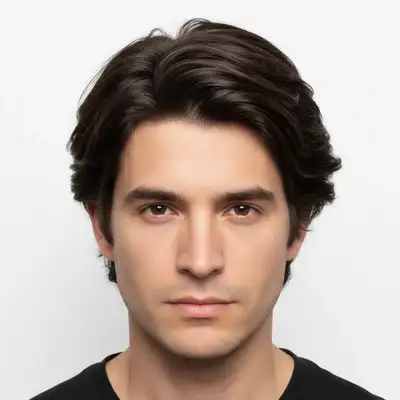
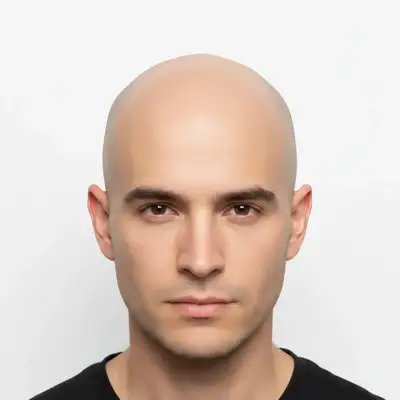
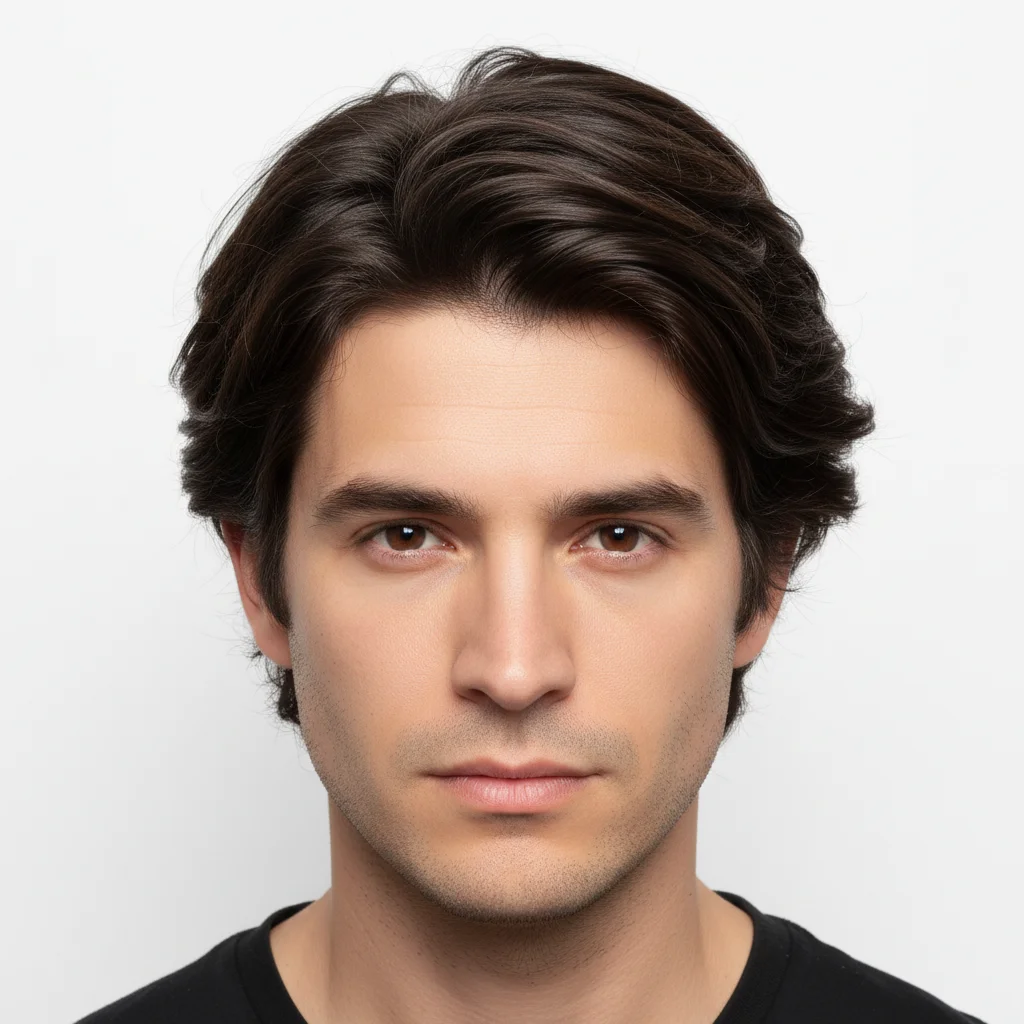
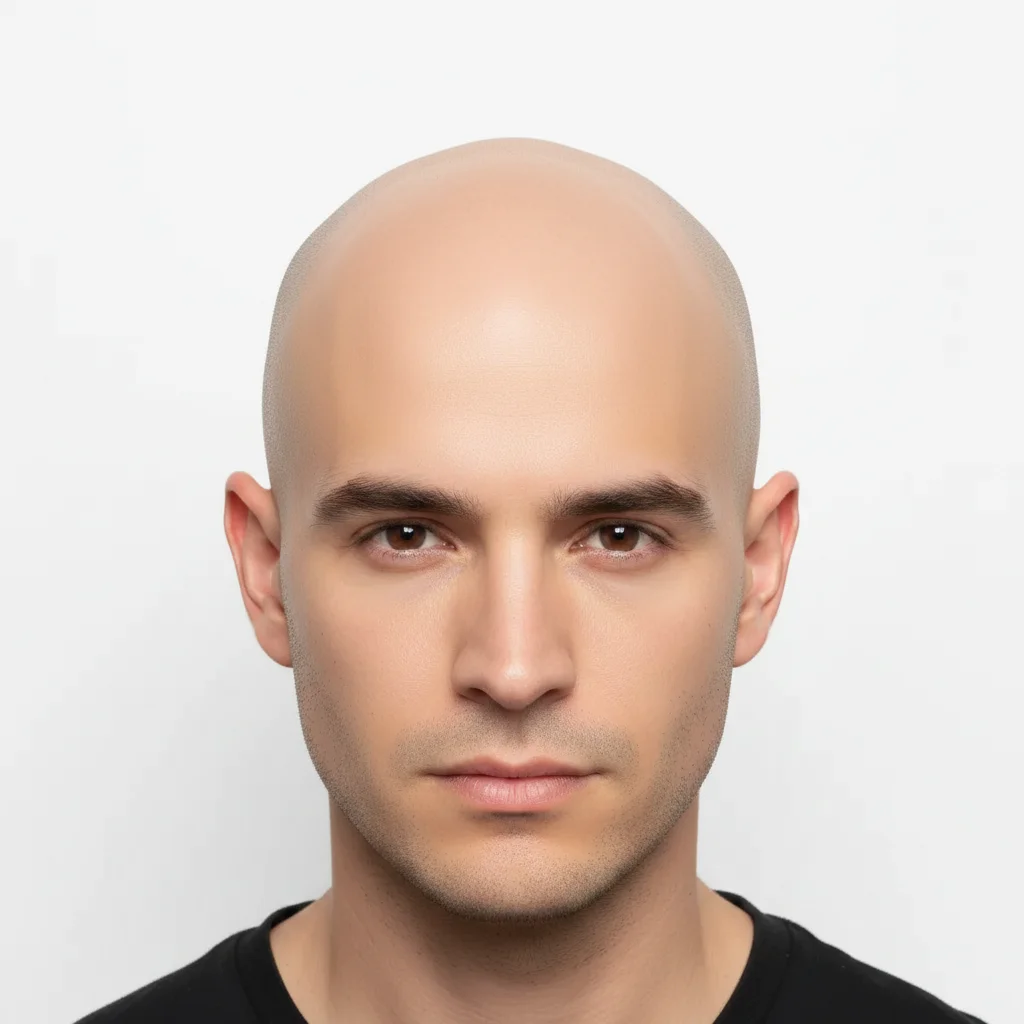
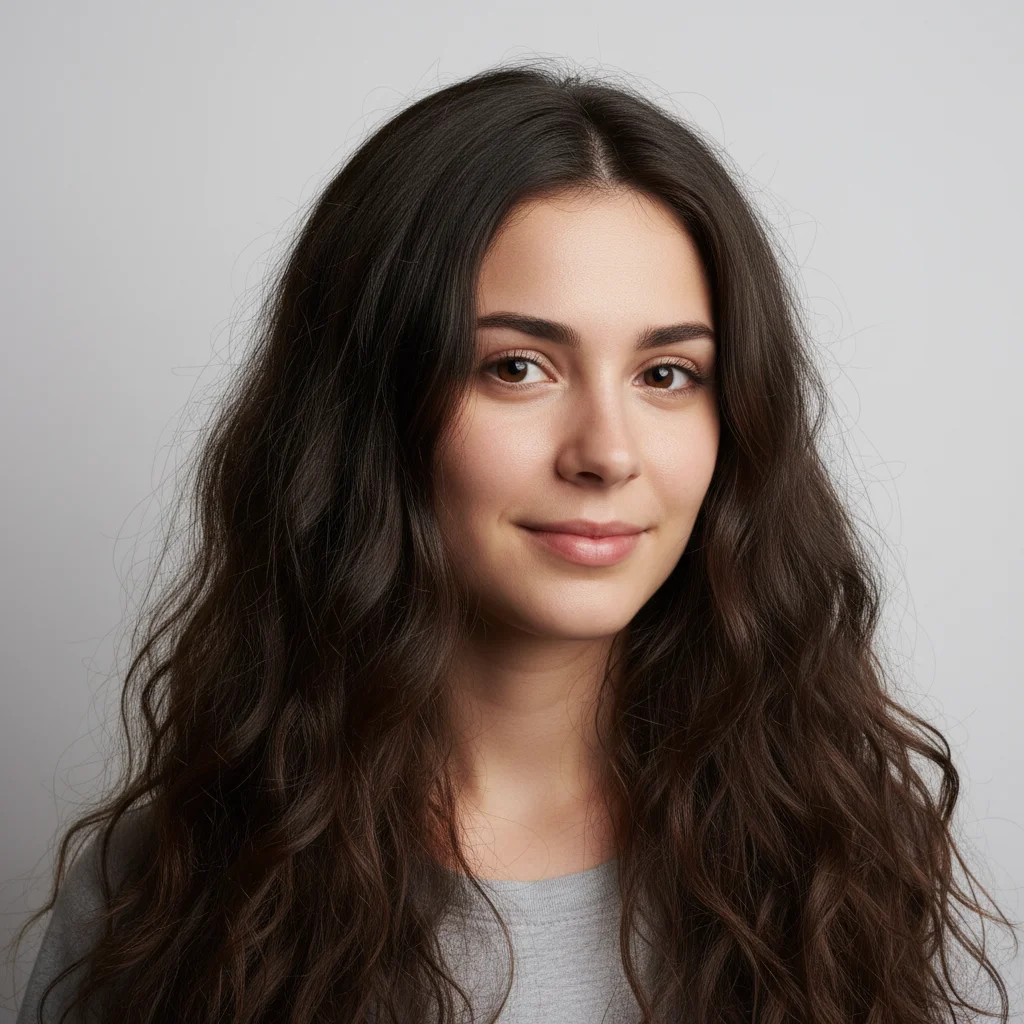
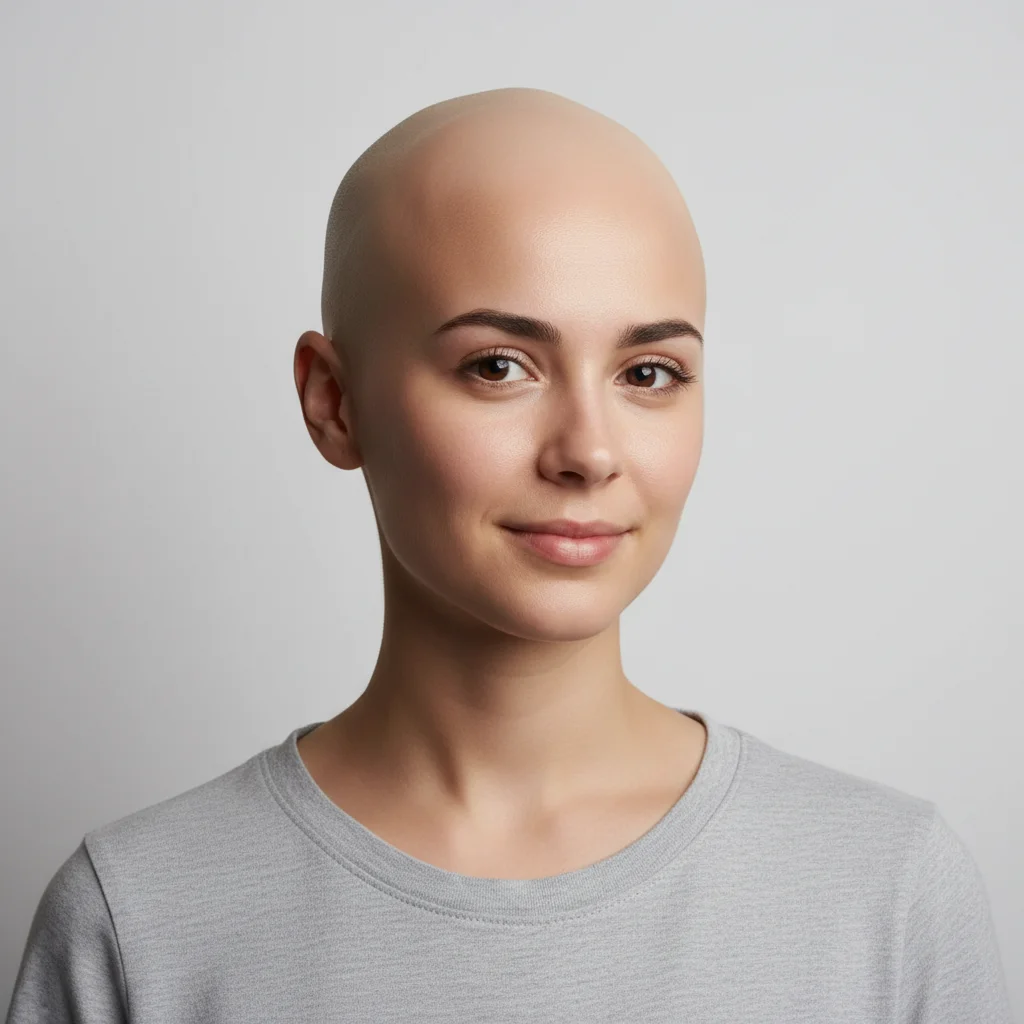
Do I need to mark my hair before applying the bald filter?
No! Just type 'make this person bald' and the AI handles the entire transformation. It understands what 'bald' means and removes the hair automatically.
How do I see what I'd look like bald for free?
Upload your photo to EditThisPic and type 'make this person completely bald.' The AI removes hair and renders a realistic scalp in 30-40 seconds. Free to use, no account required, no watermarks on the result.
Is there a free bald filter that doesn't require signup?
Yes, EditThisPic applies a realistic bald filter for free with no account needed. Upload your photo, type a simple instruction, and download the result. No watermarks. Works on any photo with visible hair.
Can the AI show different levels of baldness, not just fully bald?
Yes! You can request specific levels: 'buzz cut with barely visible stubble', 'receding hairline', 'bald on top with hair on sides', or 'completely smooth.' The AI understands different baldness patterns and degrees.
Is EditThisPic's AI bald filter applyer really free?
Yes — you get 1 free edit per week, no account needed. Plans start at $4.99/month for 15 edits.
Can I apply bald filter on my phone?
Yes. EditThisPic works in any mobile browser — iPhone, Android, tablet. No app download needed.
What photo formats does the AI bald filter applyer support?
JPG, PNG, WebP, and HEIC. Upload any common photo format and EditThisPic handles the rest.
How long does it take to apply bald filter?
Usually 15-30 seconds. Upload your photo, describe what you want, and the AI delivers the result.
How much does EditThisPic cost?
You get 1 free edit per week — no account needed. After that, credit packs start at $1.99 for 3 edits. Monthly plans start at $4.99/mo for 20 edits with unused credits rolling over. All edits are full resolution with no watermark.