AI Thumbnail Editor for Blog Posts
← Browse all creative effectsLast updated
Clean up header images, remove distractions, swap backgrounds — describe what needs fixing and AI handles it.
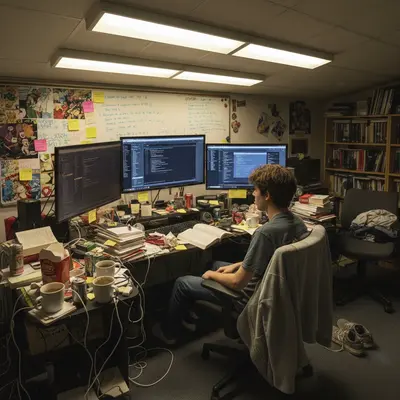

Upload photo to edit blog post thumbnail
"remove the person on the right side of the image and fill naturally with the background"
Free to try · no sign-up · never used for AI training
Release to upload
<30stypical edit
1 freeedit weekly
Photo on your phone?
Scan to open this editor there — free edit works on your phone too.
How it works
See it in action
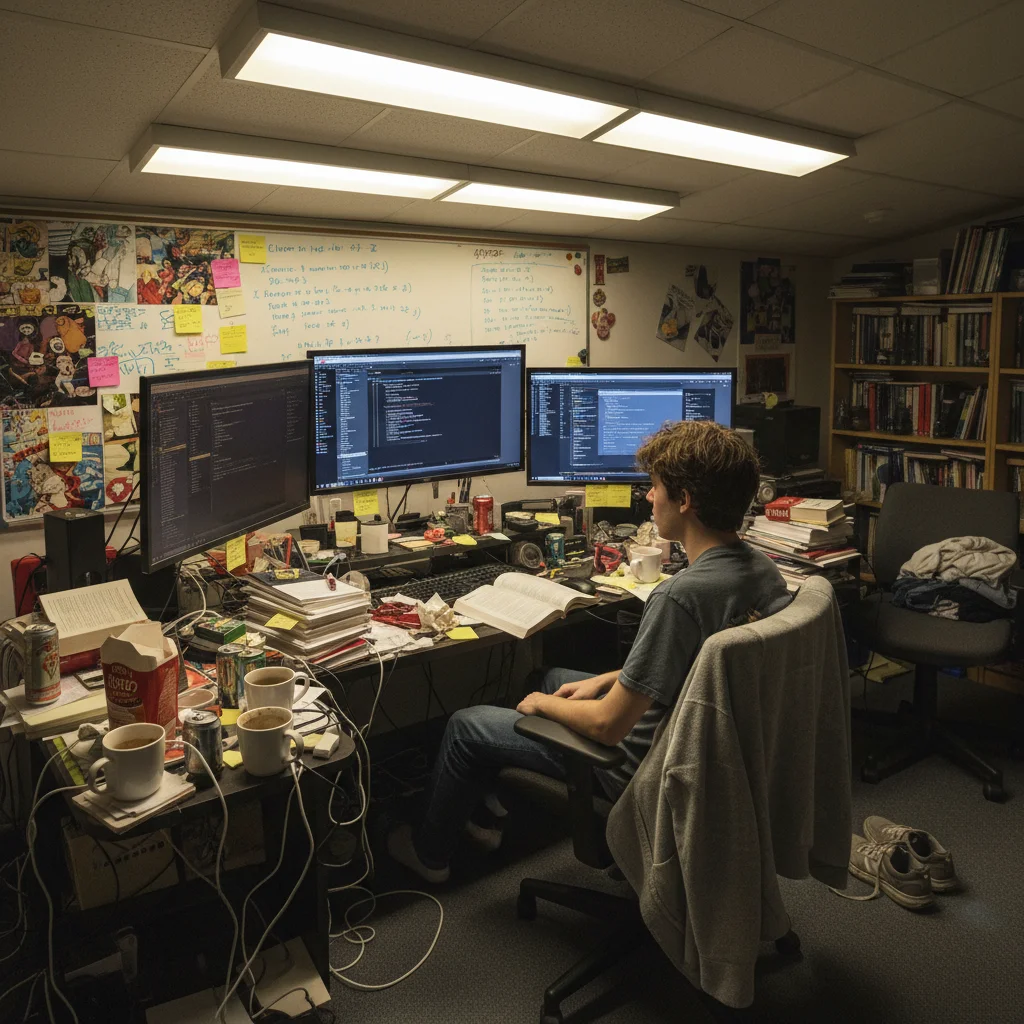
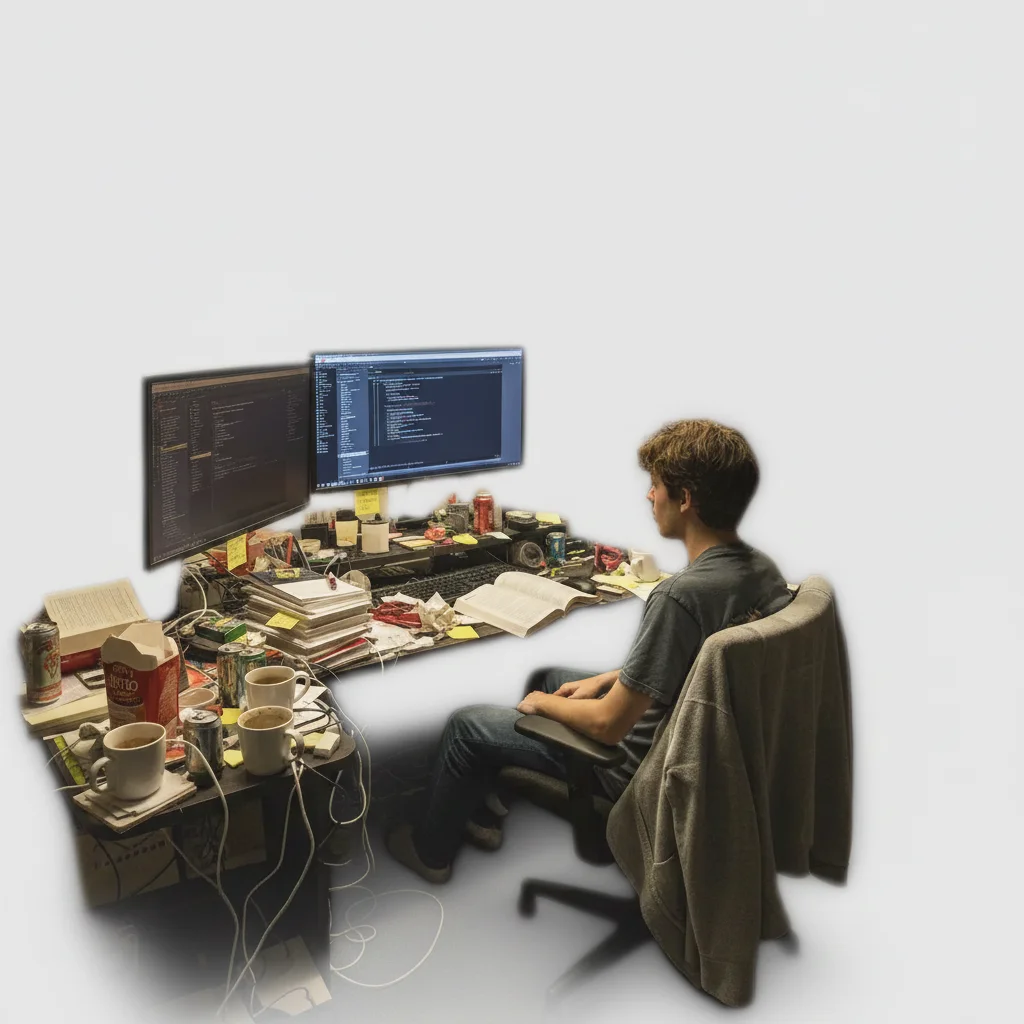
Busy background replaced with clean backdrop
A photo taken in a cluttered space — fine for personal use, but not ideal as a blog featured image. Background replacement turns it into a clean, professional thumbnail.
Prompt:
replace the busy cluttered office background with a soft blurred light grey background that focuses on the subject


Unwanted object removed from stock photo
A stock photo was almost right except for an unwanted element. Removing it saves buying a different photo.
Prompt:
remove the bright yellow bag at the left edge of the frame and fill with the natural scene background
Quick answers
Popular use cases
Edit Your Next Blog Featured Image
Clean backgrounds, remove distractions. Free to try, no signup.