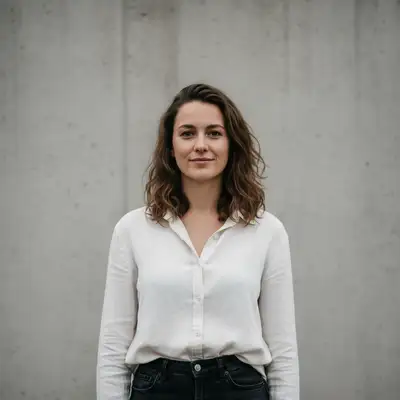
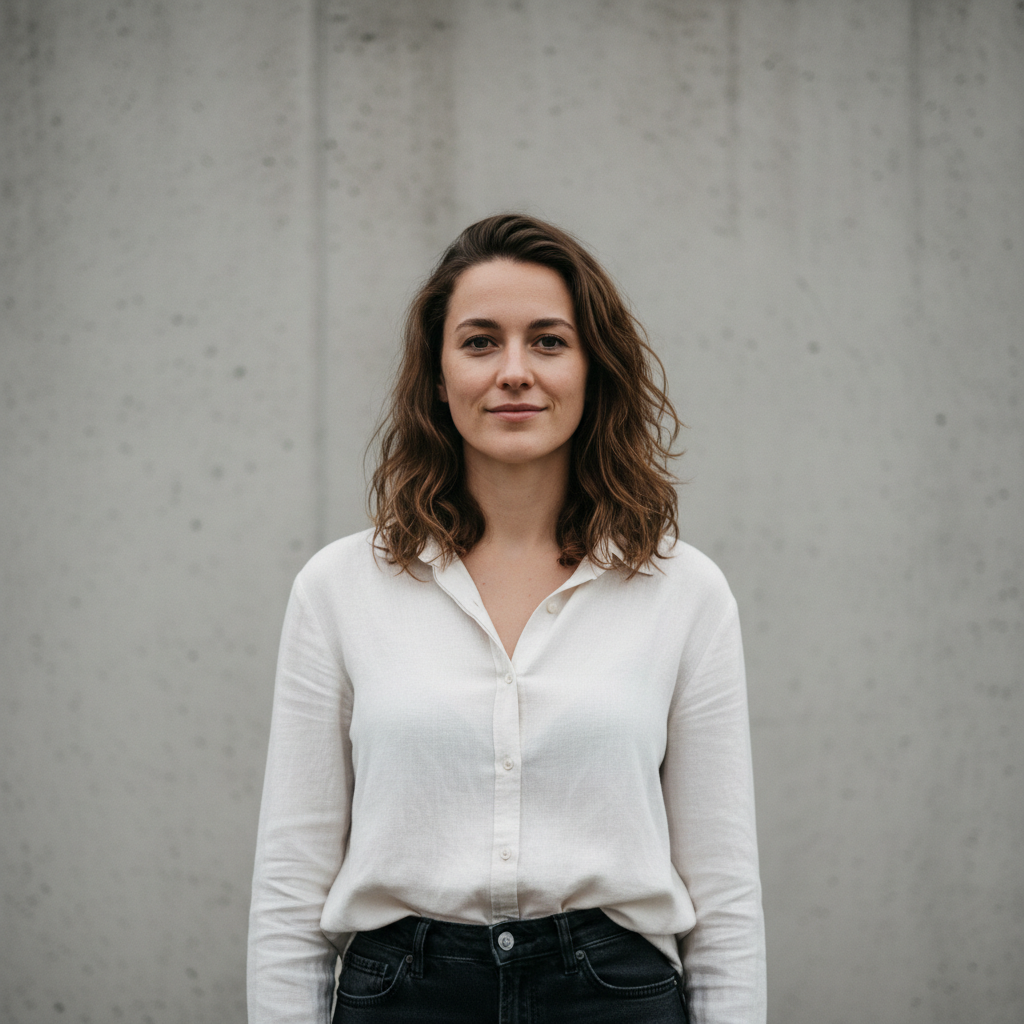
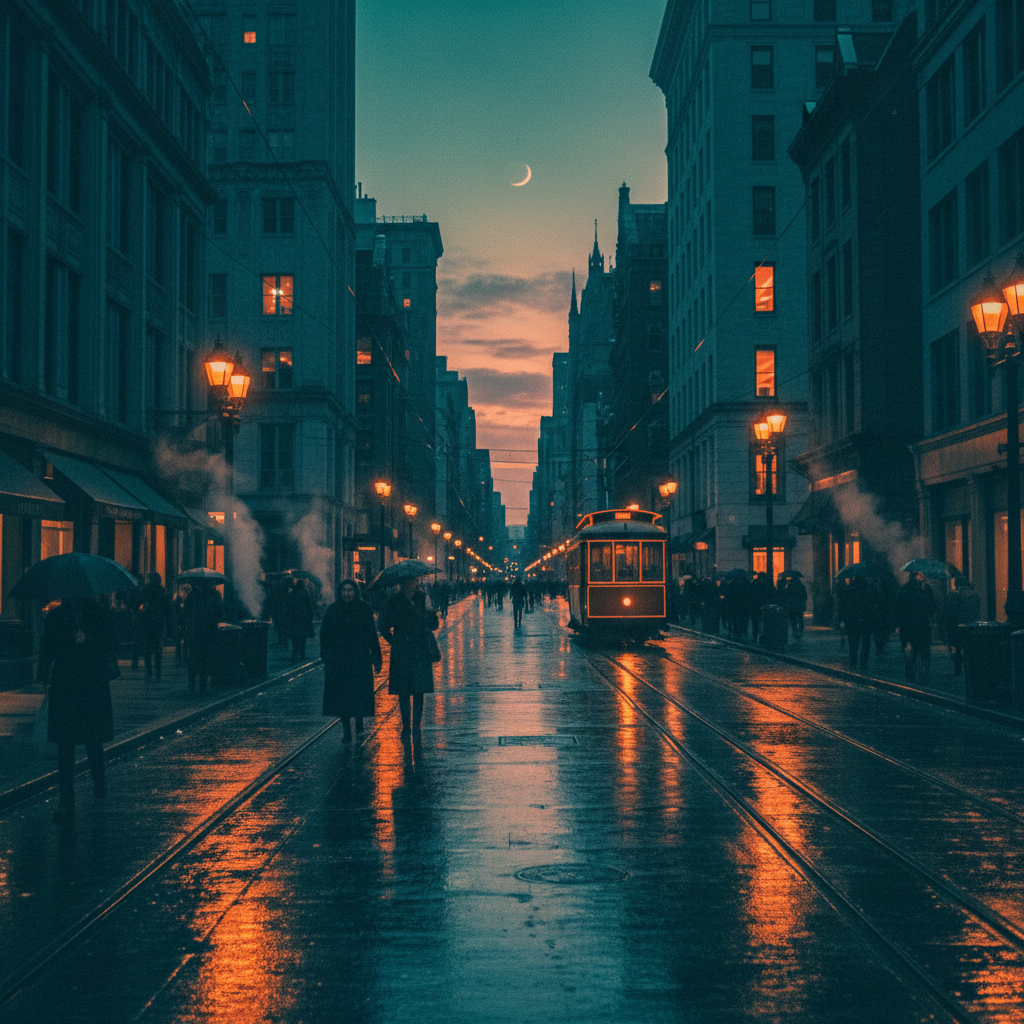
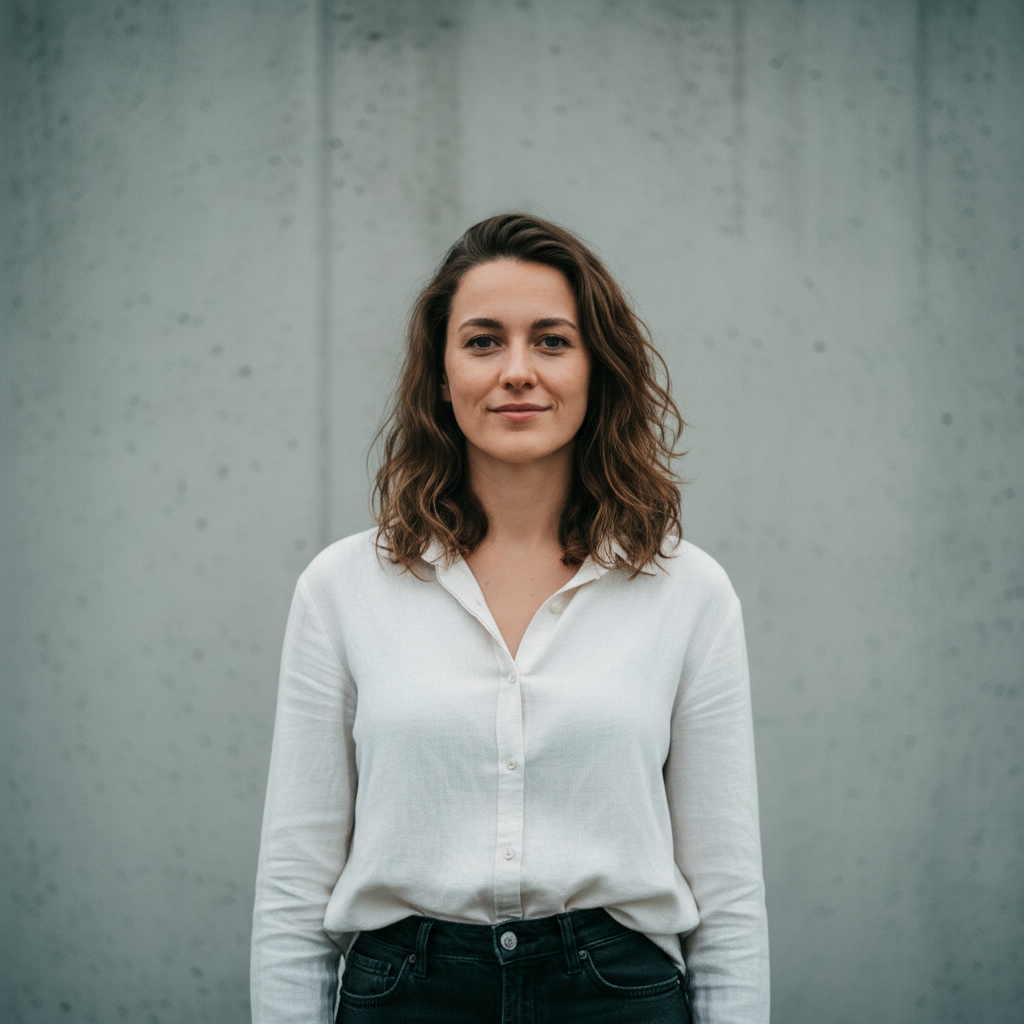
Do I need to mark areas of my photo before transferring the color grade?
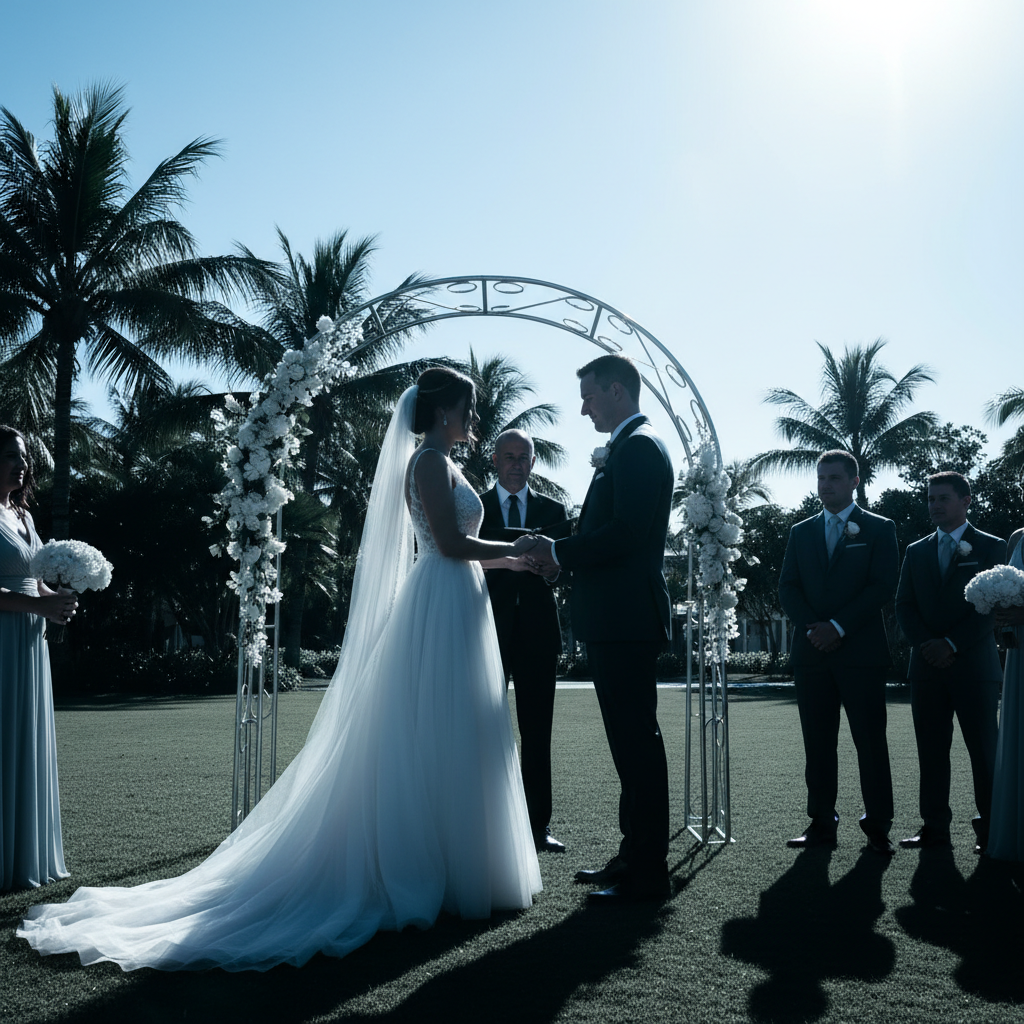
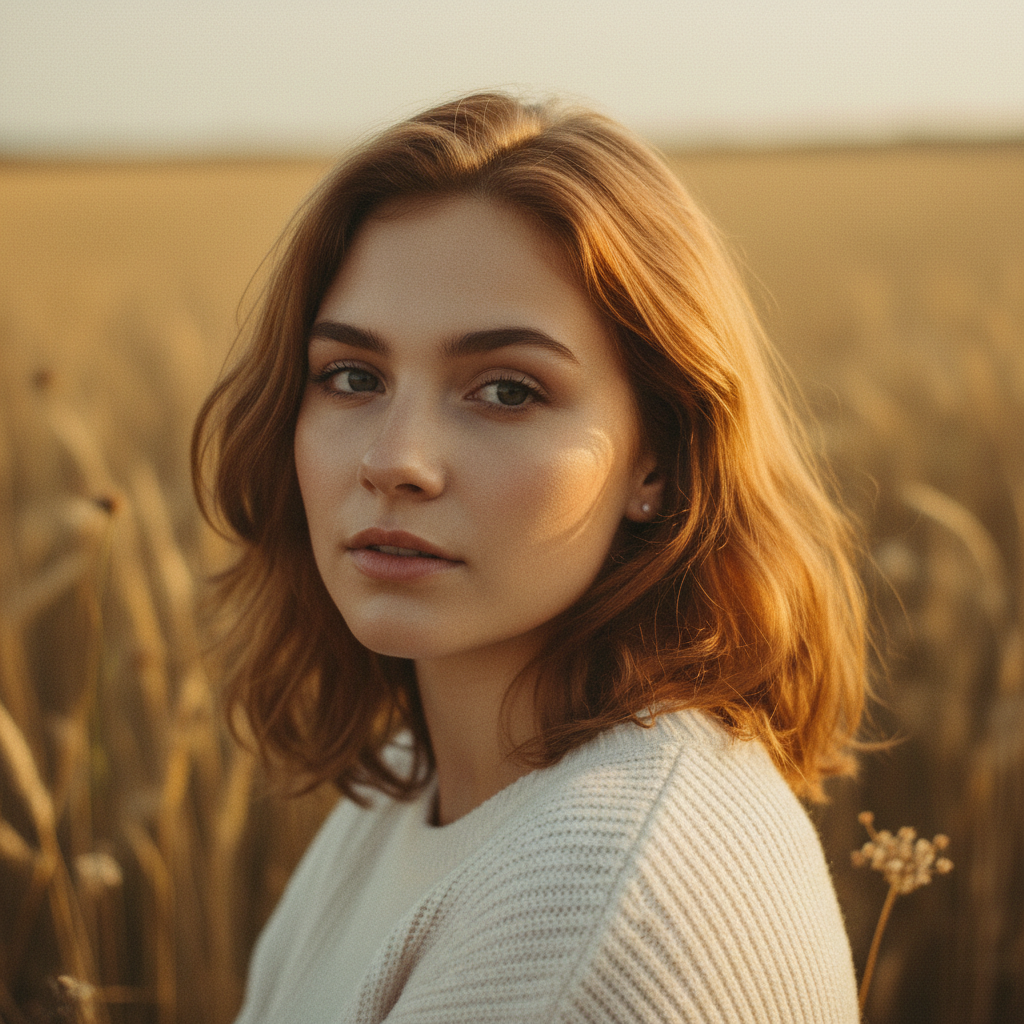
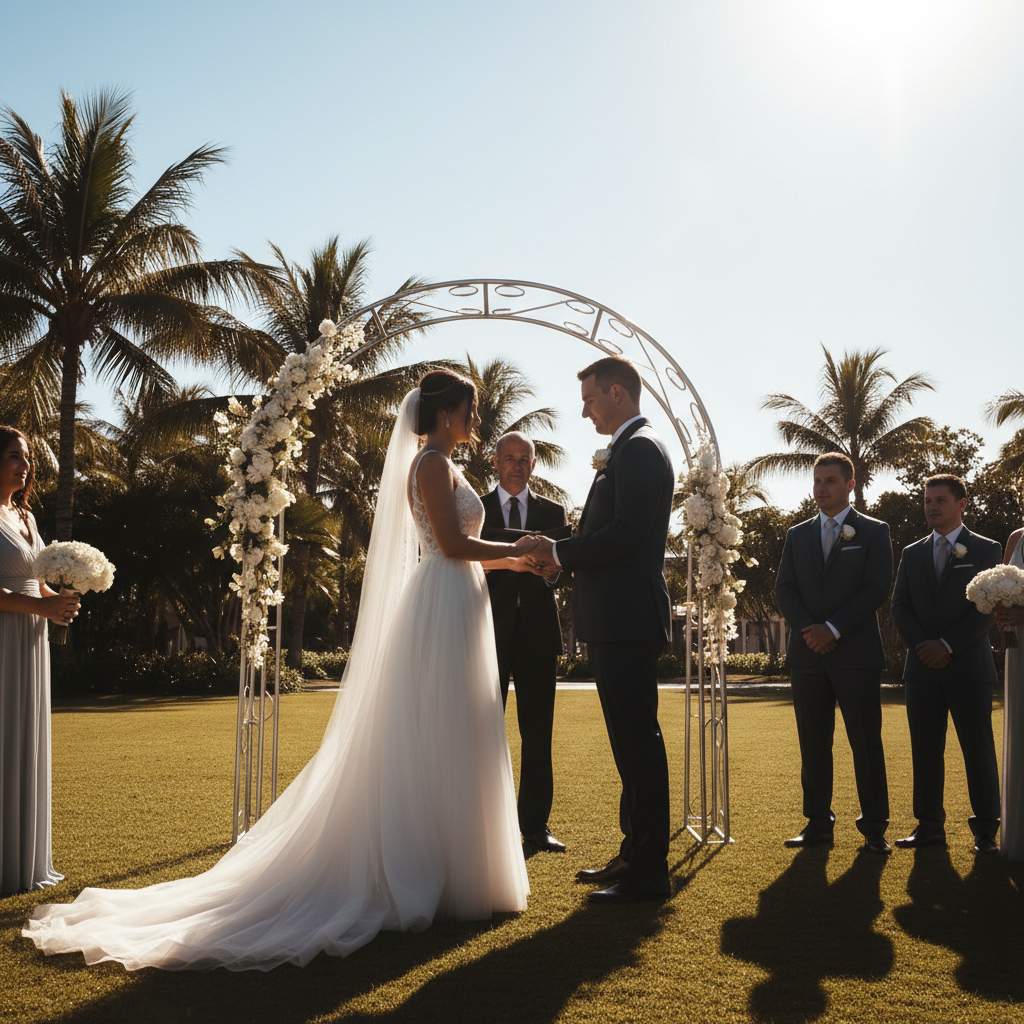
No. Just upload your photo, add the reference image via '+ Add reference image,' then type 'transfer the color grading from the reference image.' The AI reads the full palette and mood from the reference and applies it globally to your photo — no selection tools or area marking needed.
How do I transfer a color grade from one photo to another for free?
EditThisPic lets you transfer color grades between photos free with no account or signup. Upload your destination photo, click '+ Add reference image' to upload the photo whose color grade you want to copy, type 'transfer the color grading and mood from the reference image,' and hit edit. The result downloads without a watermark. One free edit per week, or purchase credits for more.
Can the reference image be a different subject than my photo?
Yes. The AI reads the color palette, tonal distribution, contrast, and mood from the reference — not the content. You can use a landscape photo's tones on a portrait, or a film still's grade on a food photo. The reference image just needs to clearly show the color style you want to replicate.
Is there a free tool to match color grading between photos without Lightroom?
Yes. EditThisPic matches color grading between photos using AI — no Lightroom, no Photoshop, no presets required. Instead of manually adjusting HSL sliders and tone curves, you just upload the photo whose grade you want to copy as a reference image, describe the transfer, and the AI handles the entire matching process. Free to try, no account needed.
How do I make all my photos the same color tone for a consistent feed?
Edit one photo until the color grade looks exactly how you want, then use that photo as the reference image for all your other photos. Upload each ungraded photo, add the edited one as the reference, and type 'match the color grading from the reference image.' This gives you consistent tones across your feed without creating or buying a preset.
Can I copy a color grade from an Instagram photo?
Yes. Save or screenshot the Instagram photo with the color style you want, upload it as your reference image, and type 'transfer the color palette and mood from the reference image.' The AI reads the aesthetic directly from the photo — warm tones, faded look, dark and moody, bright and airy — and applies it to your photo.
What's the best way to transfer a cinematic or film look from a movie still?
Use a clean still from the film — a frame where the color grade is clearly visible with good subject and background separation. Upload it as your reference, then describe the specific characteristics: 'transfer the teal shadows, warm orange highlights, and cinematic contrast from the reference image.' Being specific about the grade components (shadow color, highlight warmth, contrast level) produces better results than a generic transfer instruction.
Will the color transfer work if my photo and the reference have very different lighting?
Yes, though large lighting differences (indoor vs. outdoor, day vs. night) may require a more detailed prompt. Describe what you want to carry over: 'match the warm highlight tone and shadow color from the reference, even though the overall brightness is different.' The AI adapts the grade to your image's actual exposure rather than trying to change the brightness.
Can I transfer only part of the color grade — like just the shadows or just the warmth?
Yes. Describe which elements you want to transfer: 'copy only the shadow tones from the reference, keeping the highlights and midtones from the original photo' or 'transfer the warm highlights from the reference but leave the shadows alone.' This gives you fine control over selective grade matching without a full transfer.
What is the best free AI tool for matching color between photos?
EditThisPic is built for two-image operations like color grade transfer. You upload your photo and a reference image, describe the transfer, and the AI matches the palette, tones, and mood directly from the reference in about 30 seconds. It's free with no account required — no complex curves or HSL panels needed.
Does this work for product photography or just portraits?
It works on any photo type: portraits, landscapes, product shots, food photography, street photography, architecture. The AI reads the reference palette and applies it to whatever subject is in your photo. For product photography, it's especially useful for keeping color consistent across a catalog shot under different conditions.
How much does EditThisPic cost?
You get 1 free edit per week — no account needed. After that, one-time credit packs start at $4.99 for 10 edits, valid 12 months, no subscription. Power users who edit daily can pick Studio Membership, a monthly workspace at $49.99/mo for 300 edits. Purchased downloads are clean with no watermark.