Fix Blurry eBay Detail Photos
Last updated
Sharpen blurry eBay detail shots in seconds. Clear condition photos for higher bids and fewer returns.
Drop your photo here
"sharpen blurry photo, enhance fine detail clarity, make all text and markings readable"
Release to upload

Built for eBay Sellers Who Need Sharp Detail Photos
Detail photos make or break eBay listings. Buyers zoom in to check serial numbers, condition grades, and authenticity markers. A blurry detail shot means lost bids or worse - returns from buyers who could not verify condition. EditThisPic sharpens your close-ups so every detail is crystal clear and every marking is readable.
Tools for Fixing Blurry eBay Details
Fix Blurry Photo
Sharpen out-of-focus and motion-blurred photos
Enhance Photo
Overall quality enhancement with sharpness boost
Enhance Lighting
Better lighting reveals sharper details
Enhance Colors
Accurate colors alongside sharp details
Fix Blurry eBay Detail Photos
-
Upload your blurry detail photo
Drop your out-of-focus or motion-blurred photo into EditThisPic. JPG, PNG, and WebP up to 7MB. The AI can recover detail from moderate blur - severely motion-blurred photos may need retaking.
Light blur fix: 15 seconds. Significant sharpening with detail recovery: may need 2 passes. -
Ask the AI to sharpen details
Type 'sharpen and enhance detail clarity, make text and markings readable' and the AI brings your details into focus. It understands the difference between blur that needs fixing and authentic condition wear.
Add 'preserve authentic wear and scratches' for collectibles where condition marks should stay visible, not sharpened away. -
Verify text and marking readability
Zoom in to check that serial numbers, maker's marks, and text labels are now readable. Verify that condition-relevant details like scratches and wear are still honestly represented.
Compare the sharpened photo against the actual item to ensure the AI did not add or remove details.
Blurry Detail Fix Prompts
sharpen blurry photo, enhance fine detail clarity, make all text and markings readable
Works on most moderately blurry detail shots from phone cameras.
sharpen and enhance serial number readability, crisp text, documentation quality detail
For authentication photos where text must be crystal clear.
fix motion blur, stabilize and sharpen image, recover detail from camera shake
Phone cameras often create slight motion blur during close-ups.
fix out-of-focus macro shot, sharpen small item details, clear close-up quality
When your phone could not achieve proper macro focus on a small item.
Show 4 more prompts
sharpen condition details, preserve all scratches and wear marks clearly visible, documentation quality
For condition-critical items where wear must be honestly visible.
sharpen hallmark and maker's mark details, enhance tiny engraving visibility, authentication quality
Tiny engravings on jewelry need extreme sharpness for authentication.
sharpen electronic component details, readable chip markings, clear solder joint visibility
For electronics where component conditions and markings matter.
sharpen fine numismatic details, enhance mint marks and date clarity, grading quality photo
Coin and stamp collectors need grading-quality detail photos.
| Edit Type | Prompt | Time | |
|---|---|---|---|
| General sharpness fix | sharpen blurry photo, enhance fine detail clarity |
15s | Try This → |
| Serial number readability | sharpen serial number, documentation quality detail |
20s | Try This → |
| Motion blur fix | fix motion blur, stabilize and sharpen image |
15s | Try This → |
| Condition grading shot | sharpen condition details, preserve wear marks |
20s | Try This → |
Blurry Detail Fix Examples
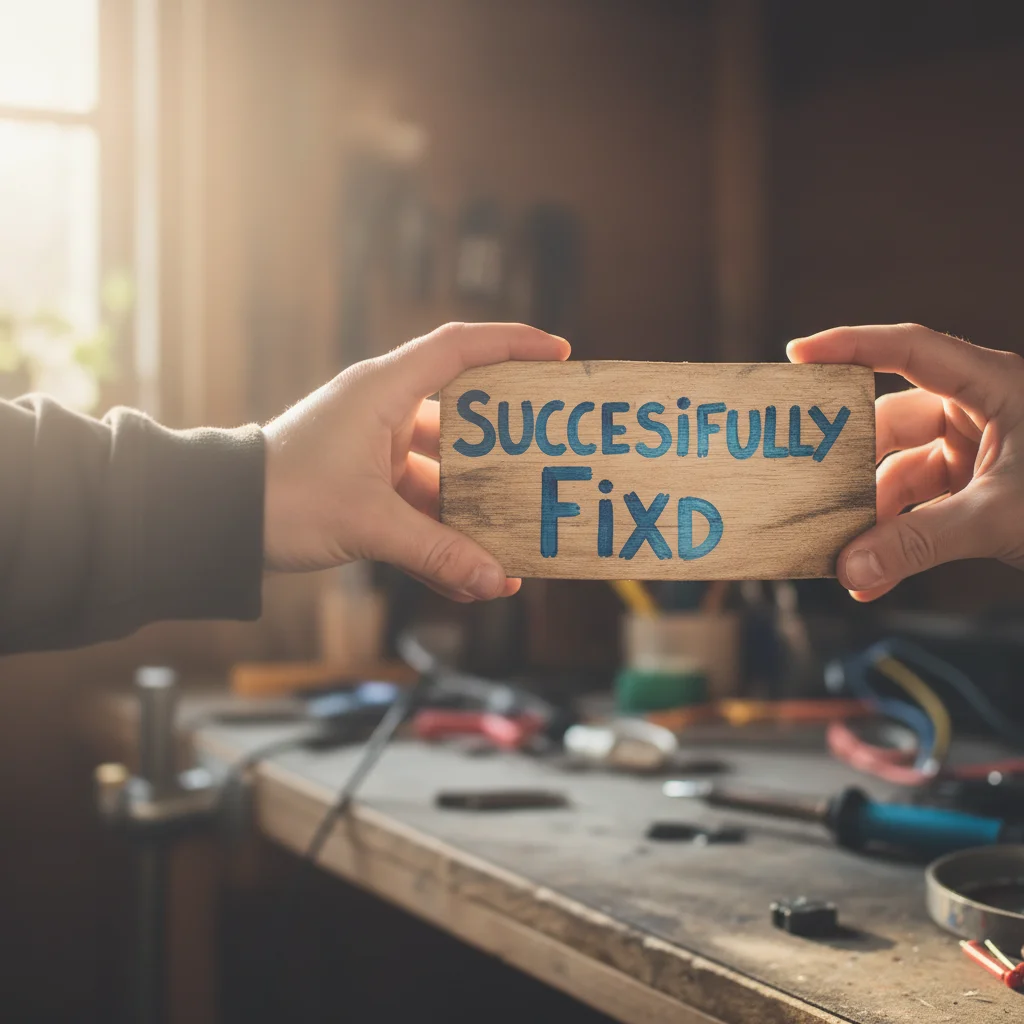
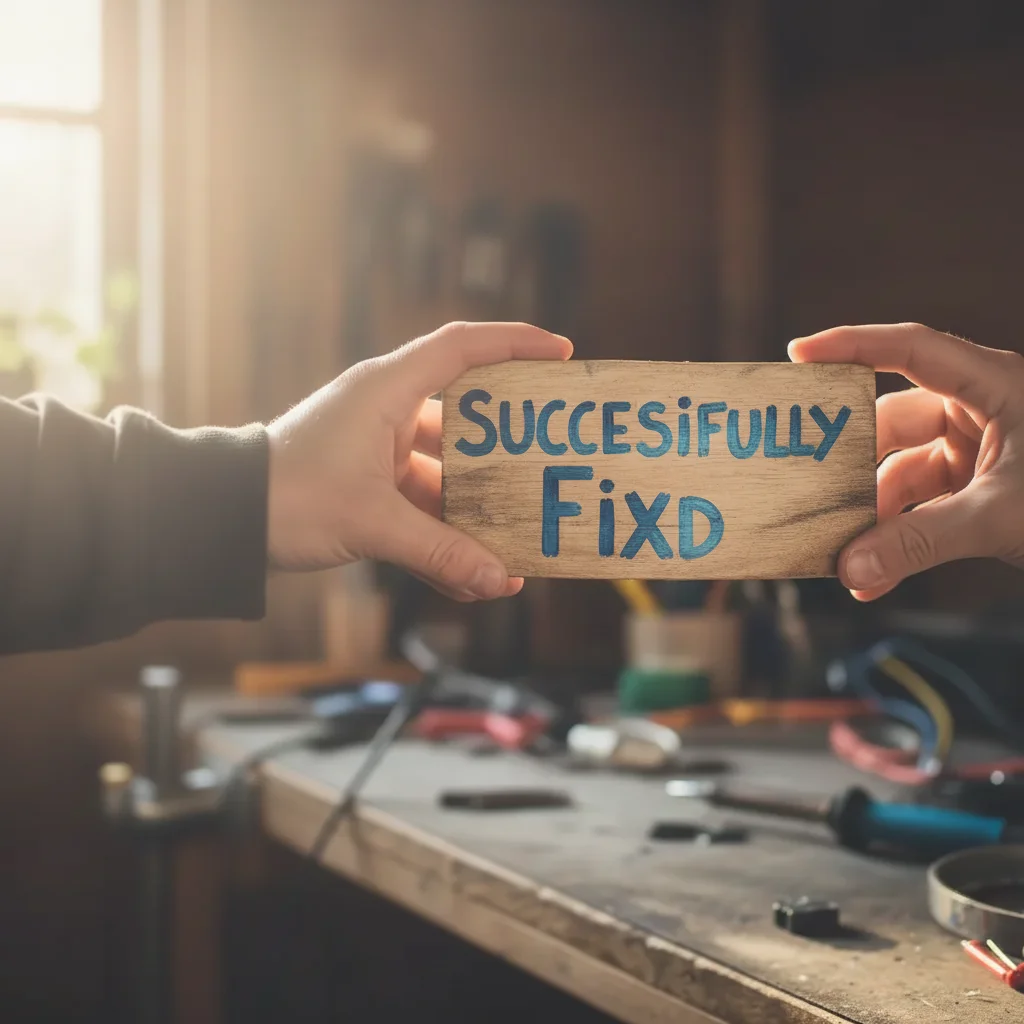
Blurry serial number made readable
Out-of-focus detail shot of product serial number. AI sharpened to documentation quality.
sharpen blurry photo, enhance fine detail clarity, make all text and markings readable
Condition detail photo sharpened
Blurry condition shot showing wear marks. AI sharpened while preserving authentic wear.
Phone macro shot recovered
Failed phone macro attempt on small item. AI recovered sharp detail from the soft image.
Common Blurry Photo Issues
AI sharpened but added artifacts or noise
Why: Aggressive sharpening can create halos around edges or amplify sensor noise, making the photo look processed.
sharpen photo naturally, reduce noise, no artificial sharpening artifacts, clean result
Request 'natural sharpening' to avoid the over-processed look. The AI can sharpen while keeping a natural appearance.
Text still not fully readable after sharpening
Why: Some blur is too severe for the AI to recover readable text. The original data simply is not there.
Try cropping to just the text area, then: maximize sharpness on this text, make fully readable
Cropping to just the text area lets the AI focus all its processing power on recovering those specific characters.
AI removed condition scratches thinking they were blur artifacts
Why: The AI may interpret fine scratches or wear marks as sharpening artifacts and smooth them out.
sharpen photo, preserve all condition marks and scratches exactly as-is, honest documentation
Add 'preserve condition marks' or 'honest documentation' to prevent the AI from smoothing over legitimate wear.
Sharpening looks different on each photo in the set
Why: Different amounts of blur in source photos lead to different levels of correction, creating inconsistent results.
sharpen to match the clarity level of my other listing photos, consistent detail quality
Process all detail photos in one session and use the same prompt for consistent results across your listing.
Blurry eBay Photo Questions
How blurry of a photo can be fixed?
Moderate blur from slight camera shake or focus issues can be significantly improved. Severely motion-blurred photos where the subject is streaked may only partially recover. If you can make out the general shape and some detail, the AI can usually sharpen it.
Will sharpening create fake details that are not on the actual item?
The AI enhances detail that exists in the image data. It does not fabricate serial numbers or markings. However, always verify sharpened photos against the actual item to ensure accuracy in your listing.
Should I use my phone's digital zoom for detail shots?
No. Digital zoom just crops and enlarges, creating more blur. Instead, take the photo at normal zoom from the closest distance your phone can focus, then use EditThisPic to sharpen and enhance the details.
Can I sharpen a photo that is both dark and blurry?
Yes. Brighten first with 'enhance lighting' then sharpen with 'fix blurry photo' in a second pass. Fixing brightness first gives the sharpening AI more detail to work with.
Is this useful for trading card condition photos?
Absolutely. Trading card edges, surface scratches, and centering details all benefit from sharpening. Use 'sharpen card condition details, preserve authentic surface wear' for honest grading photos.
Will sharpening increase the file size of my photo?
Slightly, but eBay accepts images up to 12MB per photo. The sharpened output from EditThisPic stays well within eBay's file size limits.
Is EditThisPic's AI fix blurry ebay detail photos really free?
Yes — you get 1 free edit per week, no account needed. Plans start at $4.99/month for 15 edits.
Can I ebay blurry detail on my phone?
Yes. EditThisPic works in any mobile browser — iPhone, Android, tablet. No app download needed.
Popular use cases
Ready to sharpen your eBay detail photos?
Free to try. No signup required. Sharp detail shots in seconds.
Start EditingTrusted by 15,000+ users