Free • No signup Open Editor

Fix Old Photo

Restore vintage photos to their original beauty in seconds.

Type 'restore this old photo, fix the damage and bring back vibrant colors' and EditThisPic's AI handles everything in 20-40 seconds. Works on scratches, fading, yellowing, stains, and general aging. The AI recognizes common deterioration patterns and fixes them automatically. No marking needed for full restoration—just describe what you want. Free to try, no account needed.

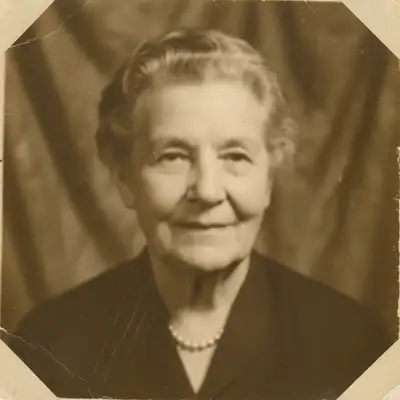
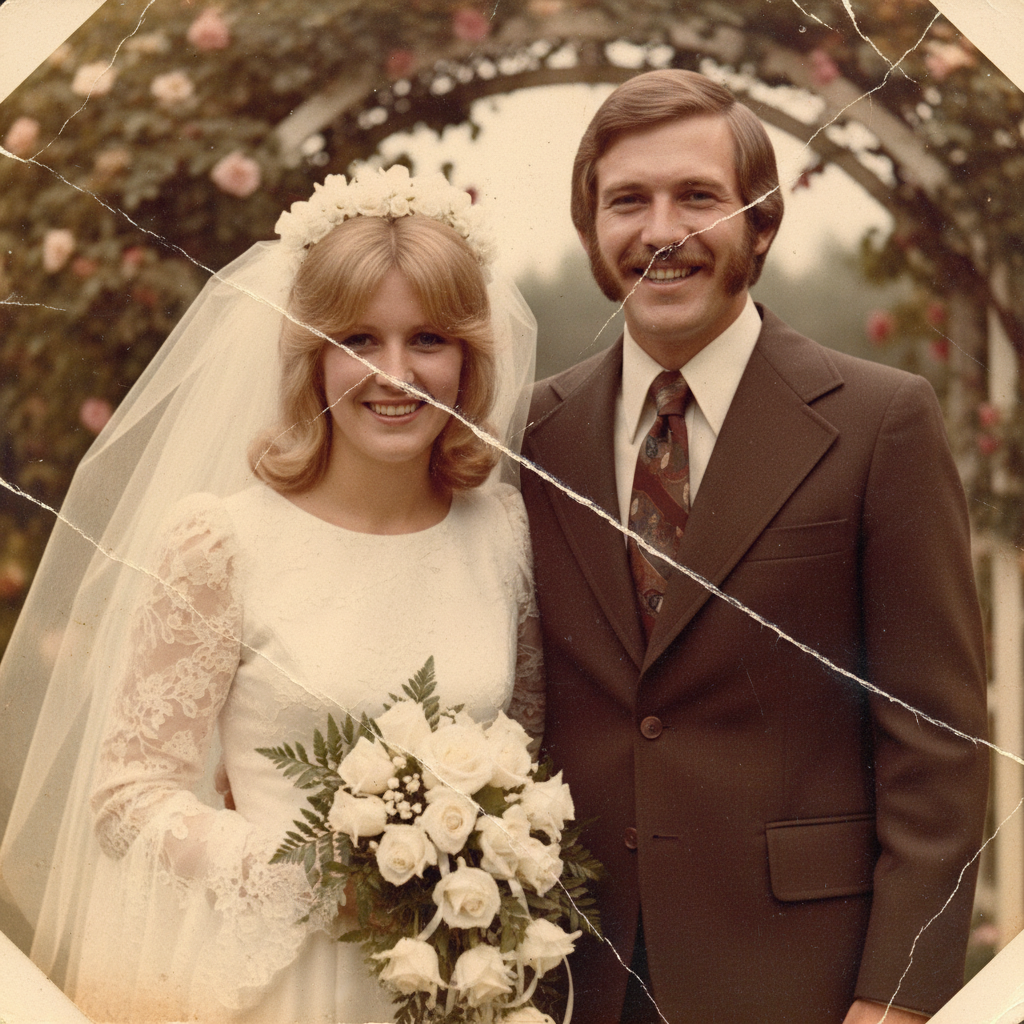
Severely aged family portrait with yellowing, scratches, and faded faces
Before
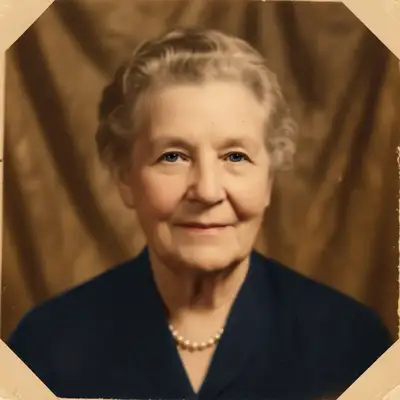
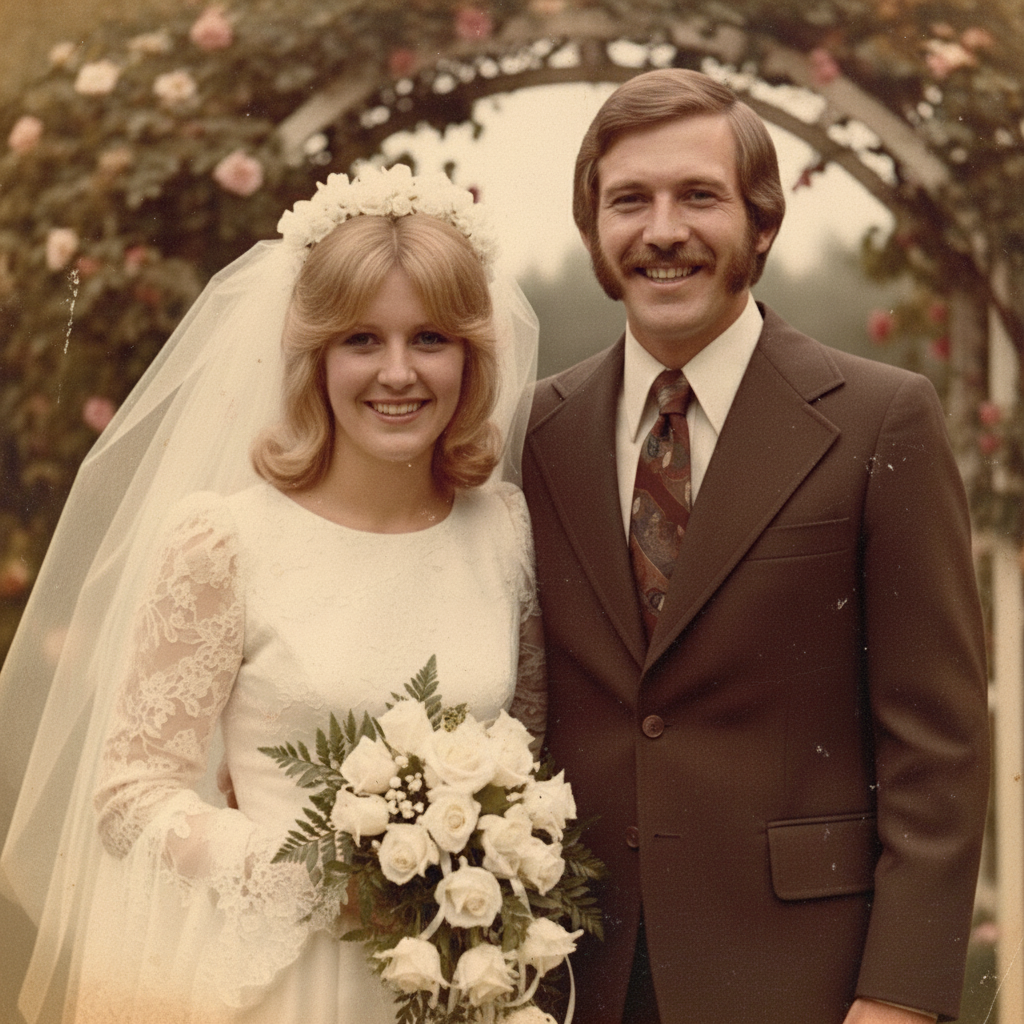
Fully restored family portrait with clear faces and natural colors
After

How it works

1

Upload your old photo

Drop your image into EditThisPic. JPG, PNG, WebP up to 7MB. Scan the original print at 300-600 DPI for best results. If photographing, use even lighting and avoid flash glare.

⏱ Minor aging: 20-30 seconds. Heavy damage with scratches and stains: may need 3-4 refinements.
2

Describe the restoration you want

Type your instruction: 'restore this old photo completely, fix scratches, fading, and color issues' or 'bring this vintage photo back to life with clear faces and natural colors.' Be comprehensive—mention all the problems you see. No marking needed for full restoration.

💡 Be specific about what matters most: 'especially restore the faces and eyes' prioritizes what you care about.

Copy one of these to get started:

Complete restoration of aged photo fully restore this old photo, fix all scratches and damage, restore faded colors, and make faces clear and natural
Focus on faces in old portrait restore this old portrait with special attention to the faces, bring back clear eyes, natural skin tones, and sharp facial details
Fix yellowing and color cast restore the original colors, remove the yellow aging tint, and bring back natural white balance throughout the photo
Repair scratches and physical damage repair all the scratches, cracks, and tears, reconstruct damaged areas to match the rest of the photo
4 more prompts
Preserve vintage character while improving gently restore this old photo while keeping its vintage character, fix damage and improve clarity without making it look modern
Restore old black and white photo restore this old black and white photo, fix the damage and fading, enhance contrast and clarity while keeping it monochrome
Multiple issues needing attention completely restore this photo: fix the water stains, remove scratches, correct the fading, and sharpen the blurry faces
Colorize and restore together restore this old black and white photo and colorize it with natural realistic colors, fix any damage while adding color
3

Review the restoration

Check faces first—they're the most important and most challenging element. Look for natural skin tones, clear eyes, and proper facial structure. Verify colors look authentic to the era while being vibrant.

4

Refine specific areas if needed

If some damage remains or faces need more work, tap markers on those areas and regenerate. Complex restorations may need a few passes—the AI improves with each refinement. Most photos restore well on the first try.

💡 For heavily damaged faces, do the overall restoration first, then use markers to refine facial details specifically.
Try it free
"I restored my grandmother's only photo from the 1940s. My mother cried when she saw it looking like new. This technology is a gift to families." @HeritageKeeper_Anna

See it in action

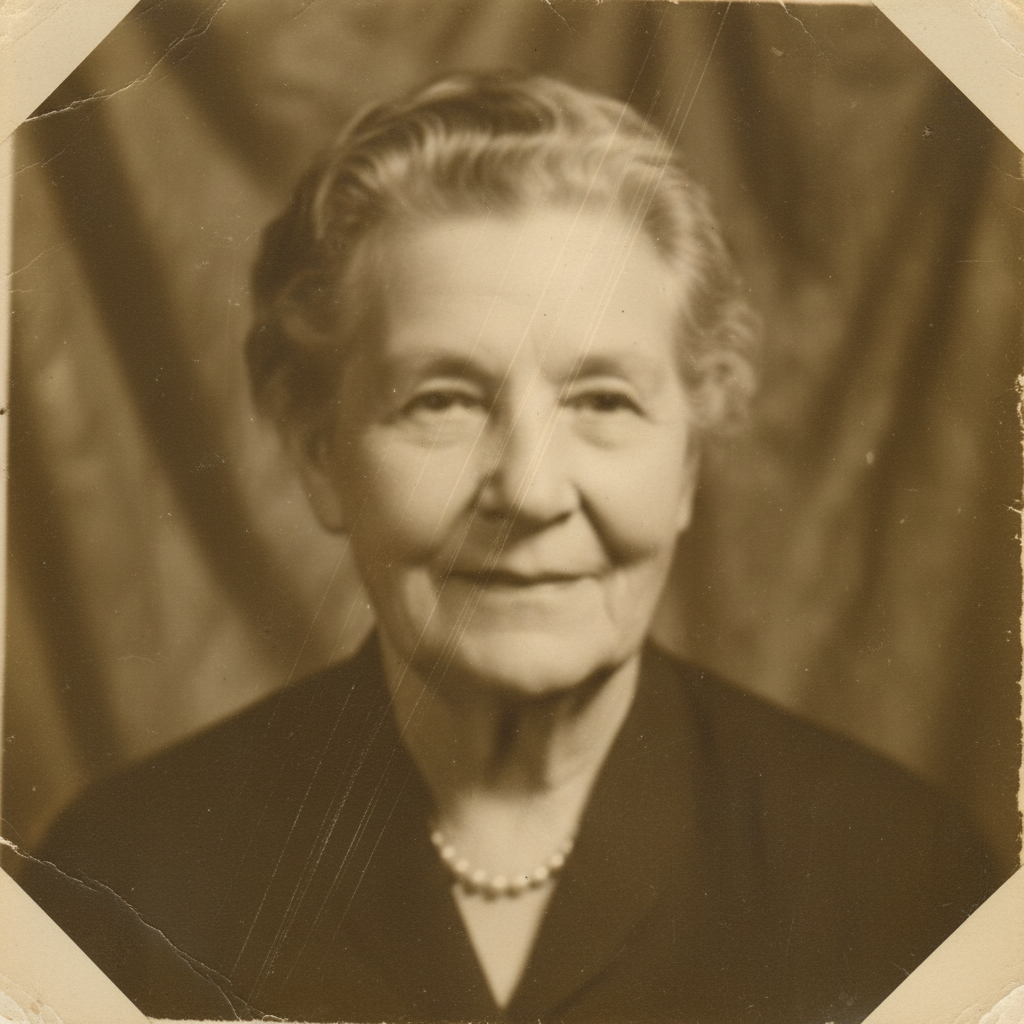
Severely aged family portrait with yellowing, scratches, and faded faces
Before
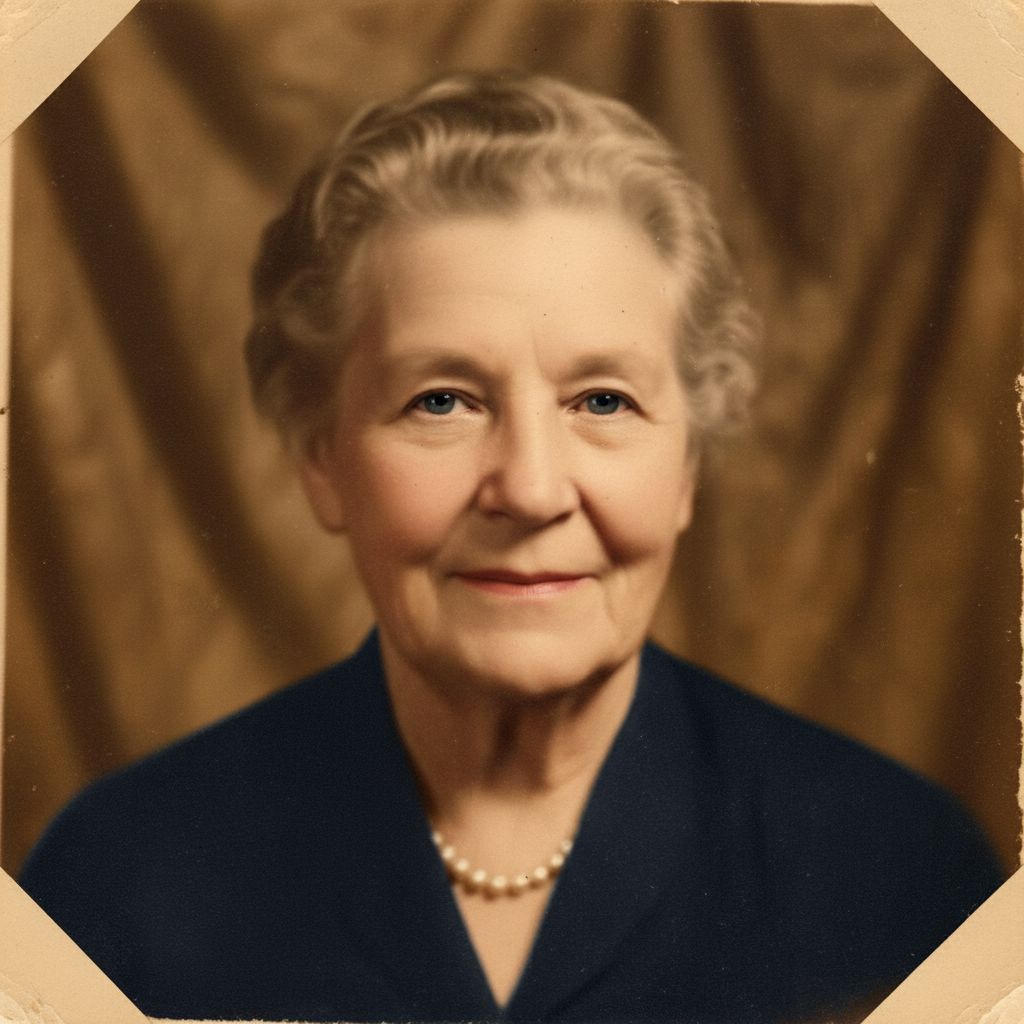
Fully restored family portrait with clear faces and natural colors
After

1950s family portrait brought back to life

This treasured portrait had severe yellowing, scratches, and faded faces. One prompt restored everything.

Prompt: fully restore this old photo, fix all scratches and damage, restore faded colors, and make faces clear and natural
Water-damaged military portrait with stains and faded face
Before
Restored military portrait with clear face and crisp uniform details
After

Grandfather's military photo restored

A water-damaged WWII era photo was rescued. The AI reconstructed damaged sections and restored the uniform details.

Prompt: restore this old military portrait, repair the water damage, bring back clear facial features and uniform details
Faded wedding photo with yellowed dress and age spots
Before
Restored wedding photo with white dress and vibrant natural colors
After

Wedding photo from the 1960s revived

Color dyes had faded and the photo had developed spots. The restoration brought back the joy of the original day.

Prompt: restore this old wedding photo, fix the color fading and spots, make the bride's dress white again and bring back natural skin tones

If something looks off

Faces look artificial or wrong after restoration

Why: Heavily damaged faces require the AI to infer missing details. When original information is too degraded, reconstructions may not match the person perfectly.

Try: carefully restore the faces with subtle natural enhancement, preserve the original likeness as much as possible

💡 For important photos, do gentle restoration first, then refine gradually rather than aggressive one-pass restoration.

Colors look over-saturated or unnatural

Why: The AI may overcorrect fading, especially when original colors are heavily degraded.

Try: restore with natural, period-appropriate colors, avoid over-saturation and keep tones authentic to the era

💡 Mentioning 'period-appropriate' helps the AI choose colors that look right for the photo's age.

AI changed the wrong area or something I didn't want changed

Why: The AI couldn't determine exactly which area you meant from description alone. This happens with ambiguous requests.

Try: Tap a marker on the specific damage you want fixed, then regenerate with the same prompt

💡 Markers tell the AI 'I mean THIS one specifically.' Use them when description alone is ambiguous.

Some damage remains after restoration

Why: Complex or subtle damage can be missed in the first pass, especially small scratches or faint stains.

Try: Tap markers on the remaining damage and use: remove these specific scratches and blend naturally

💡 Multi-pass restoration works well: general fix first, then targeted cleanup of remaining issues.

Photo lost its vintage character

Why: Aggressive restoration can make old photos look too modern or over-processed.

Try: restore the damage gently while preserving the vintage aesthetic, maintain some of the original aged warmth

💡 Not every imperfection needs fixing—some vintage character can be meaningful.

Texture looks smoothed or details are lost

Why: Noise reduction during restoration may have removed fine details along with damage.

Try: restore the damage while preserving natural texture and fine details, maintain the original photo grain

💡 Adding 'preserve grain' helps the AI maintain authentic texture during restoration.

Quick answers

Do I need to mark the damaged areas before describing?

No! For most old photo restoration, just describe what you want: 'restore this old photo' or 'fix the scratches and fading.' The AI recognizes common aging patterns—yellowing, scratches, fading, stains. Only use markers when specific damage spots need extra attention after the first pass.

Can AI perfectly restore faces that are very damaged?

The AI does remarkable work, but faces with severe damage involve inference—the AI reconstructs what it thinks should be there based on context. For lightly damaged faces, results are excellent. For heavily damaged faces, expect good but not perfect reconstruction. The original person's exact appearance may not be fully recoverable.

Should I scan or photograph my old print?

Scanning at 300-600 DPI gives the best results. If you must photograph, use a tripod, even diffused lighting (no flash), shoot straight on, and ensure the print is perfectly flat. Avoid shadows and reflections. The more detail you capture, the better the AI can distinguish damage from original content.

Can I restore a photo of a photo?

Yes, but quality depends on the photo-of-photo quality. If it's sharp and well-lit, the AI can work with it. Blurry or poorly lit captures limit what's possible. When possible, work from the original print or a quality scan.

Will restoration change who the person looks like?

For minor damage, faces remain accurate. For severe damage where facial features are missing, the AI infers what should be there—which may not perfectly match the original person. For heritage photos, consider gentle restoration that fixes obvious damage without aggressively reconstructing missing areas.

Ready to restore your treasured memories?

Free to try. No signup required.

Try it free