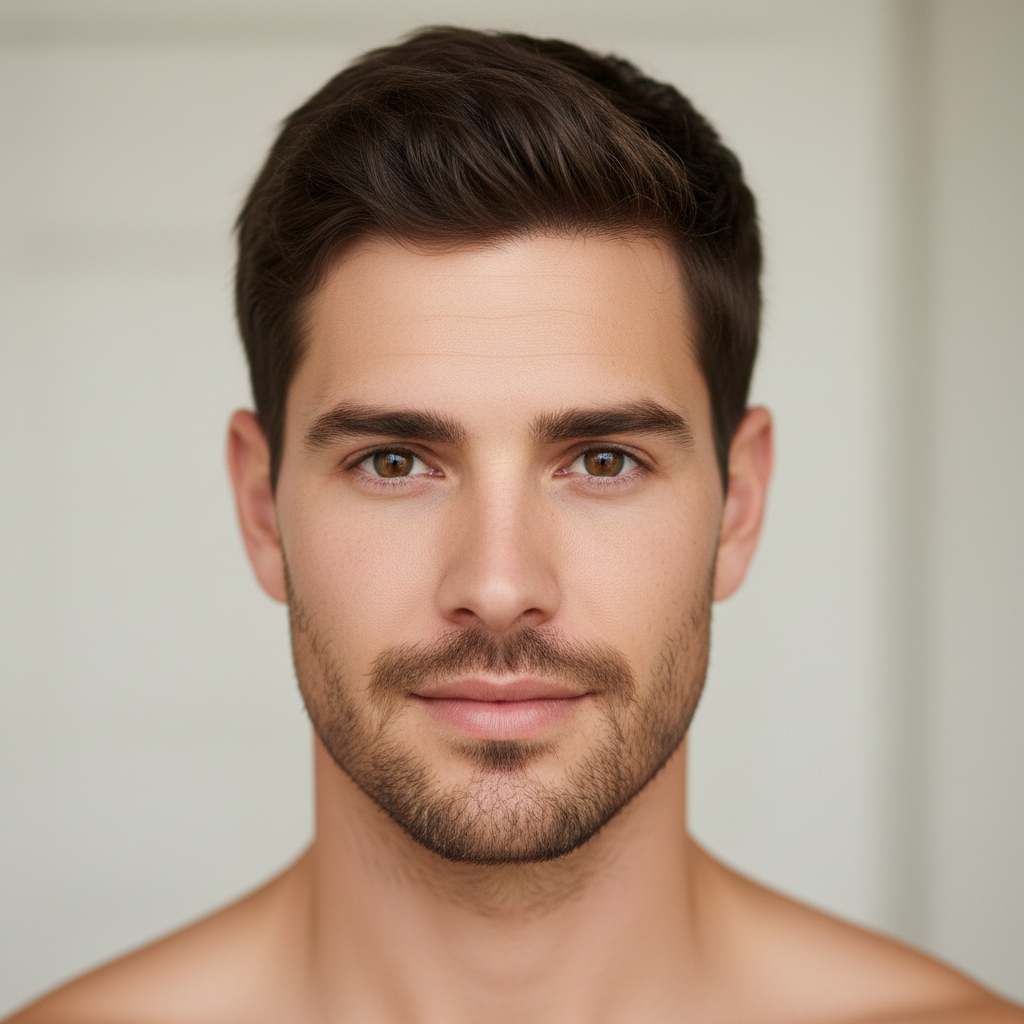
Do I need to mark my face before applying a gender swap?
No! Just describe the transformation: 'make this man look like a woman' or 'transform to masculine features.' The AI detects the face and applies gender changes automatically. Only use markers if there are multiple people and you want to transform just one person.
How do I apply a gender swap filter to my photo for free?
Upload a clear selfie to EditThisPic and type the transformation you want. For male to female: 'make this person look female with longer hair and softer features.' For female to male: 'make this person look male with short hair and stronger jawline.' Results appear in 30 seconds.
Is there a free gender swap filter that doesn't require login?
Yes, EditThisPic is free to try with no account needed. Upload your photo, describe the gender transformation, and download the result. No watermarks. Works for both male-to-female and female-to-male transformations.
Can the AI gender swap filter preserve my identity while changing gender?
Yes, the AI adjusts gender-specific features like jawline, hair, and facial softness while keeping your core identity intact. You should still be recognizable after the transformation. For best results, mention 'preserve facial identity' in your prompt.
Is EditThisPic's AI gender swap filter applyer really free?
Yes — you get 1 free edit per week, no account needed. For unlimited edits, plans start at $3.99/month.
What photo formats does the AI gender swap filter applyer support?
JPG, PNG, WebP, and HEIC. Upload any common photo format and EditThisPic handles the rest.
How long does it take to apply gender swap filter?
Usually 15-30 seconds. Upload your photo, describe what you want, and the AI delivers the result.
Can I undo or adjust the AI edit if I don't like the result?
Yes. You can refine your prompt and re-edit as many times as you want. Each attempt uses one edit credit (or your free weekly edit).