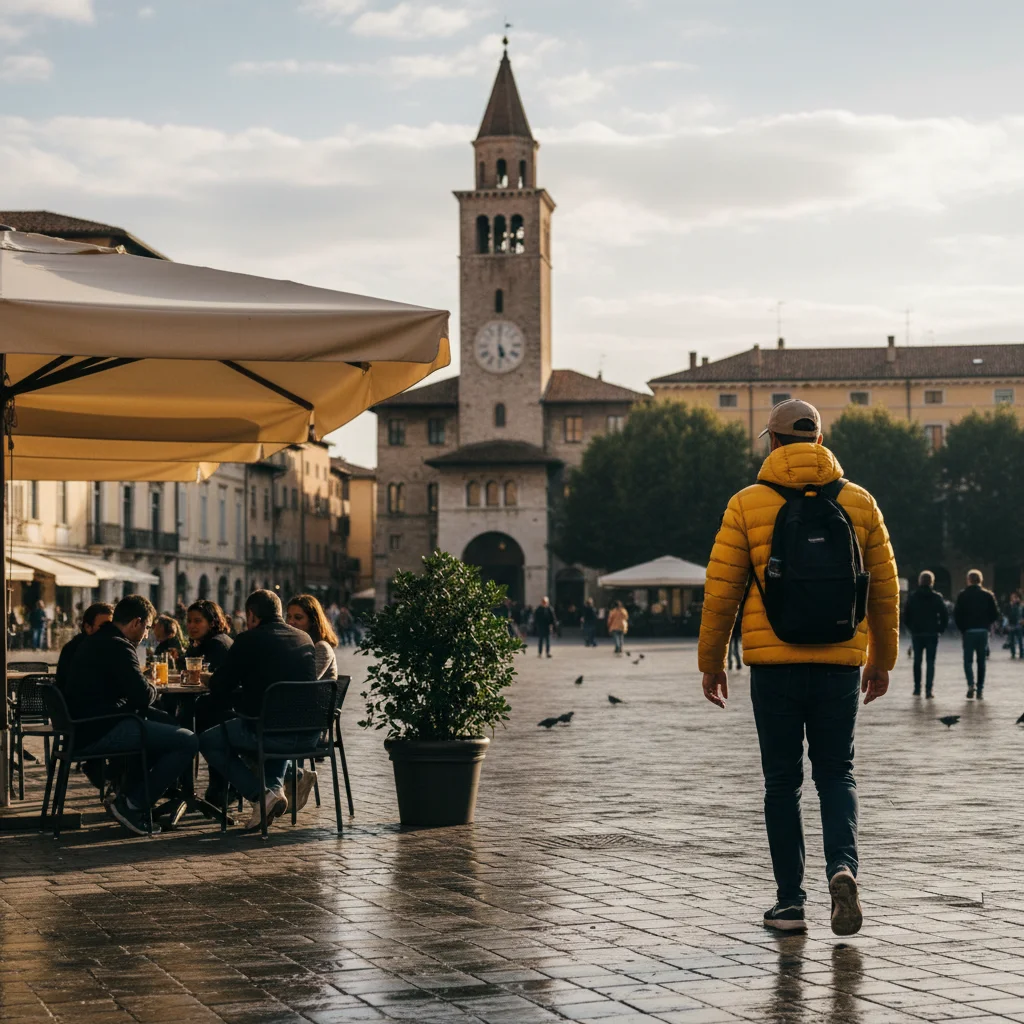
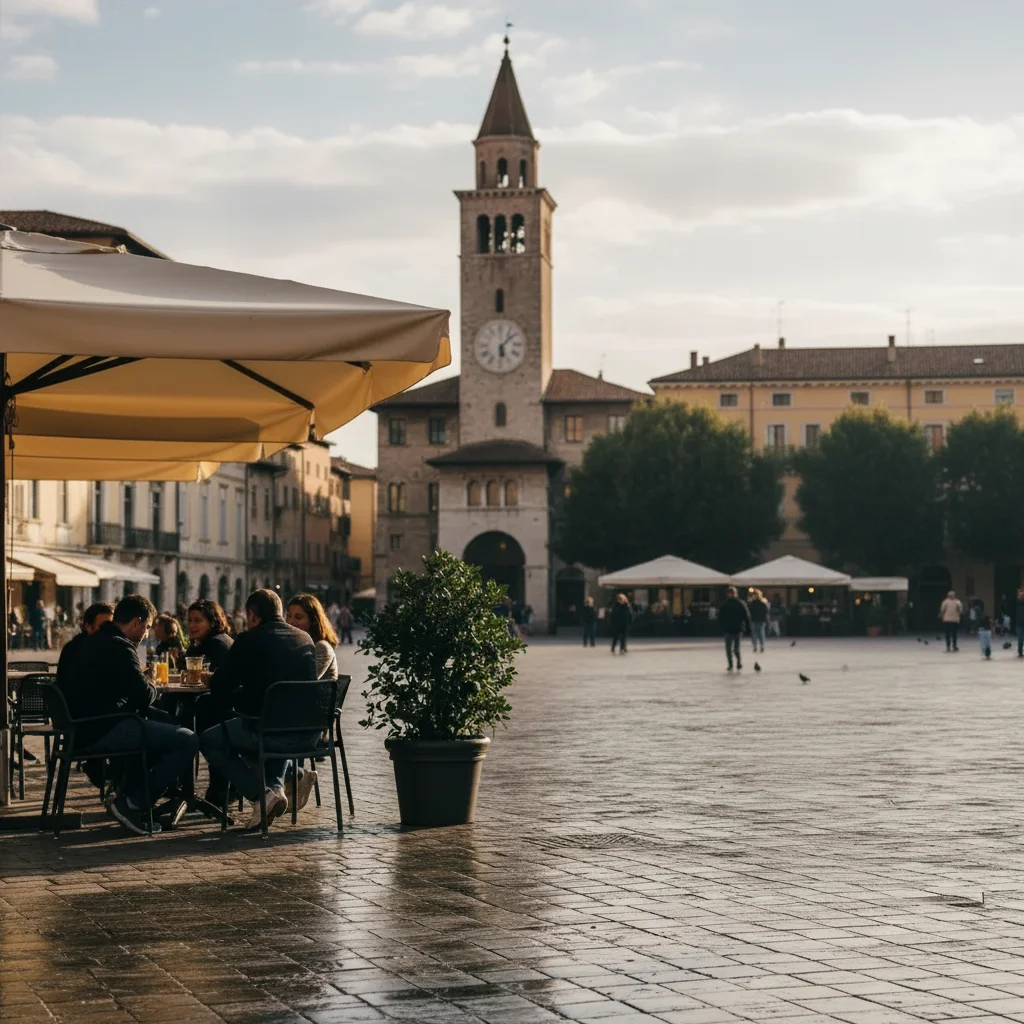
Free β€’ No signup Make Someone super tall in photo Β· Free

Make Someone Super Tall in a Photo

Upload a full-body photo and the AI stretches your subject to absurd, giraffe-level heights β€” legs impossibly long, head grazing the ceiling. Send it to them with the caption 'when did you get so tall?' and watch the confusion roll in.

Person of average height standing in a hallway in front of a doorframe
Before
β†’
Same person stretched to an absurd height, head towering above the doorframe, legs impossibly long
After

Make Someone Super Tall in a Photo

Upload photo to make someone super tall

Free β€’ Results in 30 seconds β€’ No signup

Release to upload

FreeNo signupNo watermark

1 free edit·then from $1.99

Popular use cases:
  • prank photos
  • funny photo edits
  • height change prank photo
  • make someone look tall AI
  • stretch person in photo
  • giant height photo editor
  • body proportion photo prank
  • tall filter free online

Cost
Free No signup required
Time
Instant results in 15-30 seconds
Works on
Any device - browser, phone, tablet, desktop
Powered by
AI-powered photo editing
Scenario Prompt Time
NBA giant Stretch person to 7'6", background unchanged 15s
Doorframe tower Taller than the doorframe, head above the top 15s
Subtle prank Make them look 6'7" β€” noticeable but not cartoonish 15s
Group shot Stretch the person on the left, everyone else stays normal 30s

How it works

  1. Upload your photo

    Use a full-body photo where the person's entire height is visible β€” head to feet. Standing shots with a clear background work best. A photo taken from slightly below eye level will exaggerate the effect even more.

    Expect: Upload takes about 2 seconds. Any phone photo works fine.
  2. Describe how tall you want them

    Type what you want. Be specific about the degree of stretch β€” 'slightly taller' will get you a modest change, but the best pranks go further. Try: 'Stretch this person so they look about 7 and a half feet tall, with absurdly long legs, while keeping the background and everything around them the same size' or 'Make this person look like a giant β€” head near the ceiling, legs twice as long as normal.'

    Tip: Describe the background staying the same size as the key constraint. This contrast β€” giant person, normal surroundings β€” is what makes the edit look funny rather than just distorted.

    Copy one of these to get started:

    NBA giant Stretch this person so they look 7 feet 6 inches tall β€” absurdly long legs, same-sized head, background and furniture untouched so the scale contrast is obvious
    Head grazing the ceiling Make this person so tall that their head is nearly touching the ceiling of the room, legs stretched impossibly long, everything else in the room the same normal size
    Taller than the doorframe Stretch this person so they are significantly taller than the doorframe behind them, their head above the top of the door, legs elongated to match
    Short person prank Make this person look extremely tall β€” at least twice the height they appear in the original photo β€” with very long legs and the rest of the scene completely unchanged
    4 more prompts
    Giraffe-neck stretch Stretch this person's entire body to look freakishly tall and thin, like a giraffe version of them, legs and torso both elongated, head the same size
    Dwarfing everyone in a group photo Make this one person in the group look extremely tall β€” at least a full head and shoulders above everyone else β€” as if they are 7 feet tall while the rest of the group stays normal
    Subtle prank β€” just a few inches too tall Make this person look about 6 feet 7 inches tall β€” noticeably taller than normal but not cartoonish, like they had a quiet growth spurt no one noticed
    Looming over parked cars Stretch this person to be taller than the cars parked beside them β€” legs and torso both elongated so they tower over the vehicles like a skyscraper
  3. Send it

    Download and text it to the person in the photo β€” or post it to the group chat with no context. 'Is everything okay?' works as a caption. So does 'growth spurt?' The confusion is the point.

Try it free ↓

Make Someone Super Tall in a Photo

Upload photo to make someone super tall

Free β€’ Results in 30 seconds β€’ No signup

Release to upload

Free β€’ No signup

See it in action

Person of average height standing in a hallway in front of a doorframe
Before
->
Same person stretched to an absurd height, head towering above the doorframe, legs impossibly long
After

Doorframe giant

A normal photo of someone standing in a hallway gets the full stretch treatment β€” they now tower over the doorframe by two heads, legs impossibly long.

Prompt: Stretch this person so they are significantly taller than the doorframe behind them, their head above the top of the door, legs elongated to match
Young man of normal height standing in a living room with a ceiling fan visible above
Before
->
Same man stretched to 7-foot-plus height, head near the ceiling fan, legs twice as long
After

NBA stretch in the living room

A sitting-room snapshot becomes surreal β€” one person is now NBA-center tall, head near the ceiling fan, while the furniture around them stays completely normal.

Prompt: Stretch this person so they look 7 feet 6 inches tall β€” absurdly long legs, same-sized head, background and furniture untouched so the scale contrast is obvious
Three friends of similar height standing together for a group photo
Before
->
Same group photo with one person stretched to tower absurdly above the other two
After

Group photo height gap

In a group shot, one person is stretched to tower over everyone else by a full foot and a half β€” like they went to the doctor for a routine checkup and came back 7 feet tall.

Prompt: Make this one person in the group look extremely tall β€” at least a full head and shoulders above everyone else β€” as if they are 7 feet tall while the rest of the group stays normal

If something looks off

The whole photo got stretched, not just the person

Why: The AI stretched the entire image proportionally instead of isolating the subject. This usually happens when the prompt doesn't specify 'keep the background the same size.'

Try: Stretch only the person in this photo so they look extremely tall β€” legs and torso elongated β€” while keeping the background, furniture, and everything around them exactly the same size

Tip: The background-stays-normal constraint is the key instruction. Without it, the AI has no reason not to stretch everything.

The result looks too subtle β€” they just look slightly tall, not prank-level tall

Why: The AI defaulted to a moderate change. Height edits often need an explicit degree of stretch to land in funny territory.

Try: Make this person look at least twice as tall as they appear now β€” impossibly long legs, stretched torso, like they are 7 feet 6 inches and towering over everything around them

Tip: Use exaggerated language: 'impossibly long legs,' 'towering over everything,' 'NBA center height.' Understated prompts get understated results.

The person's head or feet got cut off during the stretch

Why: The AI extended the body beyond the image frame. This happens most often in portrait-mode photos where vertical space is limited.

Try: Stretch this person to look extremely tall while keeping their full body β€” head and feet β€” visible within the frame, compressing the proportions if needed to fit

Tip: Use landscape-orientation photos or make sure there's visible space above the person's head and below their feet before uploading.

The person looks distorted rather than tall β€” arms and torso are weird

Why: The AI stretched unevenly. Specifying which parts to elongate helps focus the edit.

Try: Elongate the legs and torso of this person so they look extremely tall, keeping the arms, head, and shoulders proportional β€” just longer overall like a naturally very tall person

Tip: Tall people have long legs and a long torso but normal-sized heads and arms. Describing 'naturally very tall' rather than just 'stretched' gets more proportional results.

The photo is a group shot and the wrong person got stretched

Why: The AI couldn't tell which person to target without a specific reference point.

Try: Stretch only the person on the left side of the photo so they look extremely tall β€” about 7 feet β€” while everyone else in the group stays their normal height

Tip: Reference the target by position (left, right, center, front row) or a distinctive clothing item to make sure the AI edits the right person.

Quick answers

Do I need to mark the person before typing my prompt?

No. Just describe the height change and the AI identifies the person and applies the stretch. If you have a group photo and the AI stretches the wrong person, tap the image to place a marker on the correct person before retrying with the same prompt. Markers help the AI target the right subject when multiple people are in frame.

Will the edit look real enough to fool someone?

For a quick look at a phone screen, usually yes β€” especially at subtle-to-moderate stretch levels. The more absurd the height (true giant territory), the more obviously edited it is, which is still funny but different. For the most convincing pranks, go for 'noticeably taller than normal' rather than 'impossibly freakish.' The target is more likely to do a double-take than immediately say 'that's edited.'

Is this free?

Yes. EditThisPic gives you 1 free Fast edit per week with no account needed β€” no signup, no credit card. If you want to run a few variations to get the funniest version, credit packs start at $1.99.

What kind of photo gives the best results?

Full-body shots where you can see the person from head to feet work best. Standing in front of a wall, doorframe, or furniture gives the AI clear scale references to make the height contrast obvious. Avoid cropped photos that cut off legs β€” the stretch needs room to work. Photos with a bit of space above the person's head help too, so the stretched version doesn't get clipped.

Can I use this to make myself look taller for a photo?

Yes. It works equally well as a vanity edit and as a prank. If you want to look a realistic 2-3 inches taller in a photo rather than comically tall, describe a subtle stretch: 'Make me look about 6 feet 2 inches tall, legs slightly longer, proportional change only.' The same tool, just a different degree of edit.

Does it work on group photos?

Yes, with a more specific prompt. Reference the person by position or clothing β€” 'stretch the person on the right' or 'make the person in the red jacket look extremely tall while everyone else stays the same.' Without that reference, the AI may pick the most prominent person or stretch the whole image.

Does EditThisPic save my photos?

Your photo is used only to process the edit and is not stored permanently or used for training. Since no account is required, there is no profile associated with your uploads.

How is this different from just using a stretch filter in a photo app?

Rigid stretch filters distort everything proportionally β€” the background and furniture warp along with the person, and it looks obviously tampered with. EditThisPic's AI understands the difference between the subject and the scene, so it can stretch the person while leaving the surroundings intact. That contrast β€” giant person, normal room β€” is what makes the edit convincing and funny rather than just visually broken.

How much does EditThisPic cost?

You get 1 free edit per week β€” no account needed. After that, credit packs start at $1.99 for 3 edits. Monthly plans start at $4.99/mo for 15 edits with unused credits rolling over. All edits are full resolution with no watermark.

Ready to make someone super tall?

Free to try. No signup required.

1 free edit included·Credit packs from $1.99