Free • No signup Create Realtor headshot · Free

Realtor Professional Headshot

Upload a selfie and get a professional headshot in seconds.

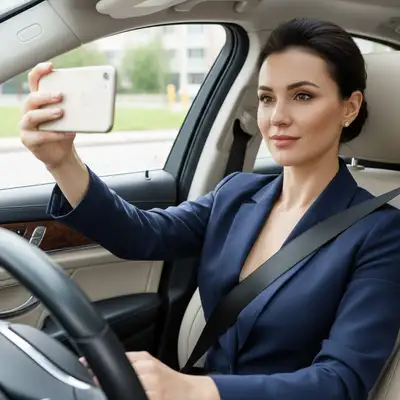
Casual photo
Before
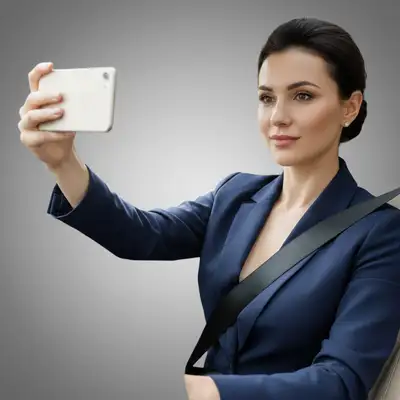
Professional realtor headshot
After

Realtor Professional Headshot

Drop your photo here

or click to browse

Release to upload

Free • No signup

Popular use cases:
  • create realtor headshot
  • AI realtor headshot editor
  • photo realtor headshot tool
  • free realtor headshot editing

Cost
Free No signup required
Time
Instant results in 15-30 seconds
Works on
Any device - browser, phone, tablet, desktop
Powered by
AI-powered photo editing

How it works

  1. Upload your photo

    Upload a clear, front-facing portrait. Good lighting on the face and visible facial features give the AI the best foundation for realtor headshot editing. JPG, PNG, WebP up to 7MB.

    Expect: Most edits complete in 20-45 seconds. Complex changes may need 1-2 refinements.
  2. Describe your edit

    Type what you want: 'Transform this into a professional realtor headshot with a warm, trustworthy look.' Be specific about details for best results. The AI understands natural language — no technical skills needed.

    Tip: Use a well-lit face photo — the AI handles background and professional styling.

    Copy one of these to get started:

    Listing Photo Create a professional realtor headshot with a warm neutral background, friendly smile, and trustworthy look
    Yard Sign Create a high-contrast realtor headshot optimized for yard signs and outdoor advertising
    Luxury Market Create an upscale realtor headshot with a sophisticated dark background conveying luxury market expertise
    Team Page Create a professional realtor headshot for a brokerage team page with consistent white background
    4 more prompts
    Social Media Create a warm, approachable realtor headshot optimized for social media profiles and ads
    Professional quality result create realtor headshot with professional quality, clean composition, and balanced lighting
    LinkedIn profile update for realtor create realtor headshot with a clean navy or gray background, soft directional lighting, and sharp focus on the face. Keep it looking approachable yet professional
    Eye-catching creative version create realtor headshot with vibrant colors and striking visual impact for social media
  3. Review the result

    Zoom in on facial details — check that skin tones look natural, edges blend seamlessly, and no artifacts appear around the hairline, jawline, or eyes. Use the before/after slider to compare.

  4. Refine if needed

    If specific facial features need adjustment — asymmetric eyes, unnatural skin smoothing, or hairline artifacts — tap markers on those spots and describe the fix. Fine-tune until the result looks like a natural photo.

    Tip: Markers are optional. Try without them first — the AI usually gets it right.
Try it free

Realtor Professional Headshot

Drop your photo here

or click to browse

Release to upload

Free • No signup

"Updated all my listing photos and business cards with my new AI headshot. Clients love the polished look!" @TopRealtor

See it in action

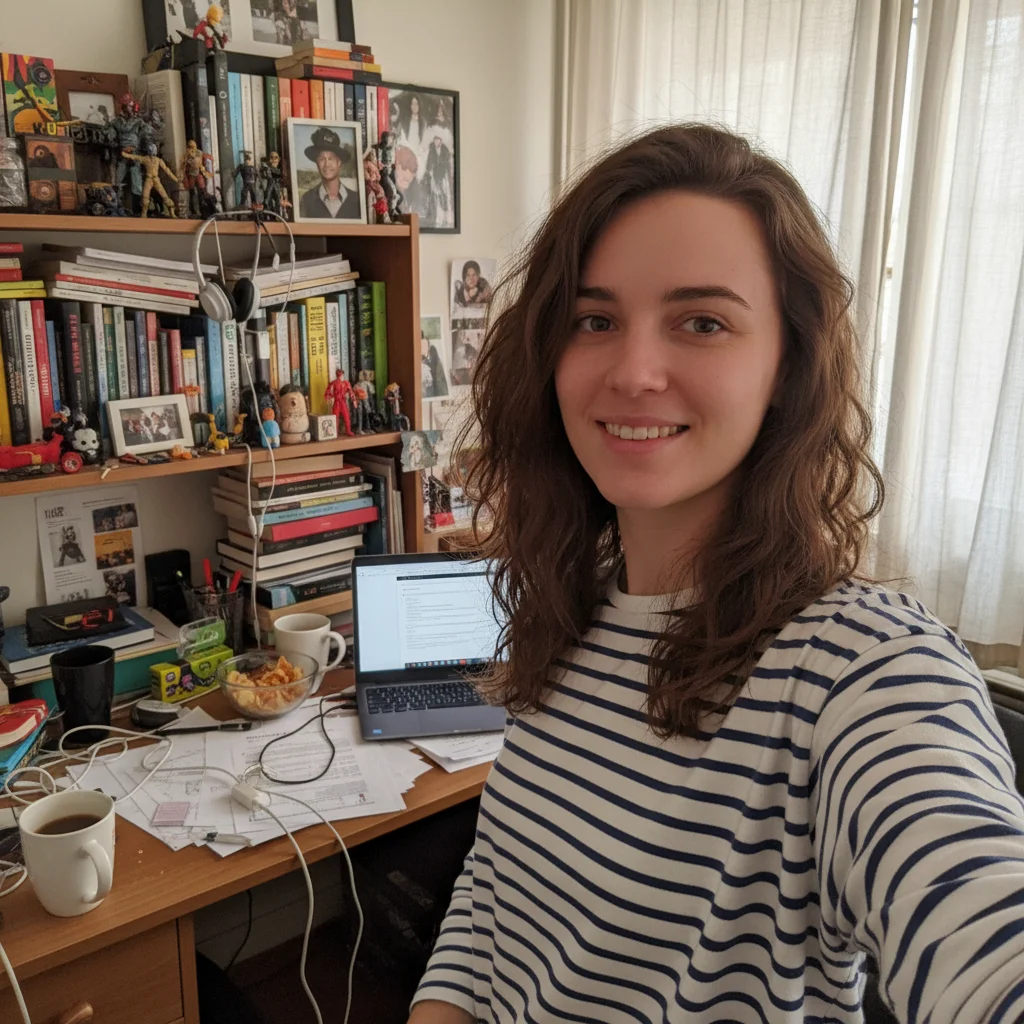
Casual photo
Before
->
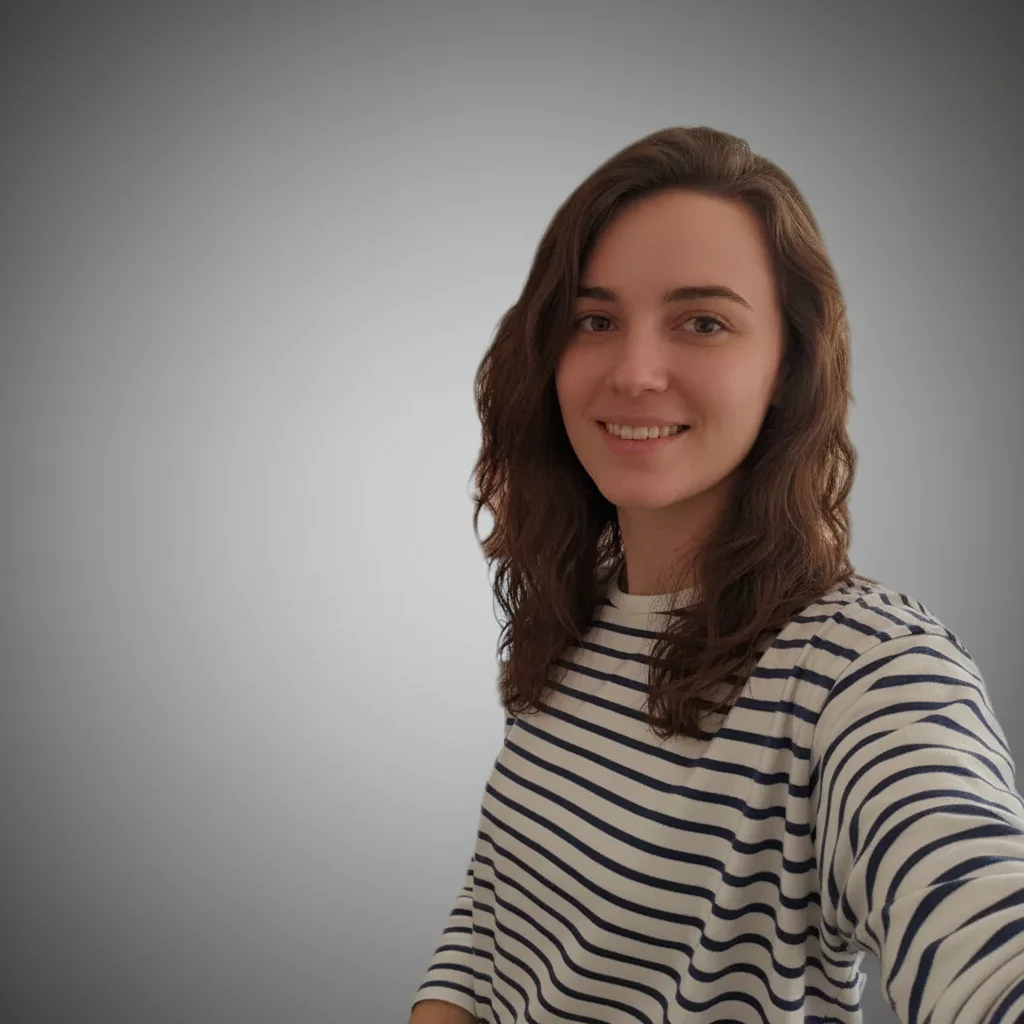
Professional realtor headshot
After

Casual to Realtor Headshot

Casual photo transformed into a polished realtor headshot.

Prompt: Create a professional realtor headshot with warm neutral background
Photo at home
Before
->
High-contrast realtor headshot
After

Home Photo to Yard Sign Ready

Home photo optimized for high-contrast yard sign use.

Prompt: Create a high-contrast realtor headshot for yard signs

Detailed Guides by Scenario

📷

Career Advancement

A polished realtor headshot signals competence and approachability — critical for LinkedIn, company directories, and conference speaker bios.

Common Scenarios

  • Updating your LinkedIn profile with a realtor headshot that reflects your current role
  • Providing a professional realtor photo for an internal company directory or 'About Us' page
  • Submitting a speaker or panelist headshot for an upcoming realtor industry event

Best Practices

  • Use a plain or softly blurred background — avoid busy environments that pull focus from your face
  • Wear solid colors typical of your industry; avoid loud patterns that distract on small thumbnails
  • Ensure the crop is head-and-shoulders — the standard framing for realtor headshots
📷

Industry-Specific Requirements

Many realtor roles have specific headshot standards for directories, licensing boards, or institutional profiles.

Common Scenarios

  • Meeting association or licensing board photo requirements for realtor professionals
  • Preparing a headshot for a realtor firm website that matches the team's visual style
  • Creating a realtor photo for a professional directory or industry publication

Best Practices

  • Research your specific realtor organization's photo guidelines before editing — some require formal attire or specific backgrounds
  • Keep the expression confident yet approachable — avoid overly casual or overly stiff poses
  • Match the lighting and background style of existing team photos if the headshot will appear alongside colleagues
📷

Personal Branding

Build a recognizable personal brand as a realtor with a consistent, high-quality headshot across all platforms.

Common Scenarios

  • Creating a signature realtor headshot for coaching, consulting, or freelance profiles
  • Using the same professional realtor photo across LinkedIn, personal website, and email signature
  • Refreshing an outdated realtor headshot without booking a new photo session

Best Practices

  • Use the same headshot everywhere — consistency builds recognition and trust
  • Choose lighting that flatters your features: soft, diffused light minimizes harsh shadows
  • If you already have a good selfie, the AI can transform it into a realtor-grade headshot

If something looks off

AI changed the wrong area

Why: The AI couldn't determine exactly which area you meant from the description alone.

Try: Tap a marker on the specific area you want to edit, then regenerate with the same prompt

Tip: Markers tell the AI exactly where to focus. Use them when description alone is ambiguous.

Result looks unnatural or blurry

Why: The AI may need more specific guidance about the look you want.

Try: Transform this into a professional realtor headshot with a warm, trustworthy look, ensure natural lighting and sharp details that match the rest of the photo

Tip: Adding 'natural' and 'realistic' to your prompt helps the AI prioritize believability.

Background not fully uniform

Why: Parts of the original background are showing through or the new background has visible gradients.

Try: Regenerate with 'clean, perfectly uniform solid background with no gradients or shadows'

Tip: Use a well-lit face photo — the AI handles background and professional styling.

Skin retouching looks overdone

Why: The AI applied too much smoothing, creating an artificial plastic look.

Try: Add 'subtle, natural skin retouching that preserves pores and texture' to your prompt

Tip: Say 'professional but natural retouching' to keep skin texture while removing blemishes.

Lighting on face looks flat

Why: The professional lighting setup removed the natural depth and dimension from the face.

Try: Try 'professional headshot lighting with natural shadows for dimension and depth'

Tip: Mention a lighting style: 'Rembrandt lighting' or 'soft butterfly lighting' for more dimensionality.

Quick answers

What makes a good realtor headshot?

A good realtor headshot conveys trust, warmth, and professionalism. Bright eyes, a genuine smile, and clean background are key elements.

Can I use this on yard signs?

Yes. Request a high-contrast version optimized for outdoor signage.

Is it free?

Yes. Free realtor headshot creation with no signup.

Good for Zillow and Realtor.com?

Yes. The output works for all real estate platforms including Zillow, Realtor.com, MLS listings, and brokerage websites.

Should I look formal or approachable?

Most successful realtors go for polished but approachable. Professional attire with a genuine, warm smile is the sweet spot.

Can I match my brokerage branding?

Yes. Mention your brand colors in the prompt.

Can I create realtor headshot on my phone?

Yes. EditThisPic works in any mobile browser -- iPhone, Android, tablet. No app download needed.

What photo formats does the realtor professional headshot tool support?

JPG, PNG, WebP, and HEIC. Upload any common photo format and EditThisPic handles the rest.

Ready for your professional headshot?

Free to try. No signup required.

Try it free