Free • No signup Open Editor

Remove Flyaway Hair from Photo

Tame stray strands and wispy flyaways with a simple text description.

Type 'smooth down flyaway hairs and stray strands while keeping natural hair texture' and EditThisPic's AI cleans up wispy hairs in 15-30 seconds. No manual selecting or tracing required. Just describe what you want fixed. Works on windy outdoor shots, studio portraits, and professional headshots. Free to try, no account needed.

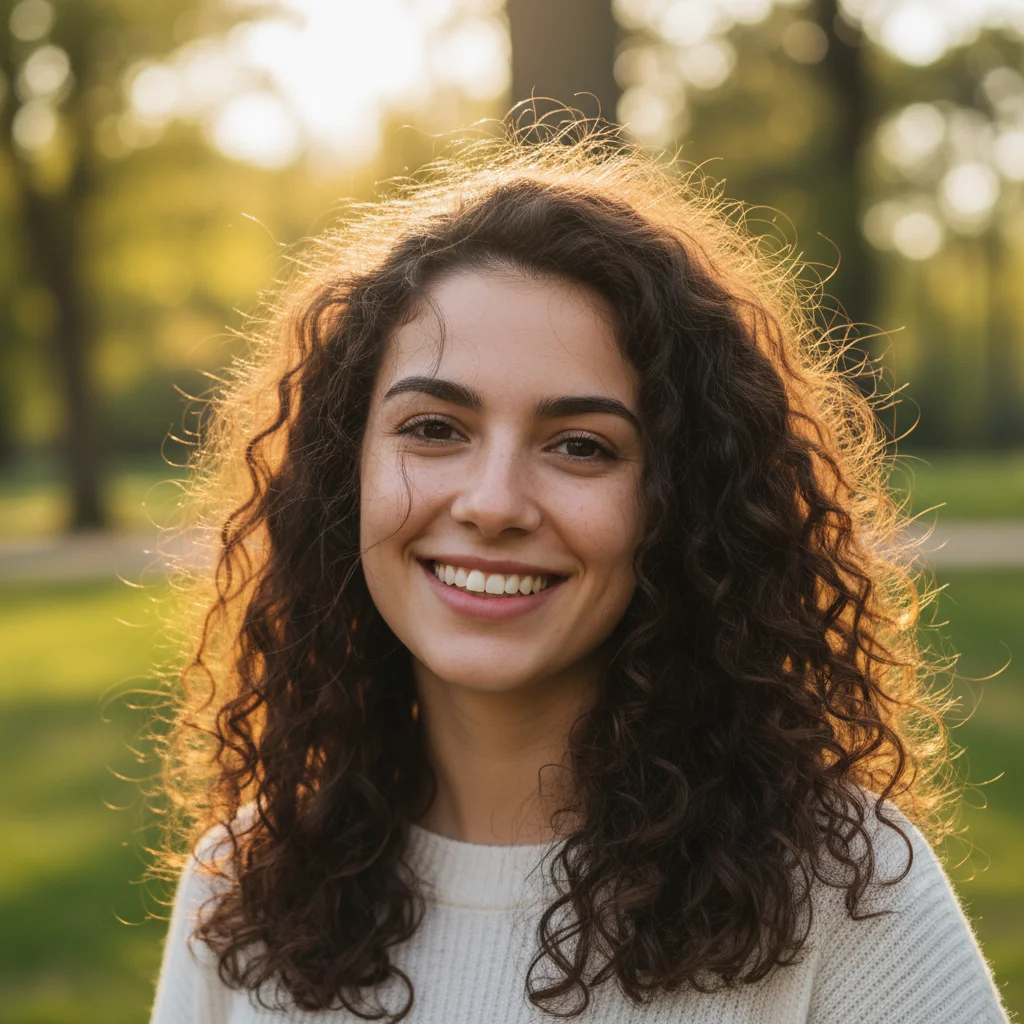
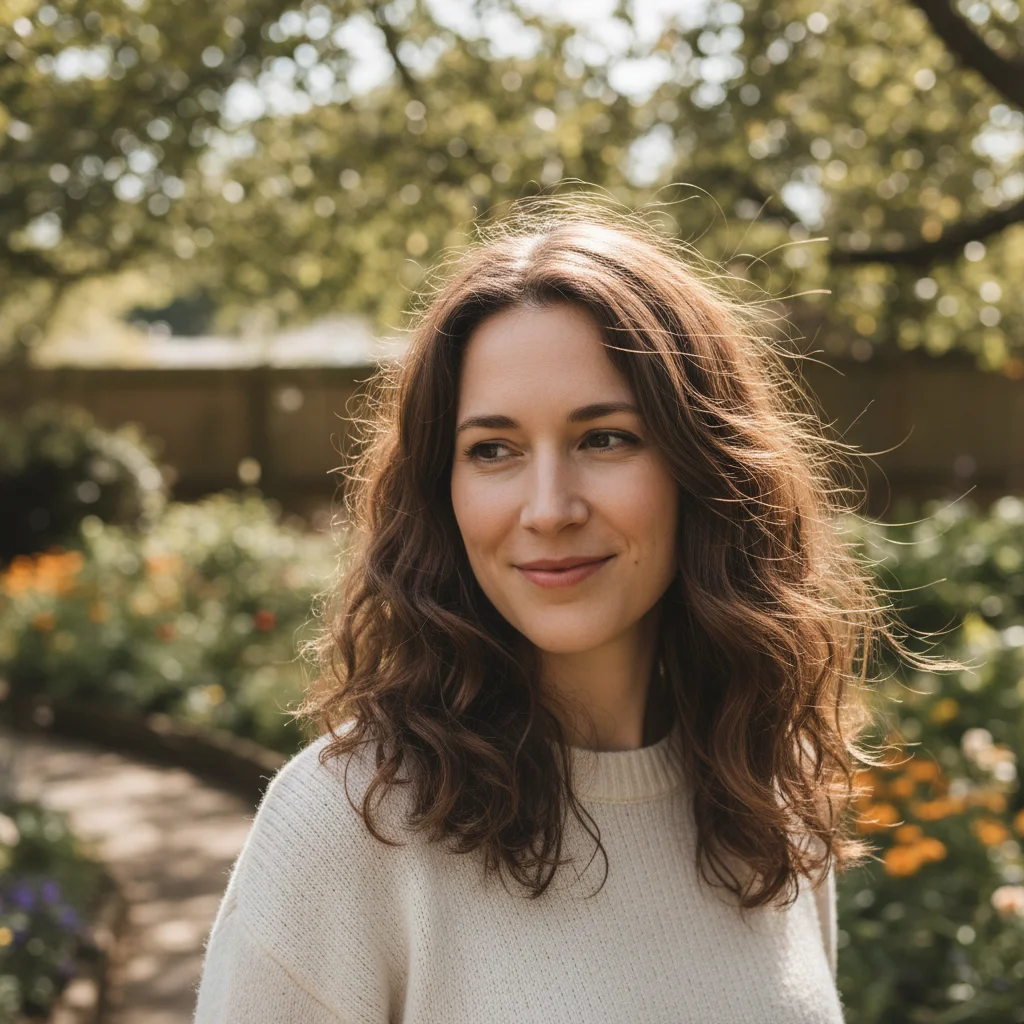
Woman with flyaway hair strands visible against blue sky
Before
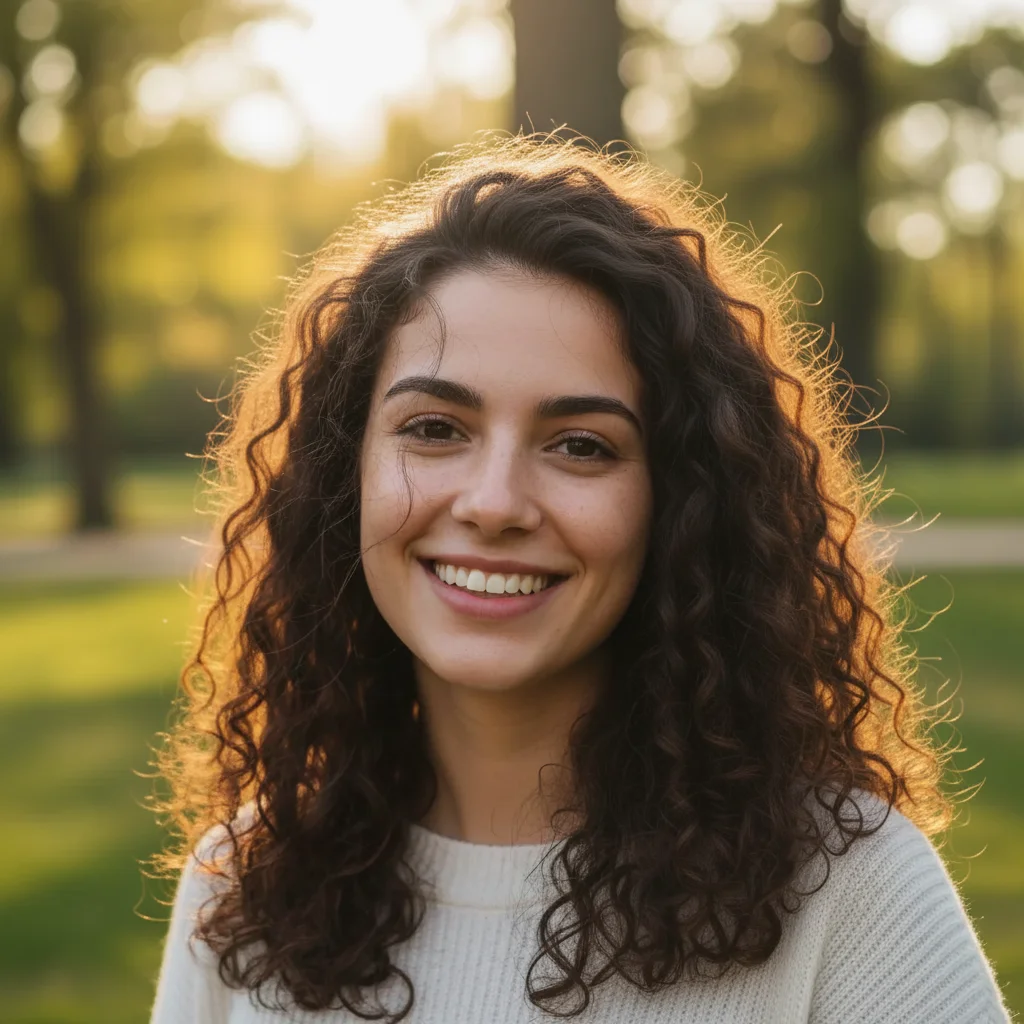
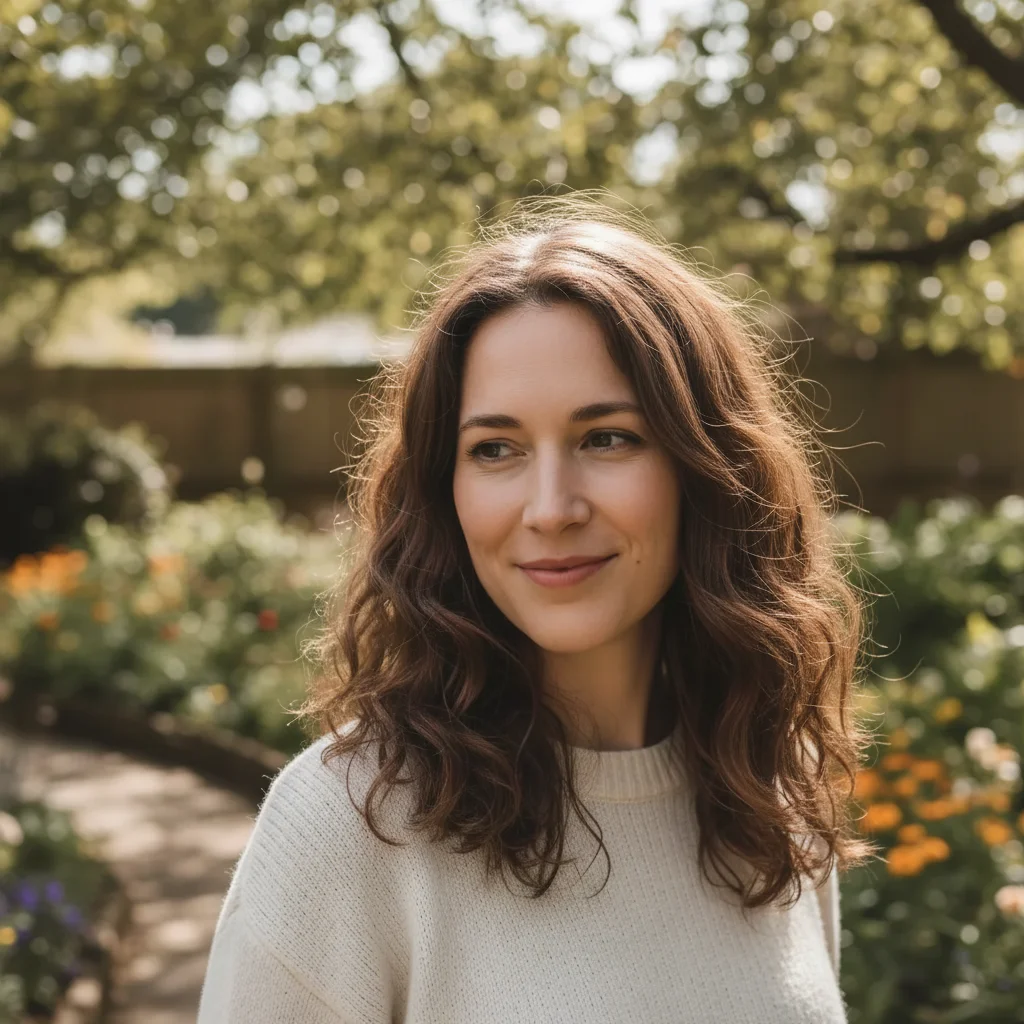
Same portrait with smooth, polished hair and flyaways removed
After

How it works

1

Upload your photo

Drop your portrait into EditThisPic. JPG, PNG, WebP up to 7MB. Photos with clear contrast between hair and background work best for flyaway detection.

⏱ Simple flyaways on solid backgrounds: 15-30 seconds. Complex hair against busy backgrounds: may need 2-3 refinements.
2

Describe what you want

Type your instruction: 'smooth down flyaway hairs while keeping natural hair texture' or 'remove stray strands around the head and face.' Be specific about what to keep natural. No marking needed - the AI understands what flyaway hairs look like.

💡 Mention 'keep natural texture' or 'maintain volume' to prevent over-smoothing that makes hair look artificial.

Copy one of these to get started:

General flyaway cleanup smooth down flyaway hairs and stray strands around the head while preserving natural hair texture and volume
Windy outdoor portraits remove wind-blown flyaway hairs around the face and forehead, keep the main hairstyle intact
Professional headshots clean up stray hairs for a polished professional headshot, maintain natural hair movement and shine
Curly or textured hair smooth flyaway strands while keeping natural curls and texture definition, only remove hairs that look out of place
3 more prompts
Wedding and formal portraits remove flyaway hairs for elegant formal portrait, keep styled hair details and any intentional wispy pieces
Baby fine hair tame wispy baby hairs around the hairline, keep natural softness and avoid harsh edges
Backlit hair with halo remove flyaway hairs visible in the backlit hair halo while preserving the glowing rim light effect
3

Review the result

Check the hair edges at full zoom. Look for any remaining stray strands, unnatural smoothing, or areas where the AI may have affected intentional hair styling. Verify the background behind the hair looks natural.

4

Refine with markers if needed

If specific flyaways remain or the AI smoothed too much in one area, tap markers on those spots and regenerate. This is optional - most portraits work without markers.

💡 For stubborn flyaways, tap directly on the stray strand rather than the general hair area.
Try it free
"Wind was crazy during my engagement shoot. One prompt and all those flyaways were gone - hair looks naturally styled now!" @bride_victoria_m

See it in action

Woman with flyaway hair strands visible against blue sky
Before
Same portrait with smooth, polished hair and flyaways removed
After

Outdoor portrait on windy day

Wind created multiple flyaway strands. One prompt smoothed them while keeping the natural windswept style.

Prompt: smooth down flyaway hairs and stray strands around the head while preserving natural hair texture
Professional headshot with visible stray hairs against gray backdrop
Before
Polished headshot with smooth, professional-looking hair
After

Professional headshot cleanup

Studio portrait had several stray hairs. The AI polished the look while maintaining natural shine.

Prompt: clean up stray hairs for a polished professional headshot, maintain natural hair movement and shine
Curly-haired woman with visible frizzy flyaway hairs
Before
Same portrait with flyaways smoothed, curls intact
After

Curly hair with flyaways

Textured hair with frizzy flyaways. The AI removed stray strands without flattening the natural curls.

Prompt: smooth flyaway strands while keeping natural curls and texture definition, only remove hairs that look out of place

If something looks off

AI over-smoothed and hair looks artificial or plastic

Why: The AI was too aggressive in removing texture along with flyaways, creating an unnaturally smooth appearance.

Try: lightly smooth only the obvious flyaway strands, keep all natural hair texture and movement

💡 Words like 'lightly' and 'only obvious flyaways' tell the AI to be conservative.

Some flyaway strands still visible after editing

Why: Subtle flyaways or those similar in color to the background may not be detected on the first pass.

Try: Tap markers directly on the remaining flyaway strands and regenerate with the same prompt

💡 Zoom in to find any remaining strands, then mark them precisely.

AI changed the wrong area or something I didn't want changed

Why: The AI couldn't determine exactly which area you meant from description alone. This happens with ambiguous requests.

Try: Tap a marker on the specific area you want to change, then regenerate with the same prompt

💡 Markers tell the AI 'I mean THIS one specifically.' Use them when description alone is ambiguous.

Background behind hair looks smudged or unnatural

Why: When removing flyaways, the AI reconstructed the background poorly, especially on complex backgrounds.

Try: smooth flyaway hairs and seamlessly blend with the background, keep background details sharp

💡 Simple backgrounds (sky, solid colors) give better results than busy patterns.

Hair edges look too sharp or cut-out

Why: The AI created hard edges where flyaways were removed instead of natural hair boundaries.

Try: remove flyaway hairs while keeping soft, natural hair edges that blend naturally

💡 Mentioning 'soft edges' and 'blend naturally' prevents the harsh cut-out look.

Quick answers

Do I need to mark the flyaway hairs before describing?

No! Just describe what you want: 'smooth down flyaway hairs' or 'remove stray strands.' The AI recognizes flyaway hairs automatically. Only use markers if specific strands remain after the first attempt or if you want to target a particular area.

Will this make my hair look fake or over-edited?

Not if you specify to keep natural texture. Include phrases like 'preserve natural hair texture' or 'keep natural movement' in your prompt. The AI will remove obvious flyaways while maintaining realistic hair appearance.

Can I remove flyaways from curly or textured hair?

Yes. Use a prompt like 'remove flyaway strands while keeping natural curls and texture.' The AI distinguishes between intentional texture and stray hairs. Be specific about what defines your hair's natural look.

What about intentional wispy or face-framing pieces?

Mention what to keep in your prompt: 'remove flyaways but keep the face-framing pieces' or 'smooth strays but preserve intentional wispy layers.' The AI will work around styled pieces you want to keep.

Does background color affect results?

Simple, solid backgrounds give the best results because flyaways are more visible and easier to remove cleanly. Busy backgrounds can hide some flyaways but also make reconstruction harder. Plain sky, studio backdrops, or simple walls work best.

Ready to smooth those flyaways?

Free to try. No signup required.

Try it free