Add Facial Hair to Photo with AI
← Browse all creative effectsLast updated
Preview any beard or mustache style before growing it out - just describe what you want
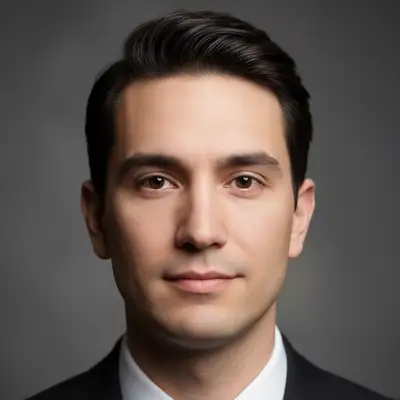
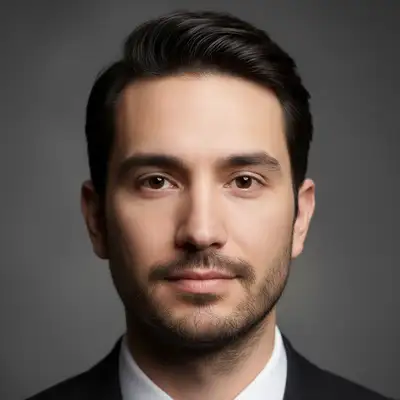
Upload photo to add facial hair
"Add stubble across the face, like a 5 o'clock shadow"
Free to try · no sign-up · never used for AI training
Release to upload
<30stypical edit
1 freeedit weekly
Photo on your phone?
Scan to open this editor there — free edit works on your phone too.
How it works
See it in action
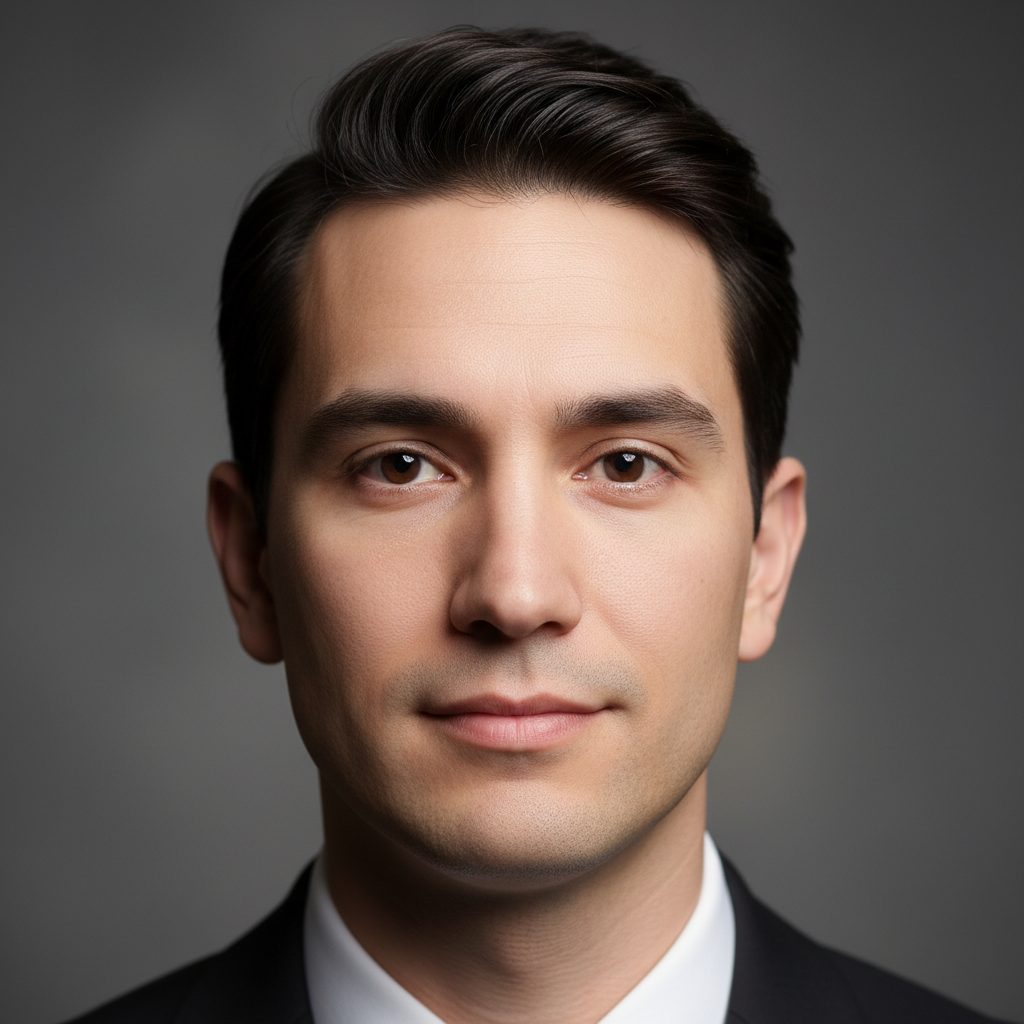
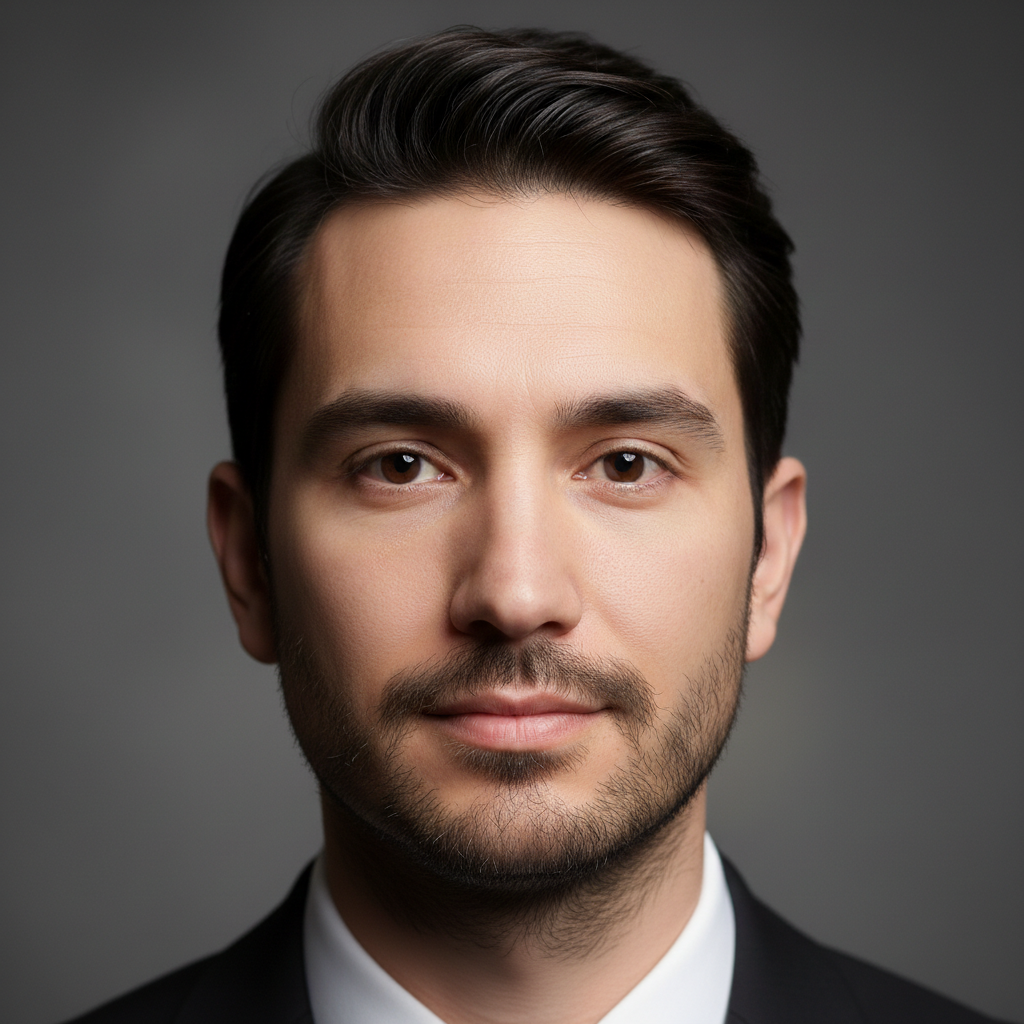
Full Beard Addition
Complete beard covering chin, jaw, and cheeks. Natural growth pattern following face contours. Most popular style for preview.
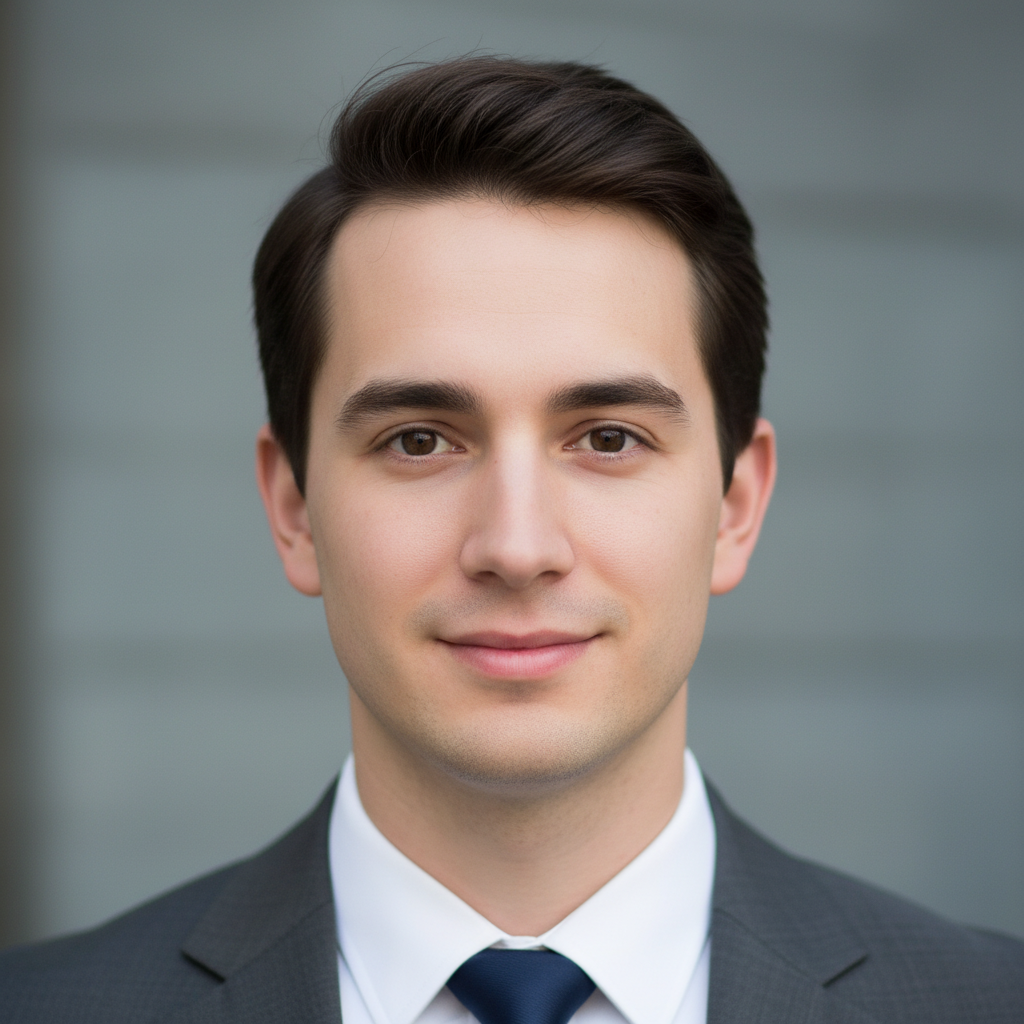
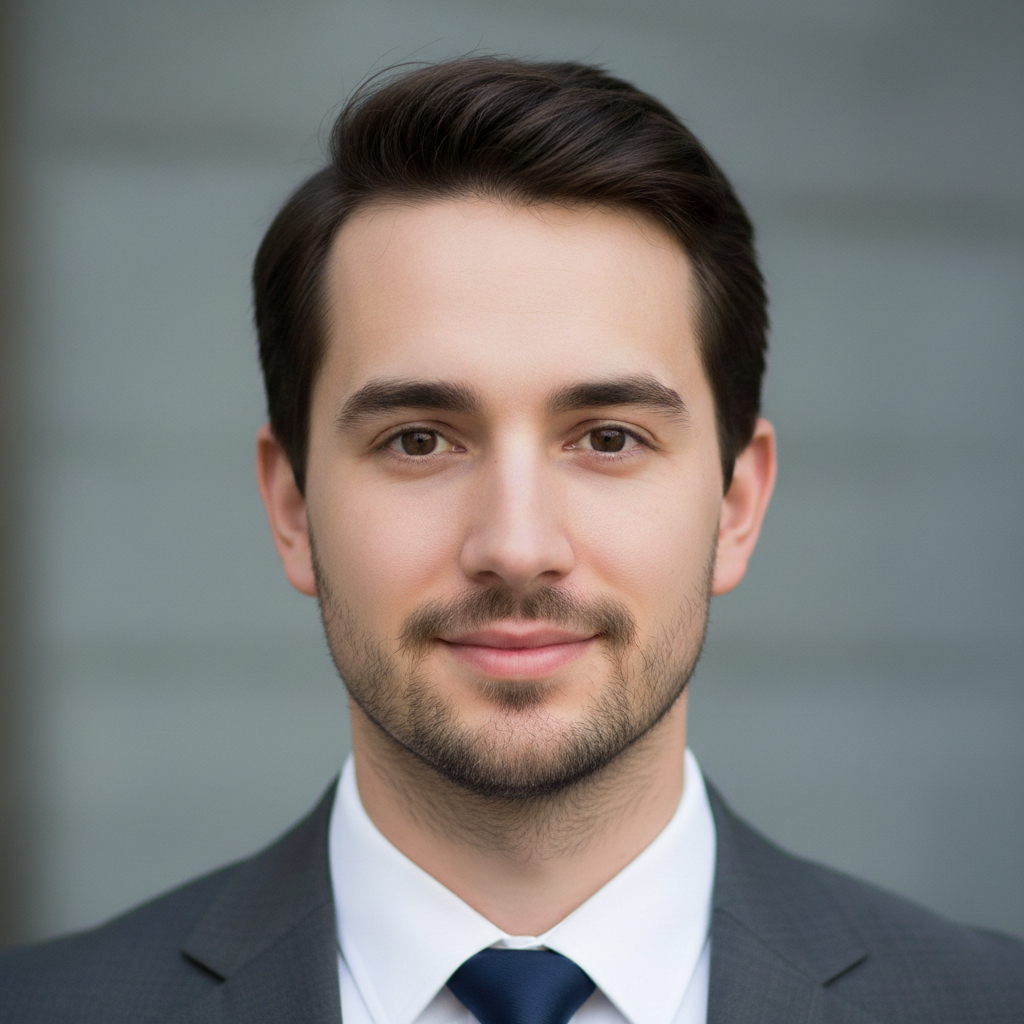
Stubble/5 O'Clock Shadow
Short even stubble across the face. Perfect for testing if facial hair suits you before committing to full growth.
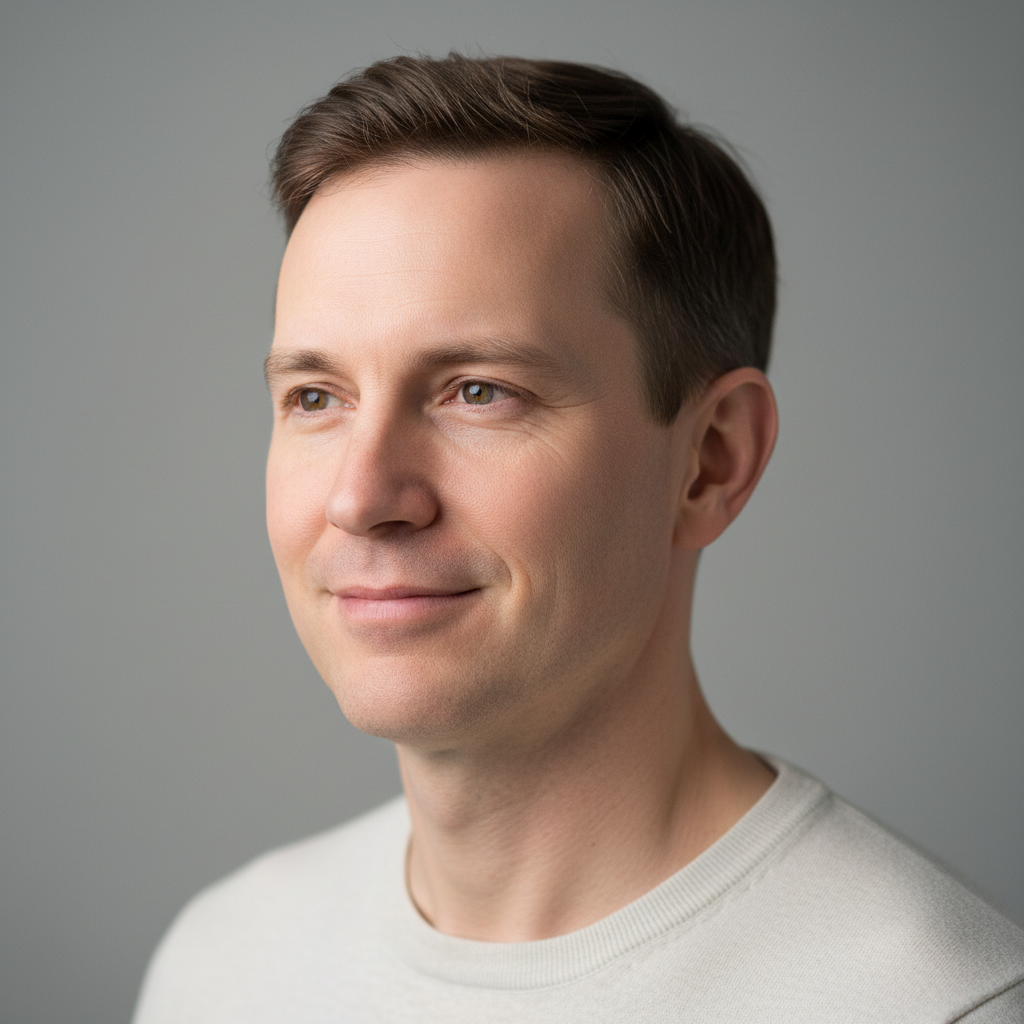
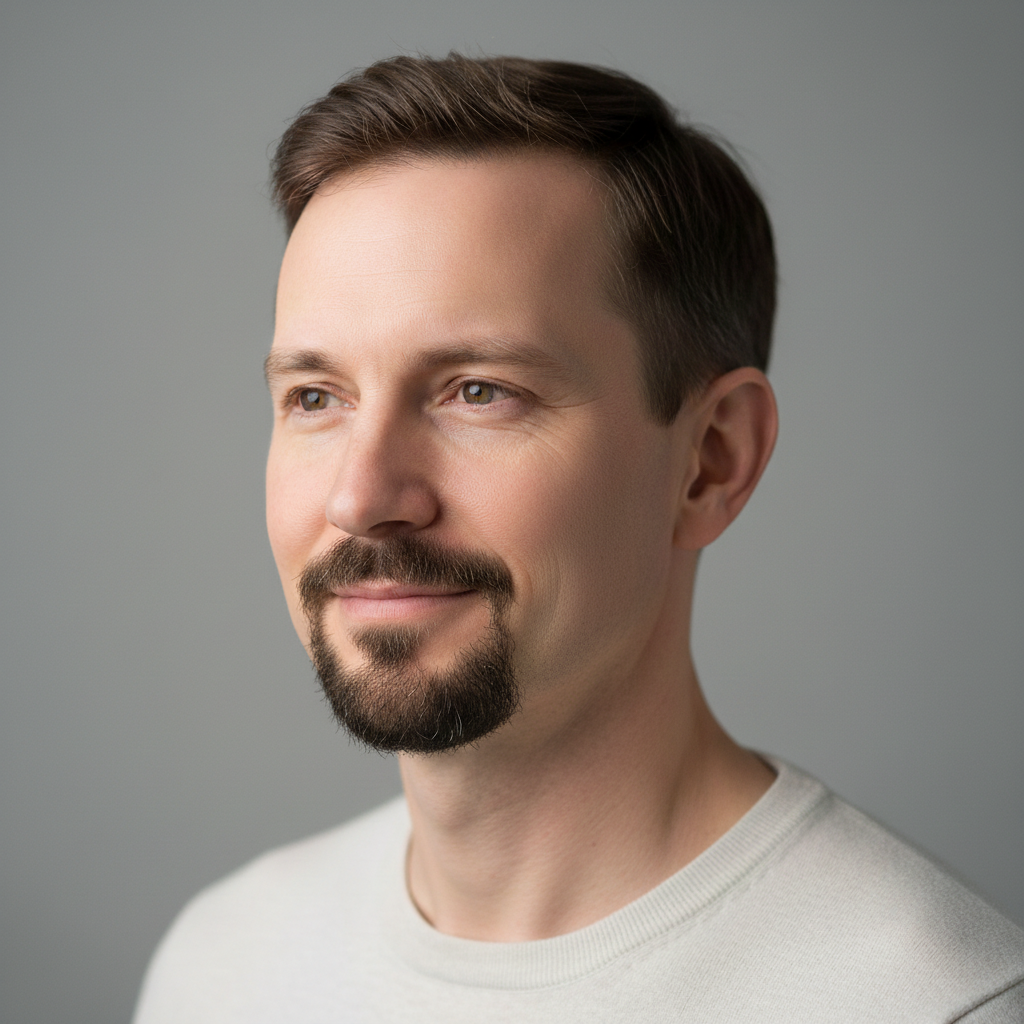
Goatee Style
Classic goatee - chin and mustache connected with clean-shaven cheeks. Professional look that's not as full as a complete beard.
Quick answers
You might also like
Popular use cases
Ready to add facial hair to your photo?
Free to try. No signup required.