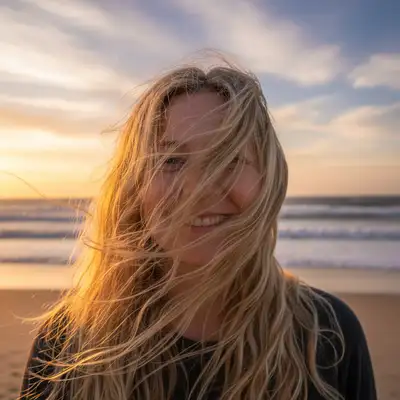
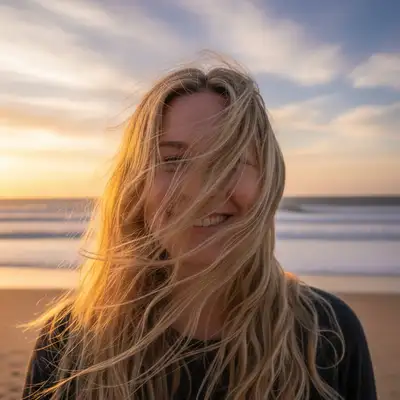
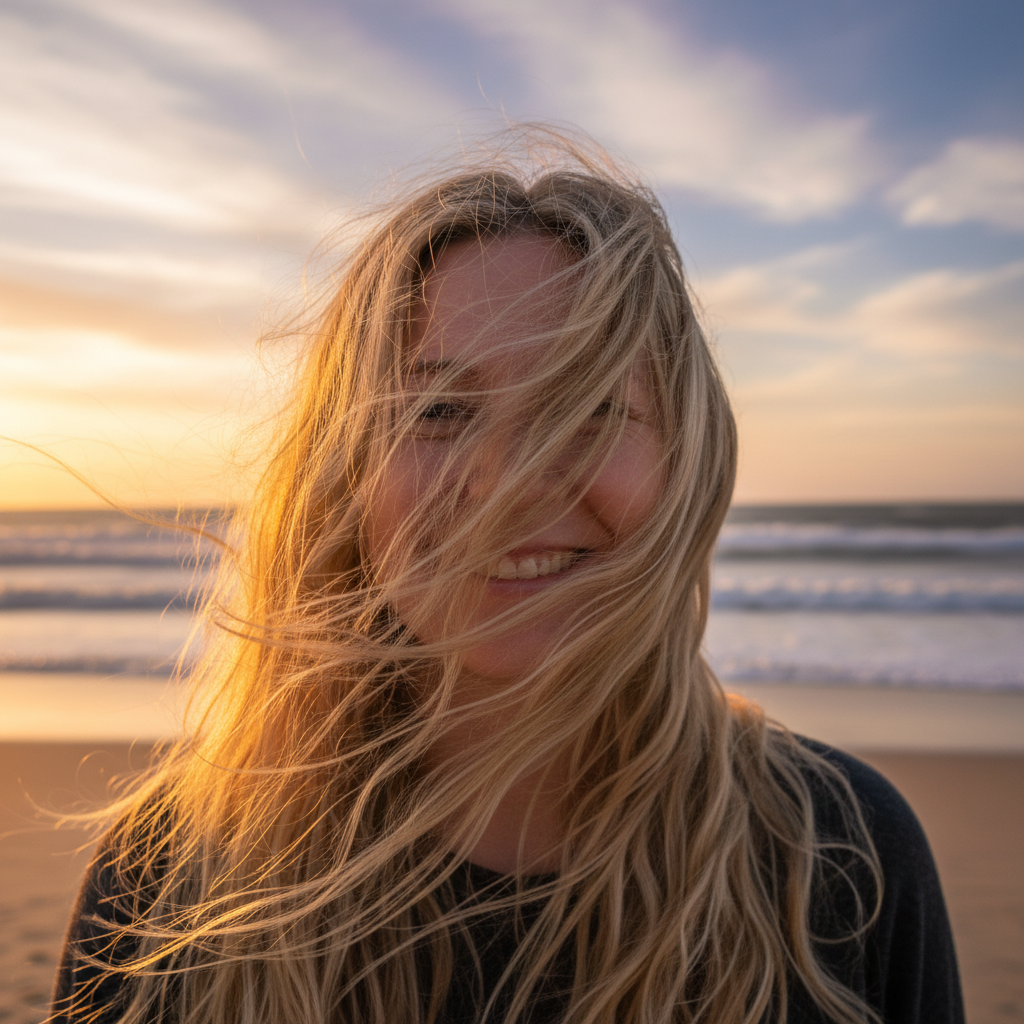
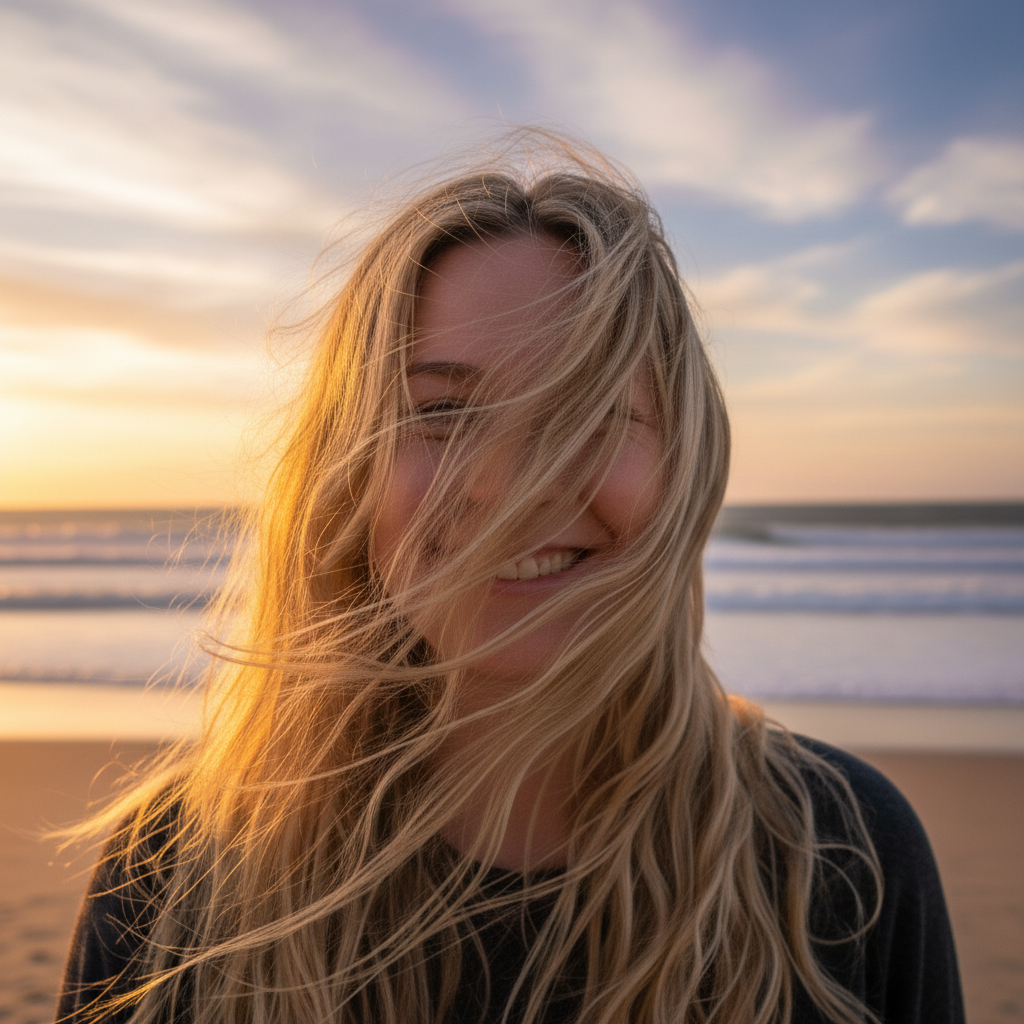
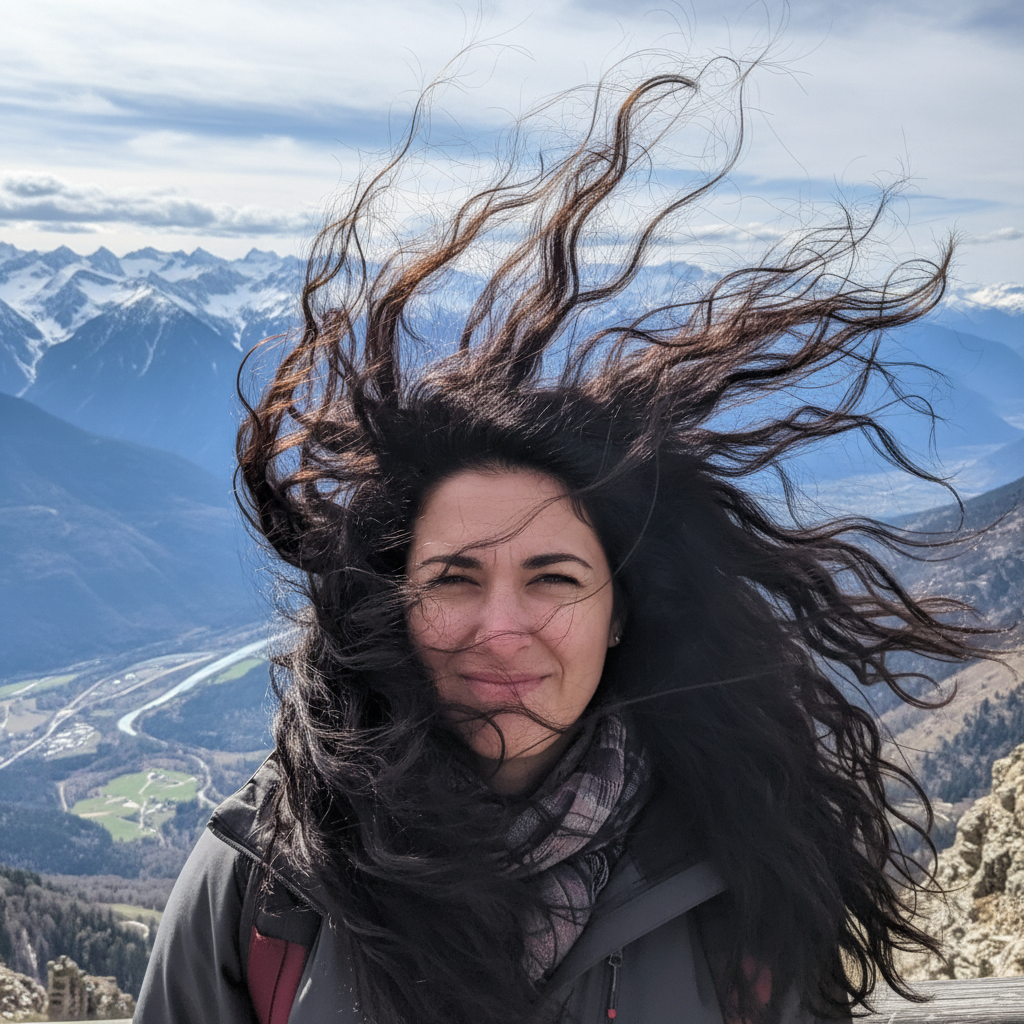
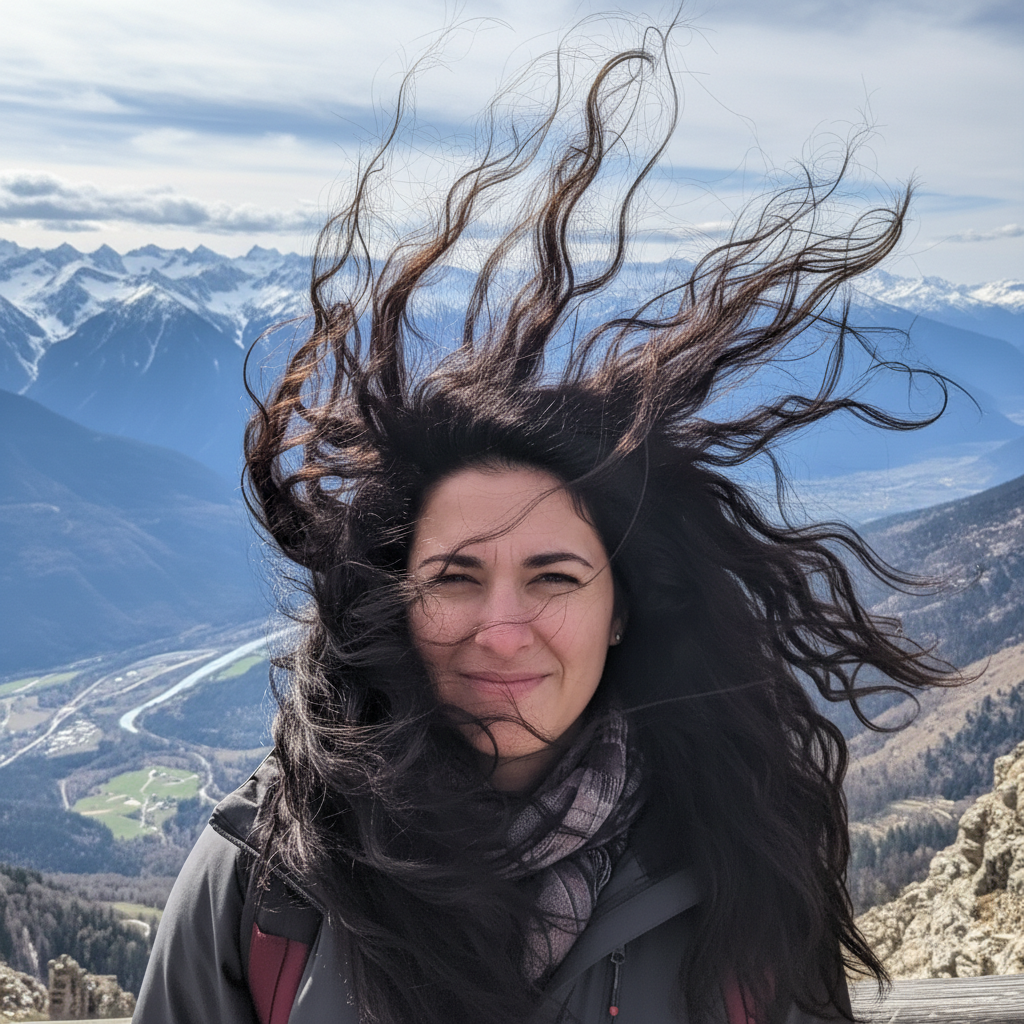
Do I need to mark the wind-blown hair before describing?
No! Just describe what you want: 'fix the wind-blown hair and make it look neat.' The AI recognizes wind damage patterns—hair across faces, strands standing up, chaotic directions.
How do I fix wind-blown hair in photos for free without signing up?
Upload your windy photo to EditThisPic, type 'fix the wind-blown hair and make it look styled,' and download the result. No account needed, no watermarks added. The AI automatically identifies wind-displaced hair and settles it into a natural-looking style.
Can AI really remove hair from across my face?
Yes! The AI can identify strands covering facial features and remove them while reconstructing what's behind them. Say 'remove the hair from my face and reveal my features' for best results. It works well when some face is still visible to guide the reconstruction.
What's the best free tool for fixing windy outdoor photos?
EditThisPic handles wind-blown hair well because you describe what you want instead of manually editing each strand. Unlike clone stamp tools that require painting skill, AI understands hair as a whole and can restructure it into a sensible style.
Can I keep a windswept look but less chaotic?
Yes! Ask for 'settle the worst of the wind damage but keep some natural movement.' The AI can create an intentionally windswept but flattering look instead of eliminating all wind effect. This works great for beach photos where you want that casual, breezy aesthetic.
Is EditThisPic's AI wind-blown hair fixer really free?
Yes — you get 1 free edit per week, no account needed. Credit packs start at $4.99 for 10 edits.
Can I fix wind-blown hair on my phone?
Yes. EditThisPic works in any mobile browser — iPhone, Android, tablet. No app download needed.
What photo formats does the AI wind-blown hair fixer support?
JPG, PNG, WebP, and HEIC. Upload any common photo format and EditThisPic handles the rest.
How much does EditThisPic cost?
You get 1 free edit per week — no account needed. After that, one-time credit packs start at $4.99 for 10 edits, valid 12 months, no subscription. Power users who edit daily can pick Studio Membership, a monthly workspace at $49.99/mo for 300 edits. Purchased downloads are clean with no watermark.