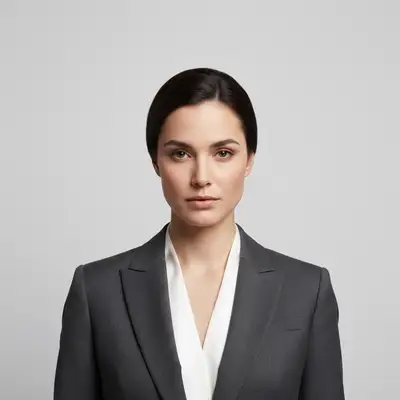
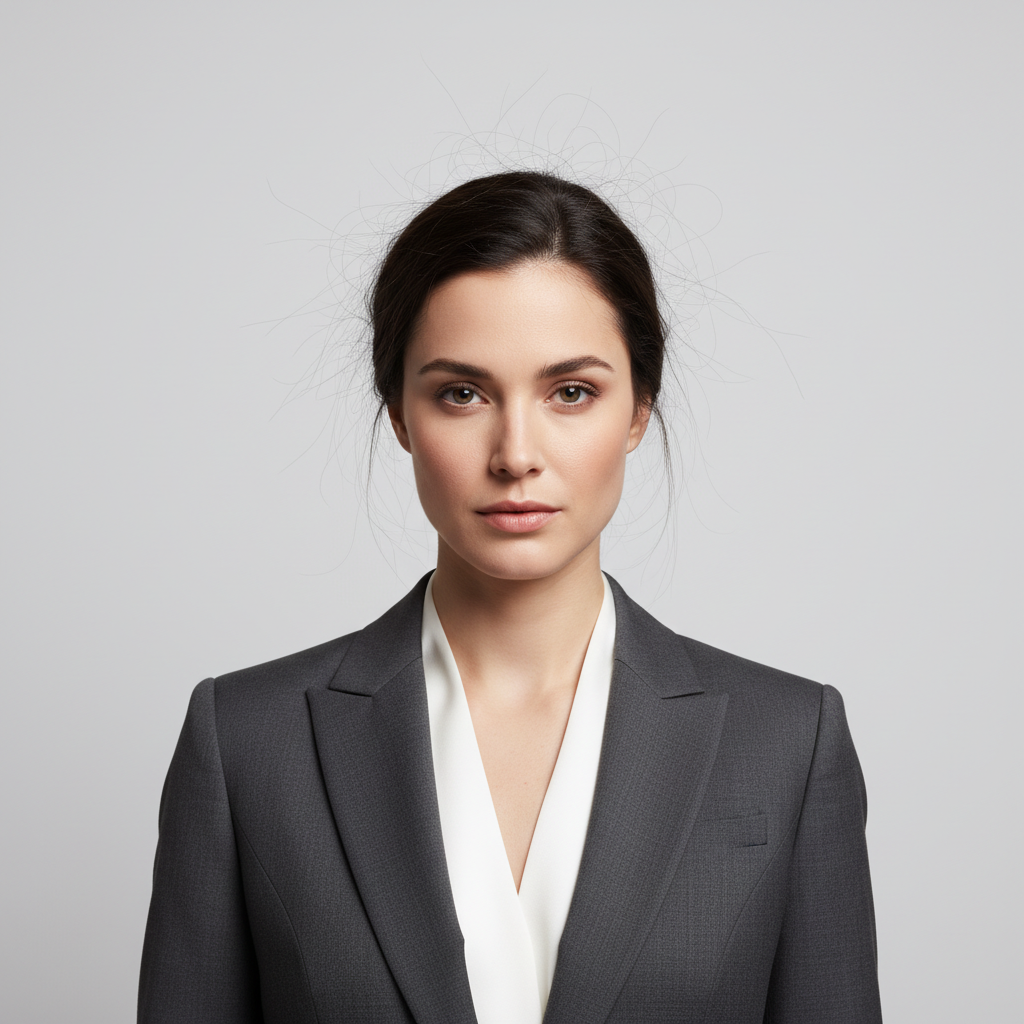
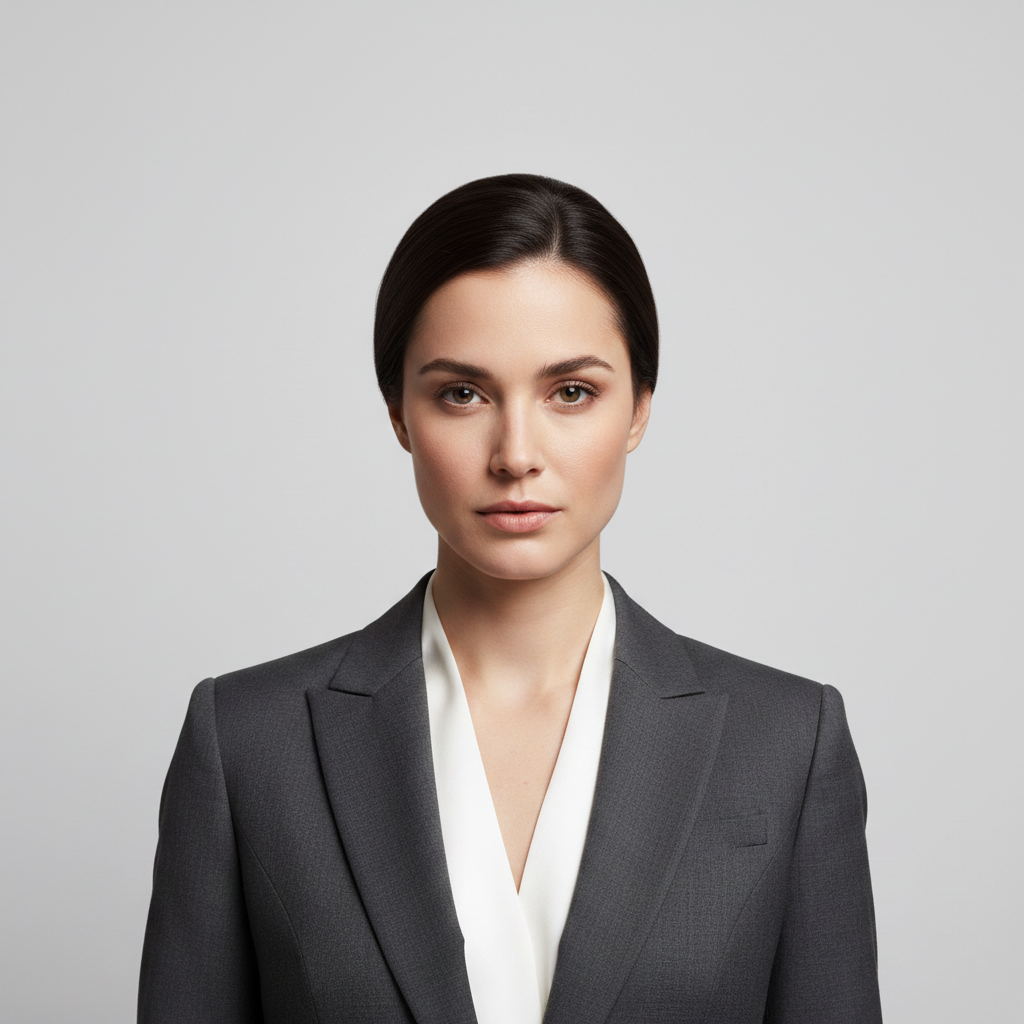
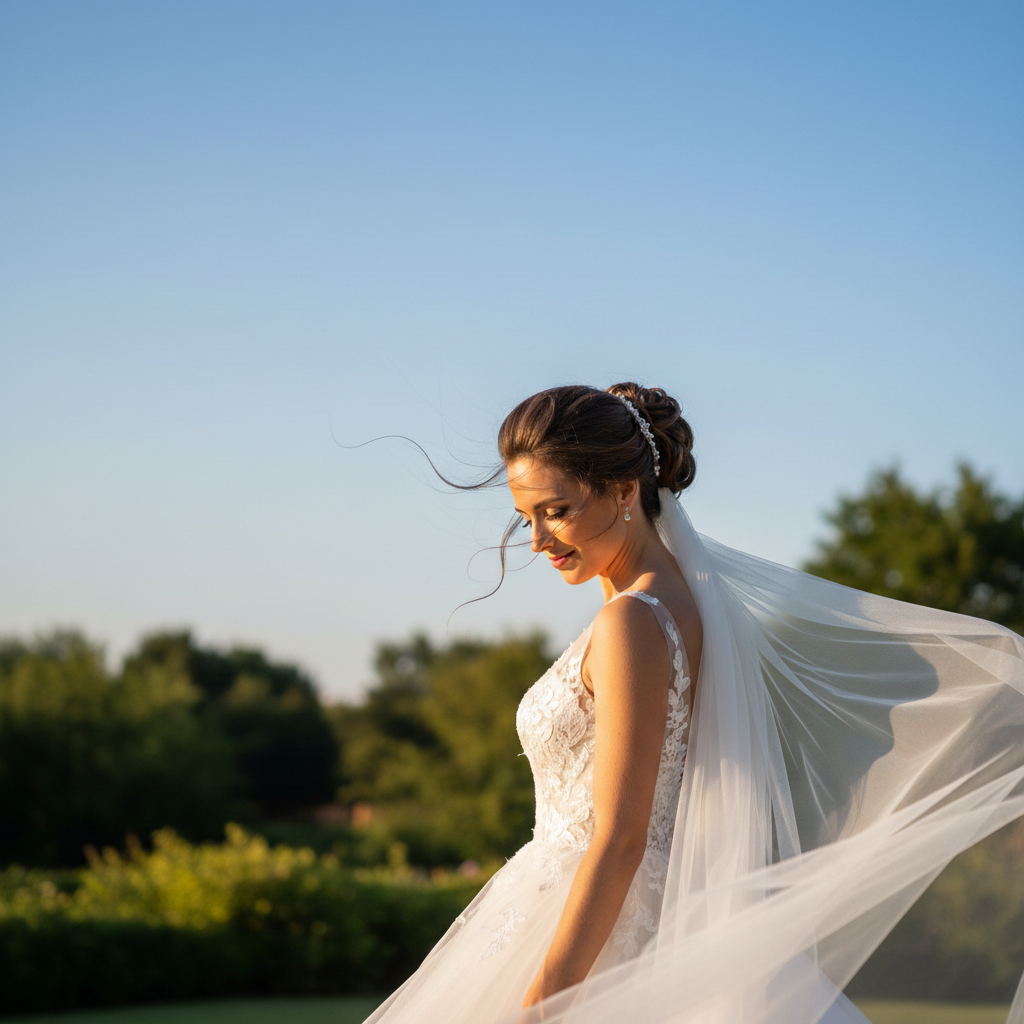
What's the fastest way to use AI Flyaway Hair Fixer without redoing the whole photo?
Describe only the fix you need: 'remove the flyaway hairs and make the hair look neat and polished.' The AI re-renders only the parts you mention and leaves the rest of the photo alone. Most fixes finish in 20-45 seconds. Free first edit per week, no signup; refinements use one credit each.
How do I fix flyaway hair in photos for free without signing up?
Upload your photo with flyaway hairs to EditThisPic, type 'remove the flyaway hairs and make the hair look polished,' and download the result. No account needed, no watermarks added. The AI automatically identifies and removes stray strands while preserving your hairstyle.
Can AI remove flyaways without making the hair edge look fake?
Yes! The AI aims to preserve natural-looking hair edges. If results look too perfect, add 'keep a natural soft edge' to your prompt. The goal is to remove the distracting strands while maintaining realistic hair texture.
What's the best free tool for fixing flyaway hair in portraits?
EditThisPic handles flyaways well because you describe what you want instead of manually cloning over each strand. Unlike clone stamp tools that require painting skill, AI understands the difference between flyaways and intentional hair and removes them intelligently.
Will this work on baby hairs without removing them?
If you want to keep baby hairs, specify it: 'remove the flyaways but keep the natural baby hairs along the hairline.' The AI can distinguish between soft intentional hairline hairs and obviously out-of-place strands when you tell it what to preserve.
Is EditThisPic's AI flyaway hair fixer really free?
Yes — you get 1 free edit per week, no account needed. Credit packs start at $4.99 for 10 edits.
Can I fix flyaway hair on my phone?
Yes. EditThisPic works in any mobile browser — iPhone, Android, tablet. No app download needed.
What photo formats does the AI flyaway hair fixer support?
JPG, PNG, WebP, and HEIC. Upload any common photo format and EditThisPic handles the rest.
How much does EditThisPic cost?
You get 1 free edit per week — no account needed. After that, one-time credit packs start at $4.99 for 10 edits, valid 12 months, no subscription. Power users who edit daily can pick Studio Membership, a monthly workspace at $49.99/mo for 300 edits. Purchased downloads are clean with no watermark.