Free • No signup Fix Messy hair · Free

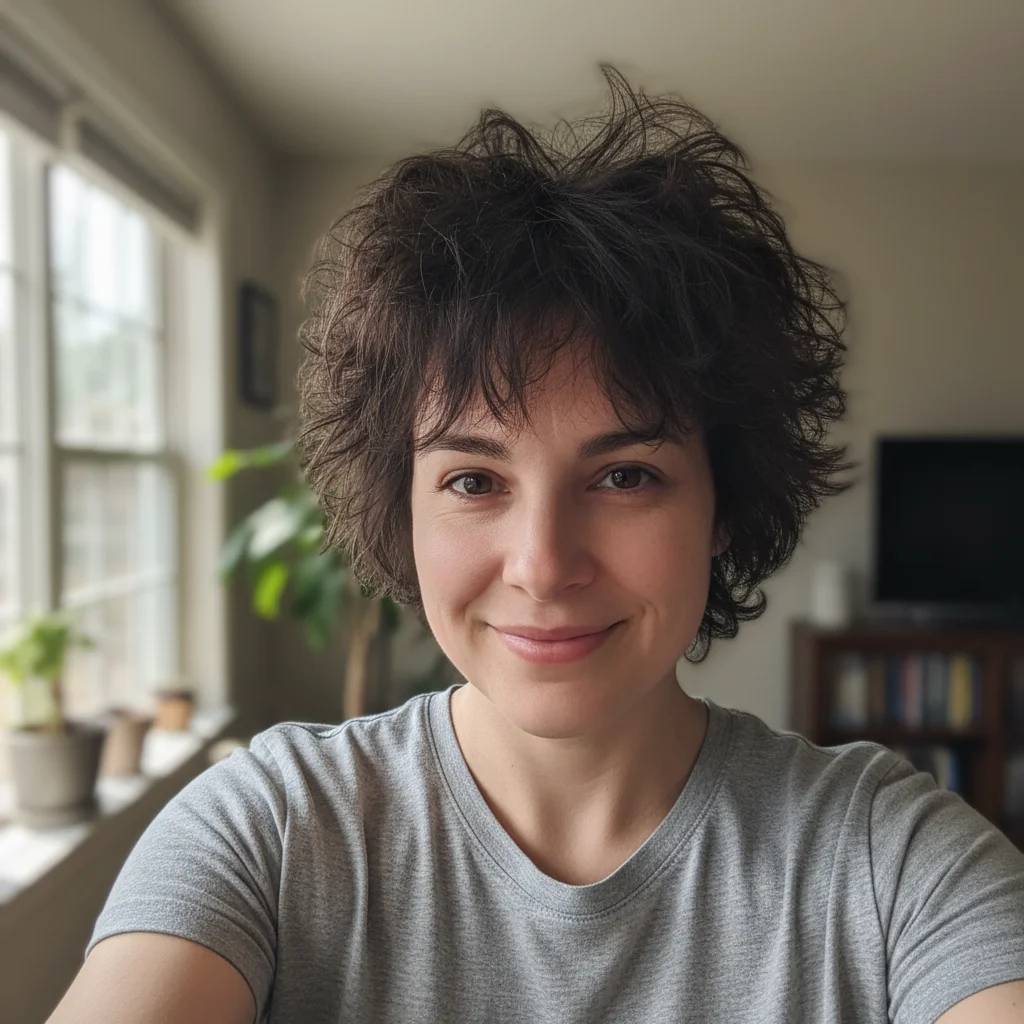
Perfect shot but hair is messy?

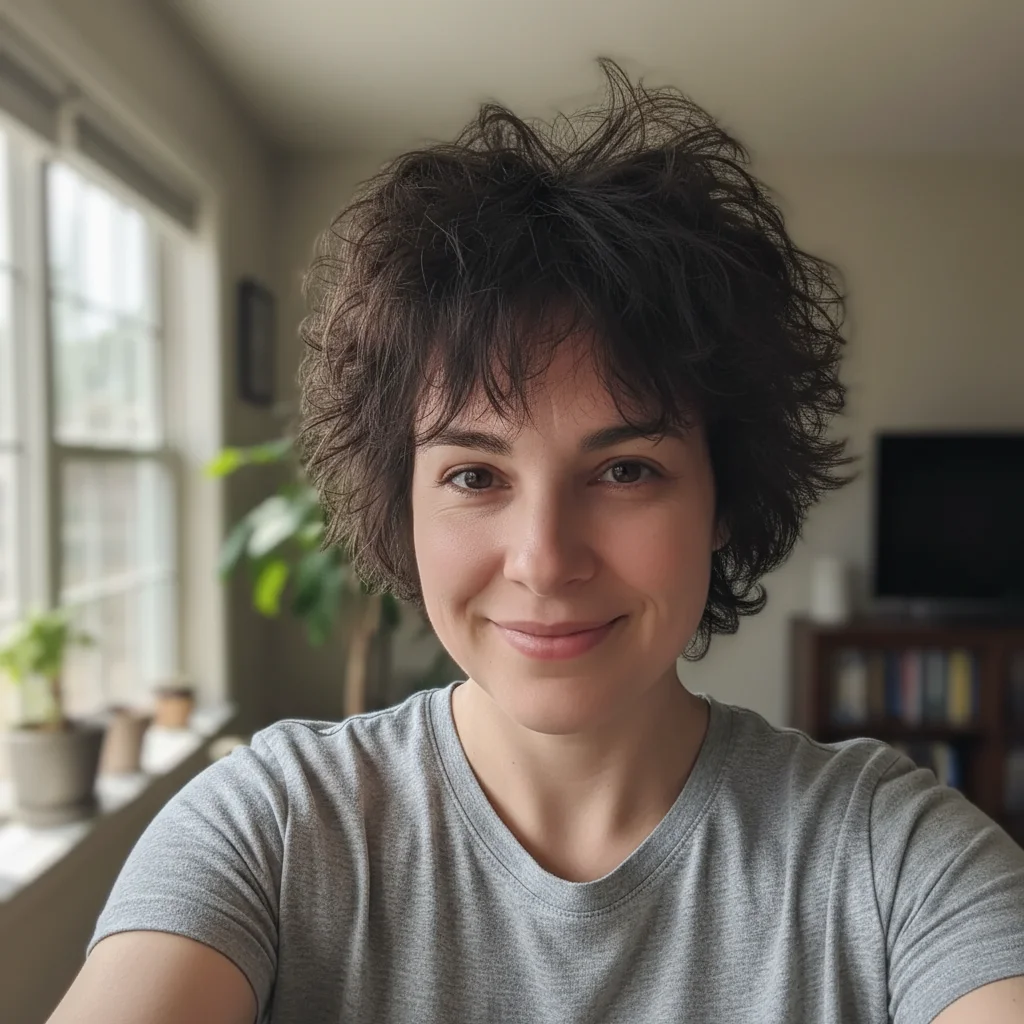
Great photo ruined by windblown or messy hair? AI smooths and styles it naturally.

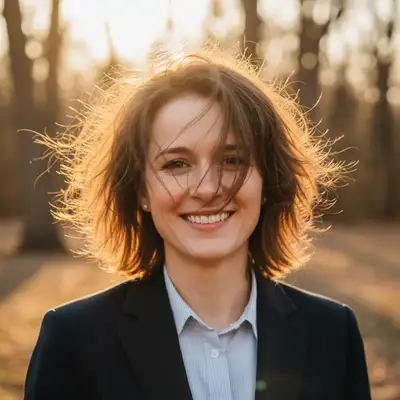
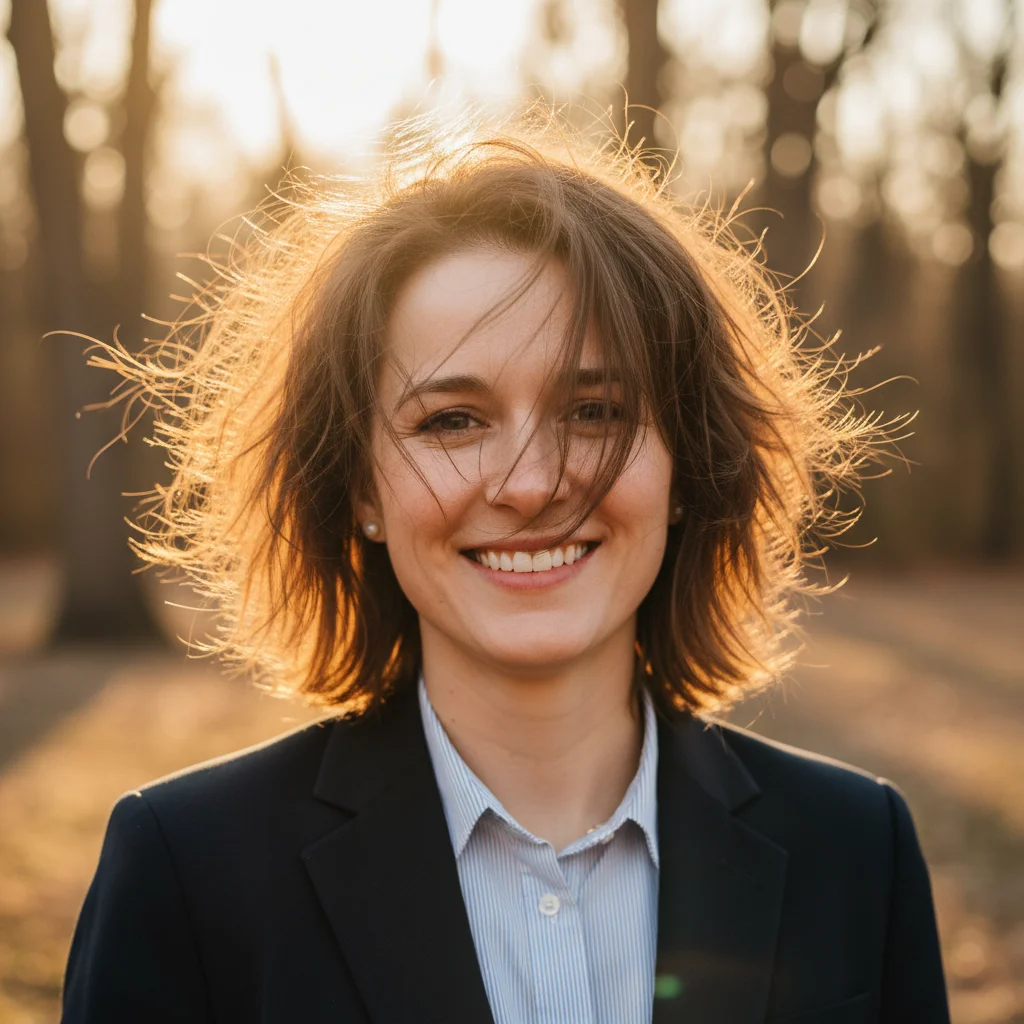
Outdoor headshot with severely windblown messy hair
Before
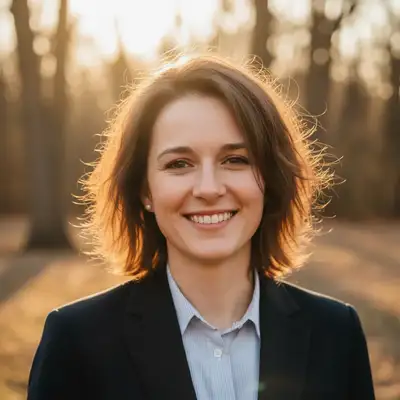
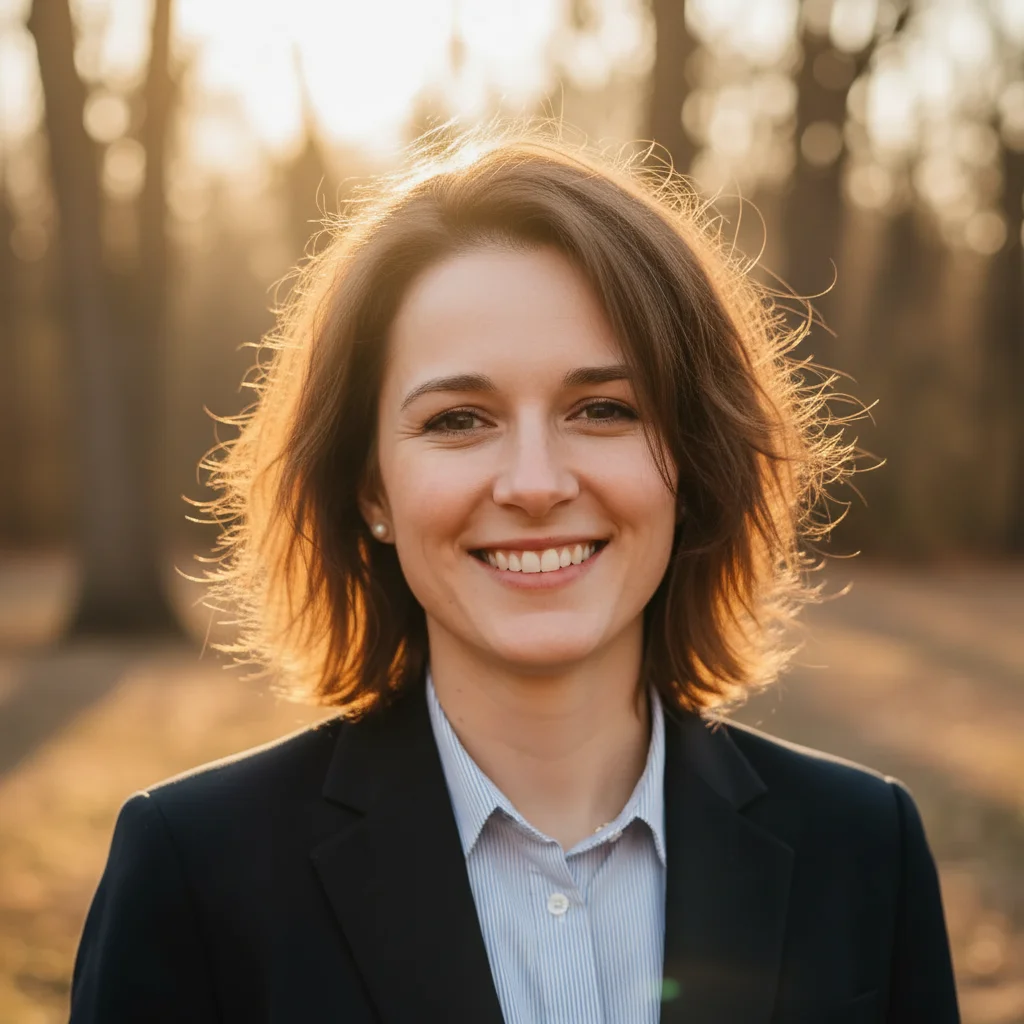
Same headshot with hair smoothed and neatly styled
After

Perfect Shot But Hair Is Messy? Fix It with AI | EditThisPic

Upload photo to fix messy hair

Free • Results in 30 seconds • No signup

Release to upload

FreeNo signupNo watermark
Popular use cases:
  • Fix messy hair in photo
  • Smooth windblown hair
  • Remove flyaway hairs
  • LinkedIn headshot hair
  • Dating profile photo fix
  • Professional photo hair fix
  • Tidy hair in selfie

Cost
Free No signup required
Time
Instant results in 15-30 seconds
Works on
Any device - browser, phone, tablet, desktop
Powered by
AI-powered photo editing
Scenario Prompt Time
Windblown outdoor photo smooth messy windblown hair, make it neat and styled 25s
Professional headshot flyaways remove flyaways and smooth into professional style 20s
Casual bed-head or frizz tidy messy hair but keep natural and casual 22s
One side messy fix hair sticking out on left/right, smooth it down 18s

How it works

  1. Upload your photo

    Upload a clear, front-facing portrait. Good lighting on the face and visible facial features give the AI the best foundation for messy hair editing. JPG, PNG, WebP up to 7MB.

    Expect: Simple hair smoothing: 20-30 seconds. Complex wind damage or very long hair: 40-60 seconds.
  2. Describe what you want

    Type 'smooth the messy hair and make it look neat' or 'fix the flyaway hair and tidy it up.' The AI identifies messy areas, smooths them naturally, and preserves your hair color, length, and overall style. You don't need to mark anything—the AI understands 'hair' means the messy parts.

    Tip: Be specific about style if it matters: 'smooth hair into neat professional style' vs 'tidy hair but keep casual beach wave look.'

    Copy one of these to get started:

    Windblown outdoor photo smooth the messy windblown hair and make it look neat and styled
    Professional headshot with flyaway hairs remove flyaway hairs and smooth into professional neat style
    Casual photo with bed-head or frizz tidy the messy hair but keep it looking natural and casual
    Selfie with hair sticking out oddly fix the hair sticking out on the left/right side, smooth it down naturally
    3 more prompts
    Long hair with lots of tangles or frizz smooth and detangle the hair, reduce frizz, keep natural volume
    Hat hair or helmet hair flattening restore natural volume to flattened hair and tidy it up
    Bangs or fringe messy and uneven straighten and smooth the bangs/fringe, make them even and neat
  3. Review the result

    Check that hair looks tidy and natural—no frizz, flyaways smoothed, volume preserved. Verify it still looks like your hair (same color, texture, length) just neater. Zoom in on hairline and edges to confirm it looks realistic.

  4. Refine if needed (optional)

    If some flyaways remain or the style looks over-smoothed, try 'smooth remaining flyaways naturally' or 'add back some natural texture, just less messy.' For specific problem areas, tap a marker on that section of hair and regenerate.

    Tip: If the AI over-styled your hair or made it look unnatural, add 'keep my natural hair texture, just neater' to maintain authenticity.
Try it free

Perfect Shot But Hair Is Messy? Fix It with AI | EditThisPic

Upload photo to fix messy hair

Free • Results in 30 seconds • No signup

Release to upload

Free • No signup

"Perfect outdoor shot except the wind destroyed my hair. This fixed it beautifully—looks natural and polished now. Saved my LinkedIn profile pic." @HeadshotReady

See it in action

Outdoor headshot with severely windblown messy hair
Before
->
Same headshot with hair smoothed and neatly styled
After

Outdoor headshot with wind damage

Perfect professional photo taken outside but wind blew hair everywhere. One prompt smoothed and styled it naturally while keeping the outdoor lighting and authentic feel.

Prompt: smooth the messy windblown hair and make it look neat and styled
Selfie with frizzy bed-head hair
Before
->
Same selfie with hair tidied up naturally
After

Selfie with frizzy bed-head hair

Great selfie with perfect lighting and expression, but taken in the morning with obvious bed-head frizz. AI tidied it up while keeping the casual, authentic vibe.

Prompt: tidy the messy hair but keep it looking natural and casual

Detailed Guides by Scenario

📷

Photo Rescue & Restoration

Revive old, damaged, or poorly-shot photos with AI messy hair — bring new life to images you thought were unsalvageable.

Common Scenarios

  • Applying messy hair to old family photos that have degraded over time
  • Fixing a once-in-a-lifetime shot (wedding, graduation) that suffers from poor quality
  • Using messy hair on scanned prints to get crisp digital versions

Best Practices

  • Scan old photos at the highest DPI your scanner supports before uploading for best results
  • Describe the specific issue — 'this photo is too dark and blurry' gives better messy hair than a generic prompt
  • For severely damaged photos, work in stages: fix the biggest issue first, then refine
📷

Professional & Business Use

Ensure photos for websites, presentations, and marketing meet professional standards with messy hair.

Common Scenarios

  • Using messy hair on employee photos for a company website that need to look polished
  • Applying messy hair to event photos before sharing in a client presentation
  • Improving product images with messy hair for an online store or catalog

Best Practices

  • Process all images in a batch with the same enhancement settings for visual consistency
  • For web use, balance enhancement quality with file size — overly large images slow page loads
  • Always compare before and after to make sure messy hair looks natural, not over-processed
📷

Social Media & Personal Sharing

Make your personal photos look their best before sharing with friends, family, or followers using messy hair.

Common Scenarios

  • Quickly applying messy hair to vacation photos before posting on social media
  • Using messy hair on a selfie that has great composition but poor lighting
  • Batch-fixing a phone gallery of photos with messy hair before creating an album to share

Best Practices

  • Start with the photo you'd most like to share — fix that one first and use the same approach on the rest
  • For selfies, subtle enhancement always beats heavy processing — keep it natural
  • If the photo was shot in low light, mention it in the prompt so the AI tailors messy hair accordingly

If something looks off

Hair looks too perfect, fake, or plastic—lost natural texture

Why: The AI over-smoothed and removed too much natural texture, making hair look artificially perfect or AI-generated.

Try: smooth messy hair but keep natural texture and some movement, don't make it too perfect

Tip: Adding 'keep natural texture' or 'maintain some movement' prevents the plastic, over-processed look.

Hair color changed or looks different

Why: The AI altered hair color while trying to smooth it, especially common with highlights, ombre, or non-standard colors.

Try: smooth hair but keep the exact same hair color, don't change any tones

Tip: Specify color explicitly if needed: 'smooth hair, keep brown with blonde highlights' or 'maintain red hair color.'

Some flyaways or messy sections still visible

Why: The AI smoothed most of the hair but missed some problematic areas, especially at edges or around the face.

Try: tap marker on the remaining messy section, then 'smooth this area of hair naturally'

Tip: For stubborn flyaways in specific spots, markers target exactly where you want refinement.

Hair shape or style changed completely

Why: The AI interpreted 'smooth' or 'neat' too broadly and changed your hairstyle, not just tidying it up.

Try: tidy the messy hair but keep the same hairstyle and length, just neater

Tip: Adding 'keep same hairstyle' ensures the AI only fixes messiness without redesigning your look.

Hair looks flat or lost volume after smoothing

Why: Removing frizz and flyaways can sometimes flatten hair too much, especially for naturally voluminous or curly hair.

Try: smooth hair and reduce frizz but maintain natural volume and fullness

Tip: 'Maintain volume' helps preserve body in hair, especially important for curly or thick hair types.

Quick answers

Do I need to mark my hair before asking to fix it?

No. Just type 'smooth the messy hair' or 'fix flyaway hair' and the AI identifies and fixes it automatically. Markers are only needed if you want to target a specific section (like just the bangs or one side) or if the AI doesn't catch all problem areas on the first try.

Will this change my hair color or hairstyle?

It shouldn't, when done correctly. The AI aims to smooth and tidy your existing hair without changing color, length, or fundamental style. If it does alter these, add 'keep same hair color and style, just neater' to your prompt to preserve your look.

Can this fix really bad wind damage or extreme frizz?

Yes, in most cases. The AI can handle severe windblown hair, bed-head, and major frizz. Very extreme cases may need refinement or Pro mode (4 credits) for more advanced reconstruction. Try the basic edit first—most wind damage fixes work on the first attempt.

Will my hair still look natural and authentic after editing?

Yes, if you guide it correctly. Use prompts like 'keep natural texture' or 'make it neat but still look like my hair.' Avoid generic 'make hair perfect' requests which can create an over-processed look. The goal is tidier, not artificial.

Can I use this for professional headshots and LinkedIn photos?

Absolutely. Use 'smooth hair into professional neat style' or 'remove flyaways for polished business look.' The AI creates professional, polished results suitable for corporate headshots, resumes, and LinkedIn profiles while keeping you recognizable.

Is EditThisPic's AI messy hair fixer really free?

Yes — you get 1 free edit per week, no account needed. For unlimited edits, plans start at $3.99/month.

Can I fix messy hair on my phone?

Yes. EditThisPic works in any mobile browser — iPhone, Android, tablet. No app download needed.

What photo formats does the AI messy hair fixer support?

JPG, PNG, WebP, and HEIC. Upload any common photo format and EditThisPic handles the rest.

Ready to fix your hair and save the shot?

Free to try. No signup required.