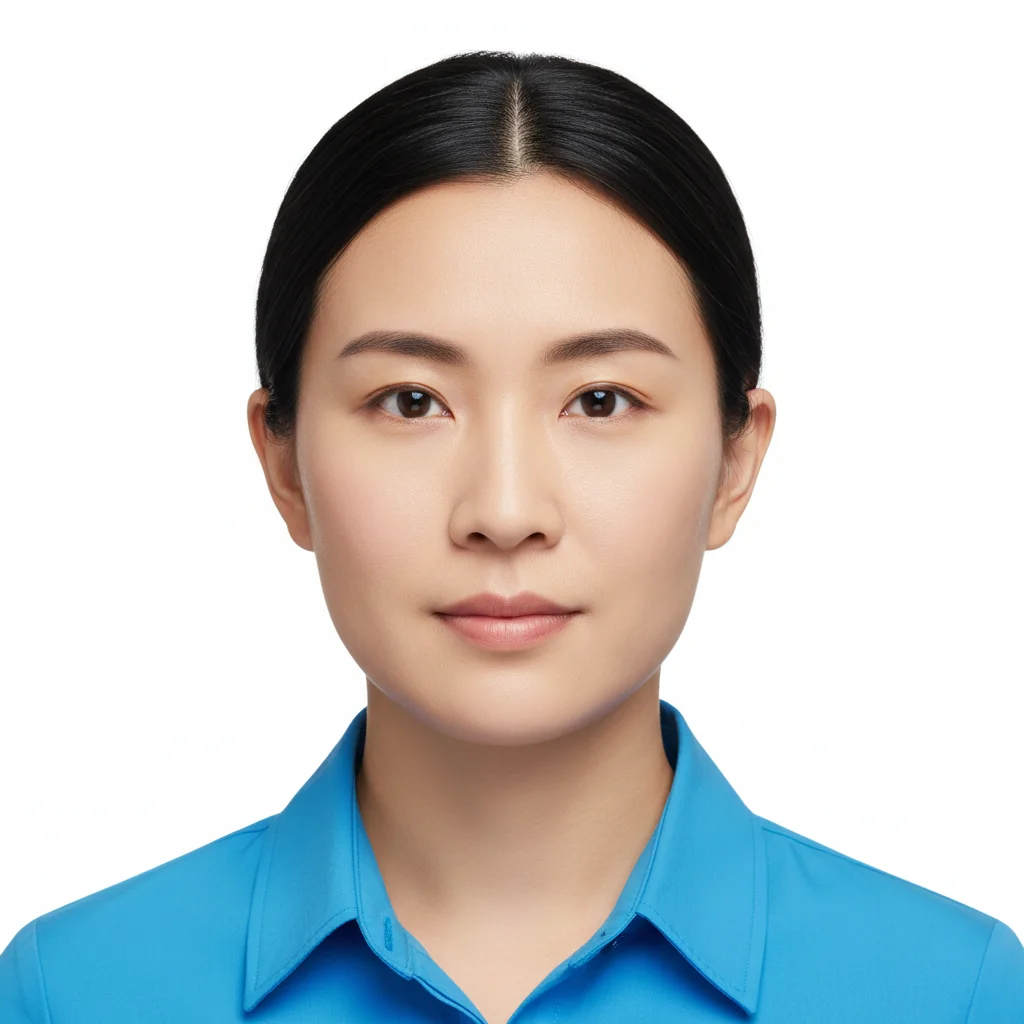
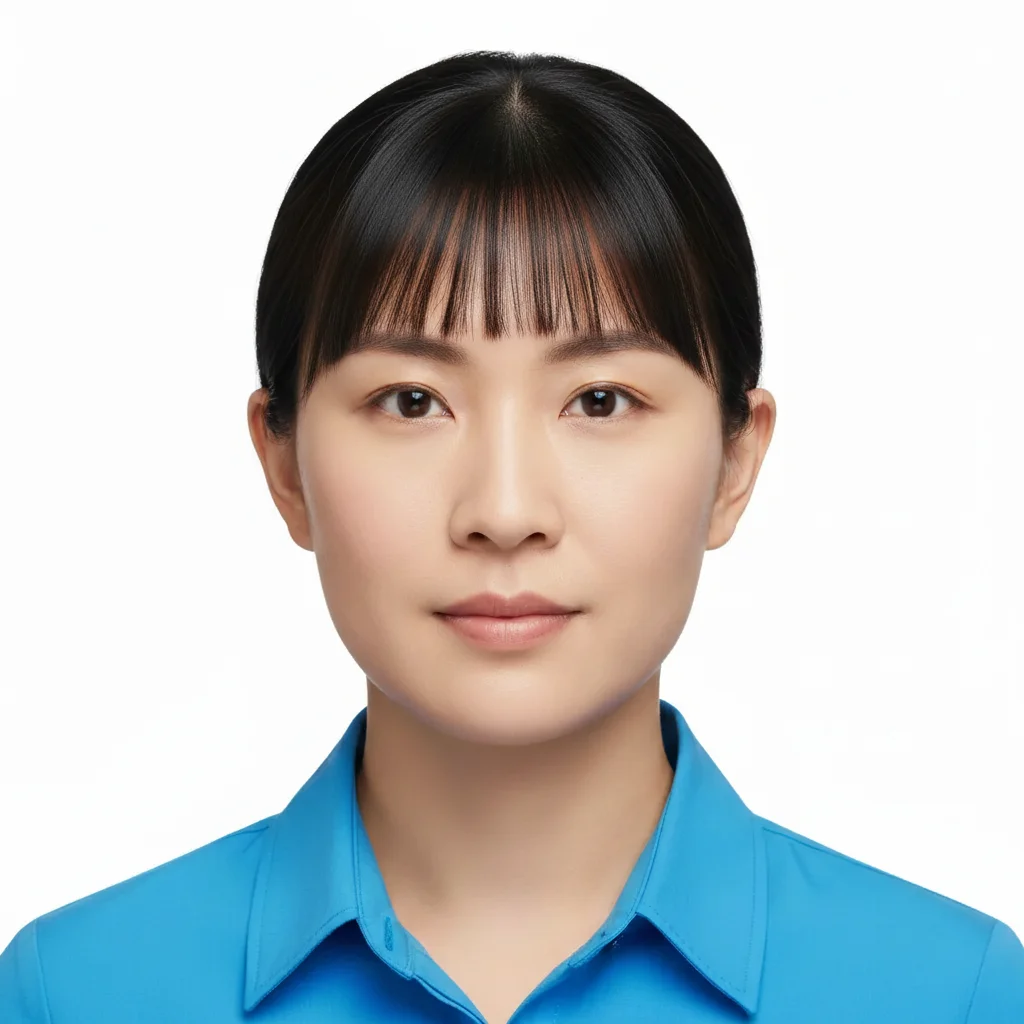
Do I need to mark sections of my hair before adding highlights?
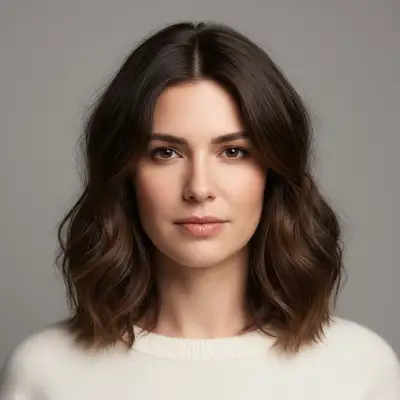
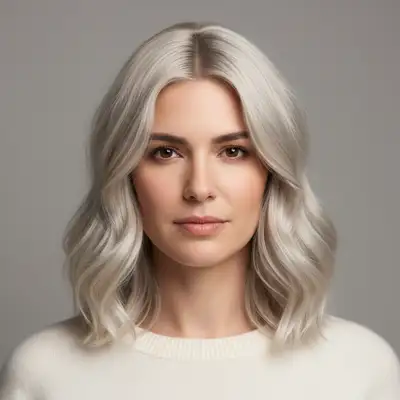
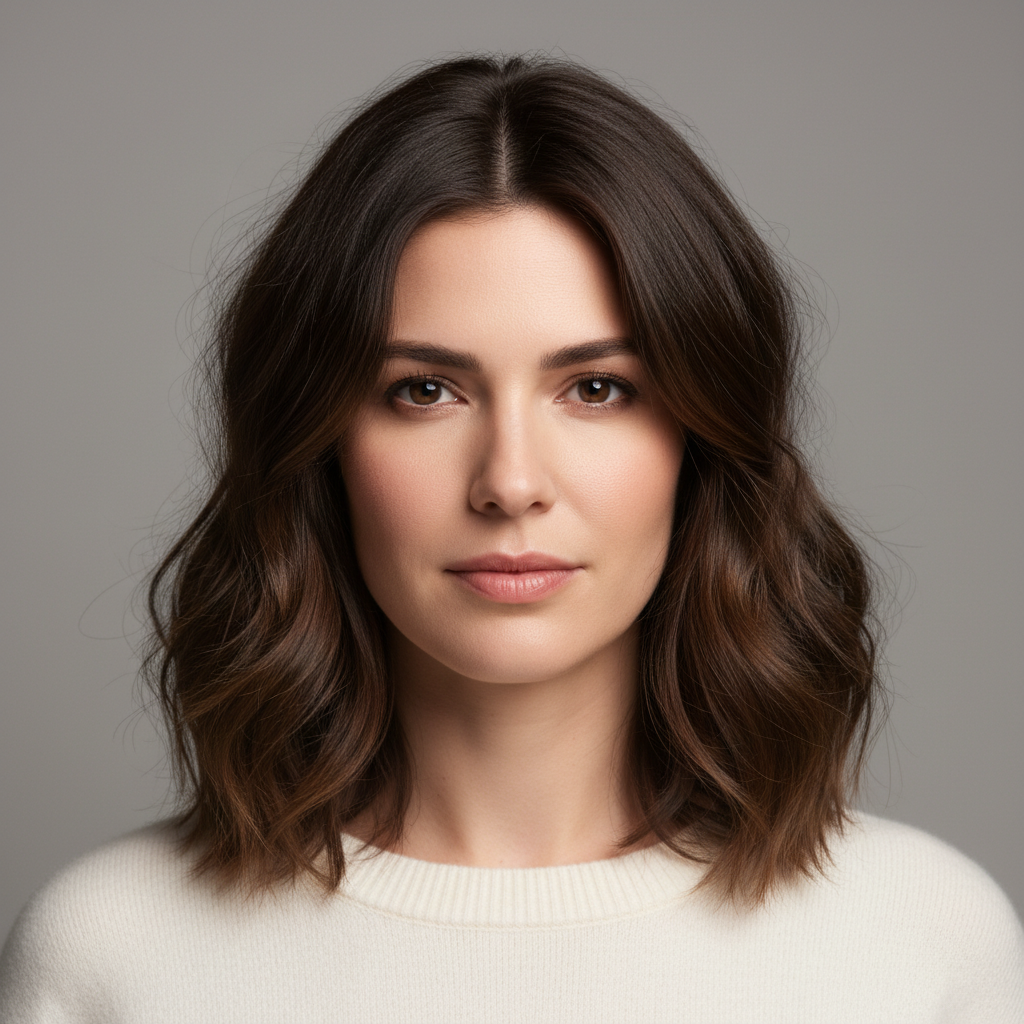
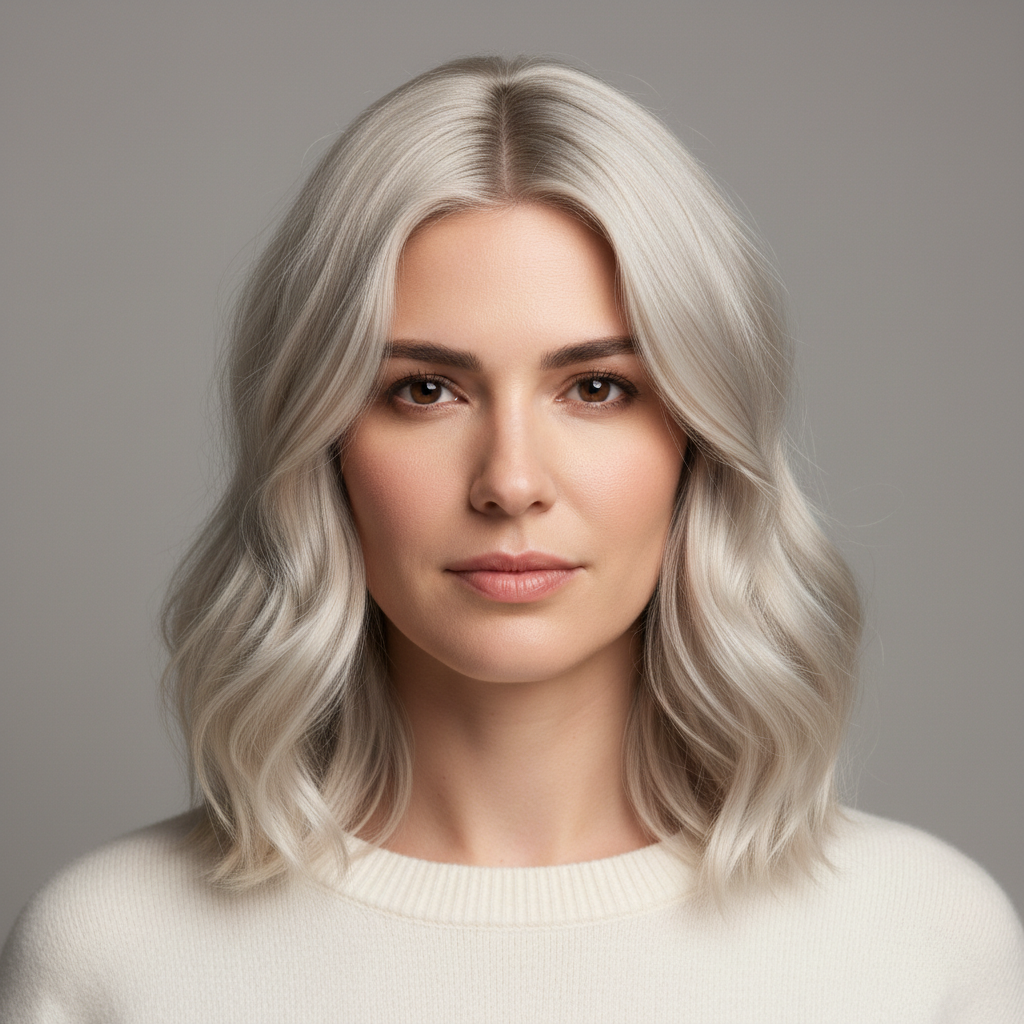
No! Just describe the highlight color and placement you want. The AI automatically applies highlights to your hair.
Can I try multiple highlight colors on the same photo?
Yes! After seeing one result, describe different highlights and the AI will replace them. Try blonde, then caramel, then red - compare as many colors as you want. Each new generation replaces the previous highlights so you can see different options.
What highlight colors and placements can I try?
Any color: blonde (honey, platinum, ash, golden), caramel, copper, red, burgundy, even unconventional colors. Any placement: all-over, face-framing, chunky sections, babylights (fine strands), balayage (gradient), peekaboo (underneath), money-piece (front sections). Just describe what you want.
Will highlights look natural with my base hair color?
The AI applies highlights that blend with your existing hair color. For most natural results, choose highlights 2-3 shades lighter than your base. Dark hair: caramel, honey, copper. Medium brown: blonde, light brown. Already blonde: platinum, ash. You can also try bold contrast for fashion looks.
What's the difference between babylights, highlights, and balayage?
Babylights: very fine, delicate strands throughout for subtle dimension. Highlights: thicker sections for more noticeable color. Balayage: hand-painted look with gradient from darker roots to lighter ends. Chunky: thick bold sections. Just mention the technique you want in your prompt.
Can I test highlights before going to the salon?
Yes! That's one of the most popular uses. Try different shades and placements to see what you like, then download and show your stylist. You can experiment freely without commitment or cost. Test subtle vs bold, different colors, and various placement options.
How do I get face-framing highlights vs all-over color?
Be explicit about placement. Face-framing: 'highlights around face and front sections only'. All-over: 'highlights throughout all my hair'. Money piece: 'bright highlights in the two front sections framing my face'. Top layer: 'highlights on the top visible layer'. Always specify the area.
Is EditThisPic's AI hair highlights adder really free?
Yes — you get 1 free edit per week, no account needed. Credit packs start at $4.99 for 10 edits.
How much does EditThisPic cost?
You get 1 free edit per week — no account needed. After that, one-time credit packs start at $4.99 for 10 edits, valid 12 months, no subscription. Power users who edit daily can pick Studio Membership, a monthly workspace at $49.99/mo for 300 edits. Purchased downloads are clean with no watermark.