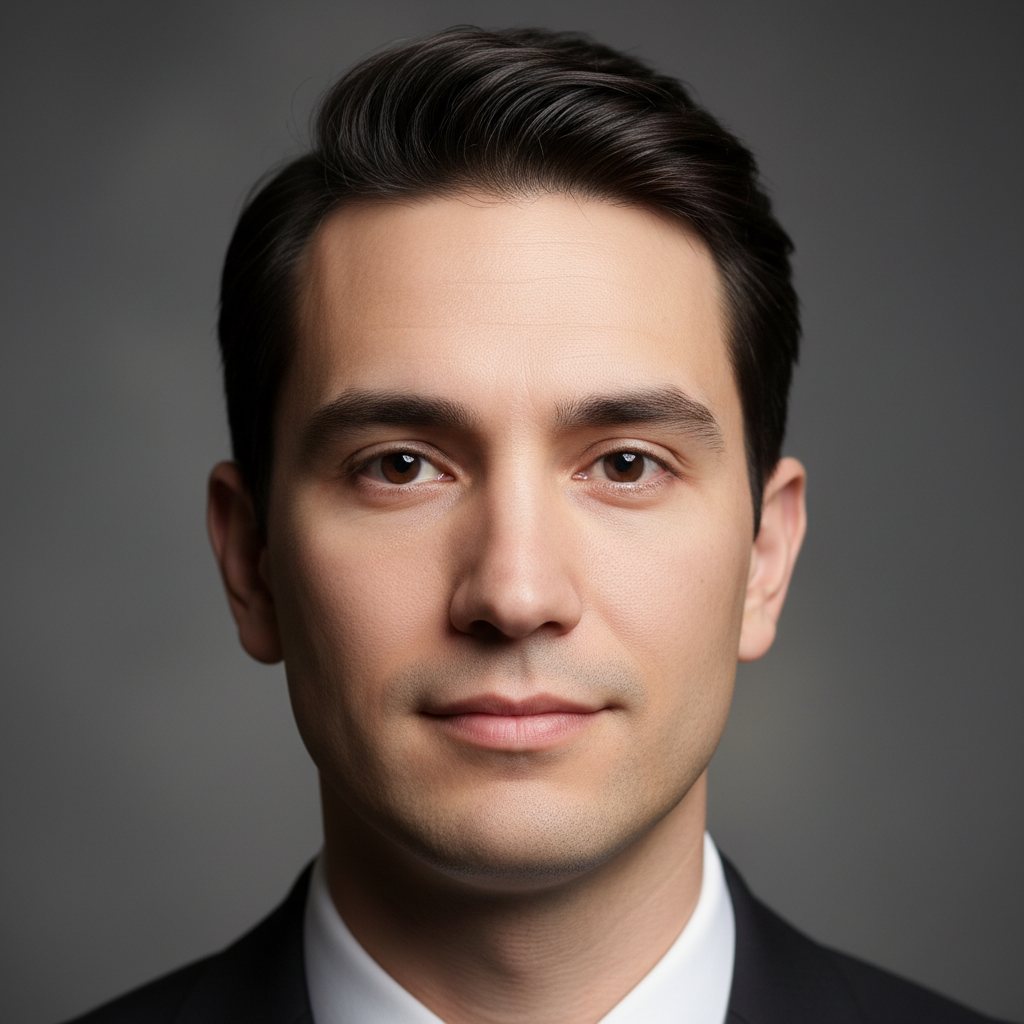
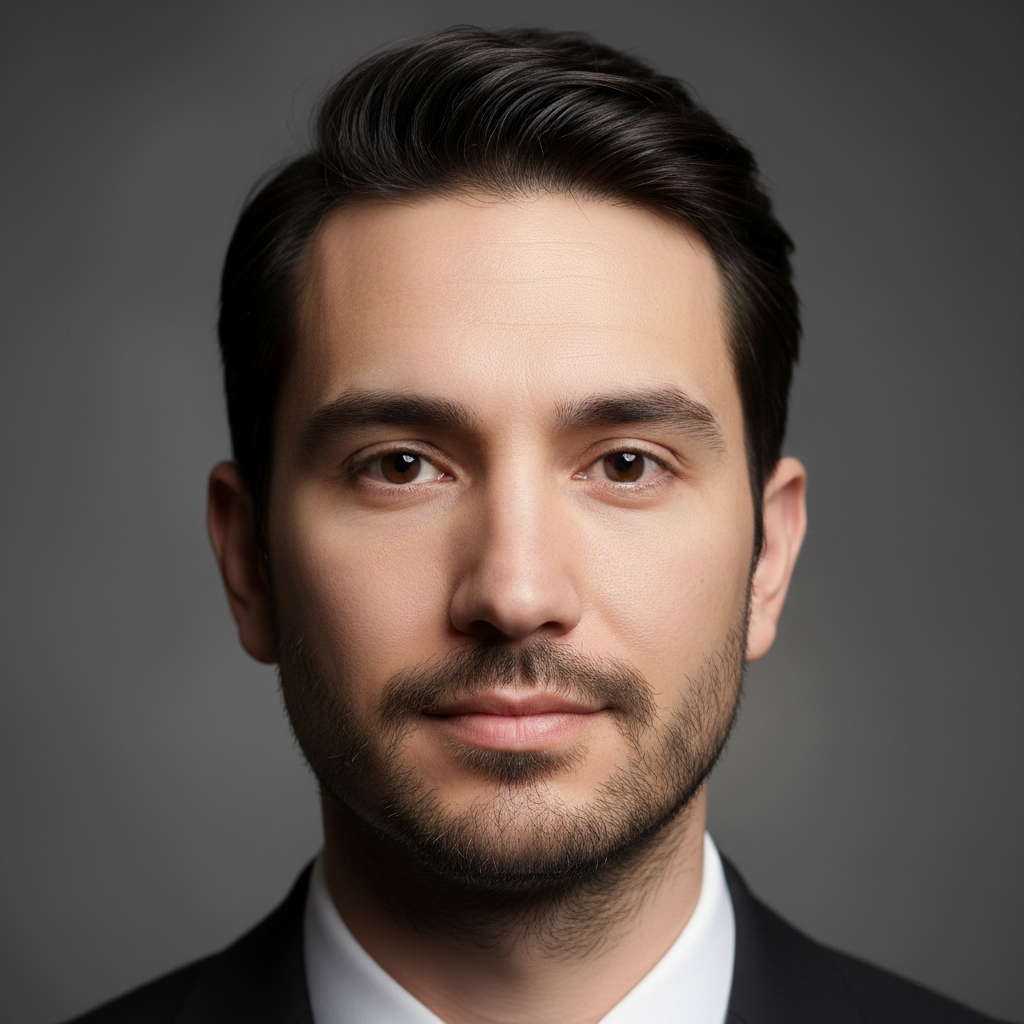
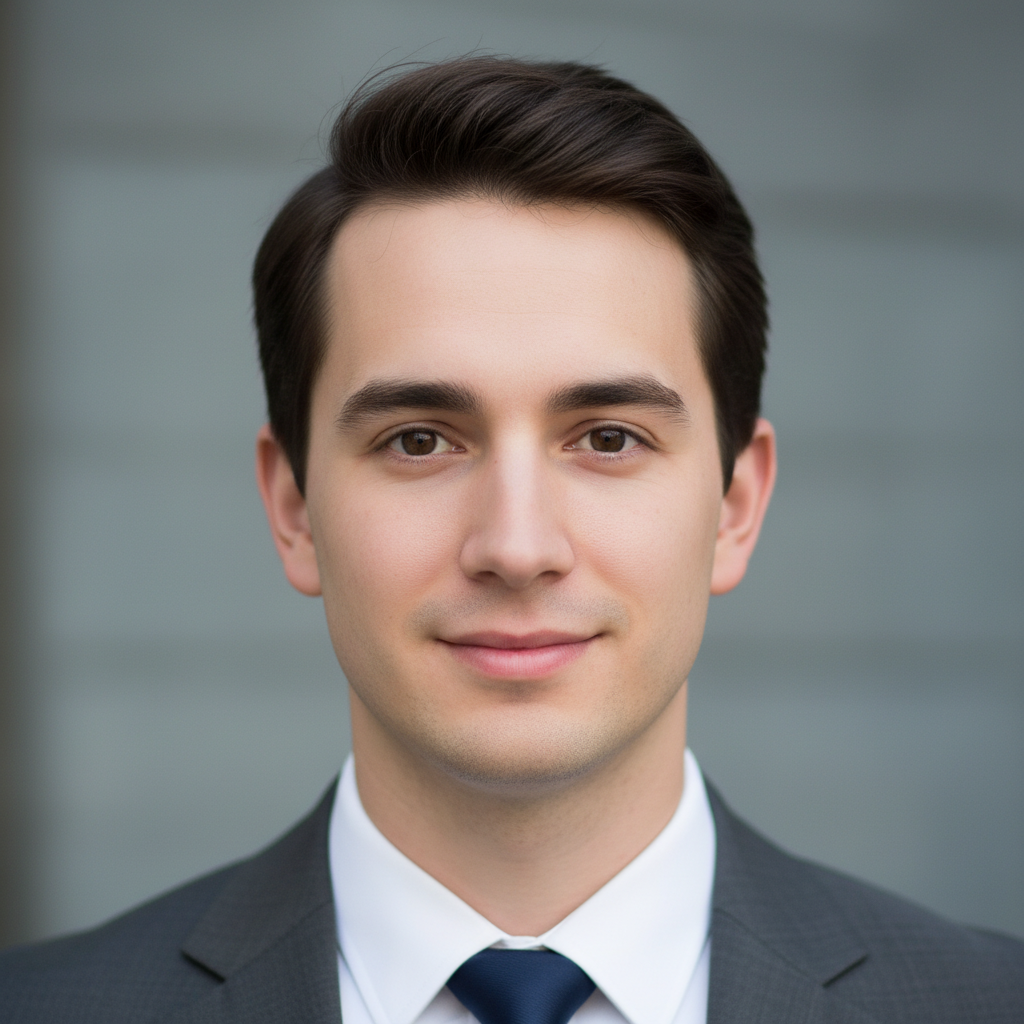
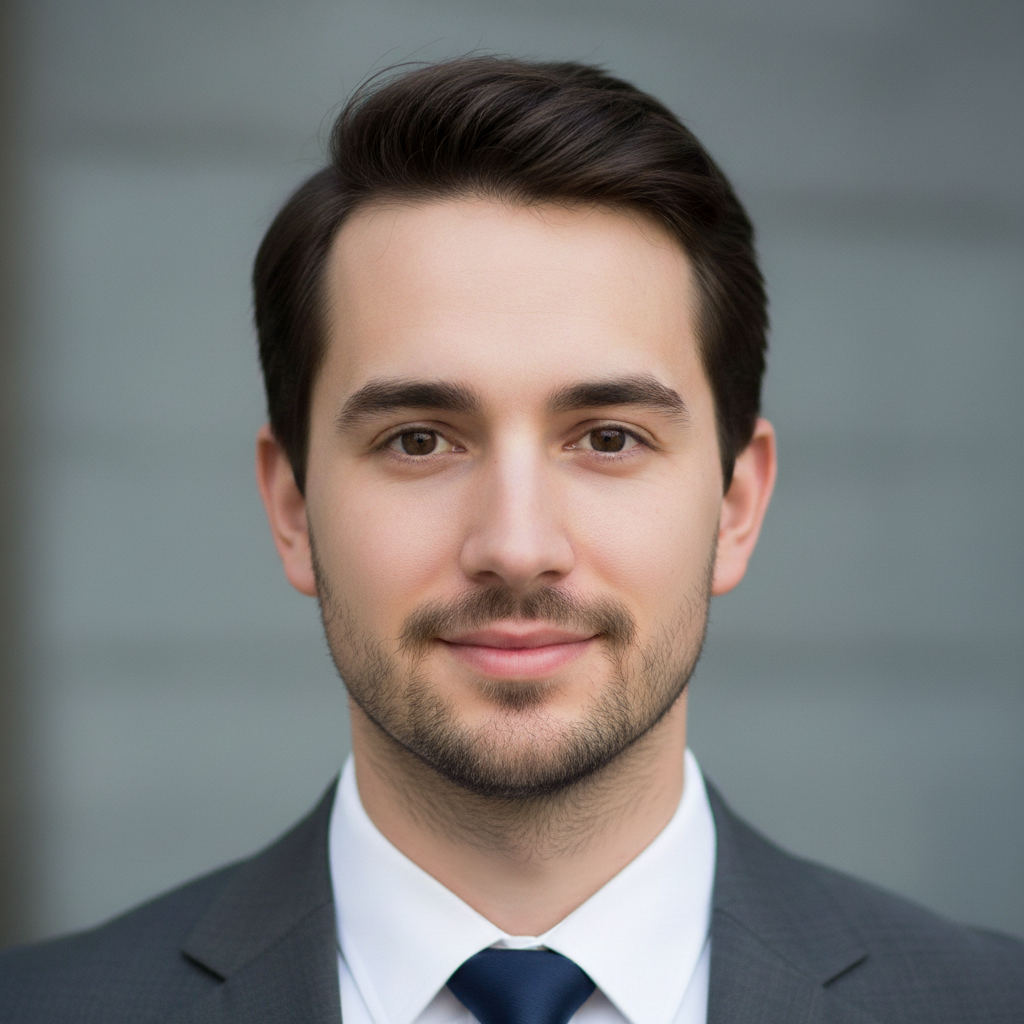
Do I need to mark where the beard should go before describing it?
No! Just type 'add a full beard' and the AI places it correctly on the face automatically. It understands facial anatomy and beard placement. Only use markers if you want a very specific placement that the AI isn't getting right from description alone.
How do I add a beard to my photo for free?
Upload your photo to EditThisPic and type a beard instruction like 'add a full thick beard.' The AI generates a realistic beard in 30-40 seconds that matches your face shape. Free to use, no account required, no watermarks on the result.
Is there a free AI beard generator that doesn't require login?
Yes, EditThisPic adds beards to photos for free with no account needed. Upload your photo, describe the beard style, and download the result. No watermarks. Works for stubble, goatees, full beards, and any other style.
What's the best free tool to see how I'd look with a beard?
EditThisPic lets you preview any beard style on your own photo in seconds. Unlike apps with preset beard templates that look pasted on, the AI generates a custom beard that matches your face shape, skin tone, and the photo's lighting. Try multiple styles in minutes.
Is EditThisPic's AI beard adder really free?
Yes — you get 1 free edit per week, no account needed. For unlimited edits, plans start at $3.99/month.
Can I add beard on my phone?
Yes. EditThisPic works in any mobile browser — iPhone, Android, tablet. No app download needed.
What photo formats does the AI beard adder support?
JPG, PNG, WebP, and HEIC. Upload any common photo format and EditThisPic handles the rest.
How long does it take to add beard?
Usually 15-30 seconds. Upload your photo, describe what you want, and the AI delivers the result.