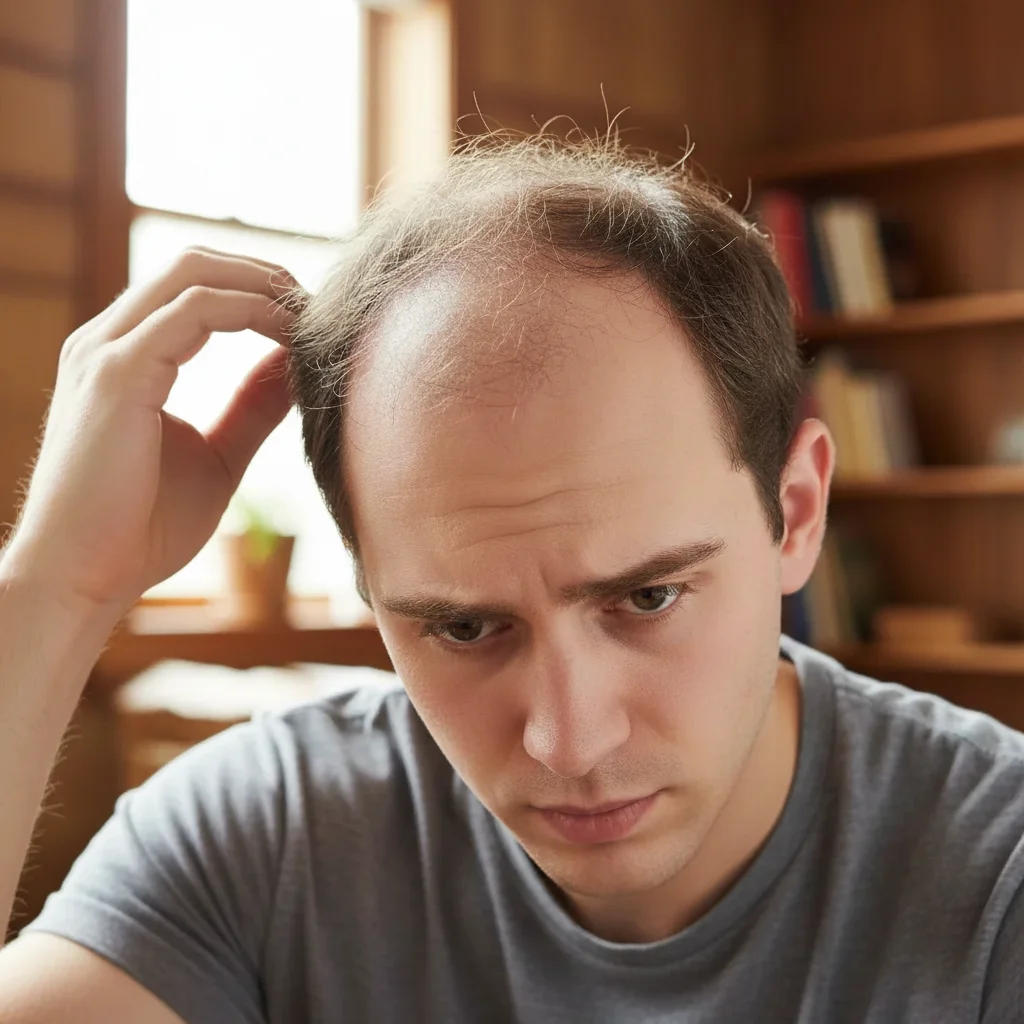
Add Hair to Photo
Transform hairstyles with AI-generated hair that looks completely natural.
Type 'add long flowing blonde hair with soft waves' and EditThisPic's AI generates realistic hair in 20-40 seconds. Perfect for visualizing new hairstyles, restoring thinning areas, adding volume, or completely changing hair length and color. The AI matches lighting, texture, and natural hair patterns. No selection required. Free to try, no account needed.
How it works
Upload your photo
Drop your portrait into EditThisPic. Best results come from front-facing or three-quarter angle photos with clear visibility of the current hairline and face. JPG, PNG, WebP up to 7MB.
Describe the hair you want
Type exactly what hair you want: 'add long wavy auburn hair reaching past the shoulders' or 'add thick curly black hair with natural volume.' Include length, color, texture (straight, wavy, curly), and style. The AI generates hair that matches your face shape and the photo's lighting.
Copy one of these to get started:
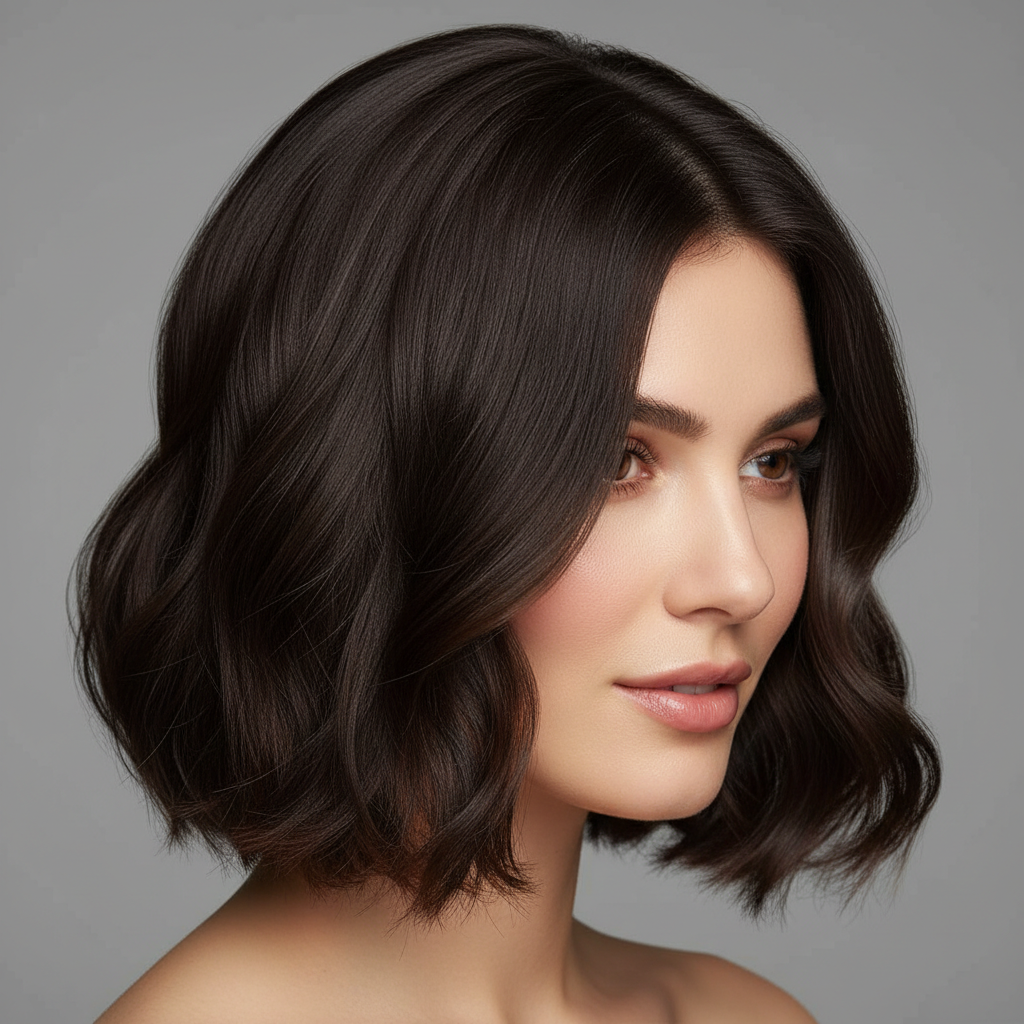
add long flowing hair reaching past the shoulders with subtle waves and natural movement, matching the current hair color
add natural volume and thickness to the hair with fuller body and healthy shine, keeping the same length and style
add rich auburn red hair with the current hairstyle, with natural highlights and lowlights for dimension
add voluminous curly hair with defined spiral curls and natural bounce, medium length falling to the shoulders
3 more prompts
add a sleek professional blowout hairstyle with smooth straight hair, slight volume at the roots, and polished ends
add soft wispy bangs across the forehead, blending naturally into the existing hairstyle
add natural hair to restore the hairline with realistic density and natural growth patterns matching the existing hair
Generate and review
Check that the hair looks natural at the hairline, the color matches expected lighting, and the texture is consistent throughout. Look for realistic shadows where hair meets the face and shoulders.
Refine with markers if needed
If the hairline looks unnatural or hair appears in wrong places, tap markers on those specific areas and describe corrections. Great for blending edges or adjusting specific sections.
"Wanted to see myself with long hair before committing to extensions. The AI version looked so real I showed it to my stylist as reference." @EmmaStylesHair
See it in action
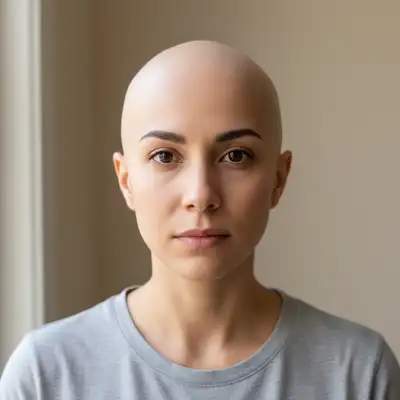
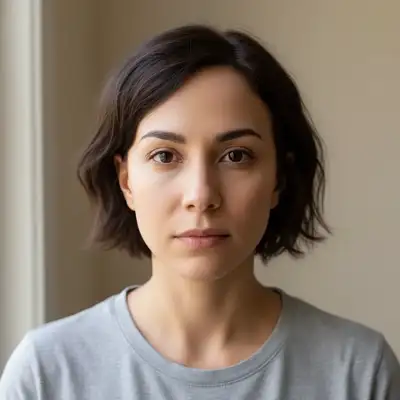
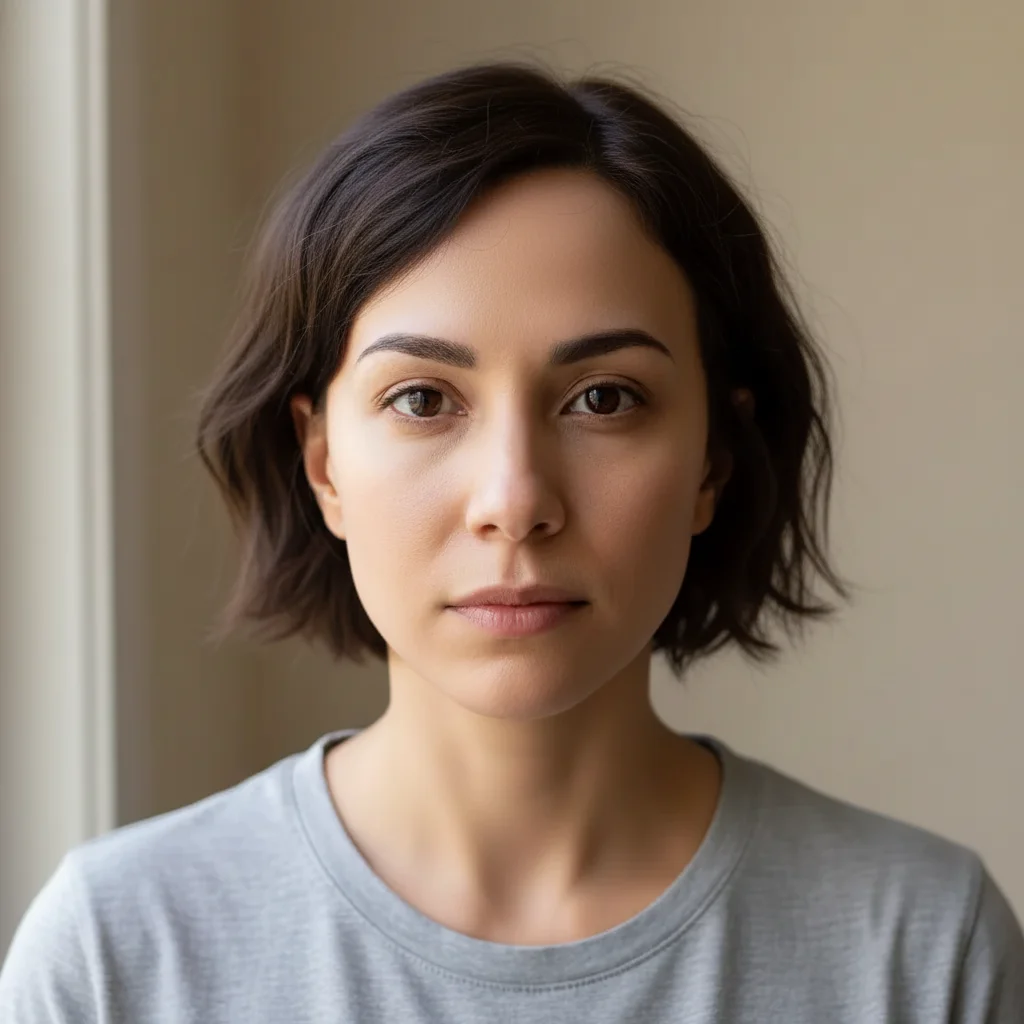
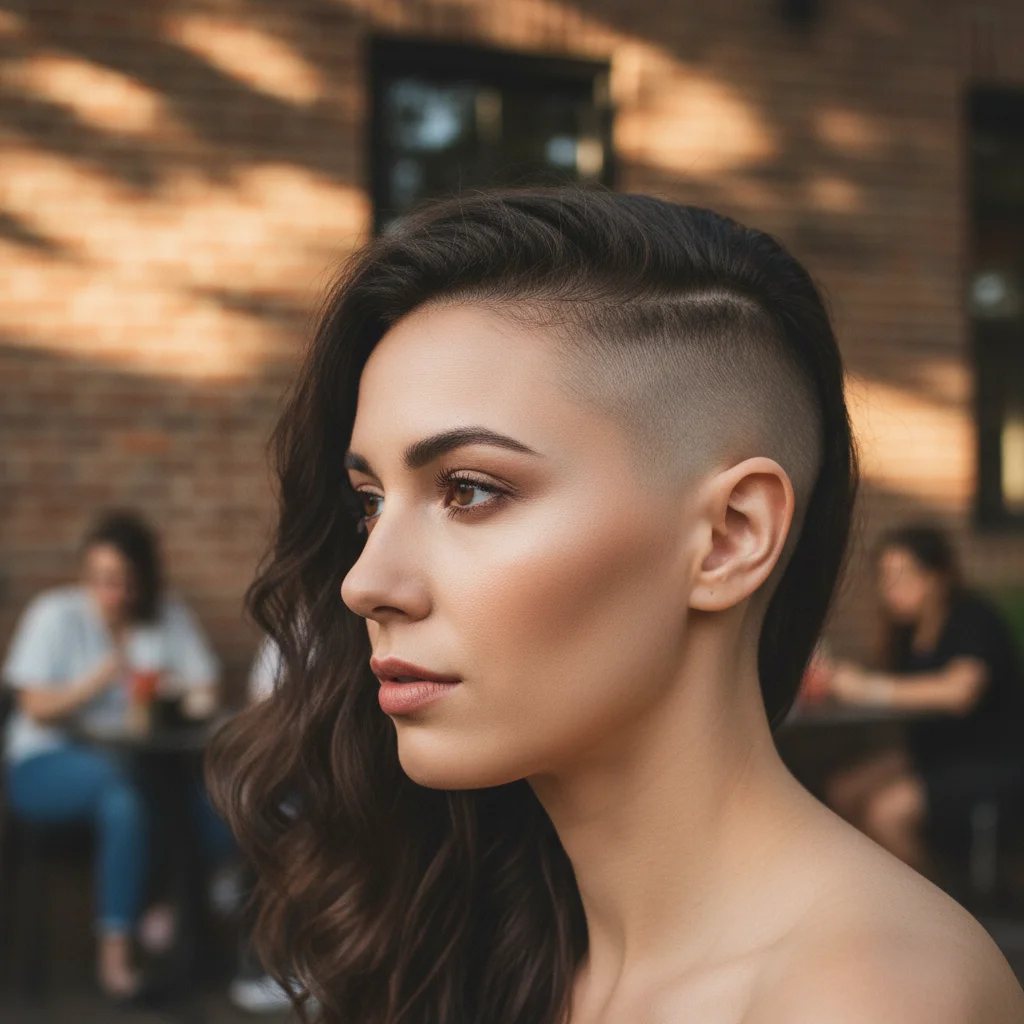
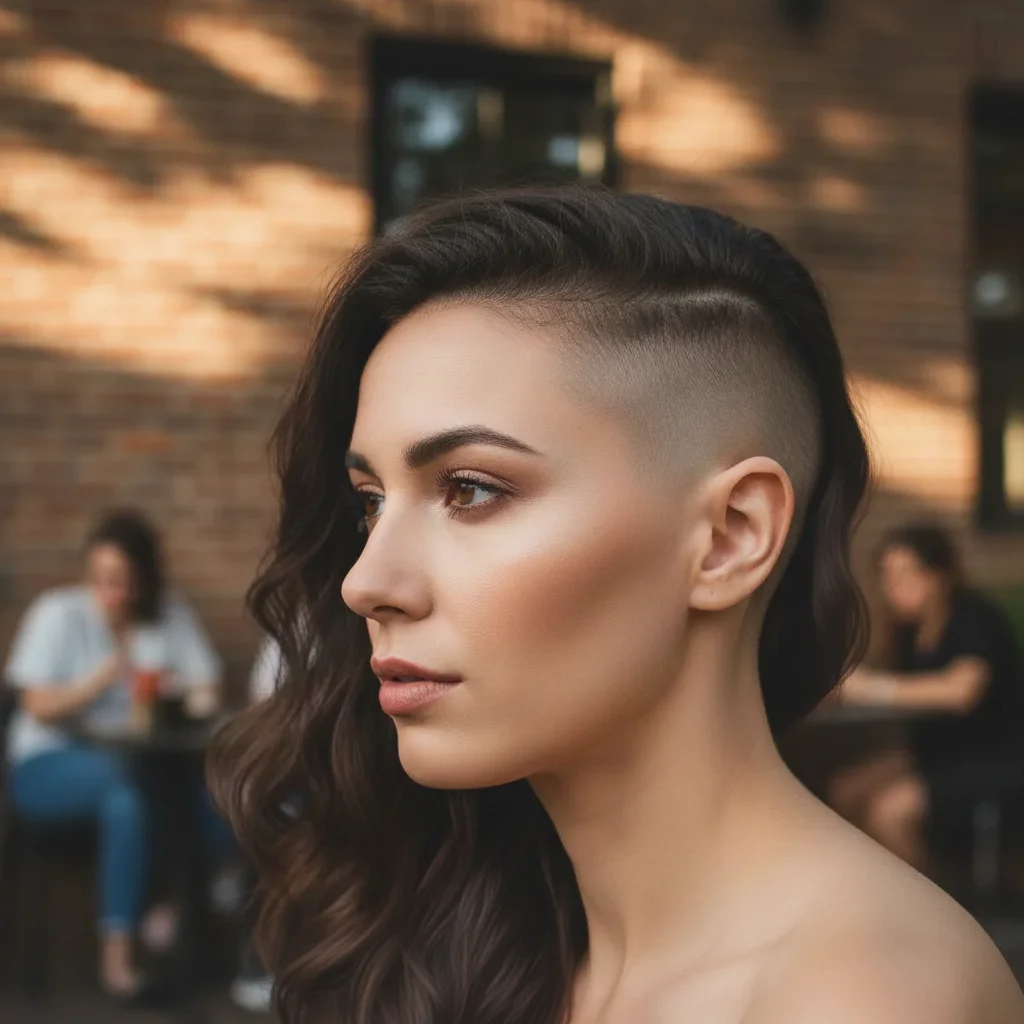
Short to long hair preview
Visualizing long hair before committing to extensions or growing it out naturally.
add long flowing chestnut brown hair with soft waves reaching mid-back, with natural movement and shine
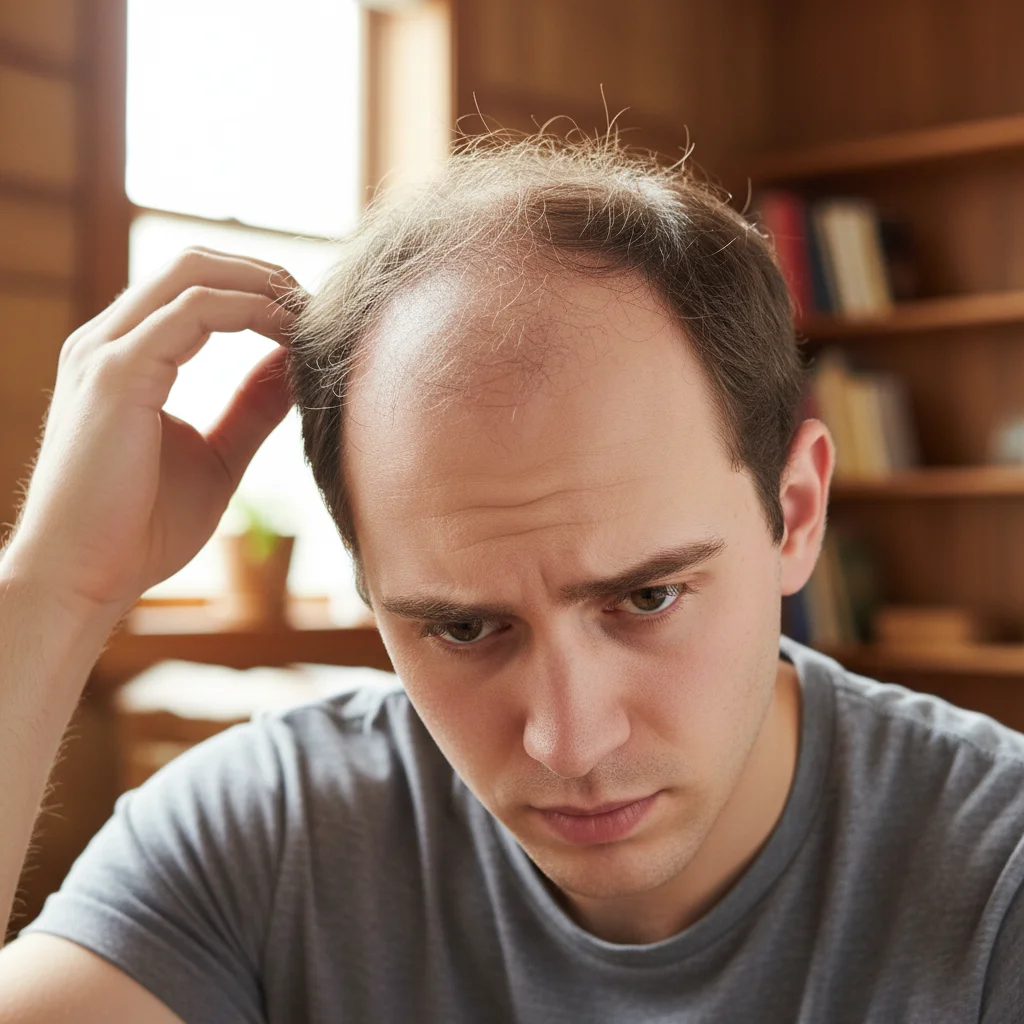
Volume boost for thin hair
Adding natural-looking volume and thickness to visibly thin, flat hair.
add natural volume and fullness to the hair with thicker body and healthy shine, maintaining the current length and blonde color
Complete style transformation
Trying a dramatically different curly hairstyle before committing to a perm.
add voluminous curly hair with defined bouncy curls, dark brown color with caramel highlights, shoulder length with natural movement
If something looks off
Hairline looks unnatural or too sharp
Why: The AI created a defined edge rather than natural hairline variation where hair meets skin.
blend the hairline naturally with soft edges and baby hairs at the forehead
💡 Natural hairlines have gradual density changes - mention 'baby hairs' or 'soft edges' for realism
Hair color doesn't match the lighting
Why: The AI generated hair with different lighting conditions than the original photo.
adjust the hair color to match the [warm/cool] lighting from the [direction] in the photo
💡 Note where light hits the face and mention that direction for consistent hair highlights
Hair looks pasted on or flat
Why: The hair lacks the depth, shadows, and natural movement expected in real photographs.
add hair with natural volume, movement, and realistic shadows where it touches the face and shoulders
💡 Include 'movement' and 'natural flow' in your prompt for dimensional results
AI changed the wrong area or something I didn't want changed
Why: The AI couldn't determine exactly which area you meant from description alone. This happens with ambiguous requests.
Tap a marker on the specific area you want to change, then regenerate with the same prompt
💡 Markers tell the AI 'I mean THIS one specifically.' Use them when description alone is ambiguous.
Hair texture is inconsistent
Why: The AI mixed different hair textures or the texture doesn't match throughout the hairstyle.
make all hair have consistent [straight/wavy/curly] texture with uniform pattern throughout
💡 Be specific about texture type and consistency in your original prompt
Quick answers
Do I need to mark where the hair should go?
No! Just describe the hair you want: 'add long blonde wavy hair' or 'add volume to the existing hair.' The AI understands head shape, face proportions, and natural hair placement. Only use markers if you need to refine specific areas after the first result.
Can I keep my existing hair and just add to it?
Yes! Describe additions like 'add length while keeping my current style' or 'add volume and thickness to my existing hair.' The AI blends new hair with your existing hair for natural results. Works great for extensions visualization.
How realistic does the added hair look?
Very realistic when you include details. Mention texture, movement, highlights, and lighting. The AI generates individual hair strand patterns, natural shadows, and proper highlights that match your photo's lighting conditions.
Can I use this to preview hair colors before dyeing?
Absolutely. This is one of the most popular uses. Try prompts like 'change my hair to platinum blonde' or 'add rich burgundy color to my hair.' Much safer than experimenting with real dye.
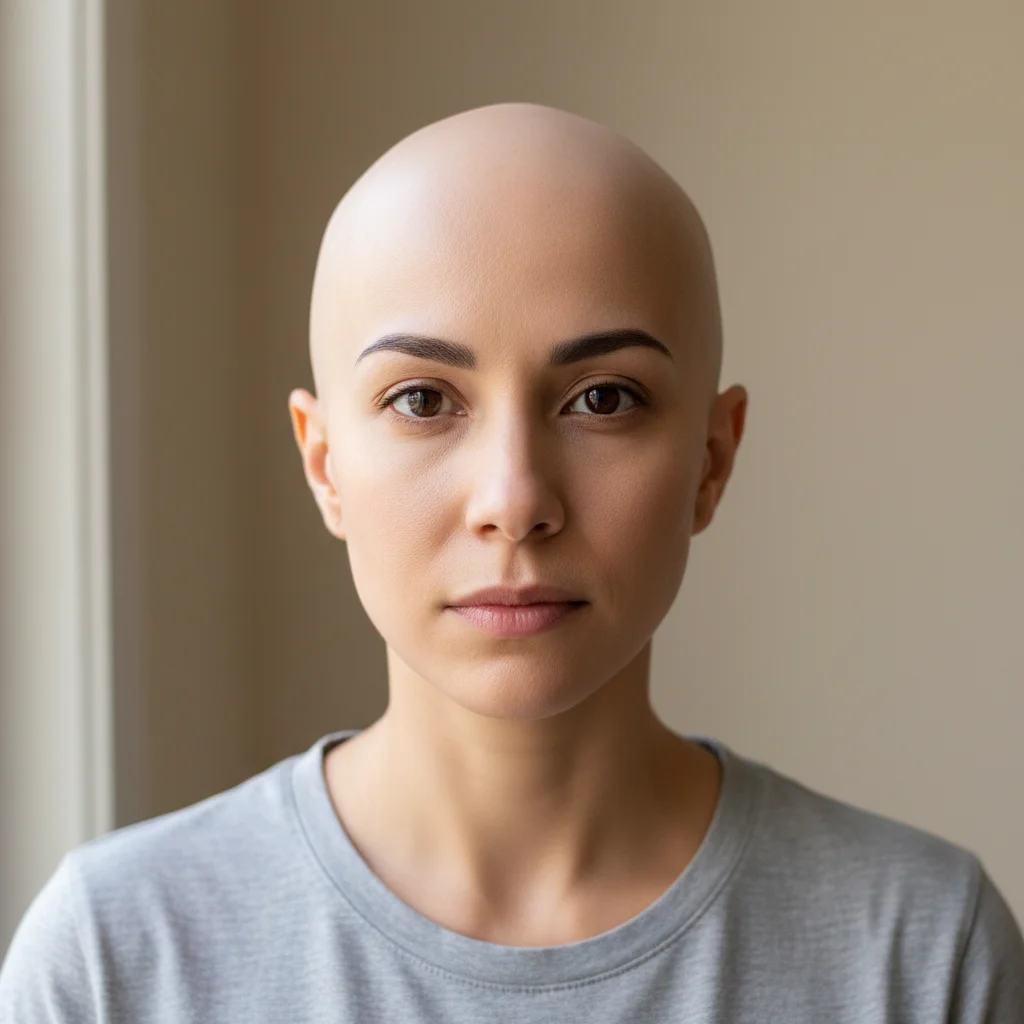
Does it work with bald or very short hair?
Yes. The AI can add a complete head of hair to bald or buzzed photos. Be descriptive about the style you want, and expect it may take 2-3 tries to get the hairline and density looking completely natural.
Ready to try a new hairstyle?
Free to try. No signup required.