Remove Bird from Photo
Clean birds out of your sky and landscape shots with one simple description.
Type 'remove the bird and fill with clean sky' and EditThisPic's AI erases birds seamlessly in 15-30 seconds. Works on single birds, flocks, and flying silhouettes against sky, water, or landscape backgrounds. No selection tools needed. Just describe what should replace the bird. Free to try, no account required.
How it works
Upload your photo
Drop your landscape or sky photo into EditThisPic. Works with any format showing birds against sky, water, or natural backgrounds. JPG, PNG, WebP up to 7MB.
Describe what you want
Type your instruction: 'remove the bird and fill with clear blue sky' or 'remove the birds and show the sunset colors.' Be specific about what should replace the birds. The AI understands 'bird' and will find it in your image.
Copy one of these to get started:
remove the bird and fill with clean blue sky matching the surrounding area
remove the bird silhouette and fill with the gradient sunset colors from the surrounding sky
remove the seagull and show clear sky and ocean horizon behind it
remove all the birds from the sky and fill with clean natural sky
2 more prompts
remove the bird and blend the clouds naturally where it was
remove the bird and fill with sky, keeping the tree/building edges sharp
Generate and review
Check that the bird is completely gone and the sky or background looks natural. Zoom in on where the bird was to verify no artifacts remain.
Refine with markers if needed
If there are multiple birds and only some were removed, tap markers on the remaining ones and regenerate. This tells the AI exactly which birds you want gone.
"Had a perfect sunset shot ruined by a random seagull. Typed 'remove bird, show sunset sky' and it was gone. Magic." @TravelLensMike
See it in action
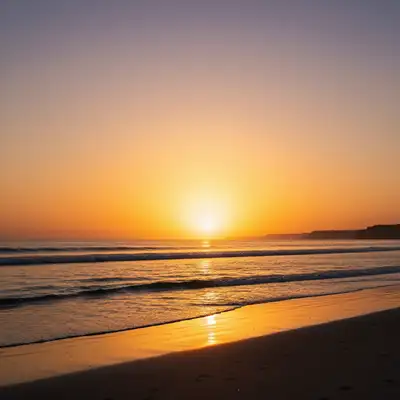
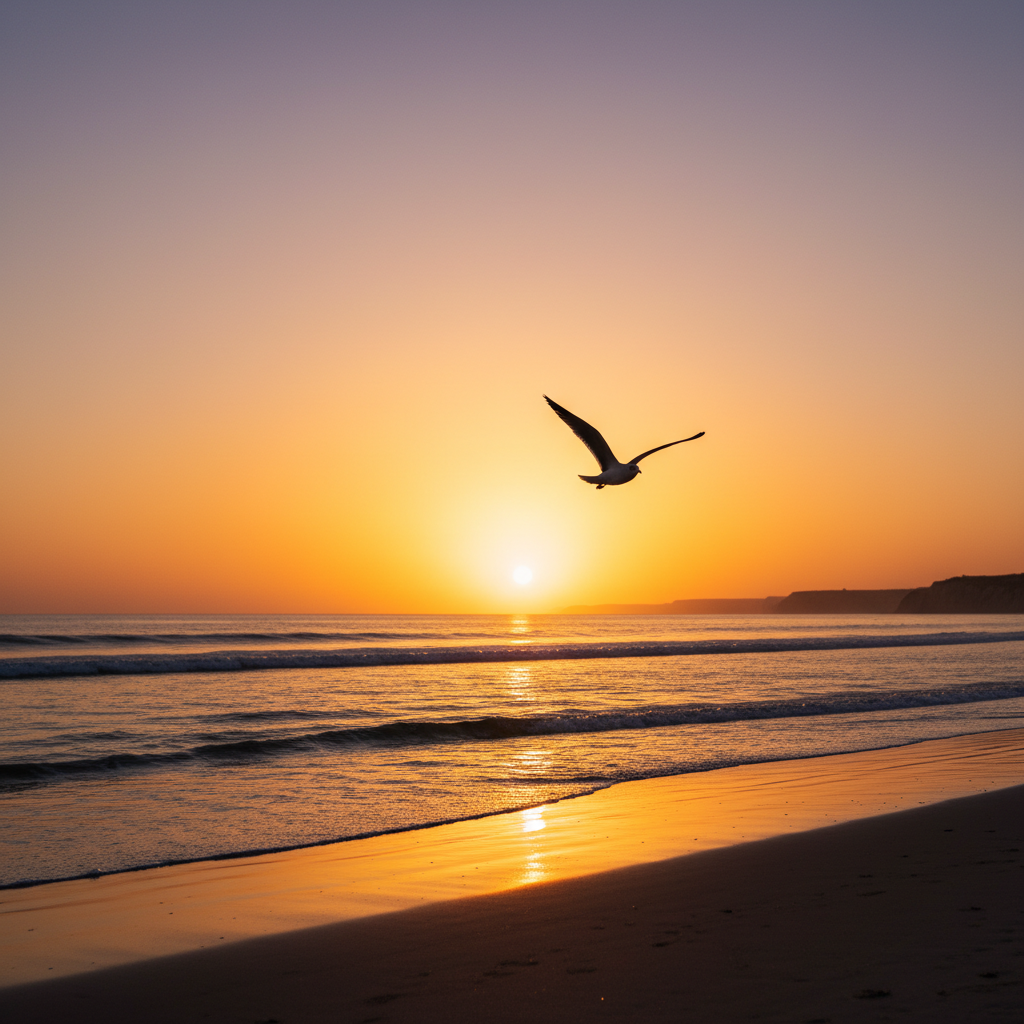
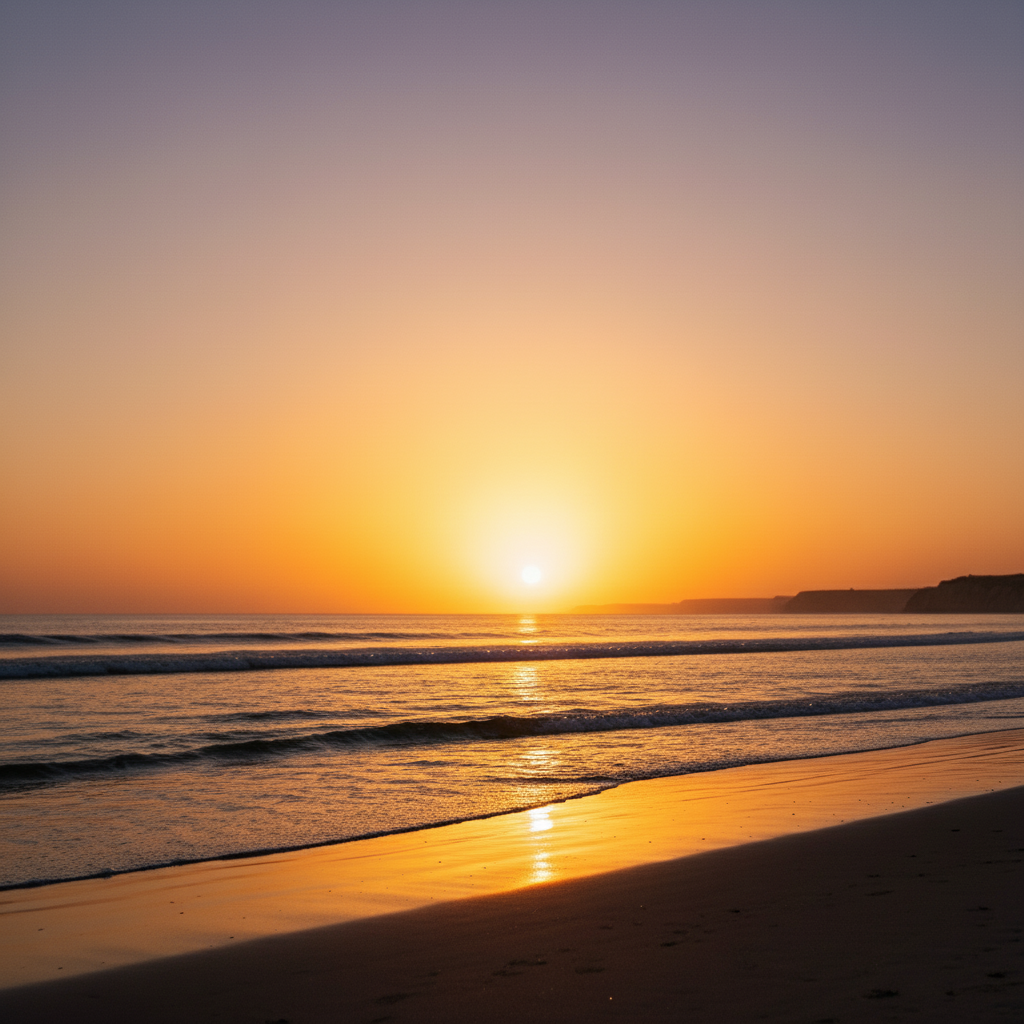
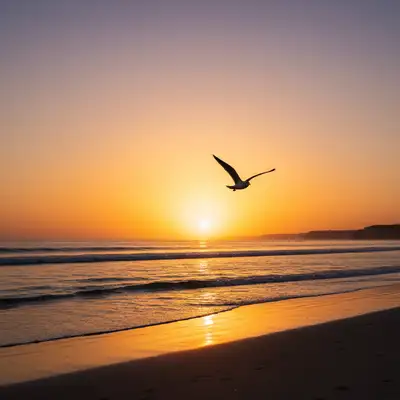
Seagull removed from beach sunset
A perfect golden hour beach shot had a seagull flying through frame. One prompt made it disappear.
remove the bird and fill with the warm sunset sky colors
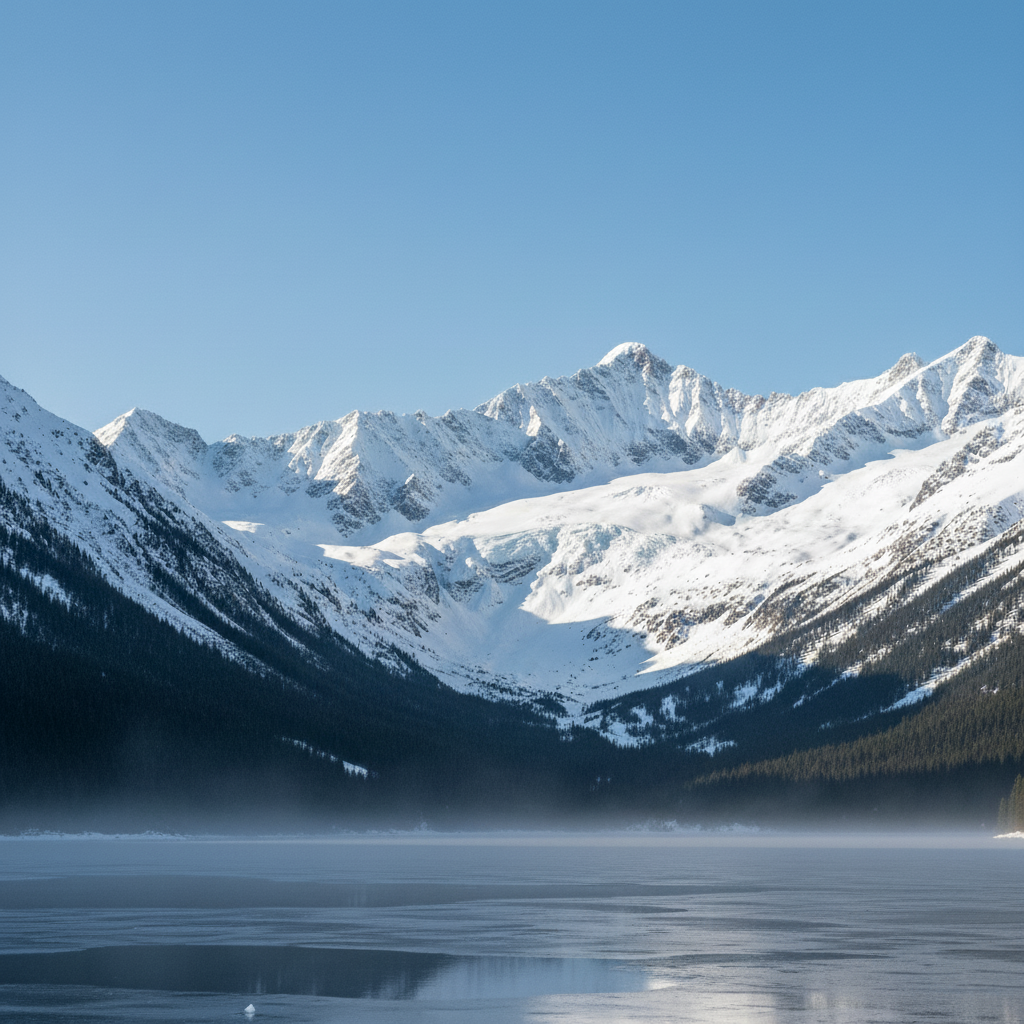
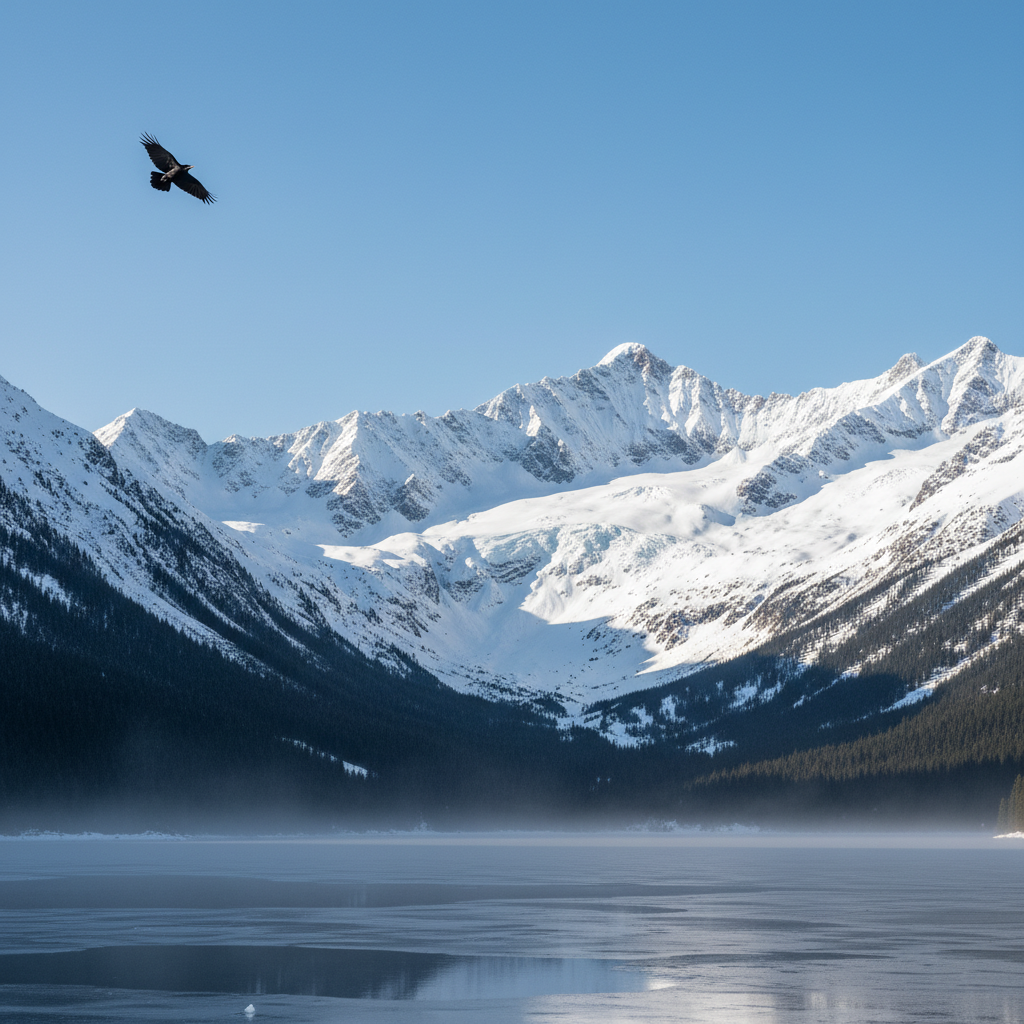
Crow removed from mountain landscape
Scenic mountain vista had a crow flying across the peaks. The AI filled it with matching blue sky.
remove the bird and fill with clear mountain sky matching the blue gradient
Pelican removed from coastal scene
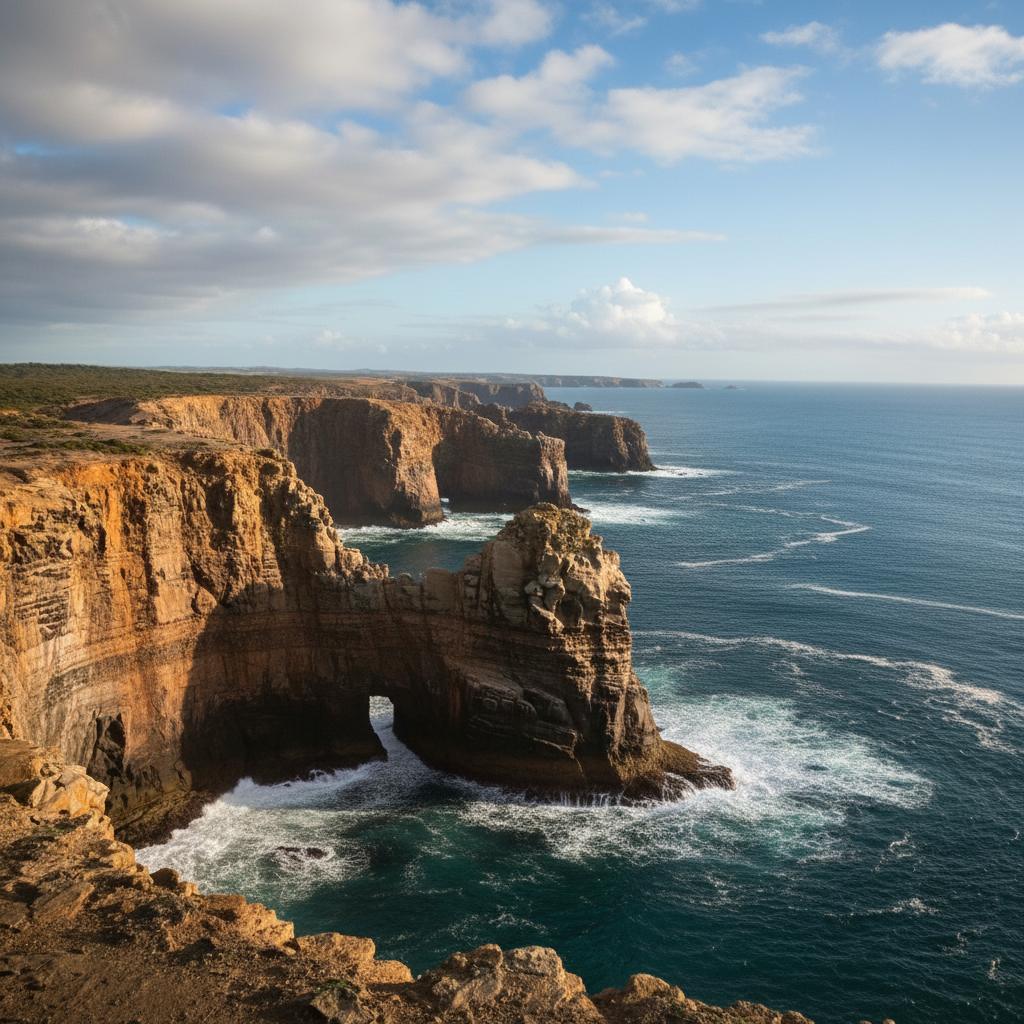
Coastal cliff photo had a pelican that distracted from the scenery. Quick removal cleaned up the composition.
remove the pelican and show the ocean and cloudy sky behind it
If something looks off
Bird outline or shadow still visible
Why: The AI removed the bird but left a faint trace or color difference in that area.
remove any remaining bird traces and blend the sky smoothly
💡 Adding 'blend smoothly' in your prompt often prevents this on the first try
Wrong bird removed when there are multiple
Why: The AI picked a different bird than you intended when several are in frame.
Tap a marker on the specific bird you want removed, then regenerate
💡 For multiple birds, either say 'remove all birds' or use markers to specify which ones
AI changed the wrong area or something I didn't want changed
Why: The AI couldn't determine exactly which area you meant from description alone. This happens with ambiguous requests.
Tap a marker on the specific area you want to change, then regenerate with the same prompt
💡 Markers tell the AI 'I mean THIS one specifically.' Use them when description alone is ambiguous.
Sky looks patchy or has visible seams
Why: Complex sky gradients or cloud patterns are hard to reconstruct seamlessly.
remove the bird and recreate natural sky with smooth color transitions matching the original
💡 Describe the sky type: 'gradient sunset,' 'fluffy clouds,' or 'clear blue' helps accuracy
Quick answers
Do I need to mark the bird before describing the removal?
No! Just describe what you want: 'remove the bird and fill with sky.' The AI identifies birds automatically. Only use markers when there are multiple birds and you want to remove specific ones, or if the first attempt missed the bird.
Can I remove multiple birds at once?
Yes! Say 'remove all the birds' and the AI will find and remove every bird in the image. For flocks, this usually works well. If some birds remain, tap markers on them and regenerate.
What about birds against complex backgrounds like trees?
Birds against sky work best. When a bird overlaps trees or buildings, mention those in your prompt: 'remove bird and keep the tree edges sharp.' The AI will be more careful around complex edges.
Will removing the bird leave a visible patch?
Usually no - the AI reconstructs the sky or background naturally. For best results, describe what should fill the space: 'fill with matching sunset gradient' rather than just 'remove bird.'
Ready to remove birds from your photos?
Free to try. No signup required.