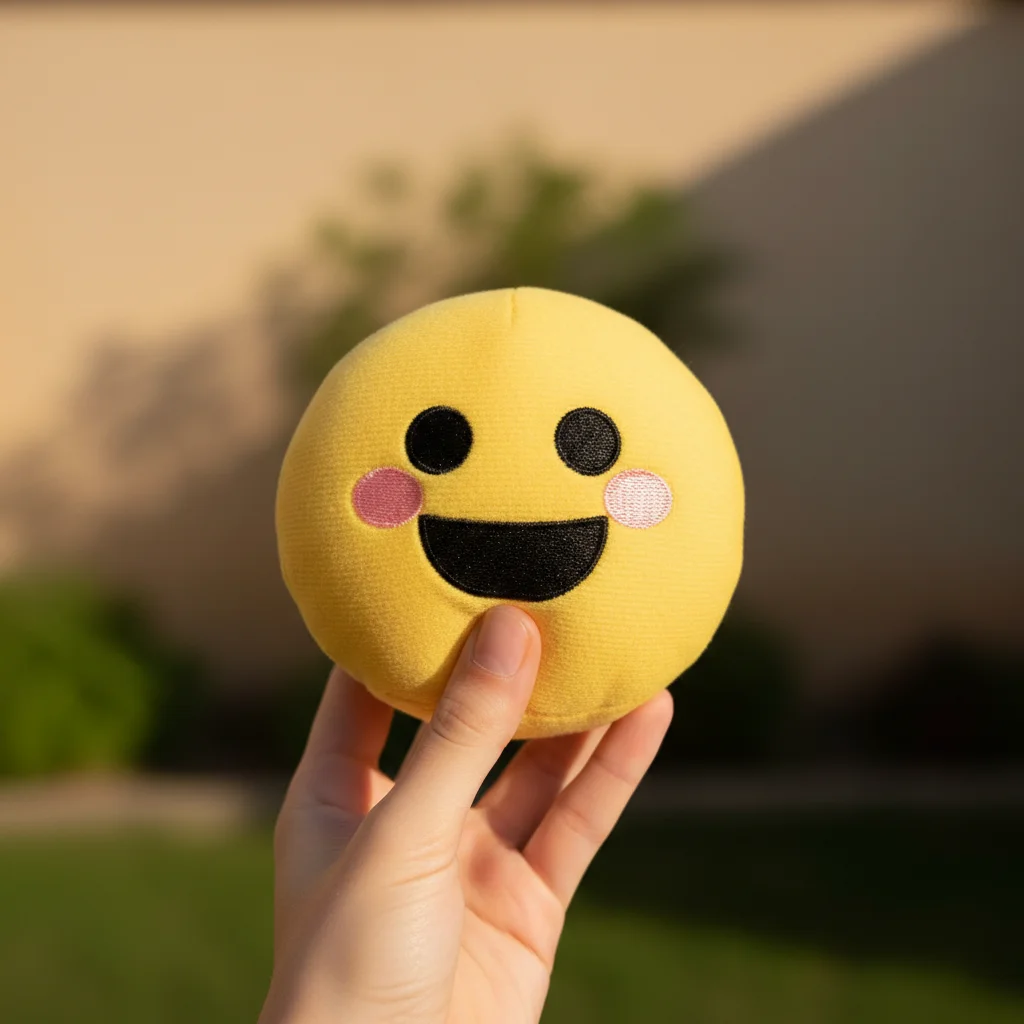
Remove Emoji from Photo
Recover photos hidden behind emojis and social media stickers
Type 'remove the emoji and reconstruct what is behind it' and EditThisPic's AI attempts to reveal the hidden content in 20-40 seconds. No manual cloning, no painting tools needed. Just describe what you want. Works best when the emoji covers less critical areas or when context clues exist. Results vary based on what was hidden. Free to try, no account needed.
How it works
Upload your photo
Drop your image into EditThisPic. JPG, PNG, WebP up to 7MB. Works on screenshots, social media saves, and any image with emoji overlays. The more context visible around the emoji, the better the reconstruction.
Describe what you want
Type your instruction: 'remove the emoji and reconstruct what is behind it' or 'remove the smiley face sticker and fill with the background.' Describe what you think should be there if you know. No marking needed - the AI recognizes emoji shapes.
Copy one of these to get started:
remove the emoji and fill with the surrounding background pattern
remove the emoji covering the face and reconstruct a natural-looking face based on visible features
remove all emojis and stickers from the image, reconstruct the hidden areas
remove the heart sticker and reveal what is behind it, blend naturally
3 more prompts
remove the emoji and try to reconstruct the text that was behind it
remove all emoji overlays from this screenshot and restore the original photo
remove the emoji from the face and complete the face naturally based on the visible portion
Generate and review
Check the reconstructed area. For simple backgrounds, expect near-perfect results. For faces or complex content, the AI generates a plausible reconstruction but may not match the original exactly.
Refine with markers if needed
If parts of the emoji remain or the reconstruction needs work, tap markers on specific areas and request refinement. Sometimes the AI needs guidance on what should appear there.
"Recovered the original photo from a screenshot where someone had covered their face with an emoji. The AI reconstructed a believable face based on the visible parts." @DigitalDetectiveSam
See it in action
Sky emoji removed from landscape
Someone added a sun emoji to a sunset photo. AI removed it and seamlessly continued the sky gradient.
remove the emoji and fill with the surrounding sky gradient
Heart sticker removed from selfie
Heart stickers covered parts of a selfie. AI removed them and reconstructed the hair and background.
remove the heart stickers and reconstruct the hair and background behind them
Emoji removed from group photo
Someone used an emoji to cover another person in a group shot. AI reconstructed a plausible figure.
remove the emoji covering the person and reconstruct a natural-looking figure based on context
If something looks off
Reconstructed face does not look right
Why: The AI has to invent what was behind the emoji. Without reference to the original, it generates a plausible but not accurate face.
try again with a different face reconstruction, more natural expression
💡 Face reconstruction is inherently uncertain. The AI creates what could plausibly be there, not what actually was.
Part of the emoji still visible
Why: The AI did not fully detect the emoji boundaries, especially with semi-transparent or irregular shaped stickers.
Tap markers on the remaining emoji parts and say 'remove these remaining sticker traces'
💡 Markers help clean up edges and partial remnants the AI missed.
AI changed the wrong area or removed something else
Why: The AI couldn't determine exactly which element you meant from description alone. This happens with ambiguous requests.
Tap a marker on the specific emoji you want to remove, then regenerate with the same prompt
💡 Markers tell the AI 'I mean THIS emoji specifically.' Use them when multiple overlays exist.
Background reconstruction looks patchy
Why: Complex patterns or textures are hard to reconstruct accurately when large portions were hidden.
blend the reconstructed area to match the surrounding pattern more naturally
💡 Describe the background type for better results: 'fill with matching brick pattern' or 'continue the grass texture.'
Cannot recover text that was behind emoji
Why: Text requires exact reconstruction which is nearly impossible without seeing the original characters.
This is a limitation - if text was completely hidden, it cannot be accurately recovered
💡 Text recovery only works if partial letters are visible for context. Fully hidden text cannot be restored.
Multiple emojis only partially removed
Why: Processing many overlays at once can be challenging. Some may need individual attention.
Remove emojis one at a time by tapping markers on each and regenerating
💡 For images with many emojis, removing them in batches of 1-2 gives cleaner results.
Quick answers
Do I need to mark the emoji before describing?
No! Just describe what you want: 'remove the emoji and reconstruct what is behind it.' The AI recognizes common emoji shapes and sticker patterns. Only use markers when multiple emojis exist and you want to target a specific one, or when you need to clean up remnants the AI missed.
Can the AI really show what was behind the emoji?
It depends on what was hidden. For simple backgrounds like sky, walls, or patterns, the AI can seamlessly continue the existing content. For faces or unique content, the AI generates a plausible reconstruction based on context - it will not match the original exactly because that information is lost when covered.
Will a face reconstruction look like the original person?
No, not exactly. The AI creates a believable face based on visible features like hair, skin tone, and body position, but it cannot recover the actual face that was hidden. Think of it as generating what could plausibly be there, not revealing what was there.
Does it work on all types of stickers and overlays?
Yes, it works on most emoji and sticker types: standard emojis, Instagram stickers, Snapchat filters, heart overlays, and most decorative elements. Semi-transparent overlays may leave traces that need additional cleanup.
Can I use this to remove censorship from images?
The AI can remove overlay shapes, but it cannot restore explicit content that was censored - it will generate a generic, appropriate reconstruction. This tool is designed for legitimate recovery of personal photos, not bypassing intentional censorship.
Ready to remove those emojis?
Free to try. No signup required.