Free • No signup Open Editor

Remove Helmet from Photo

Reveal natural hair by removing motorcycle, bike, and sports helmets with AI.
Type 'remove the helmet and show natural hair underneath' and EditThisPic's AI handles it in 30-60 seconds. No manual selection needed. Just describe what you want. The AI reconstructs realistic hair and head shape where the helmet was covering. Works on motorcycle helmets, bicycle helmets, ski helmets, football helmets, and any protective headgear. Free to try, no account needed.

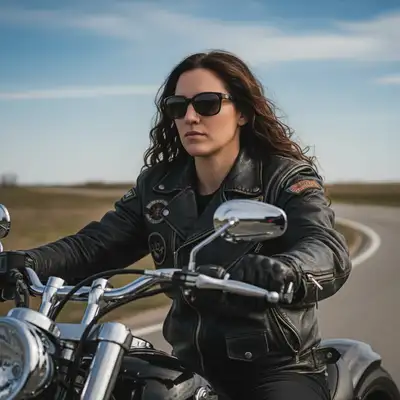
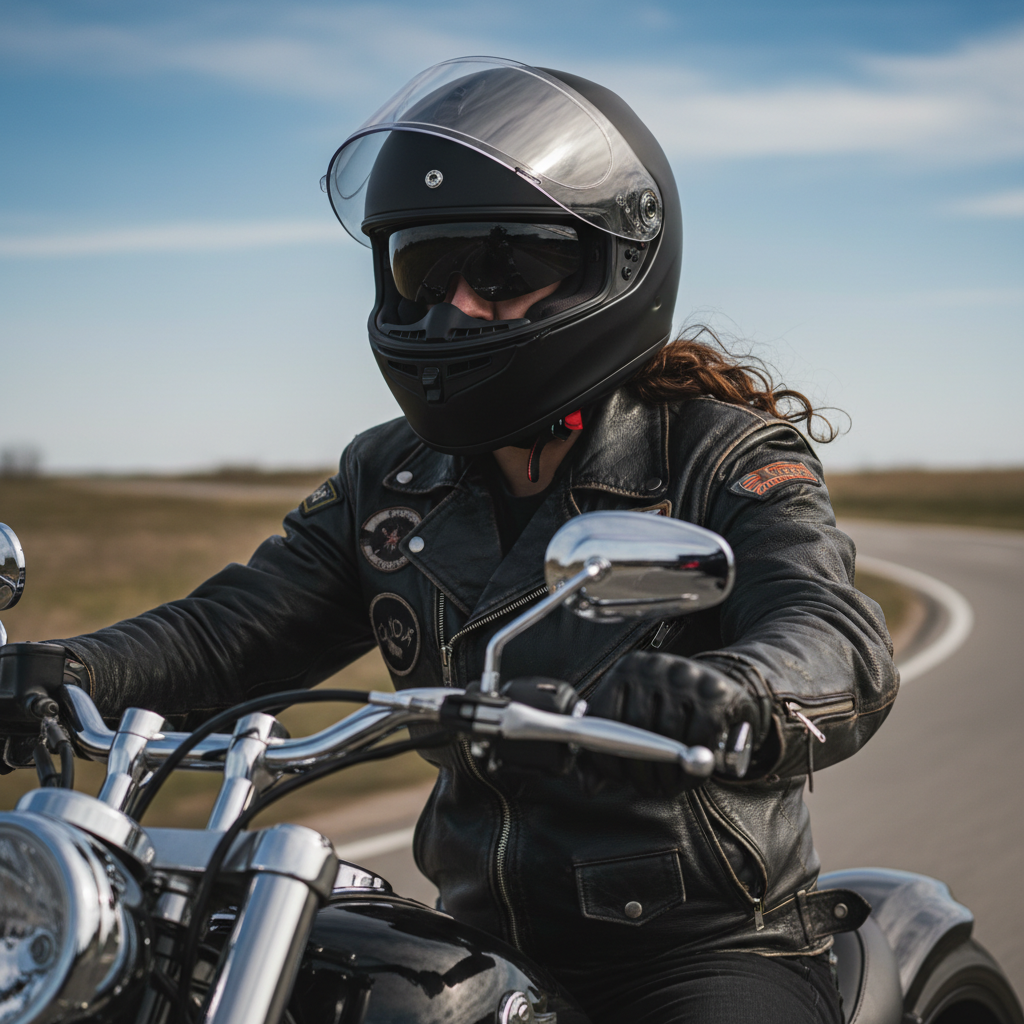
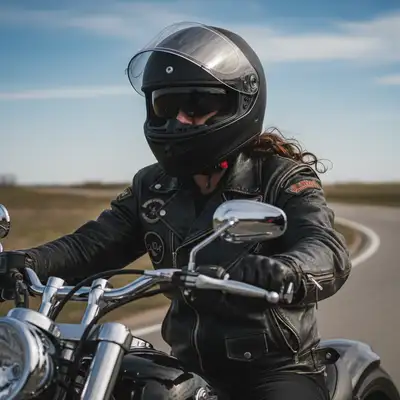
Motorcyclist wearing black full-face helmet with visor up
Before
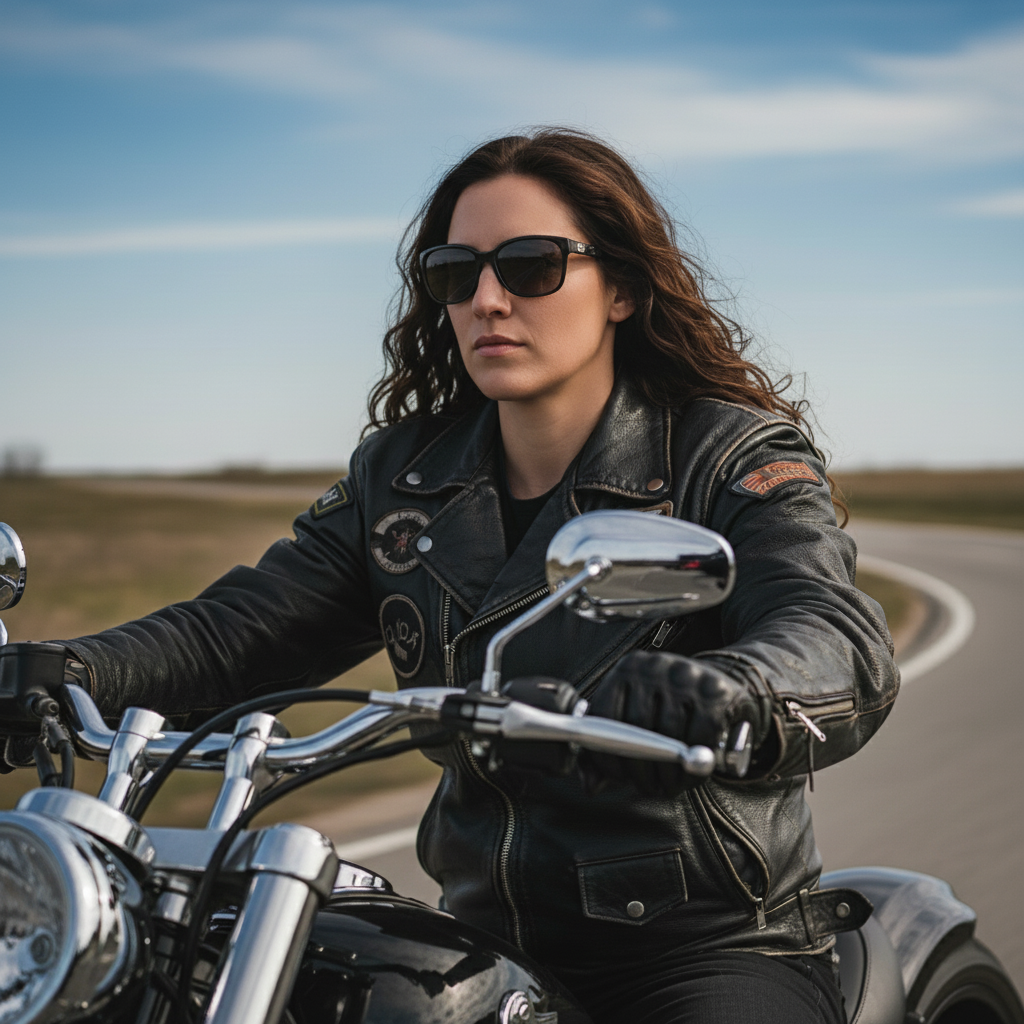
Same portrait with helmet removed, natural brown hair visible
After

How it works

1

Upload your photo

Drop your image into EditThisPic. JPG, PNG, WebP up to 7MB. Photos where some hair is visible around the helmet edges, such as at the back of the neck or near the ears, give the AI better context for realistic hair reconstruction.

⏱ Helmets with visible hairline: 30-45 seconds. Full-coverage helmets like motorcycle or football helmets: may need 2-3 refinements for natural-looking hair.
2

Describe what you want

Type your instruction: 'remove the helmet and show natural hair underneath' or 'take off the motorcycle helmet and reveal the hair.' Be specific about hair color, length, or style if you can. No marking needed - the AI recognizes helmets of all types automatically.

💡 Describe the hair you want to see: 'show medium-length brown hair' or 'reveal short black hair' helps the AI generate accurate results that match the person.

Copy one of these to get started:

Motorcycle helmet removal remove the motorcycle helmet completely and show natural hair underneath, match any visible hair color at the back of the neck
Bicycle helmet removal remove the bike helmet and reveal natural hair, keep the same lighting on the face and head
Sports helmet (football, hockey) remove the football helmet including facemask and reveal natural head and hair, maintain the athletic pose
Ski or snowboard helmet remove the ski helmet and show natural hair, keep the snowy environment lighting consistent
4 more prompts
Construction or safety helmet remove the hard hat and show natural hair appropriate for a professional portrait
Helmet with visible hair at back remove the helmet and extend the visible hair at the back to cover the full head naturally
Specific hair style needed remove the helmet and show short brown wavy hair in a casual style with natural hairline
Bald or very short hair remove the helmet and show a bald head or very short buzzed hair, natural skin tone
3

Review the result

Examine the hair area thoroughly at full zoom. Check that the hairline looks natural and positioned correctly for the face shape. Verify hair color matches any visible hair around the ears or neck. Look for any remaining helmet straps, padding marks, or unnatural shadows where the helmet sat.

4

Refine with markers if needed

If helmet straps remain visible, the hairline looks wrong, or the hair color does not match expectations, tap markers on those specific problem areas and regenerate. This is optional - most simple helmet removals work without markers, but complex full-face helmets may need refinement.

💡 Helmet chin straps often need separate attention. Mark them specifically if they remain after the first edit.
5

Download your image

Once the hair looks natural and all helmet elements are removed, download your image. The result preserves original image quality and can be used anywhere - social media, professional portfolios, or personal memories.

Try it free
"Had an awesome action shot from my bike ride but looked silly with the helmet. Removed it and now my hair looks totally natural!" @cycling_adventures

See it in action

Motorcyclist wearing black full-face helmet with visor up
Before
Same portrait with helmet removed, natural brown hair visible
After

Motorcycle helmet removed for portrait

Action shot from a motorcycle trip needed for social media without the full-face helmet. AI removed the helmet and generated natural-looking hair.

Prompt: remove the motorcycle helmet completely and show natural hair underneath, match any visible hair color at the back of the neck
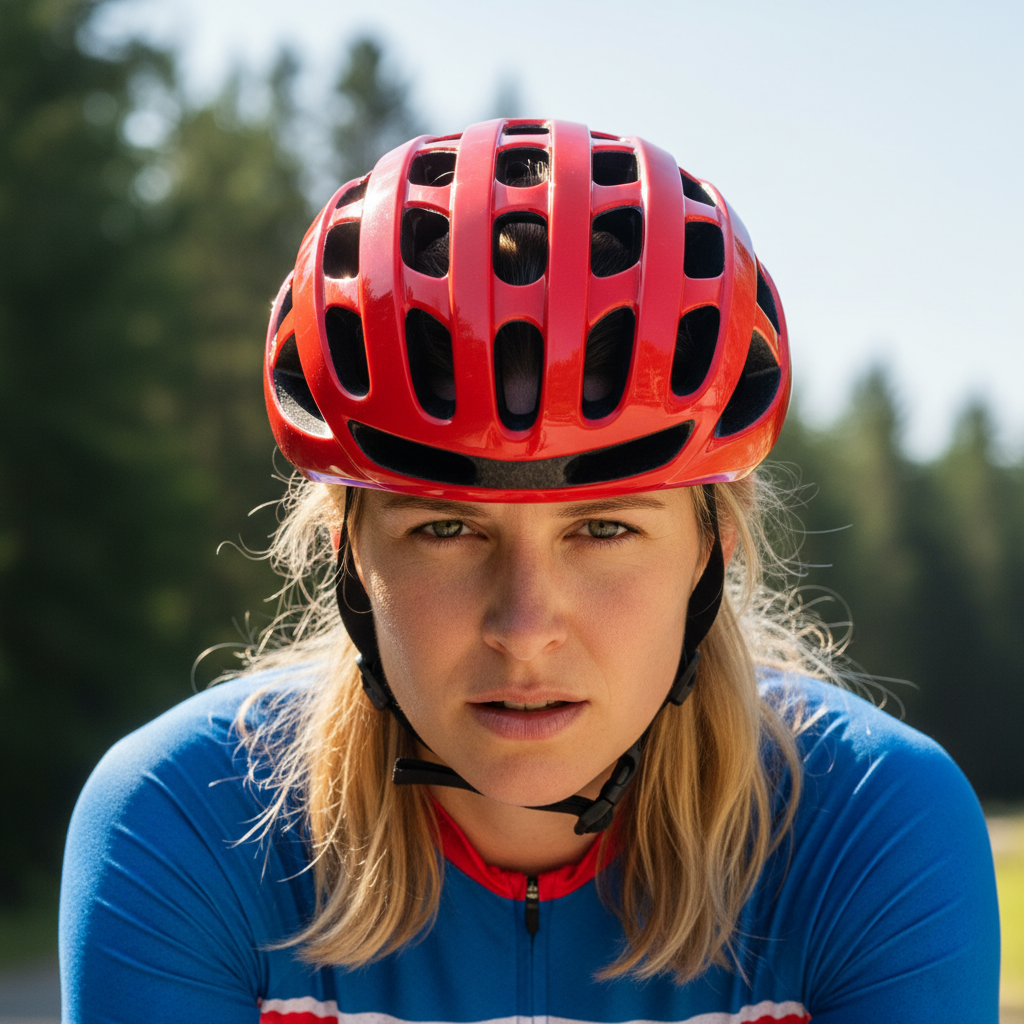
Cyclist wearing red bicycle helmet with visible straps
Before
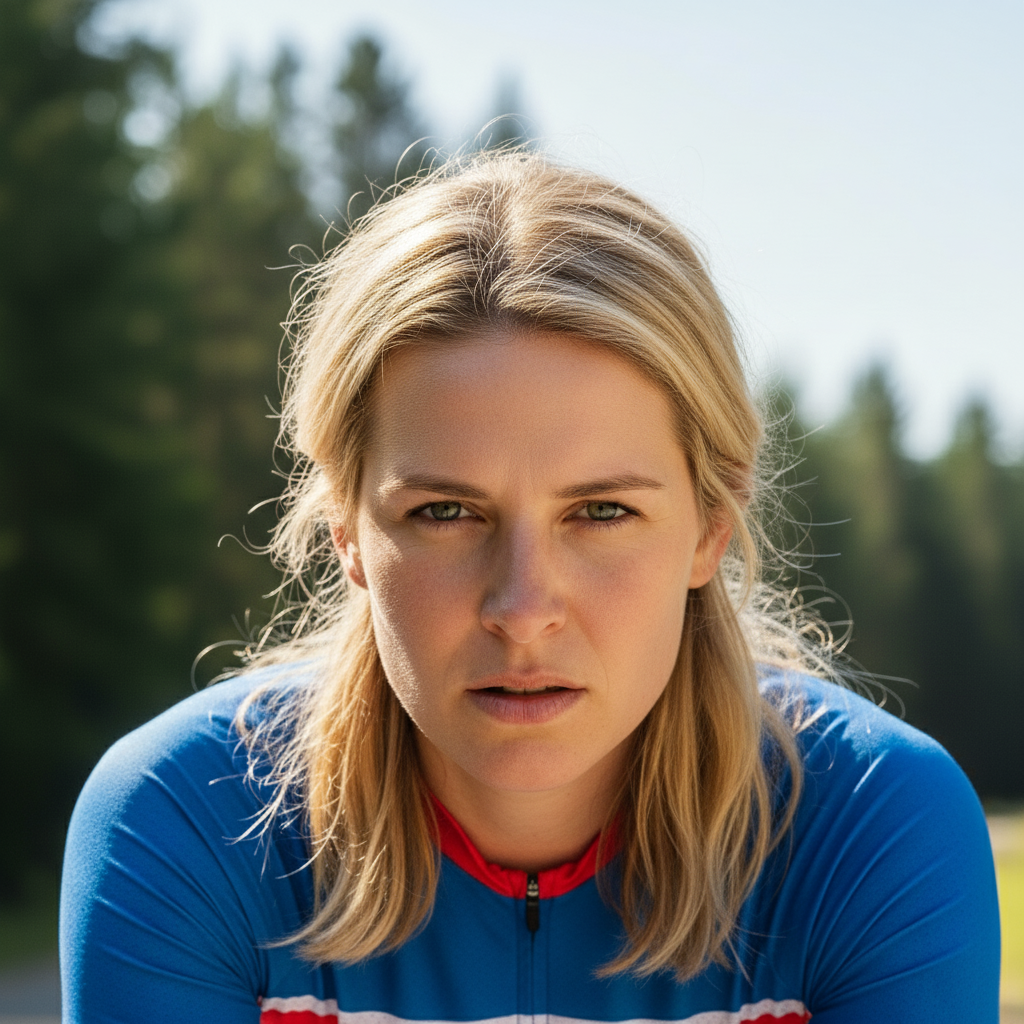
Same portrait with bike helmet removed, blonde hair visible
After

Bicycle helmet removed from action shot

Great cycling photo ruined by the bulky helmet. AI removed it cleanly and revealed natural windswept hair.

Prompt: remove the bike helmet and reveal natural hair, keep the same lighting on the face and head
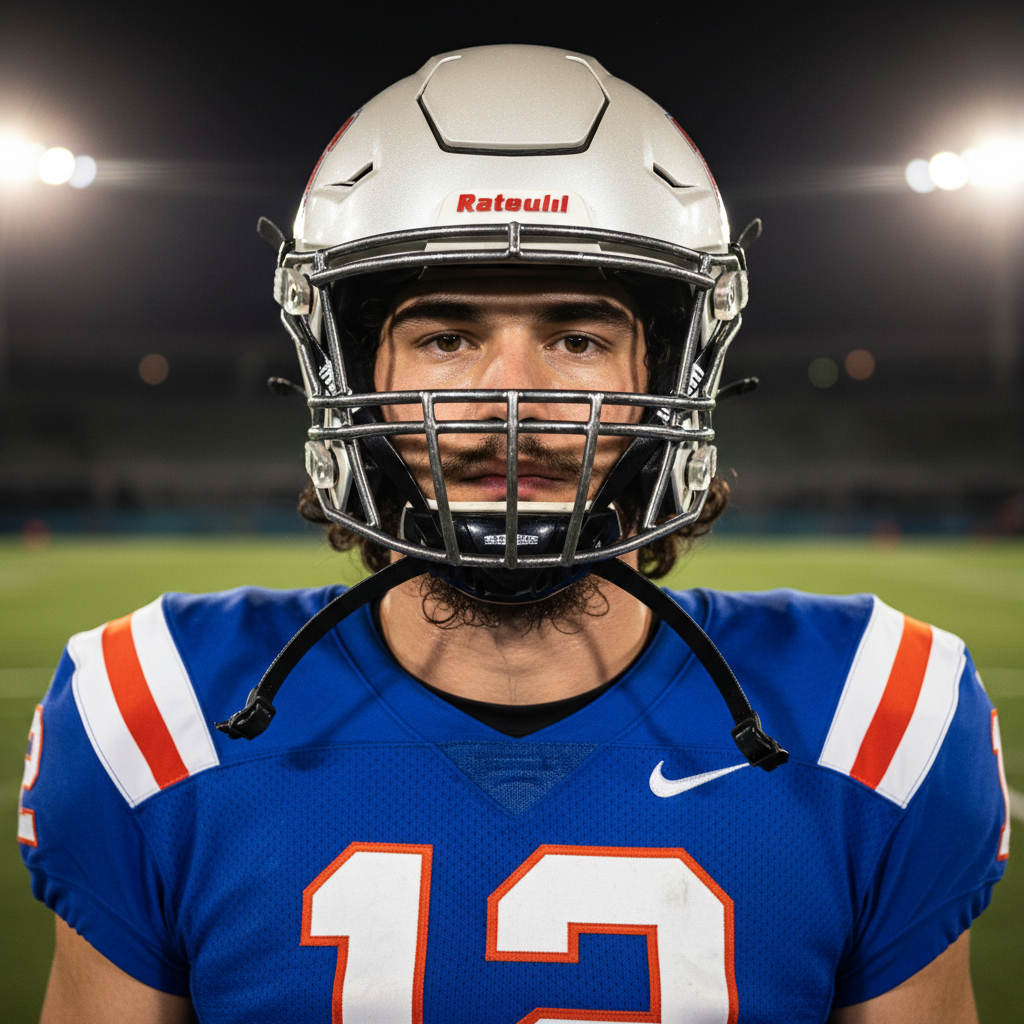
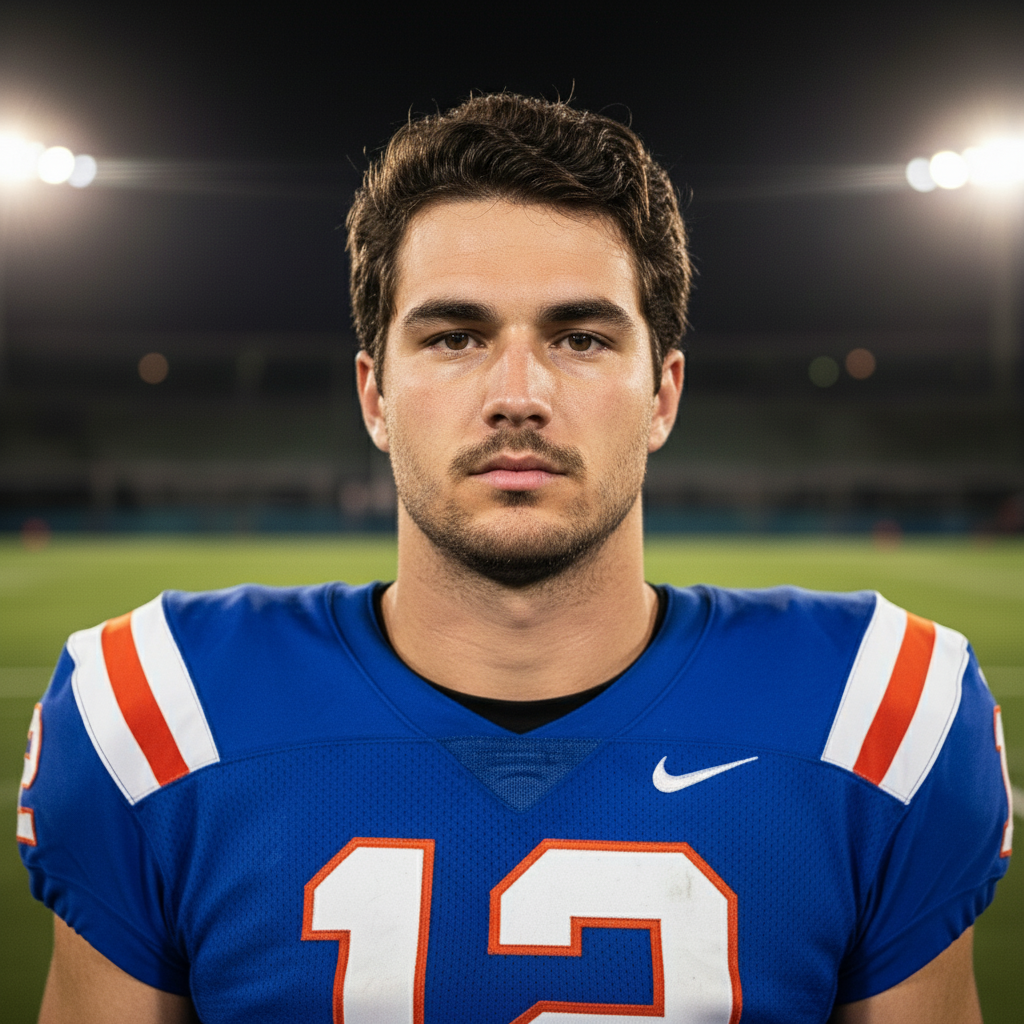
Football player wearing white helmet with facemask
Before
Same portrait with helmet removed, short black hair visible
After

Football helmet removed for team photo

Individual player photo from game day needed without the football helmet. AI removed helmet and facemask while preserving the athletic look.

Prompt: remove the football helmet including facemask and reveal natural head and hair, maintain the athletic pose

If something looks off

Hair looks artificial or completely wrong color

Why: Full-coverage helmets like motorcycle helmets hide all hair, forcing the AI to guess color and texture with no reference.

Try: remove the helmet and show [specific color] hair in [specific style and length], natural-looking texture

💡 Be very specific about hair color (dark brown, honey blonde, jet black) and style (short curly, long straight, buzzed).

Helmet chin straps still visible after removal

Why: Chin straps are separate from the helmet itself and may not be automatically included in the removal.

Try: remove the helmet chin strap from under the chin, show clean jawline and neck

💡 Mark the strap specifically with a tap marker and regenerate for clean removal.

Hairline looks unnatural or head shape is wrong

Why: The AI had to reconstruct the entire top of the head with no visible reference, making educated guesses about shape.

Try: remove helmet and create natural hairline and head shape appropriate for this face, [describe hair style]

💡 Providing a reference hair style like 'professional look' or 'casual messy hair' helps the AI.

AI changed the wrong area or something I didn't want changed

Why: The AI couldn't determine exactly which area you meant from description alone. This happens with ambiguous requests.

Try: Tap a marker on the specific area you want to change, then regenerate with the same prompt

💡 Markers tell the AI 'I mean THIS one specifically.' Use them when description alone is ambiguous.

Helmet padding marks or indentations visible on forehead

Why: Real helmet padding leaves temporary marks on skin that may persist in the generated image.

Try: remove the helmet and any padding marks on the forehead, show smooth natural skin

💡 Mention 'smooth forehead' or 'no marks' specifically to address compression marks.

Visor or facemask partially remains in the image

Why: Complex helmets have multiple components that may be processed separately.

Try: remove all parts of the helmet including visor, facemask, and straps completely

💡 Mark remaining visor or facemask sections specifically and regenerate with clear instructions.

Hair does not match the lighting of the rest of the photo

Why: The helmet was blocking light that would naturally fall on the hair, creating a lighting mismatch.

Try: remove helmet and show hair with lighting that matches the face, same direction and intensity

💡 Describe the lighting direction: 'with light from the left' or 'with even studio lighting'.

Quick answers

Do I need to mark the helmet before describing?

No! Just describe what you want: 'remove the helmet' or 'take off the motorcycle helmet.' The AI recognizes helmets of all types automatically - motorcycle, bicycle, ski, football, and construction helmets. Only use markers if straps remain after the first attempt or you need to refine specific areas like the hairline.

Will the hair look natural after removing a full-face helmet?

Results depend on how much hair reference is visible. If hair shows at the neck, ears, or forehead edge, the AI matches that color and texture well. For full-coverage helmets with no visible hair, specify the desired hair color and style in your prompt for best results: 'show brown shoulder-length hair' works better than just 'show hair.'

Can I remove the helmet but keep goggles or sunglasses?

Yes! Be specific in your prompt: 'remove the ski helmet but keep the goggles' or 'take off the motorcycle helmet but leave the sunglasses.' The AI understands these distinctions and can remove the helmet while preserving other accessories.

What about helmet hair or flat compressed hair?

The AI generates fresh natural-looking hair, not the compressed 'helmet hair' look. If you actually want to show realistic post-helmet hair, specify: 'remove helmet and show slightly flattened hair from wearing it.'

Can I remove helmets from action shots while preserving motion?

Yes, the AI preserves the dynamic feel of action photography. Mention keeping the motion: 'remove helmet and show hair with some movement matching the action pose.' Windswept or dynamic hair works well with cycling and motorcycle shots.

Does this work on group photos with multiple helmets?

Yes, but specify which helmet to remove: 'remove the helmet from the person on the left' or tap a marker on the specific helmet. For multiple helmets, remove them one at a time for the best results with each person's unique hair.

Ready to remove that helmet?

Free to try. No signup required.

Try it free