Free • No signup Fix Pixelation · Free

Unpixelate Image

Last updated

Upload a pixelated or blocky image and type 'unpixelate this image and restore sharp detail'. The AI reconstructs the fine detail that low resolution or heavy compression removed. Works on JPEG artifacts, low-res screenshots, and zoomed photos. Free, no account needed.
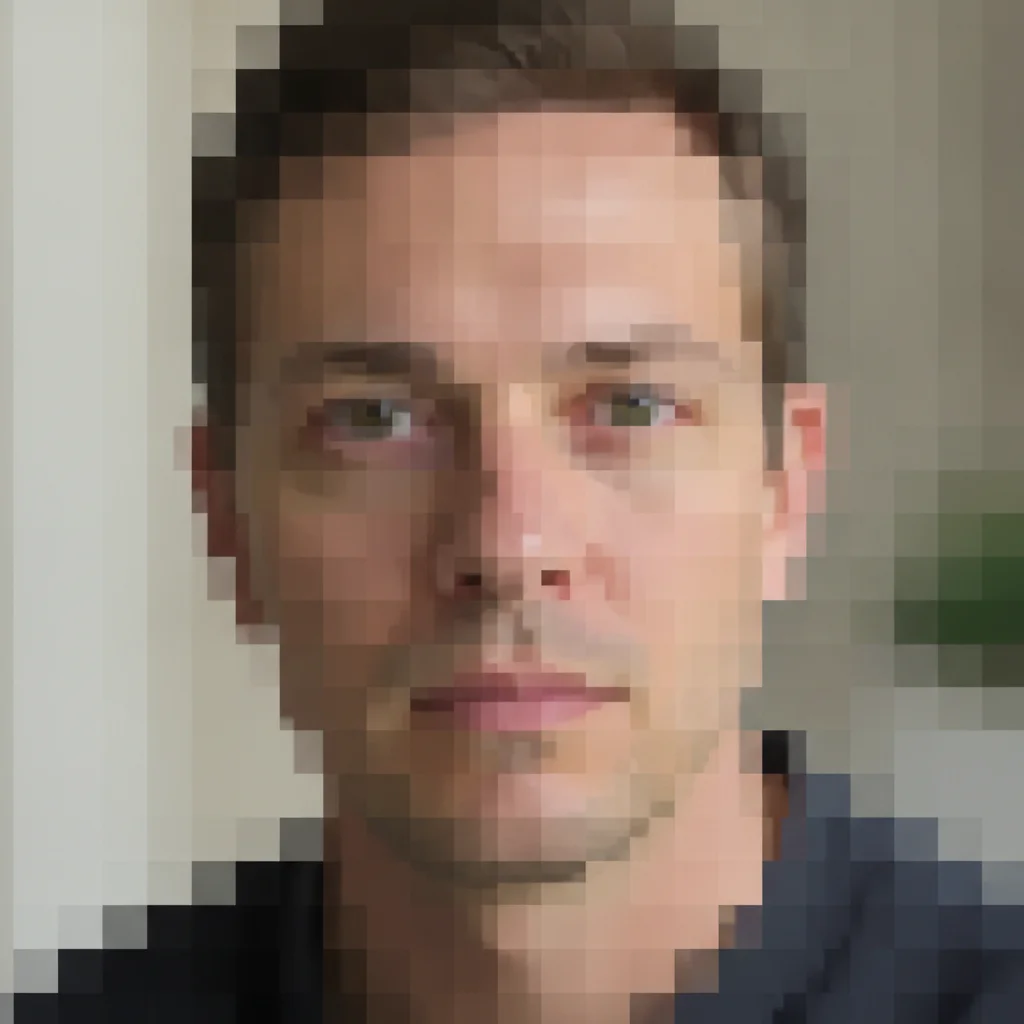
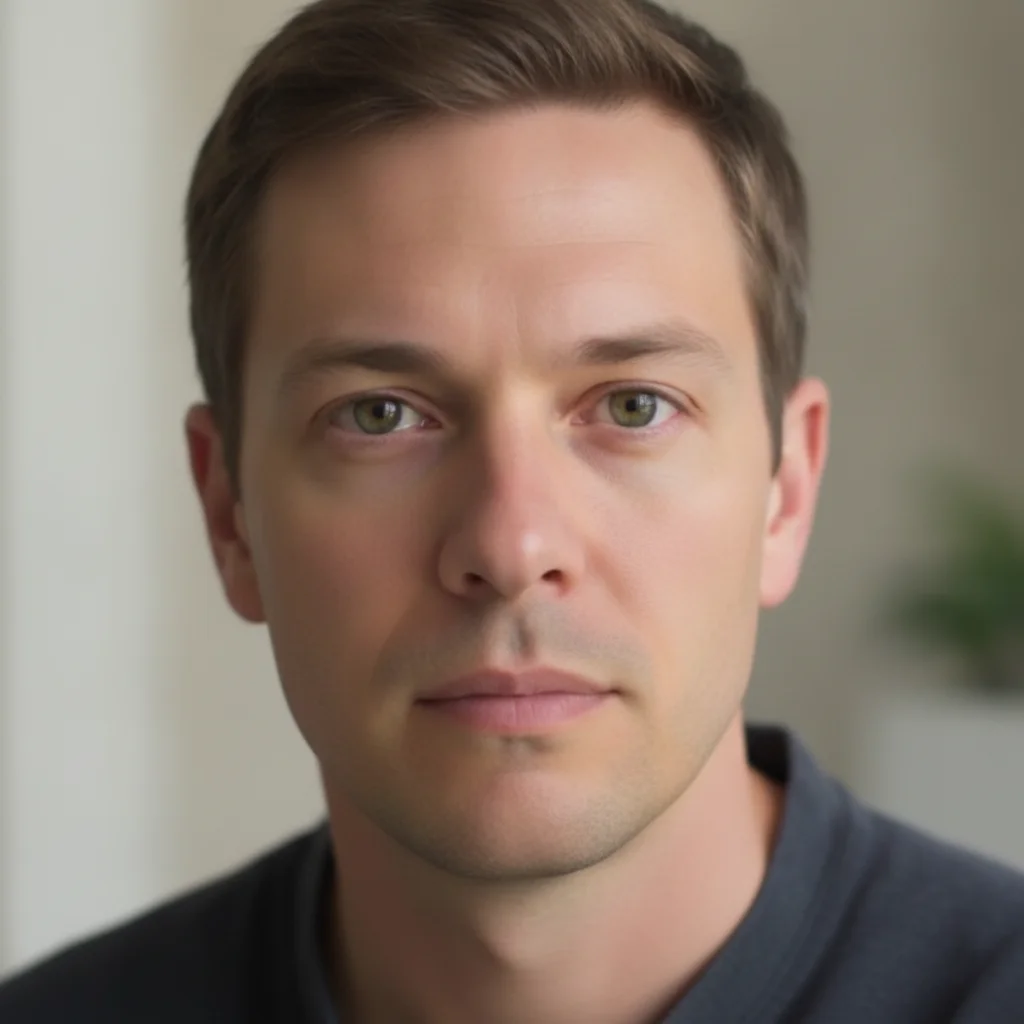
Portrait with visible pixel blocks and blocky square artifacts from low resolution Same portrait with pixelation removed and sharp facial features clearly restored

Upload photo to fix pixelation

"remove the JPEG compression blocks and artifacts from this image, restore clean smooth edges"

Release to upload

50,000+photos edited
<30stypical edit
1 freeedit weekly

1 free edit·then from $4.99

How it works

  1. Upload your pixelated image

    Upload the pixelated, blocky, or low-resolution image. JPEG-compressed photos with visible block artifacts, low-res screenshots, and zoomed-in photos that have become blocky all work. JPG, PNG, WebP up to 7MB.

    Expect: Most depixelation takes 15-25 seconds. Very low resolution images (under 200px wide) may need a second pass.
  2. Describe the fix

    Type 'unpixelate this image and restore sharp detail' for a general fix. For JPEG artifacts, use 'remove the JPEG compression blocks and restore clean edges'. For a specific area — 'unpixelate the face, the background is fine'. No marking is needed — the AI detects pixelation patterns automatically.

    Tip: Pixelation is caused by the image being too low resolution, while blur is from capture problems. If your image looks blocky with visible squares, that's pixelation. If it looks smeared or directionally streaked, that's blur — use 'make-blurry-picture-clear' instead.

    Copy one of these to get started:

    General unpixelation unpixelate this image and restore sharp, clear detail
    JPEG compression artifacts remove the JPEG compression blocks and artifacts from this image, restore clean smooth edges
    Pixelated face in a photo unpixelate the face in this photo and restore the facial features clearly — leave the background unchanged
    Low-res screenshot increase the quality and sharpness of this low-resolution screenshot — remove the blocky pixelation and make the text and edges crisp
    2 more prompts
    Upscale with detail recovery upscale this low-resolution image and fill in the missing detail — make it look like it was originally captured at higher resolution
    Profile picture cleanup unpixelate this profile picture — sharpen the face and make the edges clean and detailed
  3. Review the result

    Check that edges are sharp and details are reconstructed without introducing artificial smoothness. The AI fills in the missing pixel data with plausible detail — verify that faces, text, and fine textures look natural.

See it in action

Portrait with visible pixel blocks and blocky square artifacts from low resolution
Before
->
Same portrait with pixelation removed and sharp facial features clearly restored
After

Low-res portrait — pixelation removed

A portrait saved at very low resolution showing visible square pixel blocks. The AI reconstructed the facial detail and restored crisp edges.
Prompt: unpixelate this portrait and restore sharp facial detail
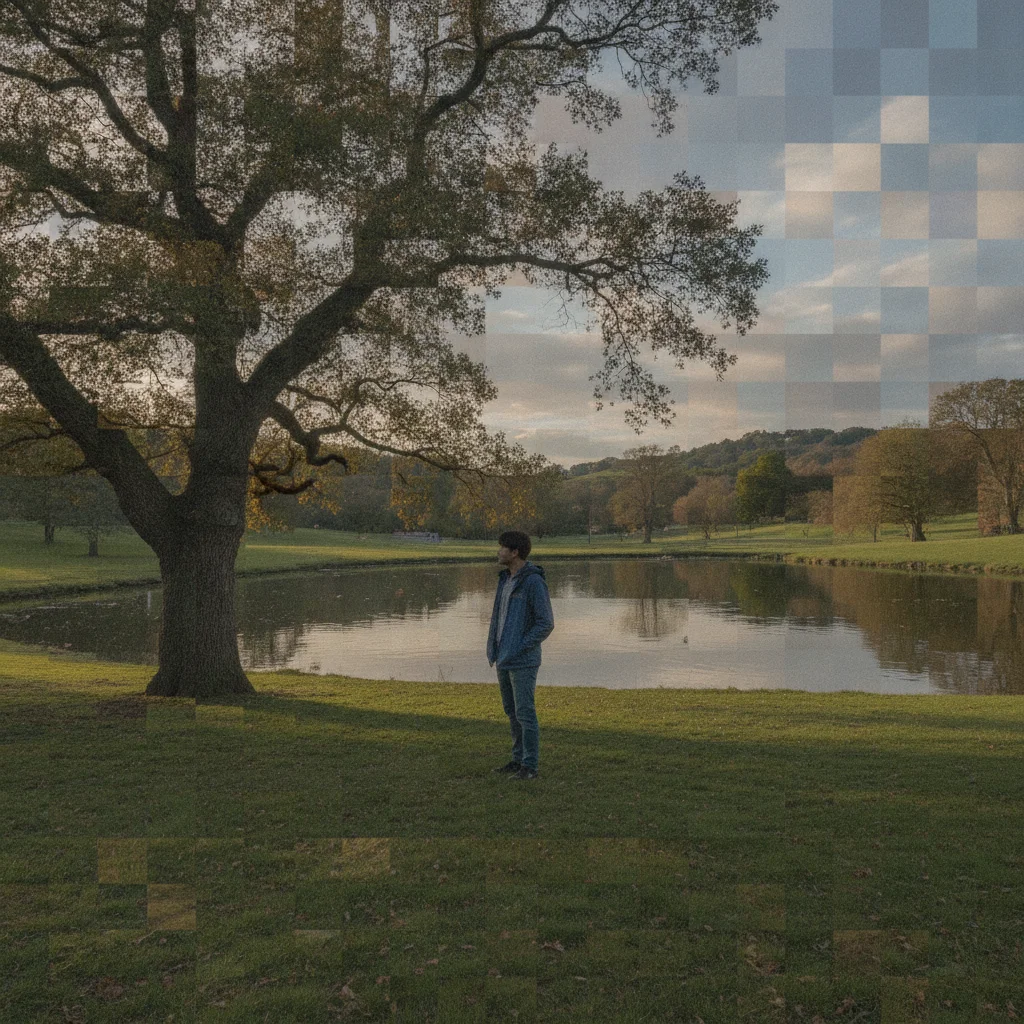
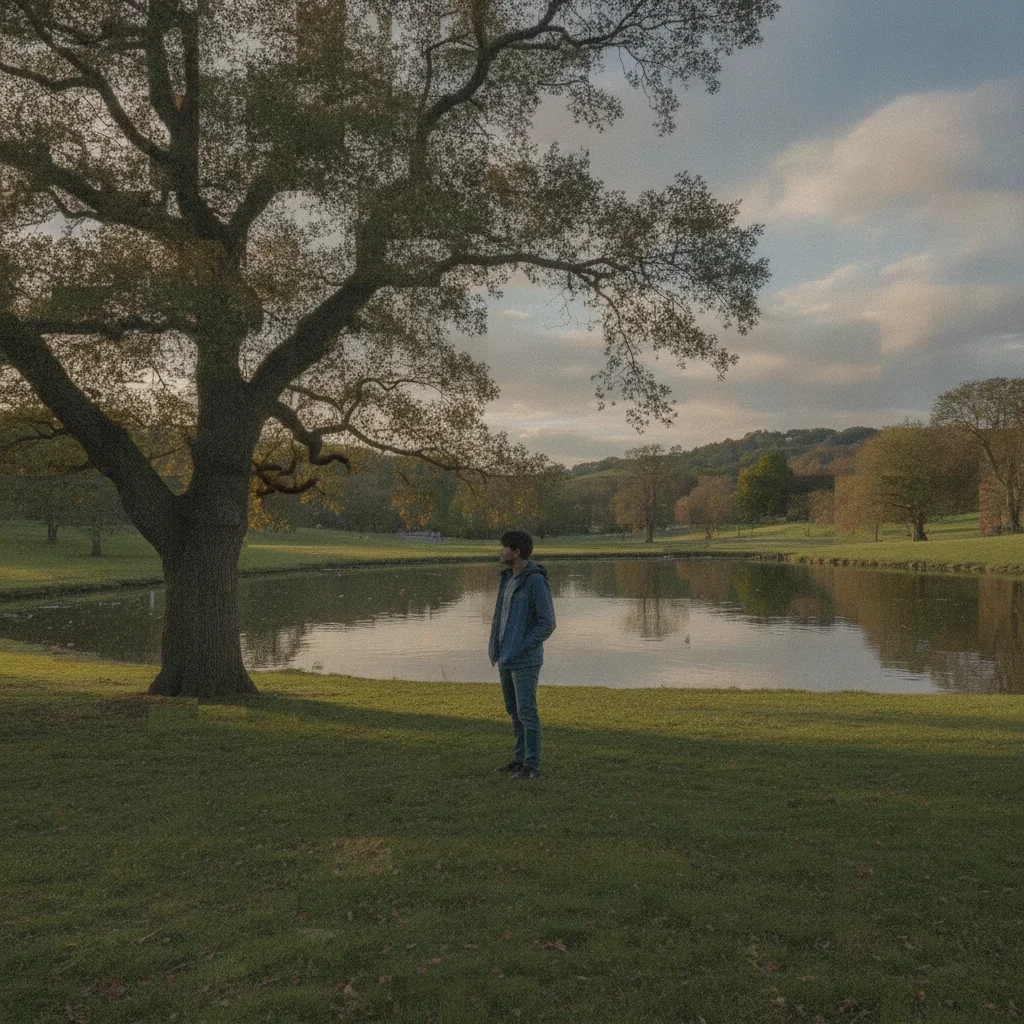
Outdoor photo with heavy JPEG compression blocks and visible 8x8 grid artifacts
Before
->
Same photo with compression artifacts removed and clean, sharp edges restored
After

JPEG artifact photo — compression blocks removed

An outdoor photo saved with heavy JPEG compression, showing the characteristic blocky 8x8 grid pattern. Compression artifacts removed and clean edges restored.

Prompt: remove the JPEG compression blocks and artifacts from this photo, restore clean sharp edges

Quick answers

Do I need to mark the pixelated areas before fixing them?

No. Just type 'unpixelate this image and restore sharp detail'. EditThisPic's AI detects the blocky pixel patterns automatically. If you want to fix only part of the image — like a pixelated face with a clean background — describe it: 'unpixelate the face, leave the background as-is'.

Can AI really remove pixelation for free?

Yes. Upload your pixelated image to EditThisPic and type 'unpixelate this image and restore sharp detail'. The AI reconstructs edges and detail in about 20 seconds. Free, no login, no watermark. Works on JPEG compression artifacts, low-res images, and blocky screenshots.

What's the difference between pixelation and blur?

Pixelation creates visible square blocks — the image looks like it's made of chunky tiles. This happens when an image is saved or captured at too low a resolution. Blur creates soft, smeared edges without a grid pattern — it comes from motion, camera shake, or out-of-focus capture. Use this tool for pixelation; use 'make-blurry-picture-clear' for blur.

Can the AI fix a pixelated face?

Yes. Describe it: 'unpixelate the face in this photo and restore the facial features'. The AI reconstructs the plausible detail from the remaining tonal information. Very heavily pixelated faces (just a few pixels wide) may only partially recover — the AI generates plausible features but they may not match the original exactly.

How much does EditThisPic cost?

You get 1 free edit per week — no account needed. After that, credit packs start at $1.99 for 3 edits. Monthly plans start at $4.99/mo for 20 edits with unused credits rolling over. All edits are full resolution with no watermark.

Ready to unpixelate your image?

Free to try. No signup required.

1 free edit included·Credit packs from $4.99