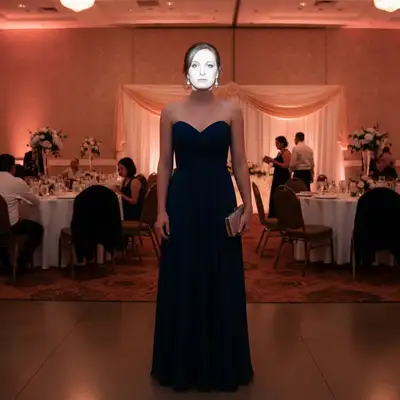
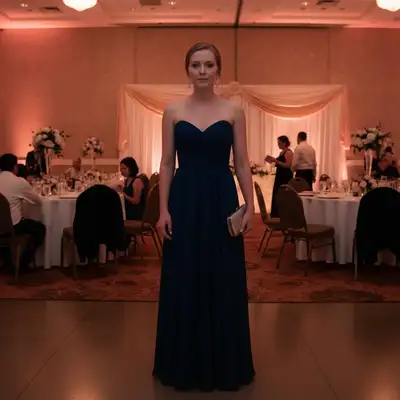
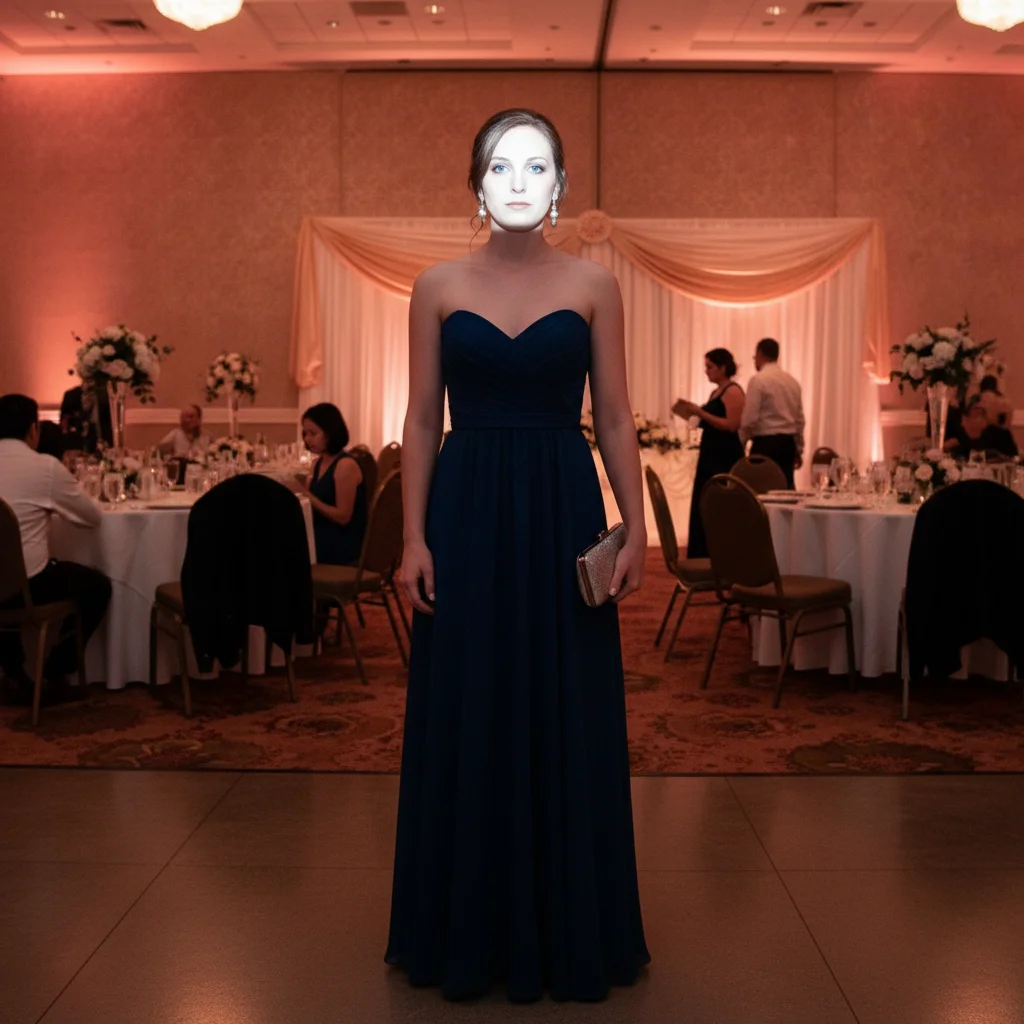
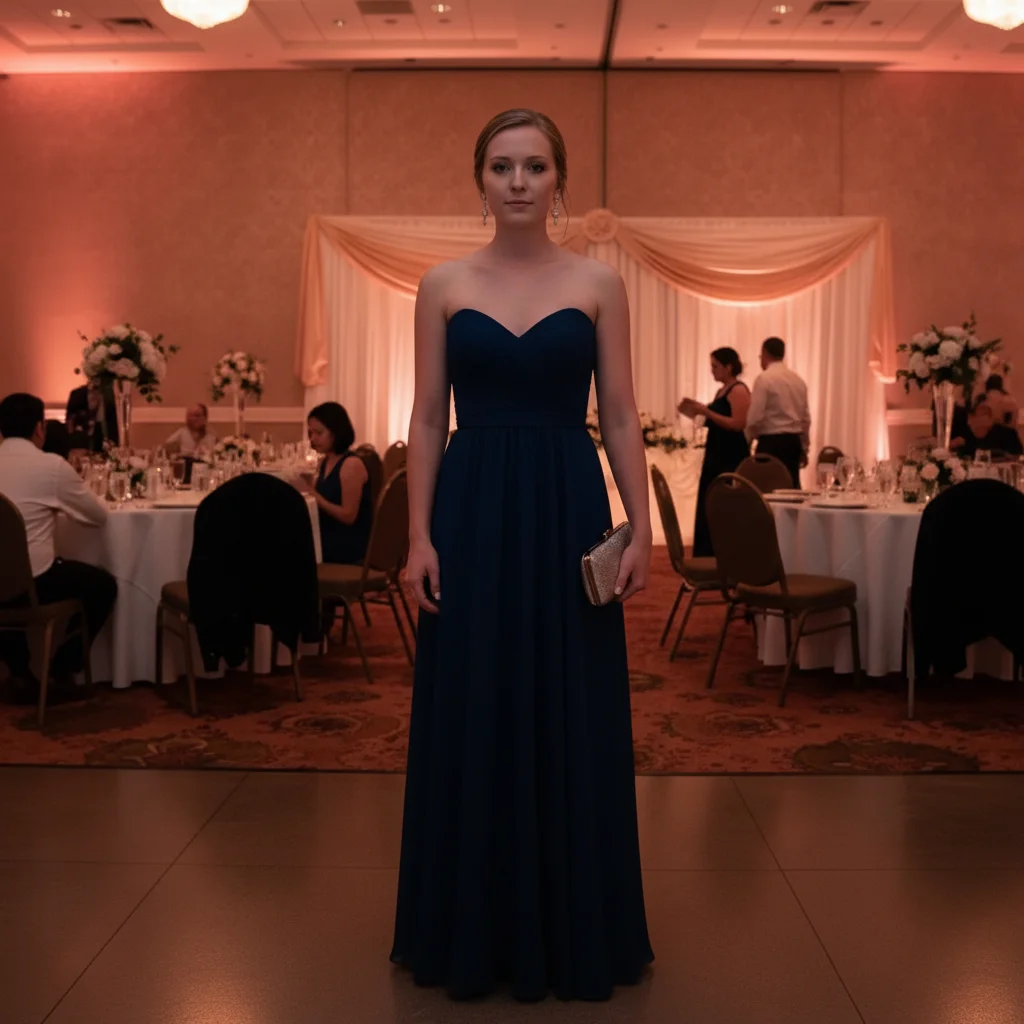
Do I need to mark anything before fixing flash or blurring backgrounds?
No! Just describe what you want: 'fix the harsh flash' or 'blur the reception background.' The AI automatically detects you and your outfit and makes the fixes.
Is there a free wedding photo editor that works without signing up?
Yes! EditThisPic is completely free to try with no account needed. You can fix harsh flash, blur backgrounds, remove photobombers, and enhance formal attire without signing up or entering payment information.
Can I fix multiple people in group wedding photos?
Absolutely. The AI detects all people and can fix lighting for everyone, blur backgrounds while keeping the group sharp, or balance uneven exposure. Try 'balance the lighting so everyone is evenly lit' for group shots.
How do I enhance my formal dress or suit details?
Use prompts like 'enhance the color and details of my formal attire' or 'make my dress look more vibrant.' This brings out fabric details, colors, and textures that harsh venue lighting washed out.
Will bokeh blur work if I'm close to the background?
Yes, but results depend on separation. The AI creates blur based on depth - the more distance between you and background, the more natural the blur. If you're very close to a wall, specify 'strong background blur' for more dramatic effect.
Can I remove folding chairs and reception tables from the background?
Yes! Use 'remove the folding chairs and reception tables from the background' or 'replace with elegant venue backdrop' for complete background replacement. Be specific about which items to remove.
Is EditThisPic's AI wedding guest photos perfecter really free?
Yes — you get 1 free edit per week, no account needed. Plans start at $4.99/month for 15 edits.
Can I perfect wedding guest photos on my phone?
Yes. EditThisPic works in any mobile browser — iPhone, Android, tablet. No app download needed.
How much does EditThisPic cost?
You get 1 free edit per week — no account needed. After that, credit packs start at $1.99 for 3 edits. Monthly plans start at $4.99/mo for 20 edits with unused credits rolling over. All edits are full resolution with no watermark.