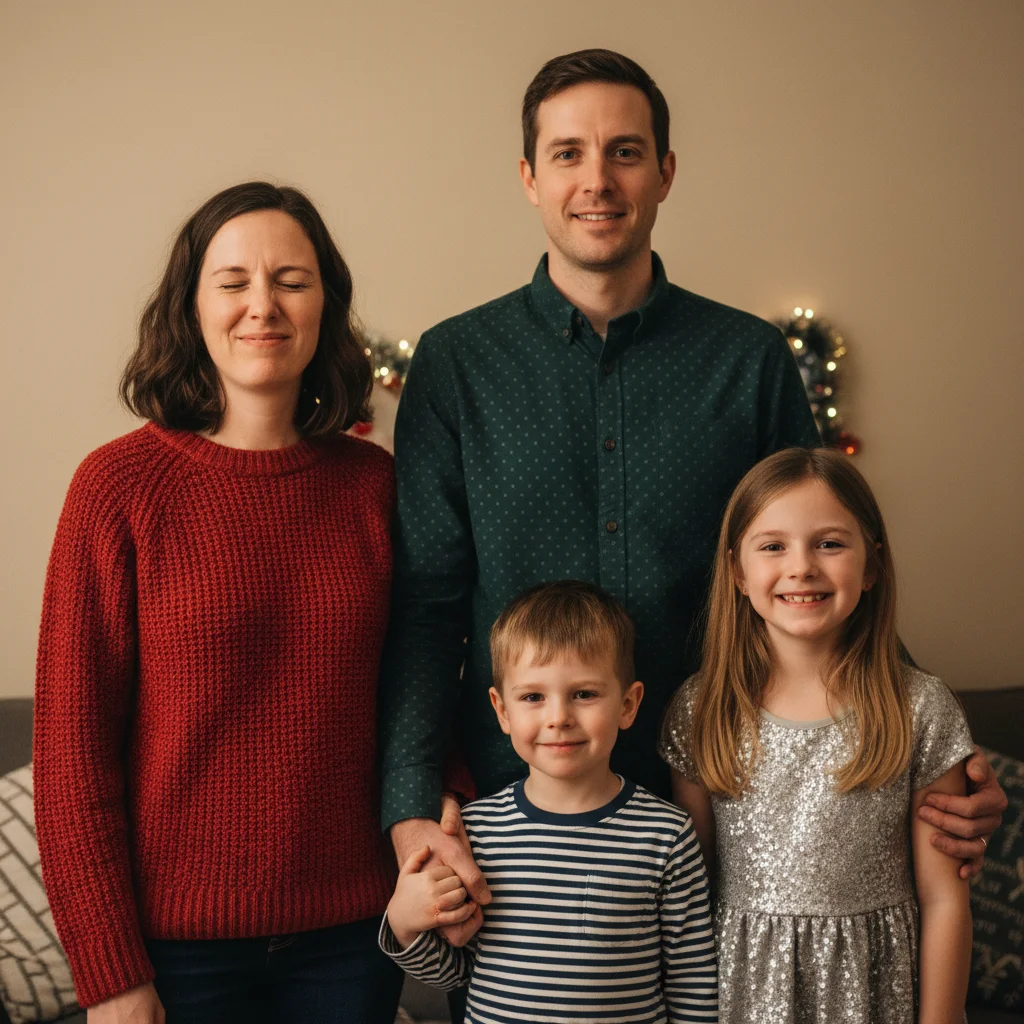
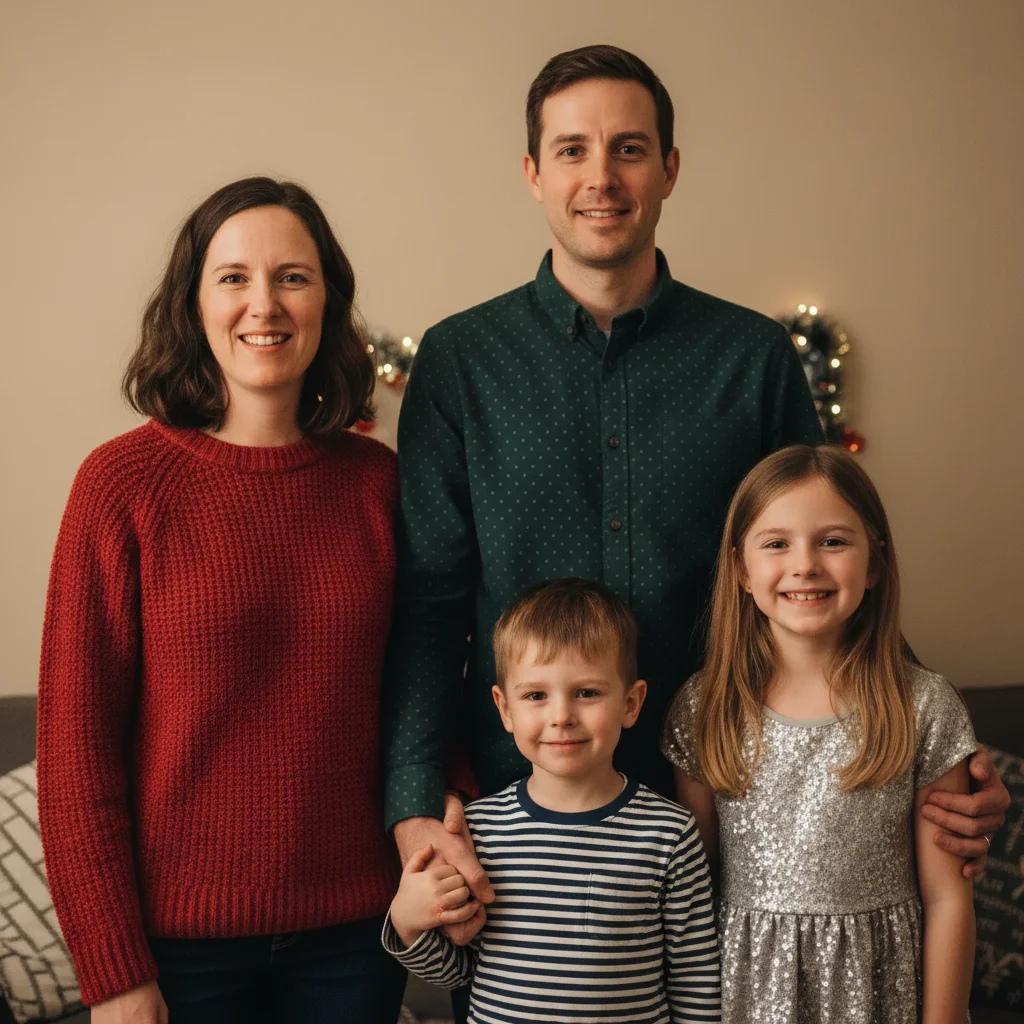
Do I need to mark faces before fixing closed eyes?
No! Just type 'fix the blinks' and the AI automatically detects all faces and opens closed eyes.
Is there a free holiday photo editor that works without signing up?
Yes! EditThisPic is completely free to try with no account needed. You can fix closed eyes, remove backgrounds, and make basic enhancements without any signup or payment. Just upload and describe what you need.
How do I fix multiple people blinking in one photo?
Use the prompt 'fix all the blinks and get everyone looking at camera' - the AI detects every face and opens all closed eyes in one edit. Works on family groups of any size.
Can I combine elements from multiple holiday photos?
Yes. If one photo has perfect expressions but bad background, and another has great background but blinks, upload both and prompt: 'use the expressions from the first photo with the background from the second.'
What's the best way to remove messy backgrounds?
Two approaches: (1) 'remove the clutter and add clean white background' for simple cleanup, or (2) 'replace background with cozy Christmas tree and fireplace' for complete festive transformation. Be specific about what you want instead of the mess.
Is EditThisPic's AI holiday card photos perfecter really free?
Yes — you get 1 free edit per week, no account needed. Plans start at $4.99/month for 15 edits.
Can I perfect holiday card photos on my phone?
Yes. EditThisPic works in any mobile browser — iPhone, Android, tablet. No app download needed.
What photo formats does the AI holiday card photos perfecter support?
JPG, PNG, WebP, and HEIC. Upload any common photo format and EditThisPic handles the rest.
How much does EditThisPic cost?
You get 1 free edit per week — no account needed. After that, credit packs start at $1.99 for 3 edits. Monthly plans start at $4.99/mo for 20 edits with unused credits rolling over. All edits are full resolution with no watermark.