Free • No signup Edit Clothing photos · Free

AI Clothing Photo Editor

Describe your clothing photo edit and AI handles fabric, color, and background. No marking needed.


Wrinkled navy blue dress on floral bedspread
Before
Same navy dress smooth and wrinkle-free on clean white background
After

AI Clothing Photo Editor

Drop your photo here

or click to browse

Release to upload

Free • No signup

Advertisement
Popular use cases:
  • fashion product photography
  • clothing e-commerce photos
  • apparel listing images
  • Poshmark listing photos
  • Depop product shots
  • fashion flat lay editing
  • garment photo retouching
  • online boutique photography

Cost
Free No signup required
Time
Instant results in 15-30 seconds
Works on
Any device - browser, phone, tablet, desktop
Powered by
AI-powered photo editing
Scenario Prompt Time
White background flat lay replace background with white, smooth wrinkles 35s
Color correction correct clothing color, remove yellow cast 30s
Full cleanup white background, fix wrinkles, enhance colors 45s

How it works

  1. Upload your clothing photo

    Drop your fashion product image into EditThisPic. JPG, PNG, WebP up to 7MB. Flat lays, on-model shots, and garments on hangers all work. Make sure the full garment is visible.

    Expect: Simple edits like background swap: 30-40 seconds. Complex fixes like wrinkle removal plus color correction: 45-60 seconds and may need refinements.
  2. Describe the edit you want

    Type your instruction: 'replace background with pure white and smooth out the wrinkles' or 'enhance the fabric colors and make them pop.' Be specific about what you need fixed. No marking needed—the AI understands garment terms like 'wrinkles', 'fabric texture', and 'clothing.'

    Tip: Mention the fabric type for better results: 'smooth out the silk wrinkles' or 'enhance the denim texture' guides the AI on what to preserve.

    Copy one of these to get started:

    Clean flat lay on white replace background with pure white, smooth out fabric wrinkles, and make the garment look freshly pressed
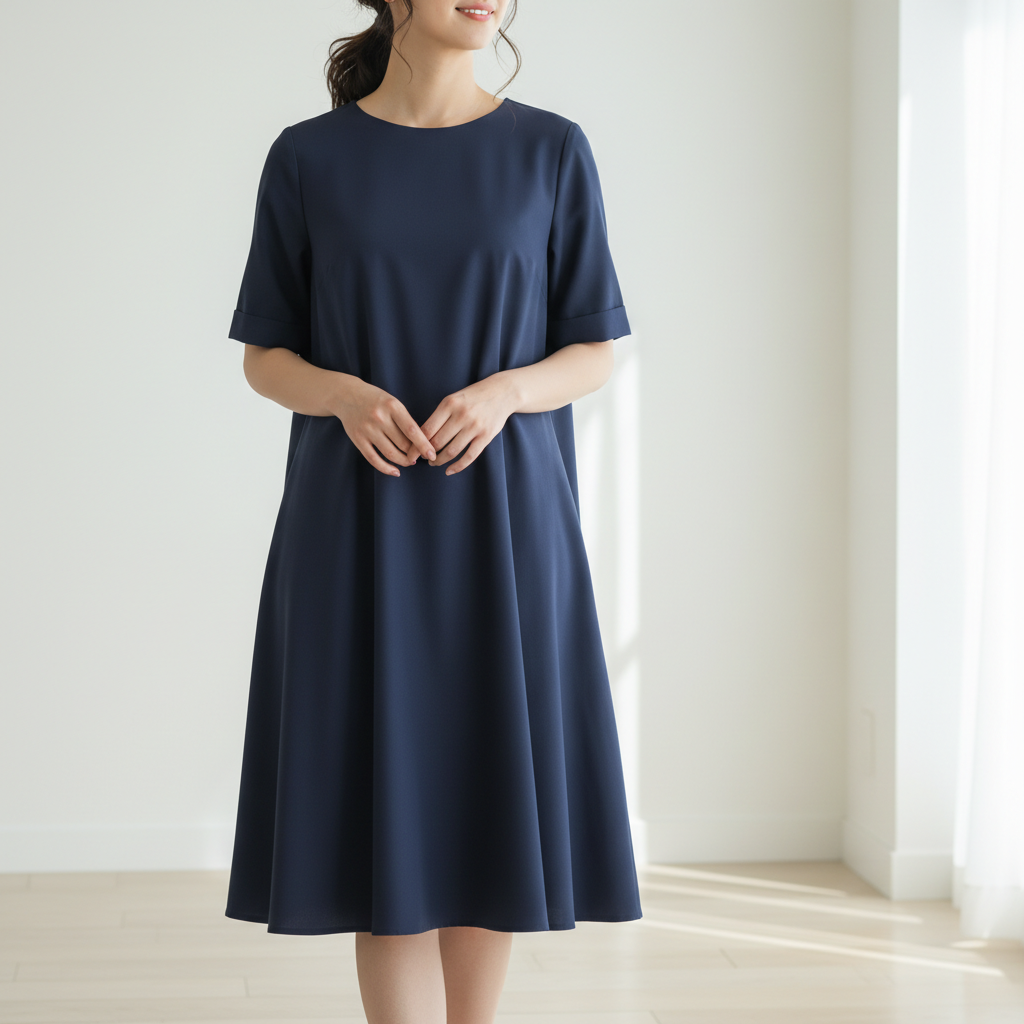
    Color accuracy fix correct the clothing color to be true-to-life, remove the yellow color cast from indoor lighting
    Enhance fabric texture enhance the fabric texture and details, make stitching and weave pattern clearly visible
    Remove hanger and clips remove the hanger and all clips from the garment, fill in naturally where they were attached
    3 more prompts
    Shadow cleanup for flat lay remove the harsh shadows around the clothing and replace with soft even lighting
    Ghost mannequin effect remove the mannequin or model and show just the garment as if it's being worn by an invisible person
    Lifestyle background for fashion replace background with a minimalist boutique interior, soft natural light from the side
  3. Review the result

    Check that fabric texture looks natural, colors are accurate to the real garment, and details like stitching, buttons, and labels are preserved. Zoom in on seams and edges.

  4. Refine with markers if needed

    If specific areas like a collar, hemline, or fabric fold need adjustment, tap markers on those spots and regenerate. Most clothing photo edits work well on the first try.

    Tip: Markers are for precision refinement only. Try without them first—clothing on solid backgrounds rarely needs them.
Try it free

AI Clothing Photo Editor

Drop your photo here

or click to browse

Release to upload

Free • No signup

"I run a vintage clothing resale shop and photograph 50+ items a week. This tool cleans up my flat lays and makes everything look boutique-quality. My sales literally doubled." @VintageResale_Kate

See it in action

Wrinkled navy blue dress on floral bedspread
Before
->
Same navy dress smooth and wrinkle-free on clean white background
After

Wrinkled flat lay to clean product shot

A wrinkled dress photographed on a bedspread transformed into a smooth, professional flat lay on white.

Prompt: replace background with pure white, smooth out fabric wrinkles, and make the garment look freshly pressed
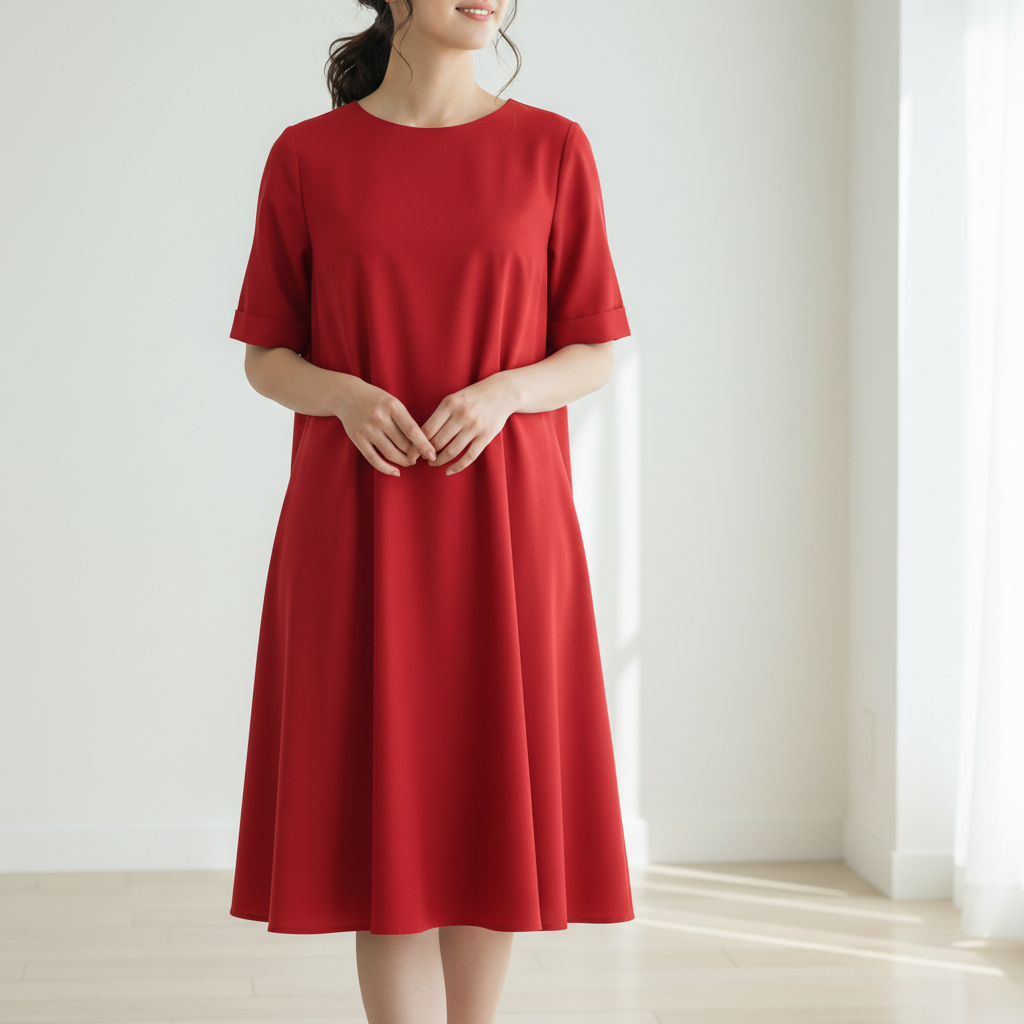
White shirt with yellow color cast from indoor lighting
Before
->
Same white shirt with accurate bright white color
After

Yellow-tinted clothing with corrected colors

A white shirt photographed under warm indoor lights corrected to show its true bright white color.

Prompt: correct the clothing color to be true-to-life, remove the yellow color cast from indoor lighting
Advertisement

If something looks off

AI changed the wrong area or something I didn't want changed

Why: The AI couldn't determine which part of the clothing photo you meant, especially when multiple garments overlap or the garment blends with the background.

Try: Tap a marker on the specific area you want to change, then regenerate with the same prompt

Tip: Markers tell the AI 'I mean THIS garment specifically.' Use them when multiple clothing items are visible.

Fabric texture looks unnatural or plasticky after editing

Why: Heavy wrinkle smoothing can over-process the fabric, removing natural texture along with the wrinkles.

Try: smooth out the major wrinkles but preserve the natural fabric texture and weave pattern

Tip: Adding 'preserve natural texture' prevents the AI from making fabric look artificially smooth.

Pattern or print on clothing is distorted

Why: The AI modified the fabric pattern while trying to fix wrinkles or adjust the garment shape.

Try: keep the exact pattern and print intact, only fix the wrinkles and background

Tip: For patterned garments, be explicit: 'preserve the stripe pattern' or 'keep the floral print unchanged.'

Clothing color shifted after background change

Why: Removing the original background changes color context, and the AI may adjust clothing colors to match the new backdrop.

Try: replace background with white but keep the exact original garment color unchanged

Tip: Mentioning the specific color helps: 'keep the navy blue exactly as in the original photo.'

Garment edges look rough or have artifacts

Why: Complex edges like lace, fringe, or fuzzy knits are harder for the AI to isolate cleanly from the background.

Try: Tap markers on the rough edges and regenerate: clean up the garment edges, especially the lace/fringe details

Tip: Name the fabric detail—'lace trim', 'fringe', 'knit edge'—so the AI knows what to preserve while cleaning.

Quick answers

Do I need to mark the clothing before describing the edit I want?

No! Just describe what you want: 'smooth out wrinkles and replace background with white' or 'enhance the fabric colors.' The AI understands clothing and fashion terms. Only use markers when you need to point out a specific garment in a photo with multiple items.

How do I make my clothing photos look professional for online selling?

Upload your clothing photo and type: 'replace background with white, smooth wrinkles, and enhance colors.' This handles the three most common issues in one prompt. For flat lays, add 'even lighting.' For on-model shots, add 'keep natural body proportions.' Works for Poshmark, Depop, Etsy, and any fashion marketplace.

Is there a free clothing photo editor that doesn't require signup?

Yes, EditThisPic edits clothing photos for free with no account needed. Upload your garment photo, describe the edits, and download the result. No watermarks. Handles background removal, wrinkle smoothing, color correction, and more for fashion product photography.

What's the best AI tool for editing apparel product photos?

EditThisPic handles common apparel photo needs: white background replacement, wrinkle removal, color correction, and fabric texture enhancement. Just describe what you need. It works on flat lays, on-model shots, and hanging garments. No Photoshop skills required.

Ready to edit your clothing photos?

Free to try. No signup required.

Try it free