Free • No signup Edit Graduation photos · Free

AI Graduation Photo Editor

Perfect your graduation photos. Fix backgrounds, lighting, and details instantly.

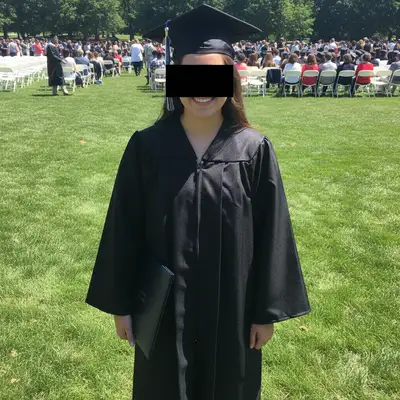
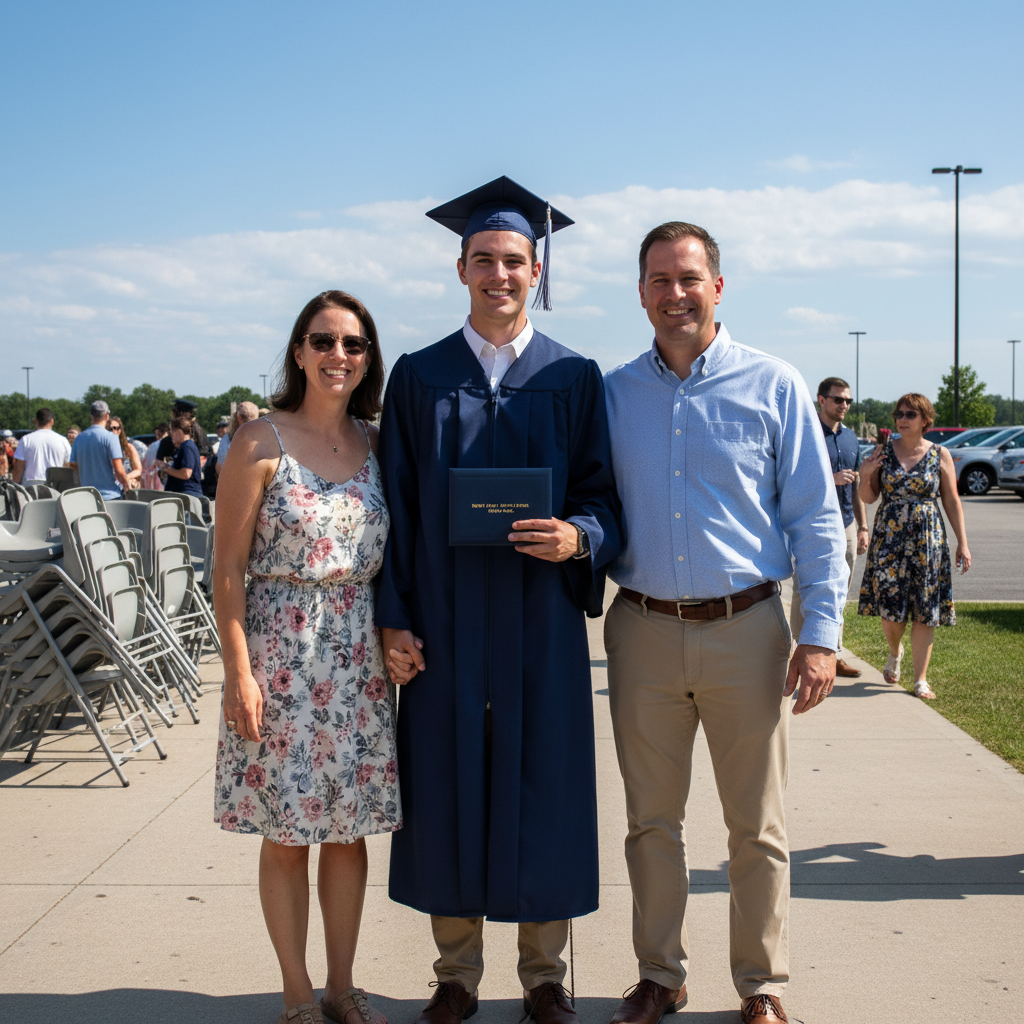
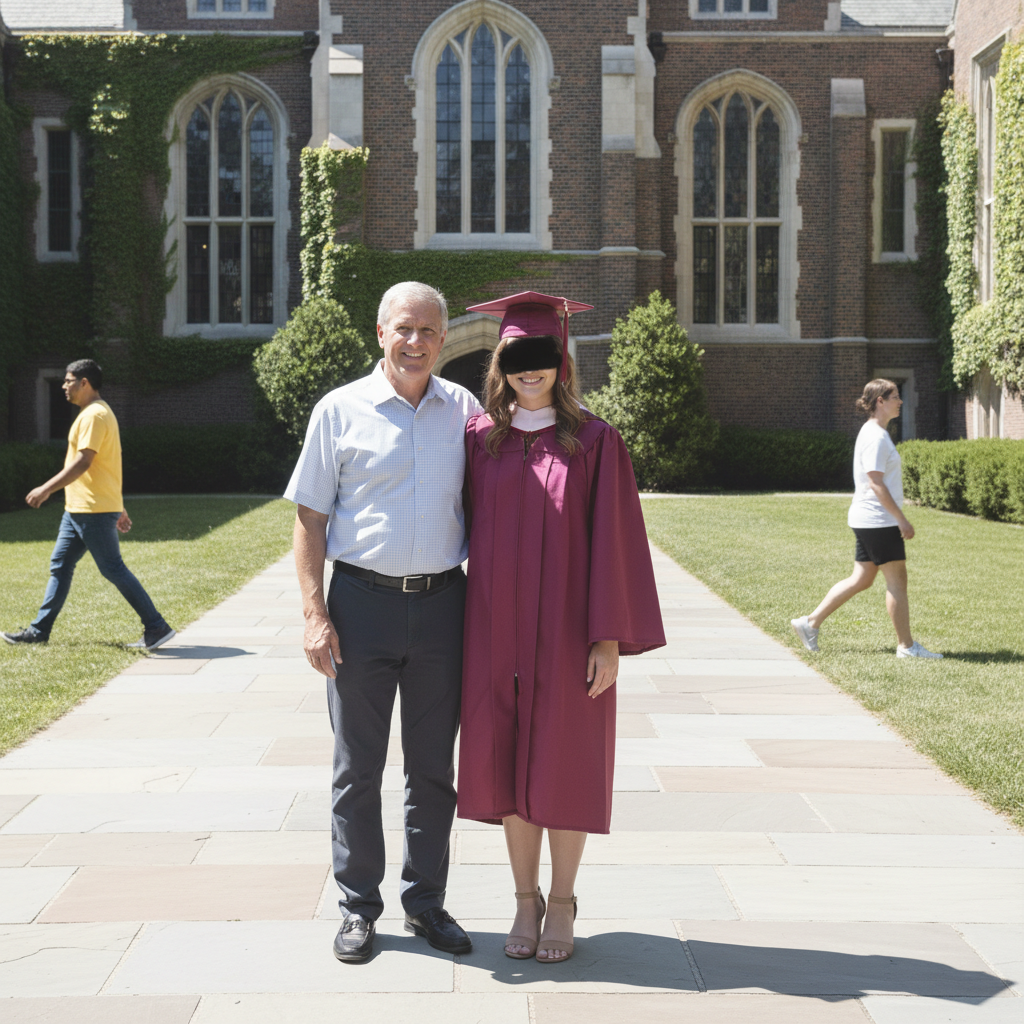
Woman in graduation cap and gown standing in parking lot
Before
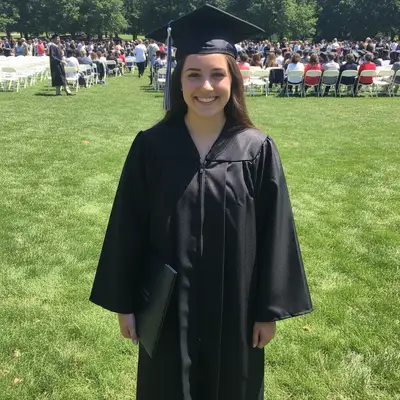
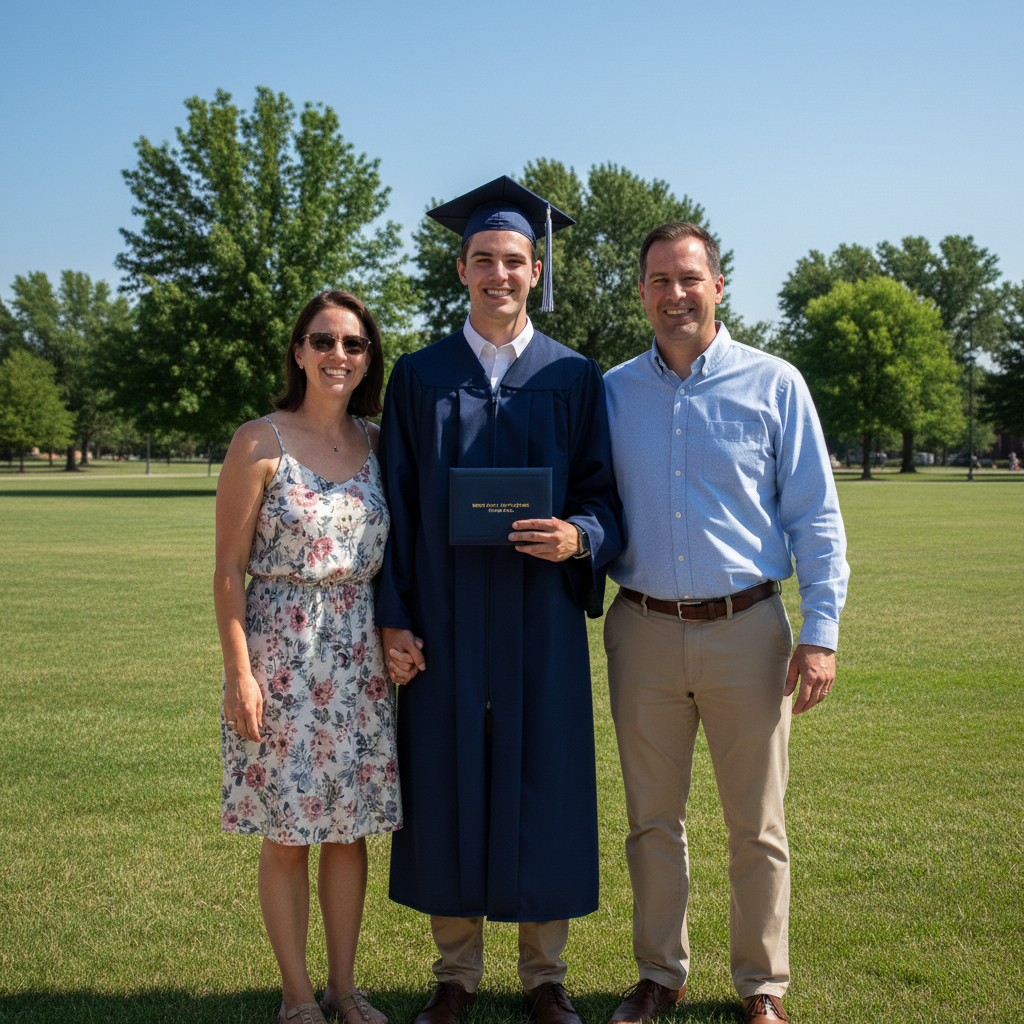
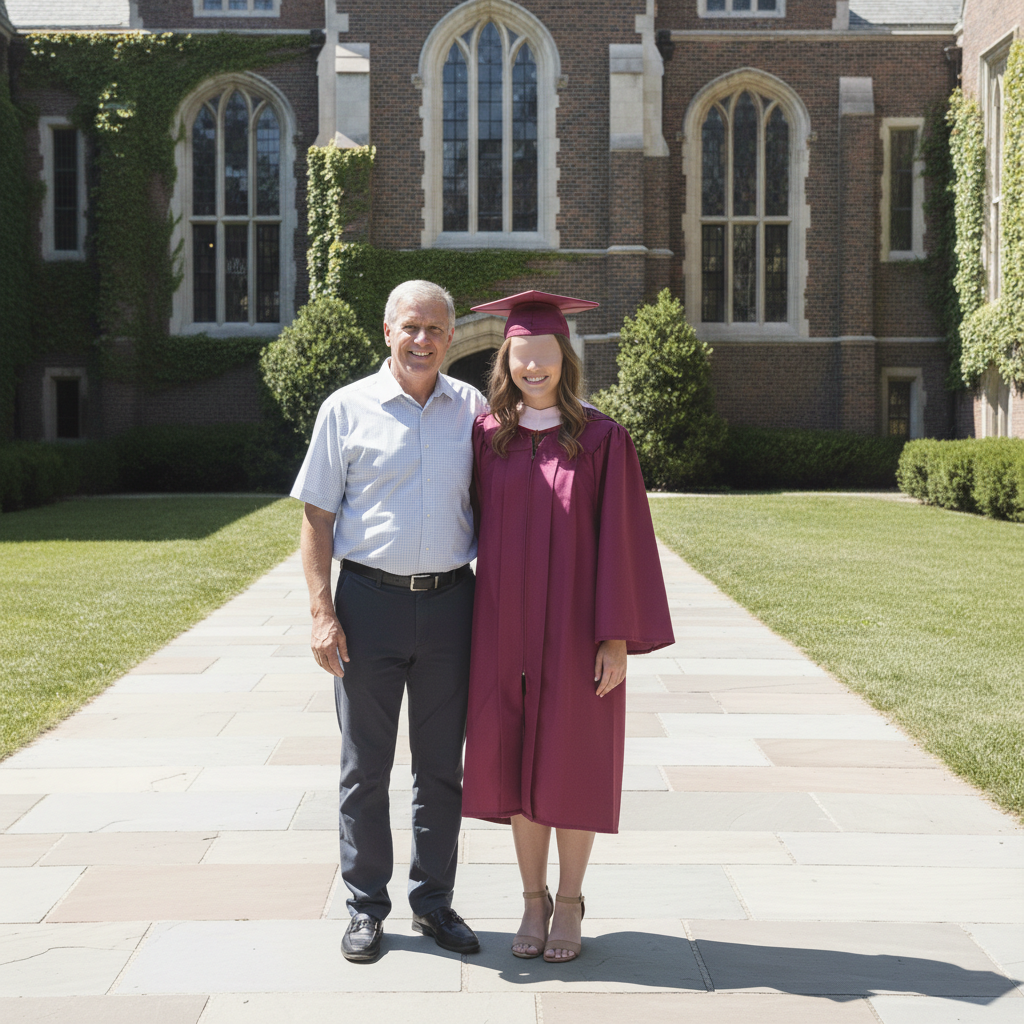
Same woman with beautiful campus building and green lawn background
After

AI Graduation Photo Editor

Drop your photo here

or click to browse

Release to upload

Free • No signup

Advertisement
Popular use cases:
  • graduation photos
  • ceremony photos
  • cap and gown portraits
  • university graduation
  • high school graduation
  • commencement photos
  • graduation keepsakes
  • diploma photos

Cost
Free No signup required
Time
Instant results in 15-30 seconds
Works on
Any device - browser, phone, tablet, desktop
Powered by
AI-powered photo editing
Scenario Prompt Time
Background replacement replace background with campus building and green lawn 30s
Lighting fix fix harsh shadows on face and gown, make lighting even 35s
Full weather transformation change grey sky to sunny, warm up lighting, keep graduation outfit 45s

How it works

  1. Upload your graduation photo

    Drop your image into EditThisPic. JPG, PNG, WebP up to 7MB. Works with ceremony candids, posed portraits, group shots, and cap-toss photos. Even phone photos taken in poor conditions can be improved significantly.

    Expect: Background replacement or lighting fix: 30-40 seconds. Complex edits like adding regalia or fixing group photos: 45-60 seconds and may need refinements.
  2. Describe the graduation photo edit

    Type your instruction: 'replace the background with a beautiful campus building and green lawn' or 'fix the harsh shadows on the cap and gown and make the lighting even.' Be specific about what you want changed—background, lighting, colors, or all of the above. No marking needed—the AI understands graduation photo elements like 'cap,' 'gown,' and 'tassel.'

    Tip: Mention specific campus elements like 'brick building with columns' or 'green quad with trees' for the most realistic graduation backdrops.

    Copy one of these to get started:

    Campus background replacement replace the background with a beautiful university campus with a brick building, white columns, and manicured green lawn on a sunny day
    Fix harsh outdoor lighting fix the harsh sunlight shadows on the face and graduation gown, make the lighting soft and even while keeping the outdoor setting natural
    Rainy day to sunny day change the grey overcast sky to bright blue sky with fluffy clouds, make the lighting warm and sunny, keep the graduation outfit and setting
    Clean portrait from busy scene remove the crowd and distracting background elements, replace with a clean blurred campus bokeh background, keep focus on the graduate
    3 more prompts
    Add graduation cap and gown add a black graduation cap and gown to this person, with tassel on the right side, maintain the current background and lighting
    Indoor ceremony photo enhancement enhance this indoor graduation ceremony photo - brighten the dark auditorium lighting, reduce red-eye from flash, and sharpen the faces
    Formal graduation portrait transform into a formal graduation portrait with solid dark blue background, professional studio lighting highlighting the cap and gown, and a proud confident expression
  3. Review the edit

    Check that the graduation attire looks natural, the background is believable, and the lighting is consistent between the subject and the new setting. Verify that the cap sits naturally and the gown drapes properly.

  4. Refine with markers if needed

    If the tassel, cap edges, or gown details need adjustment, or the background transition looks rough around the shoulders, tap markers on those areas and regenerate. Most graduation photo edits look great on the first try.

    Tip: Markers are for precision refinement only. Try without them first—you usually won't need them.
Try it free

AI Graduation Photo Editor

Drop your photo here

or click to browse

Release to upload

Free • No signup

"My graduation was outdoors and it rained. Every photo had grey skies and wet everything. Uploaded my favorite shot and described a sunny campus background. Now it looks like the perfect graduation day I deserved." @GradDay_Olivia

See it in action

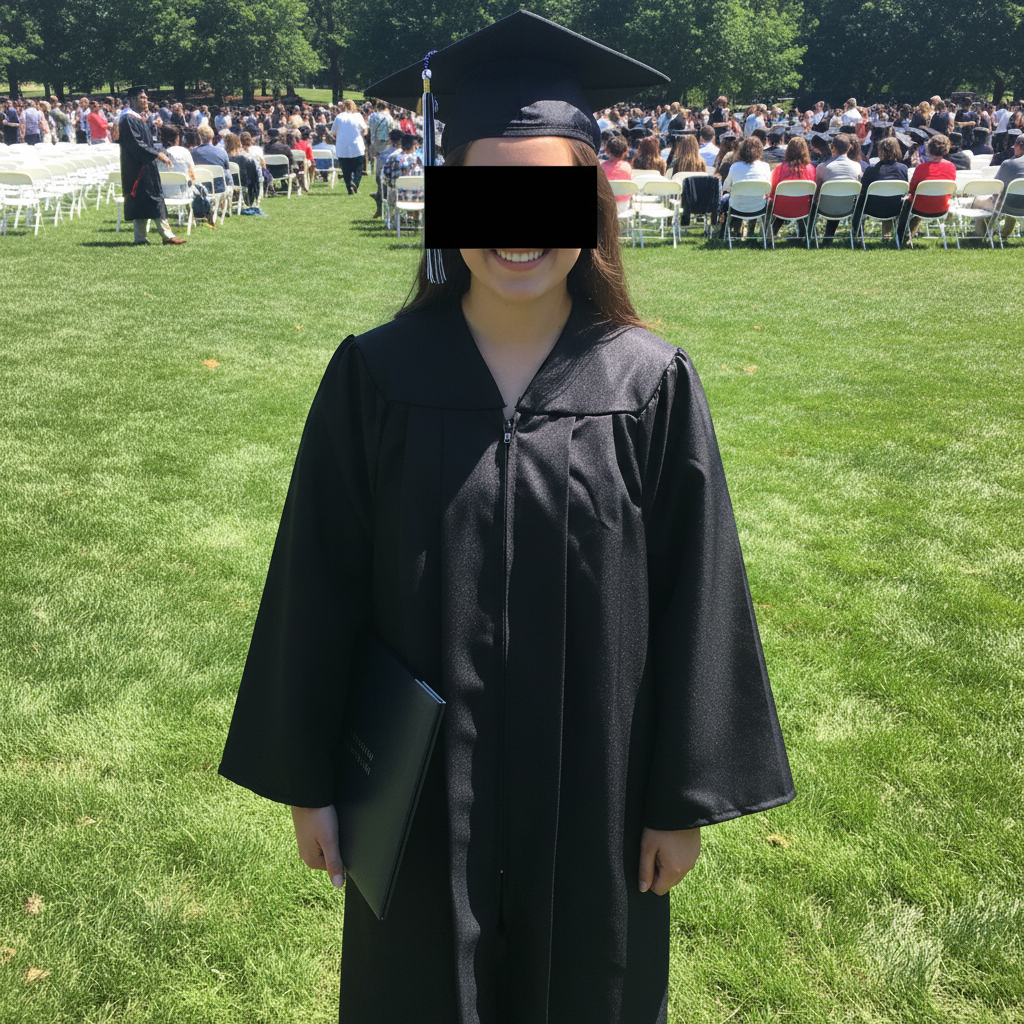
Woman in graduation cap and gown standing in parking lot
Before
->
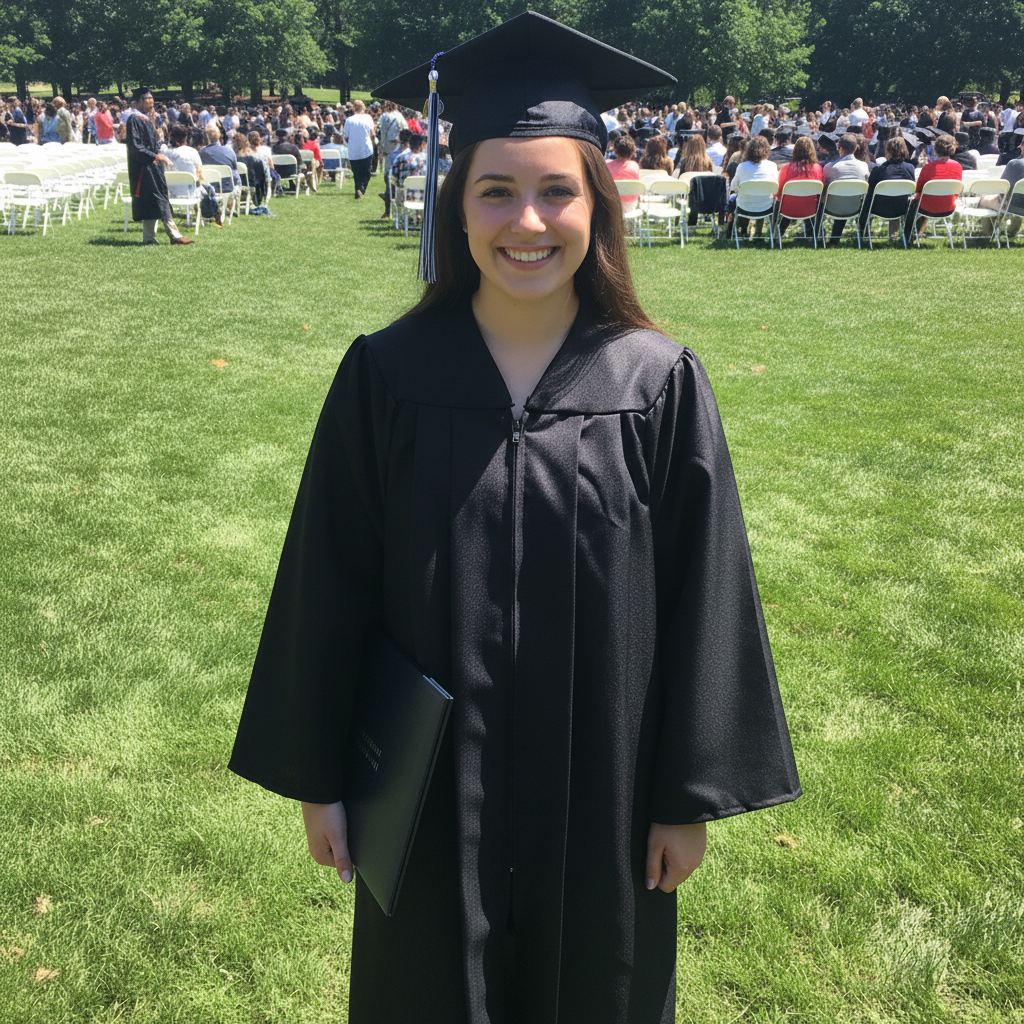
Same woman with beautiful campus building and green lawn background
After

Parking lot graduation photo to campus backdrop

A graduation photo taken in a parking lot transformed with a proper campus backdrop for a memorable keepsake.

Prompt: replace the background with a beautiful university campus with a brick building, white columns, and manicured green lawn on a sunny day
Man in graduation gown under grey overcast sky on wet ground
Before
->
Same man with bright blue sky, sunny lighting, and cheerful atmosphere
After

Rainy ceremony to sunny graduation portrait

A graduation photo taken on a rainy overcast day transformed into a bright, sunny graduation portrait.

Prompt: change the grey overcast sky to bright blue sky with fluffy clouds, make the lighting warm and sunny, keep the graduation outfit and setting
Advertisement

If something looks off

AI changed the wrong area or something I didn't want changed

Why: The AI couldn't determine exactly which part of the graduation photo you meant from description alone. This happens when cap, gown, and background all need different adjustments.

Try: Tap a marker on the specific area you want to change, then regenerate with the same prompt

Tip: Markers tell the AI 'I mean THIS area specifically.' Use them when description alone is ambiguous.

Graduation cap looks distorted or wrong after editing

Why: The cap's flat mortarboard shape and tassel are distinctive and tricky for AI to preserve during background or lighting changes.

Try: Tap markers on the graduation cap and regenerate: preserve the exact shape and angle of the graduation cap and tassel, only change the background

Tip: 'Preserve the exact shape' tells the AI to protect the cap while modifying everything else.

New campus background doesn't match the lighting on the person

Why: The original photo's lighting direction conflicts with the campus background, making it look composited.

Try: replace the background with a campus scene, and adjust the lighting on the person to match the outdoor sunny setting with light from the upper left

Tip: Mention which direction the light should come from so both person and background have consistent lighting.

Gown fabric looks flat or unnatural after transformation

Why: The AI smoothed over the fabric details while making other changes, losing the natural drape and texture of the graduation gown.

Try: keep the graduation gown's natural fabric texture, folds, and drape while changing the background and lighting

Tip: 'Natural fabric texture and folds' explicitly tells the AI to preserve cloth details that make the gown look real.

Group graduation photo has people looking distorted

Why: Editing multiple people in one image is more complex, and the AI may alter faces or bodies at the edges of the group.

Try: Tap markers on the distorted faces and regenerate: fix these specific faces while keeping everything else the same

Tip: For large group graduation photos, consider processing in stages—fix background first, then address individual faces.

Quick answers

Do I need to mark the background before editing my graduation photo?

No! Just describe what you want: 'replace the background with a campus setting' or 'fix the lighting on my graduation photo.' The AI understands graduation photo elements like caps, gowns, and ceremony settings. Only use markers if you need to target a specific detail, like fixing just the tassel area.

How do I fix a graduation photo with a bad background for free?

Upload your graduation photo to EditThisPic and type 'replace the background with a beautiful campus with [specific details].' The AI swaps the background while preserving your cap, gown, and expression. Download the improved photo. Free to try, no account needed.

Is there a free graduation photo editor that doesn't require login?

Yes, EditThisPic edits graduation photos with no account or signup required. Upload your ceremony shot, describe the improvements you want, and download polished results. No watermarks. Works for background replacement, lighting fixes, and cap-and-gown adjustments.

What's the best free AI tool for improving graduation ceremony photos?

EditThisPic handles all graduation photo edits: replacing parking lot backgrounds with campus scenes, fixing rainy-day lighting, removing crowds, and enhancing dark indoor ceremony shots. Describe the exact edit you need instead of using one-click filters. Free to try, no account needed.

Ready to perfect your graduation photo?

Free to try. No signup required.

Try it free