Quinceañera or Sweet 16 photo not perfect?
← Browse all life milestone photo rescuesLast updated
Fix party lighting, remove crowd distractions, enhance dress—celebrate this once-in-lifetime milestone.
Upload photo to fix Quinceañera Sweet 16 photo
"remove the distracting people in the background and keep focus on the birthday girl"
Free to try · no sign-up · never used for AI training
Release to upload
<30stypical edit
1 freeedit weekly
Photo on your phone?
Scan to open this editor there — free edit works on your phone too.
How it works
See it in action
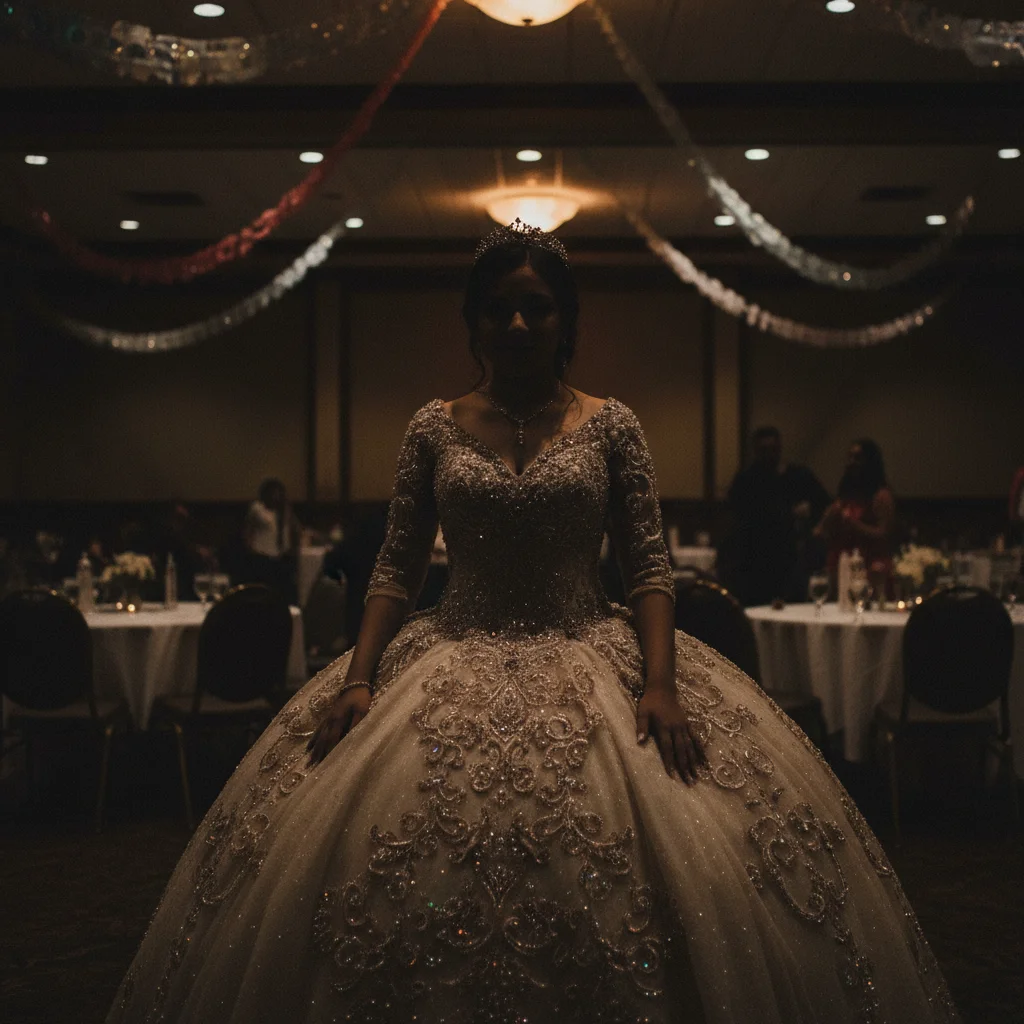
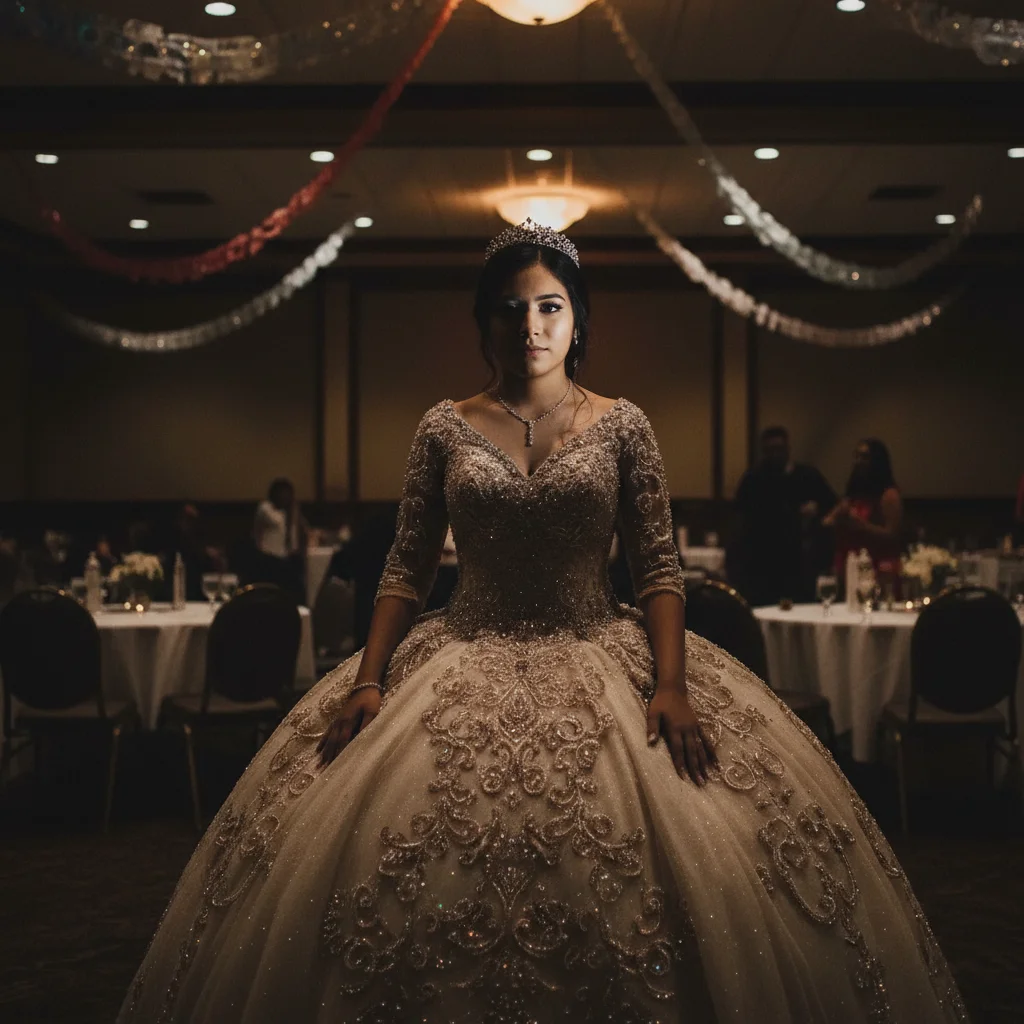
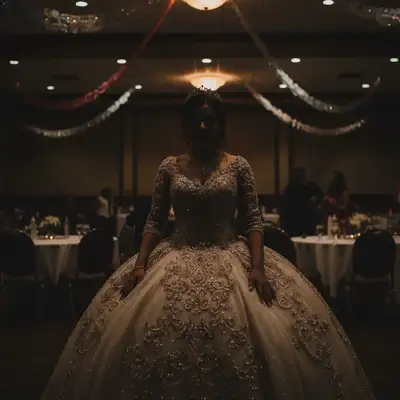
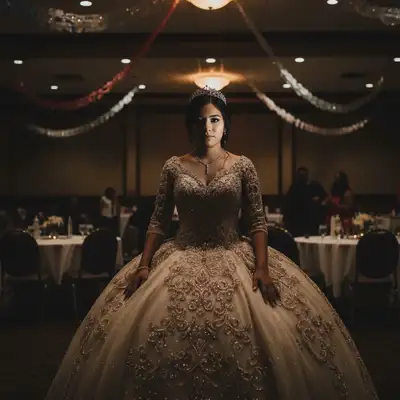
Dim quinceañera venue with dress not showing
Elaborate quinceañera ball gown in a dim banquet hall with terrible venue lighting. Beautiful dress details were completely lost. One prompt enhanced the dress and brightened her face perfectly.
Prompt:
brighten this quinceañera photo and make the dress stand out beautifully, enhance dress details and her face
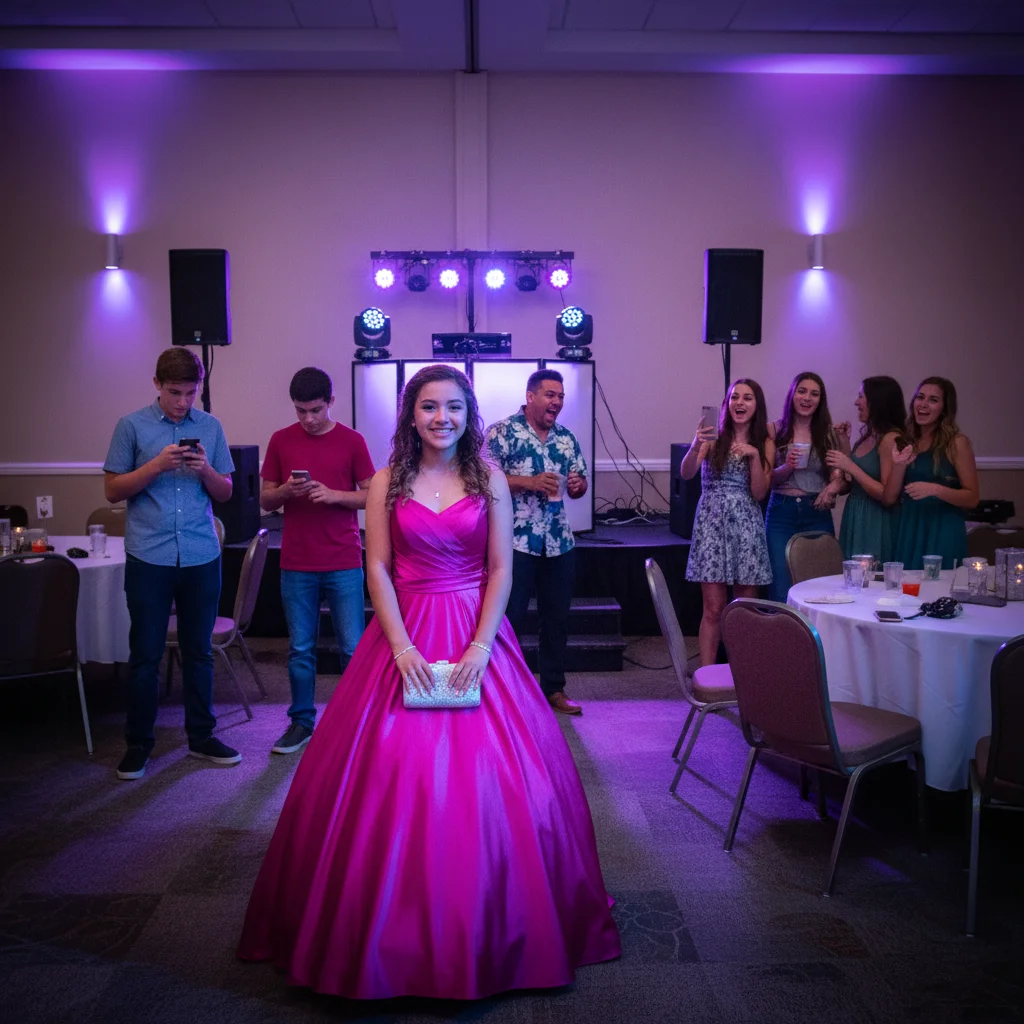
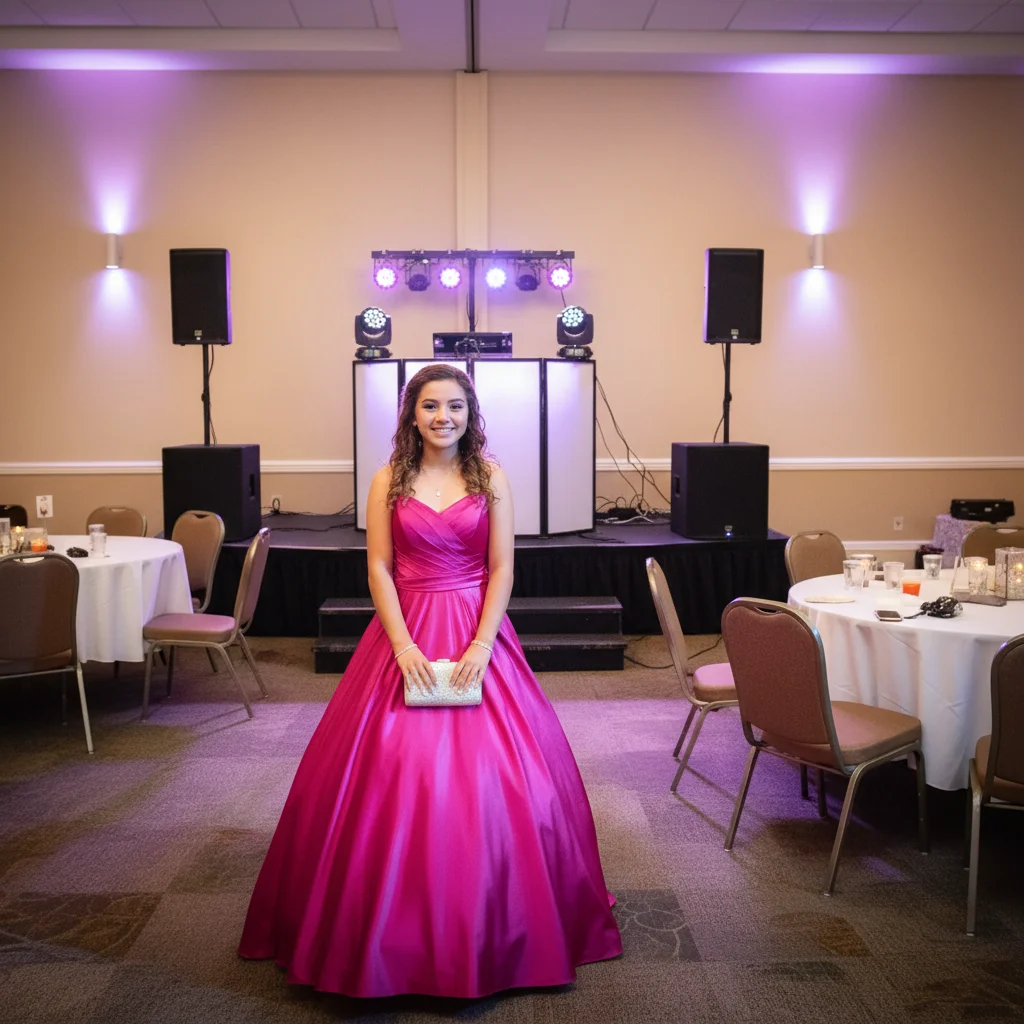
Sweet 16 with crowd photobombers and harsh lights
Sweet 16 celebration photo with random guests in background and harsh purple DJ lighting. Removed distracting people and fixed color cast to make her the star of her own photo.
Prompt:
remove the distracting people in background, fix harsh colored party lights, and enhance her and the dress
Quick answers
Popular use cases
Ready to perfect your coming-of-age celebration photo?
Free to try. No signup required.