Retirement party photos not perfect?
← Browse all life milestone photo rescuesLast updated
Fix dim lighting, enhance faces, remove distractions—honor decades of work with perfect photos.
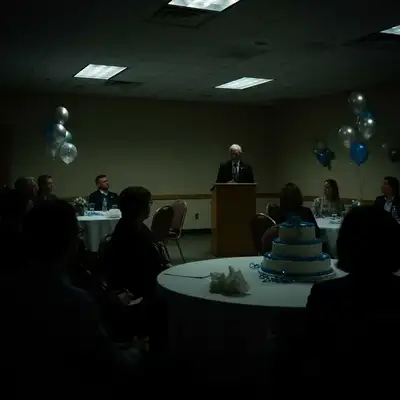
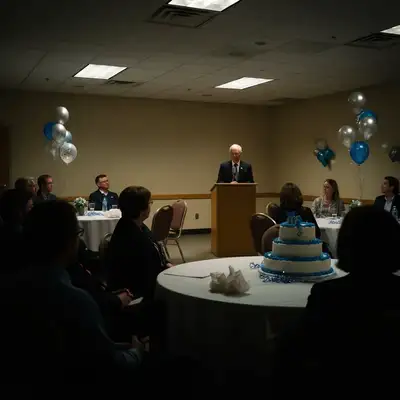
Upload photo to fix retirement party photo
"soften the harsh overhead lighting and make everyone's faces flattering and warm"
Free to try · no sign-up · never used for AI training
Release to upload
<30stypical edit
1 freeedit weekly
Photo on your phone?
Scan to open this editor there — free edit works on your phone too.
How it works
See it in action
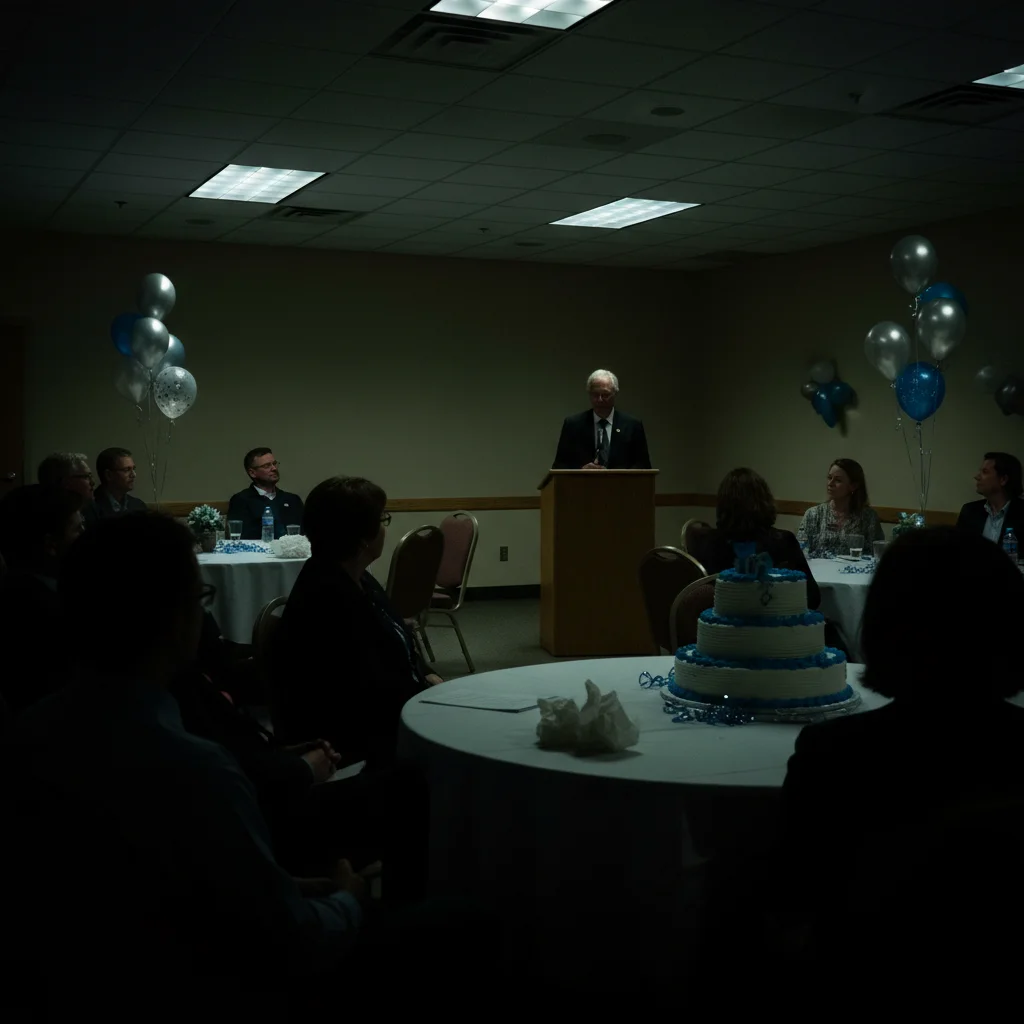
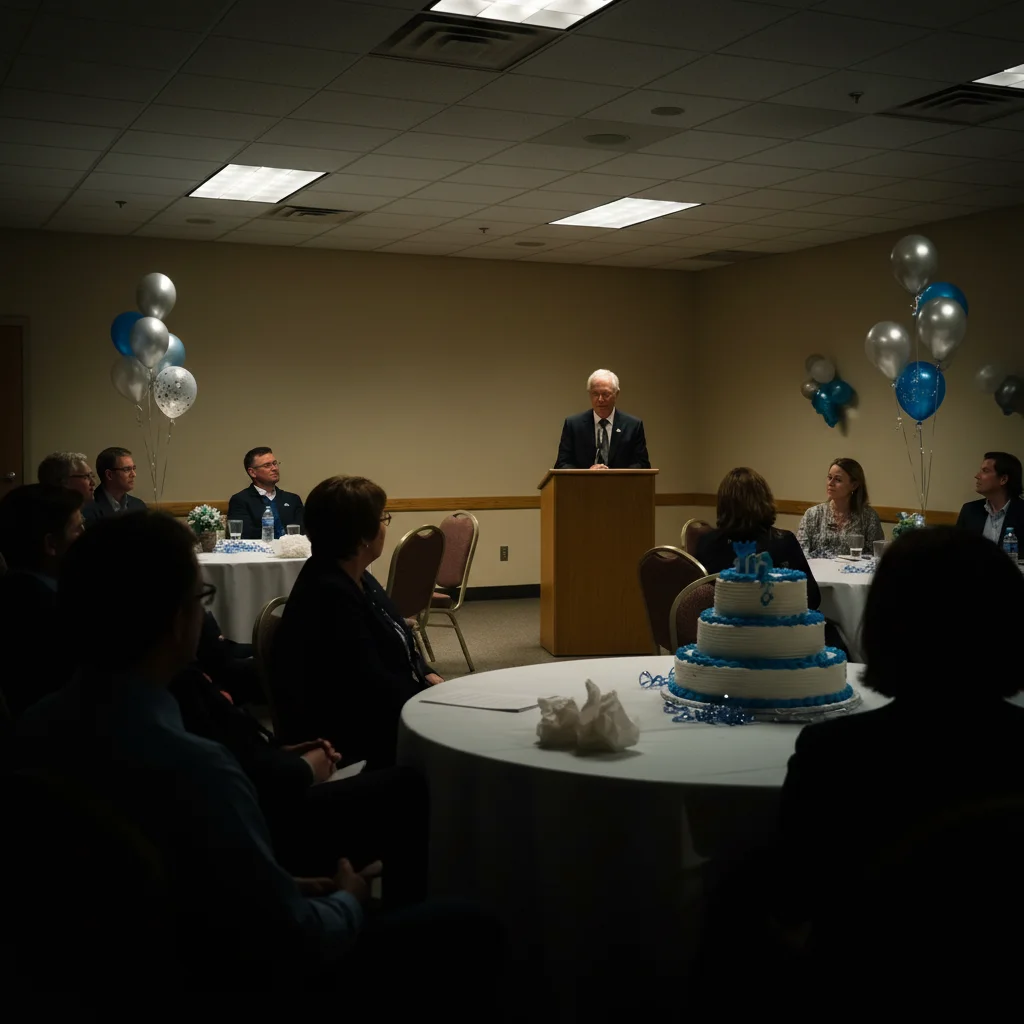
Dark conference room farewell speech
Retirement speech in a dim conference room with awful lighting. Faces barely visible, moment not captured properly. One prompt brightened everyone and made the celebration clear and warm.
Prompt:
brighten this retirement party photo and fix the dim indoor lighting, make faces clearly visible and warm
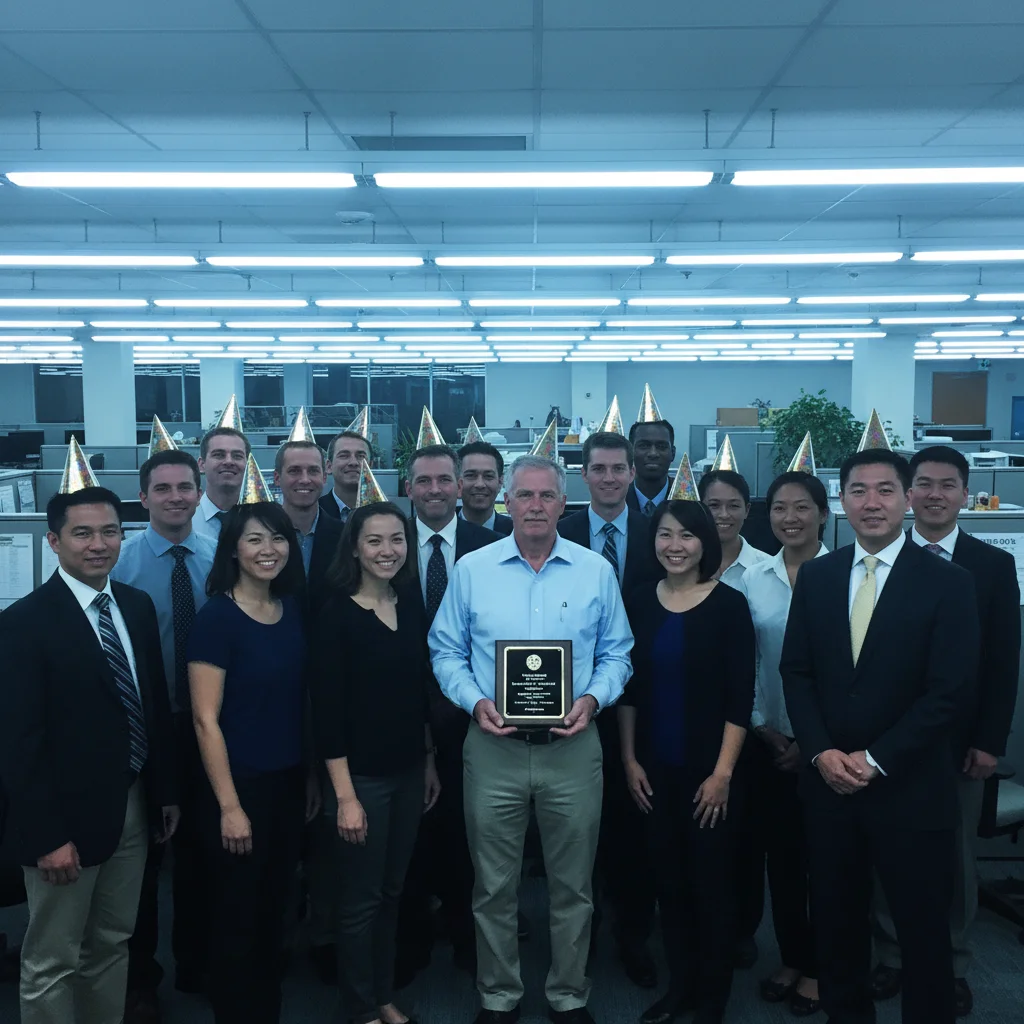
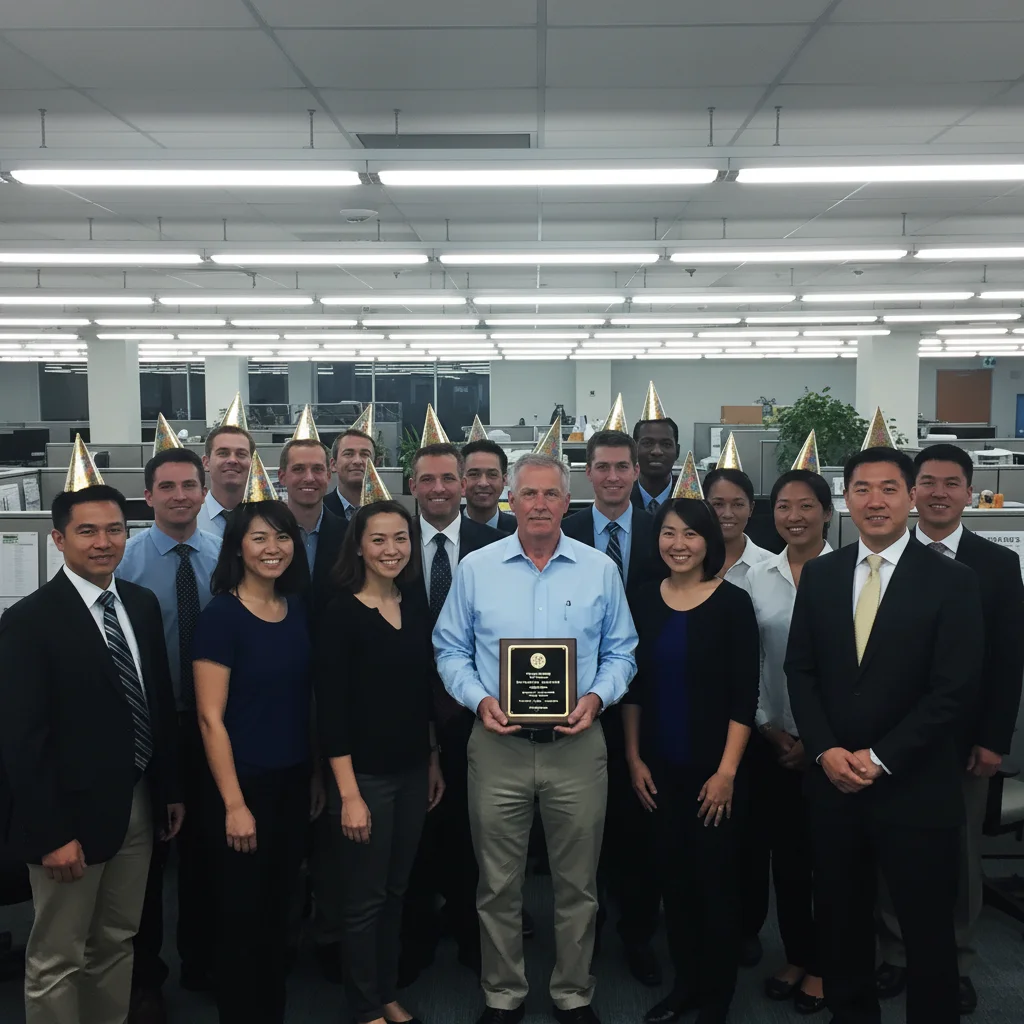
Group photo with harsh overhead lights
Entire office gathered for farewell group photo but harsh fluorescent lights made everyone look exhausted and unflattering. AI softened the lighting and enhanced faces for a dignified tribute photo.
Prompt:
soften the harsh overhead lighting and make everyone's faces flattering and warm, enhance this group retirement photo
Quick answers
Popular use cases
Ready to perfect your retirement celebration photos?
Free to try. No signup required.