Engagement photo not perfect? Fix it now
← Browse all life milestone photo rescuesLast updated
Ring not visible? Lighting off? Perfect your once-in-a-lifetime engagement photo in seconds.
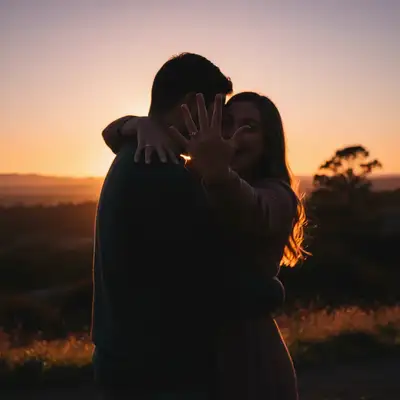
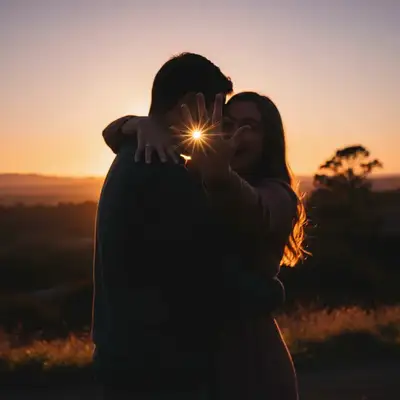
Upload photo to fix engagement announcement photo
"brighten this engagement photo and fix the shadows, make the lighting natural and warm"
Free to try · no sign-up · never used for AI training
Release to upload
How it works
See it in action
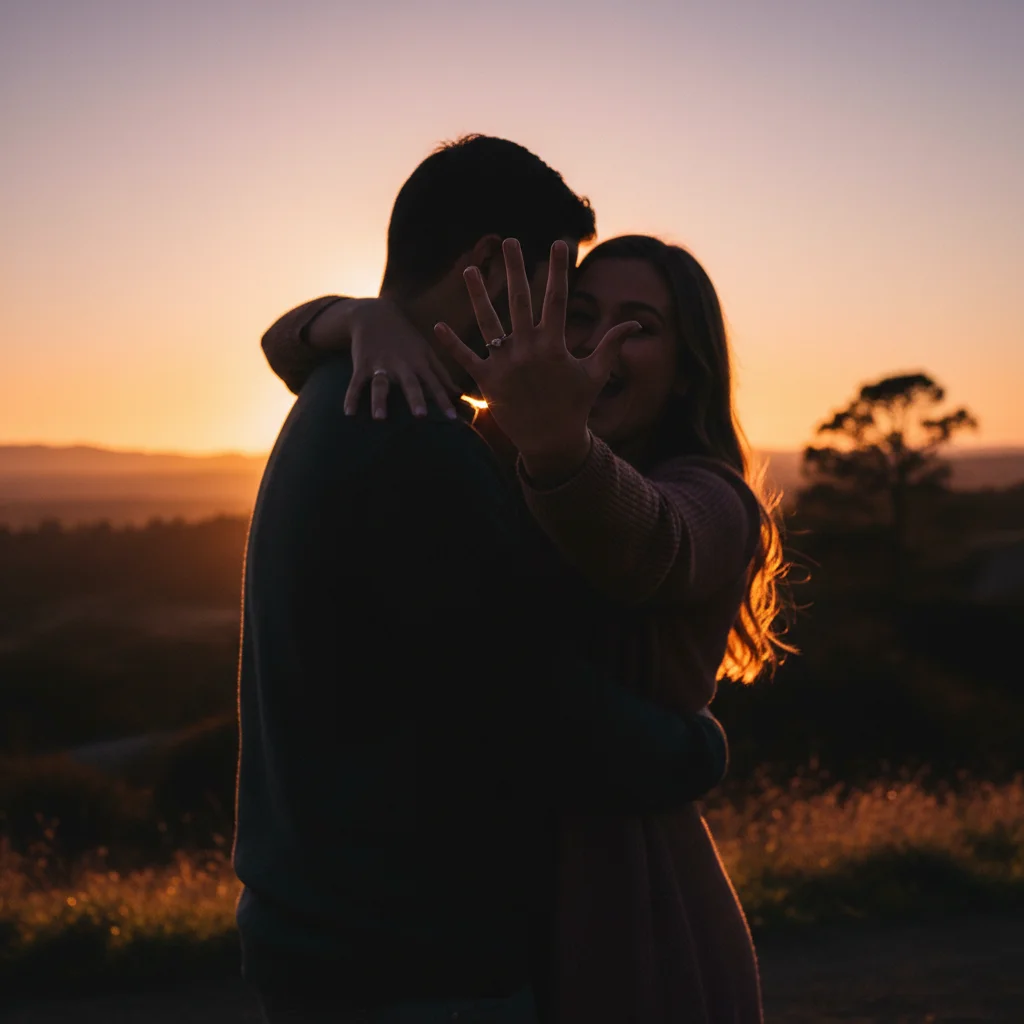
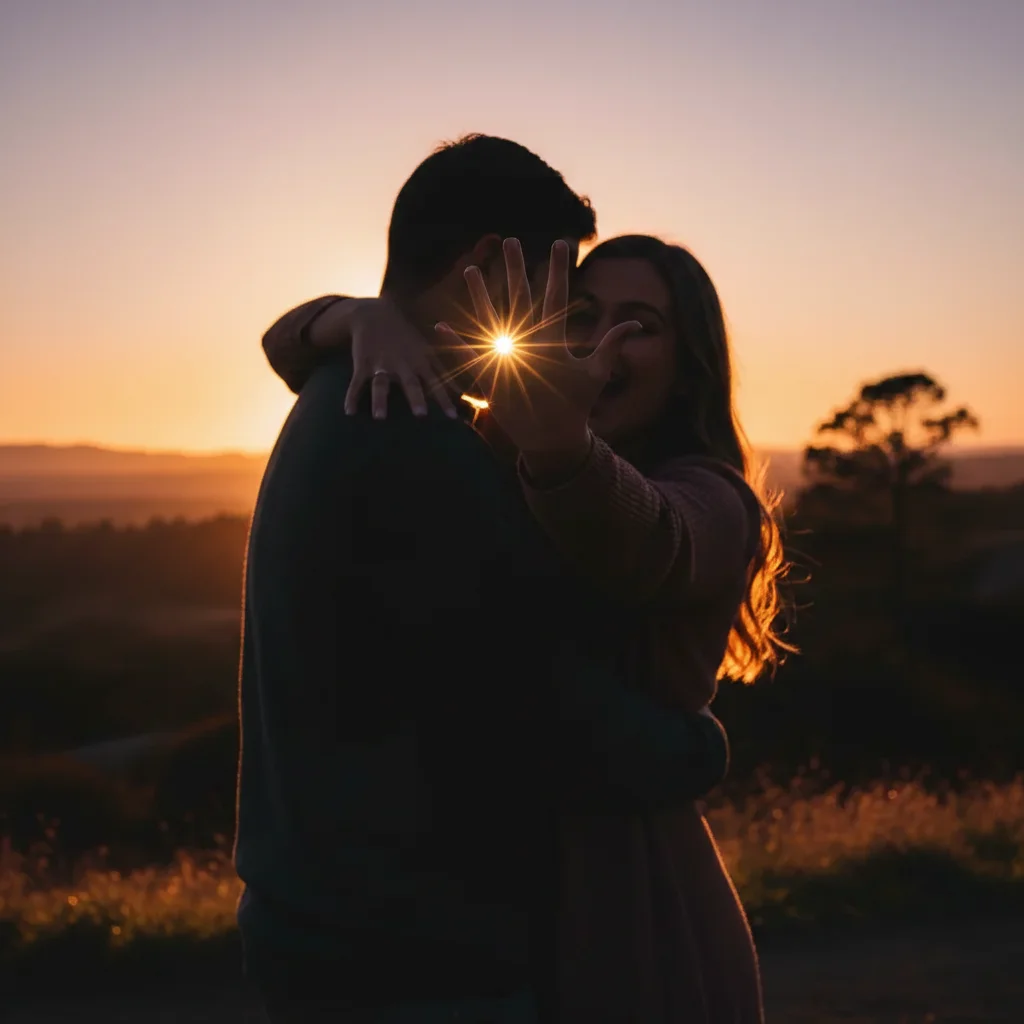
Ring not visible in proposal photo
Surprise proposal at sunset but the ring barely shows in the photo due to shadows and hand position. One prompt made the diamond sparkle and enhanced the lighting to showcase the moment perfectly.
make the engagement ring more visible and sparkling, enhance the diamond brilliance and fix the shadows
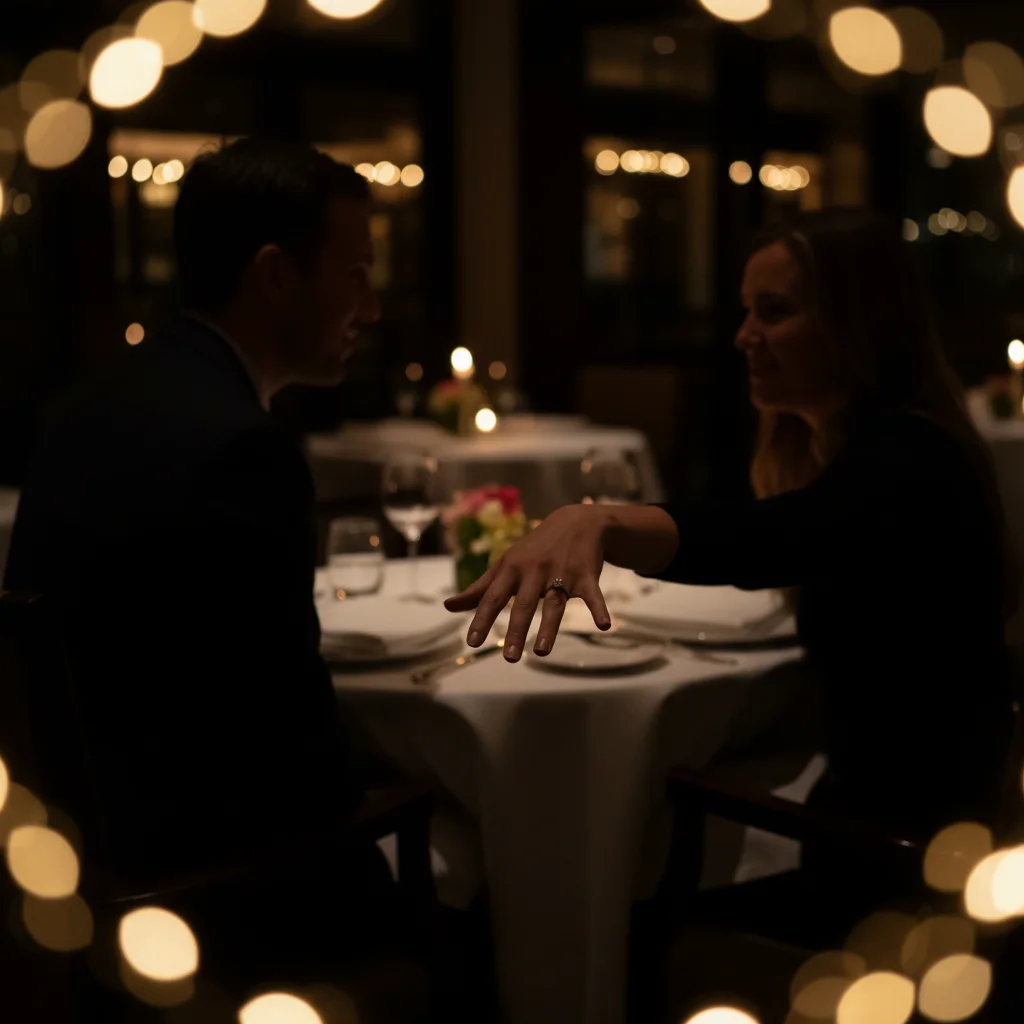
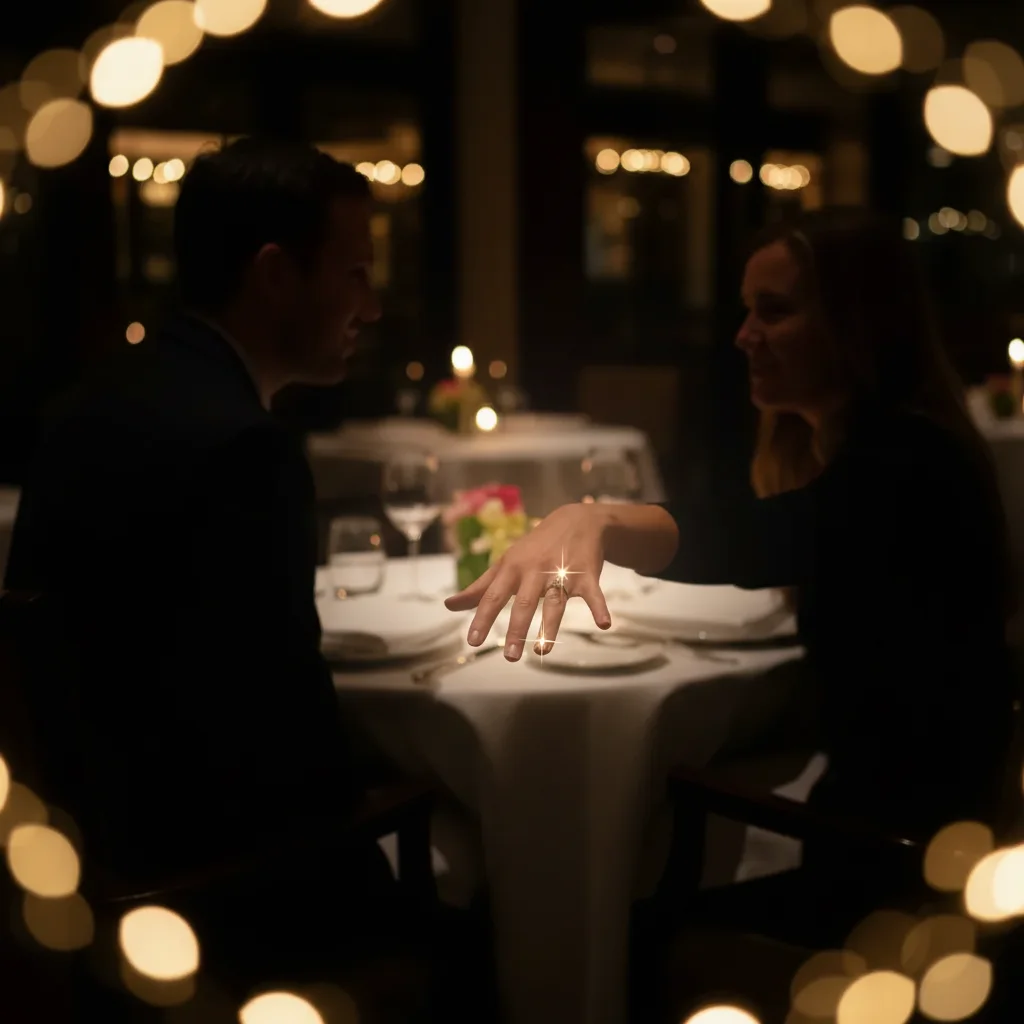
Dark restaurant proposal with bad lighting
He proposed at our favorite restaurant but the indoor lighting made the photo too dark to share. AI brightened the whole scene, made the ring visible, and kept the romantic atmosphere intact.
brighten this engagement photo and make the ring sparkle, fix the dim restaurant lighting while keeping it romantic


Beach proposal with strangers in background
Perfect beach proposal ruined by tourists walking through the frame. Removed the photobombers and enhanced the lighting to make it look like a professional engagement shoot.
remove the people in the background and enhance the whole photo, make it look professional and romantic
Quick answers
Popular use cases
Ready to perfect your engagement photo?
Free to try. No signup required.