How This Differs from Collage Makers
EditThisPic does AI compositing - extracting subjects from one photo and seamlessly blending them into another. This is fundamentally different from collage or side-by-side apps.
Upload two photos, describe how to combine them. The AI handles the blending.

Combine Images Online Free
Drop your photo here
or click to browse
Release to upload
Free • No signup
Combine Images Online Free
Drop your photo here
or click to browse
Release to upload
Free • No signup
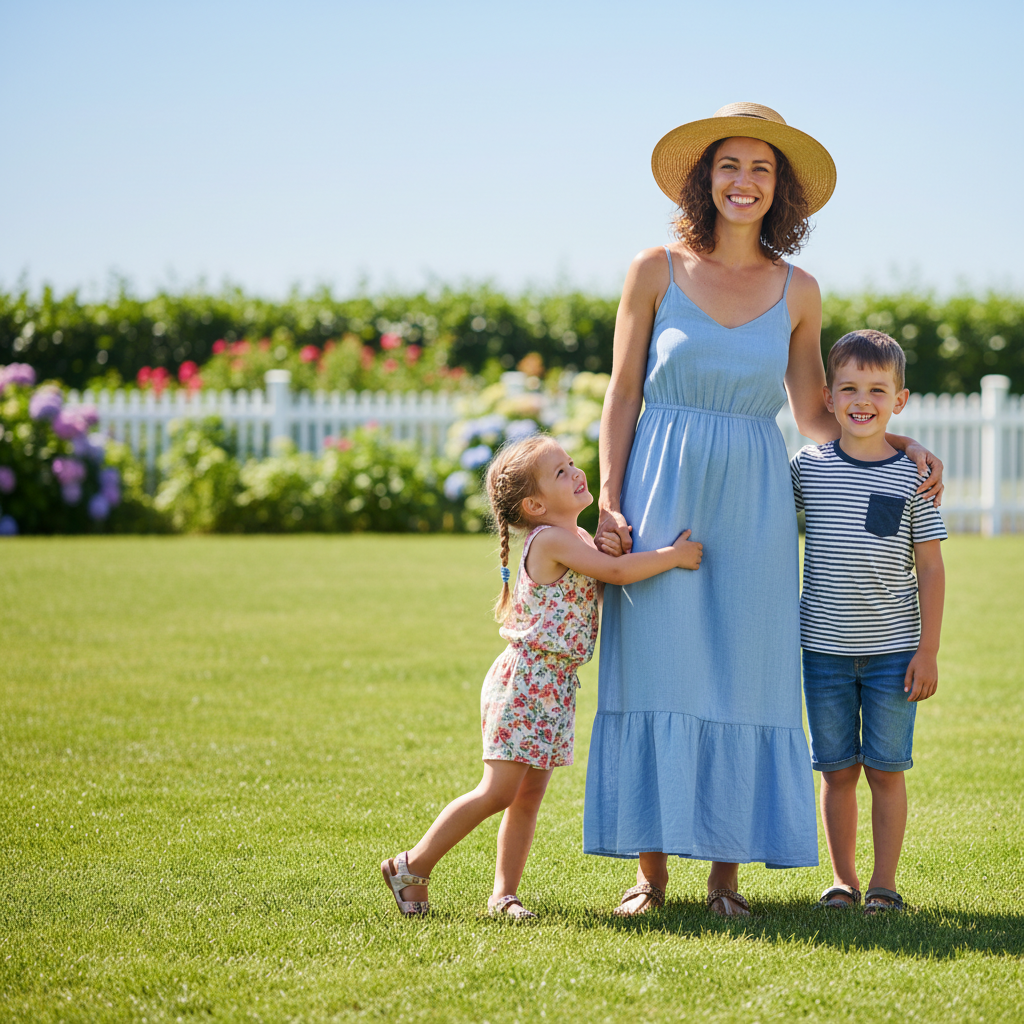
"My parents were in two different photos at the reunion. Merged them into one perfect family portrait in under a minute." @FamilyPhotoSaver
Dad couldn't make it to the family photo. Merged him from a solo shot into the group.
add the man from photo 2 into photo 1 standing on the left side next to mom, match the lighting and scale naturally
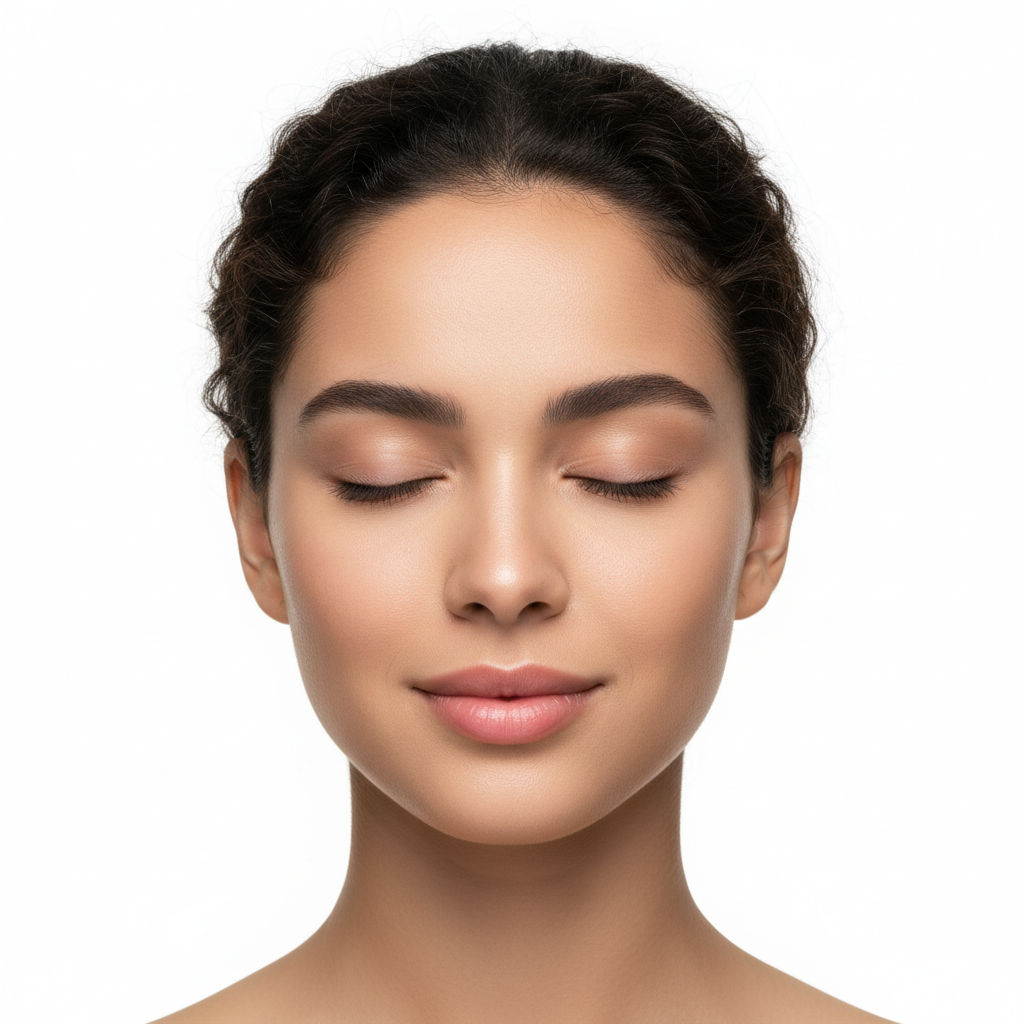
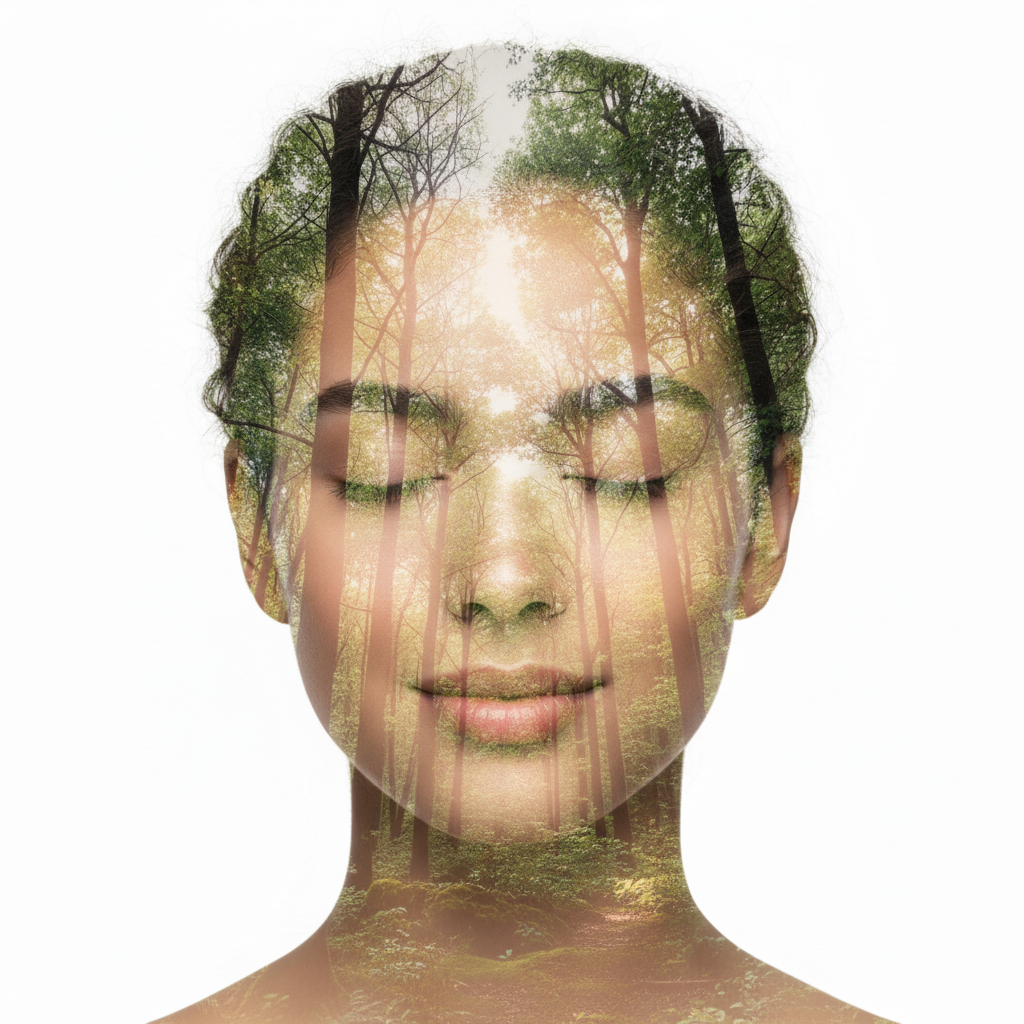
Created artistic double exposure by blending a portrait with a forest scene.
create a double exposure effect blending the portrait from photo 1 with the forest trees from photo 2, artistic and dreamy
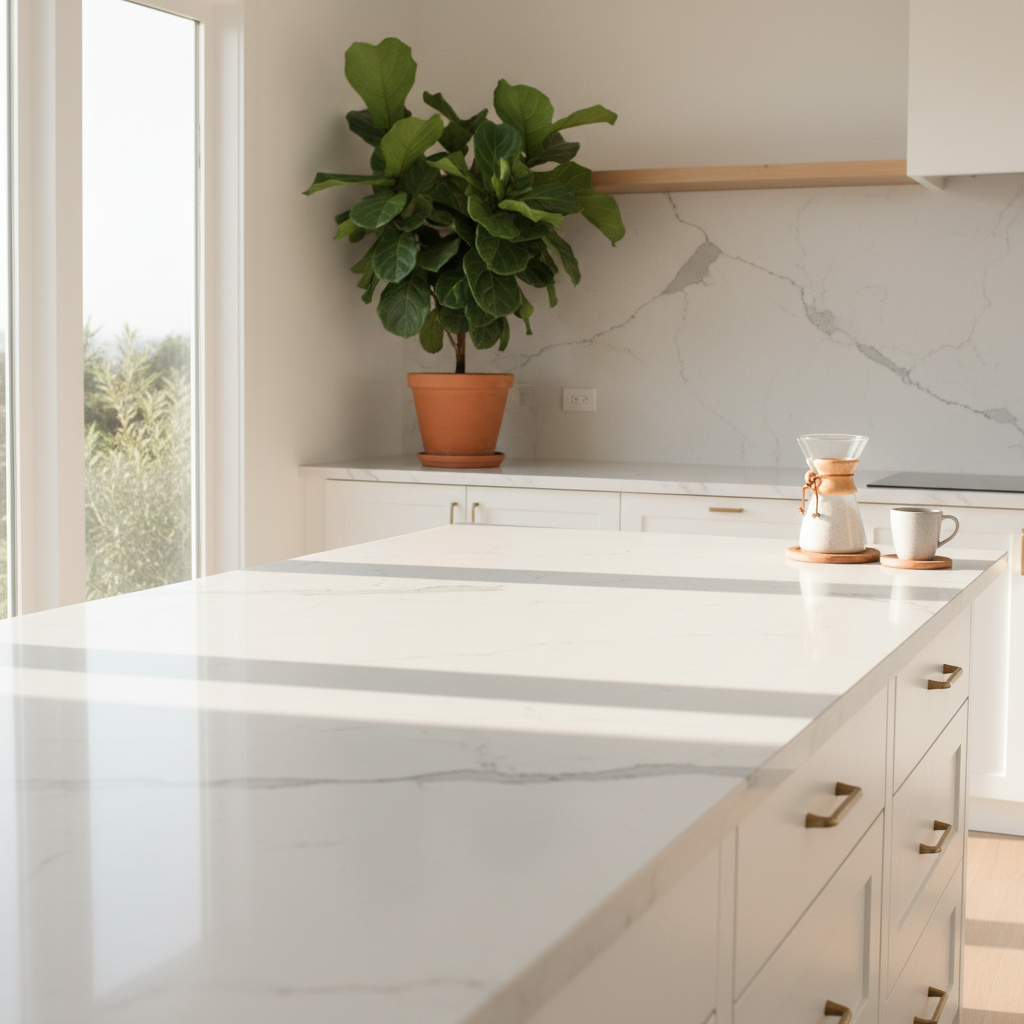
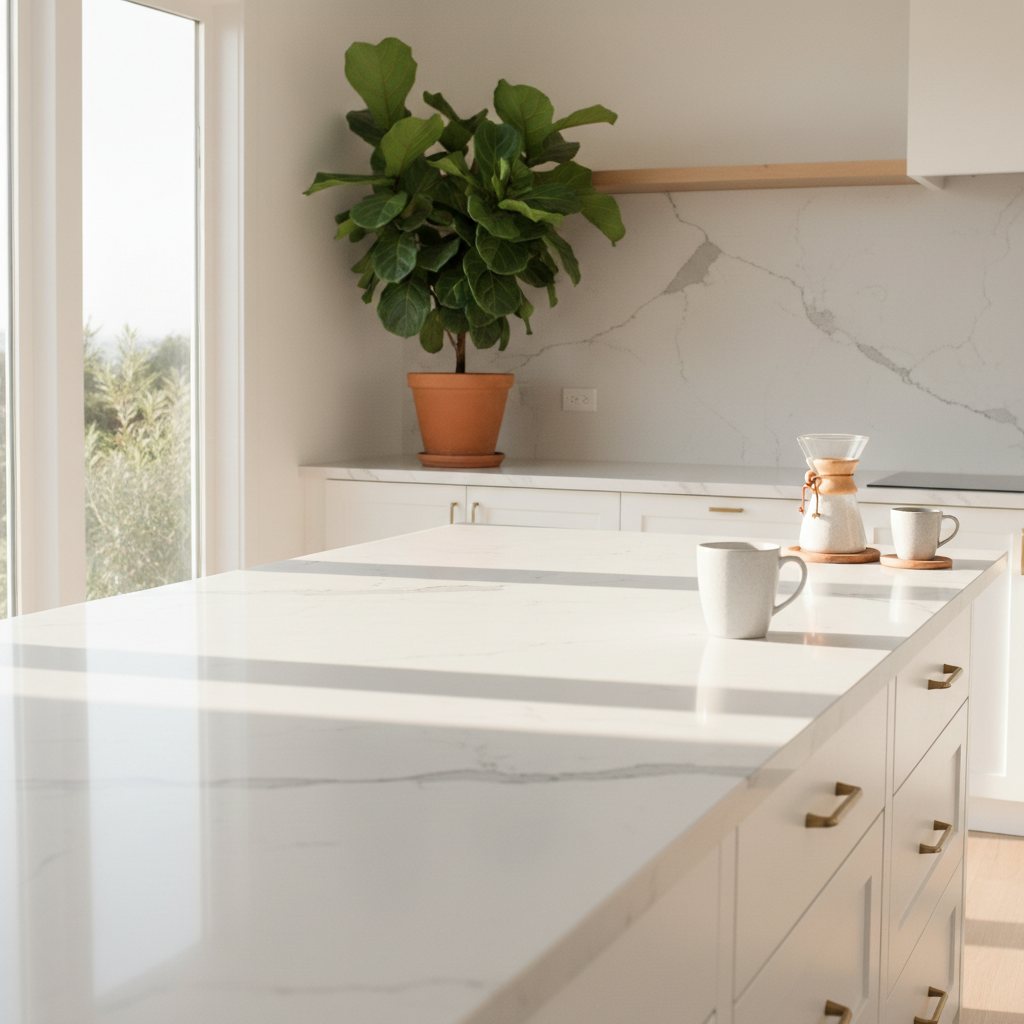
Took a product photo and placed it on a styled marble countertop background.
place the coffee mug from photo 2 onto the marble countertop in photo 1, add realistic shadow, match the warm morning lighting
EditThisPic does AI compositing - extracting subjects from one photo and seamlessly blending them into another. This is fundamentally different from collage or side-by-side apps.
Combine people who weren't photographed together into one photo - family members, friends, or group shots.
add the person from photo 2 into photo 1 standing on the left side, match the lighting and scale
merge the group from photo 2 into the right side of photo 1, blend naturally
Take the best elements from several similar photos to create one perfect image.
replace the man's expression in photo 1 with his smiling expression from photo 2
use the background from photo 1 but the people from photo 2
Create artistic effects by blending two photos - double exposure, overlays, dream-like composites.
create a double exposure effect blending the portrait from photo 1 with the forest from photo 2
overlay photo 2 onto photo 1 with a dreamy transparent effect
Place products into lifestyle scenes or composite objects into new backgrounds.
place the product from photo 2 onto the marble countertop in photo 1, add realistic shadow
add the chair from photo 2 into the living room in photo 1, positioned in the corner
Free to try. No signup required.