AI Photo Editor for Architect Portfolio & Rendering Photos
Architecture photos that win competitions and clients.
Drop your photo here
or click to browse
Free • No signup
Release to upload


Built for Architect Portfolio Professionals
Architecture is experienced visually. Your portfolio needs to show spatial quality, materiality, and design intent — whether in built projects, models, or presentation materials. EditThisPic elevates architectural photography to publication quality.
How to AI Photo Editor for Architect Portfolio & Rendering Photos
-
Upload your photo
Drop your architect portfolio rendering photo into EditThisPic.
-
Describe your edit
Type what you want.
-
Review
Check accuracy.
-
Refine
Use markers if needed.
Prompts for Architect Portfolio
enhance with dramatic architectural lighting, show form, shadow, and materiality
Dramatic lighting reveals the sculptural quality of architecture
replace overcast sky with dramatic sky, enhance building against skyline
Sky quality defines the mood of exterior architectural photography
enhance the construction site photo with clear professional lighting, documentation quality
Clear construction documentation records progress and quality
enhance the architectural interior with balanced lighting, show spatial quality
Interior spaces need balanced light to reveal spatial design intent
Show more prompts
enhance the architectural model photo with clean studio lighting, show design clearly
Model photos for competitions need pristine presentation quality
Architect Portfolio Transformations
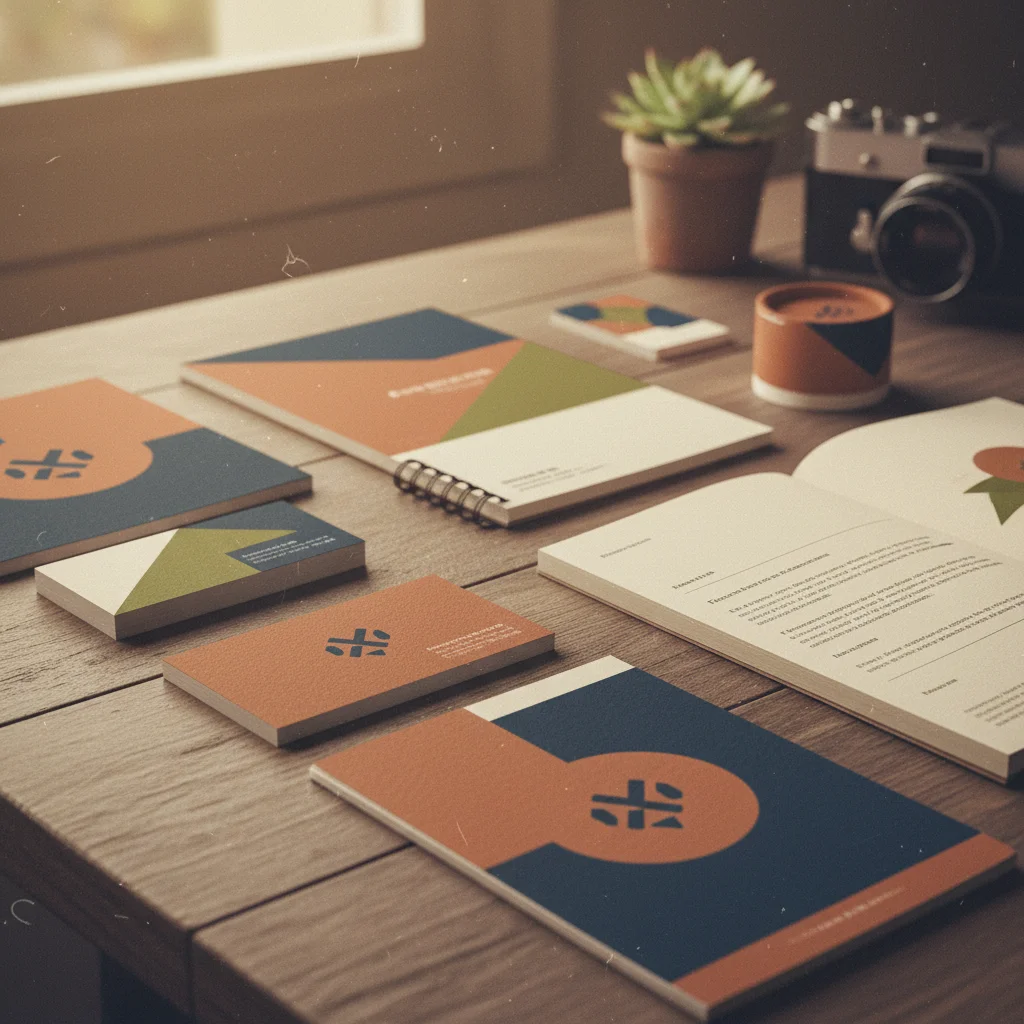
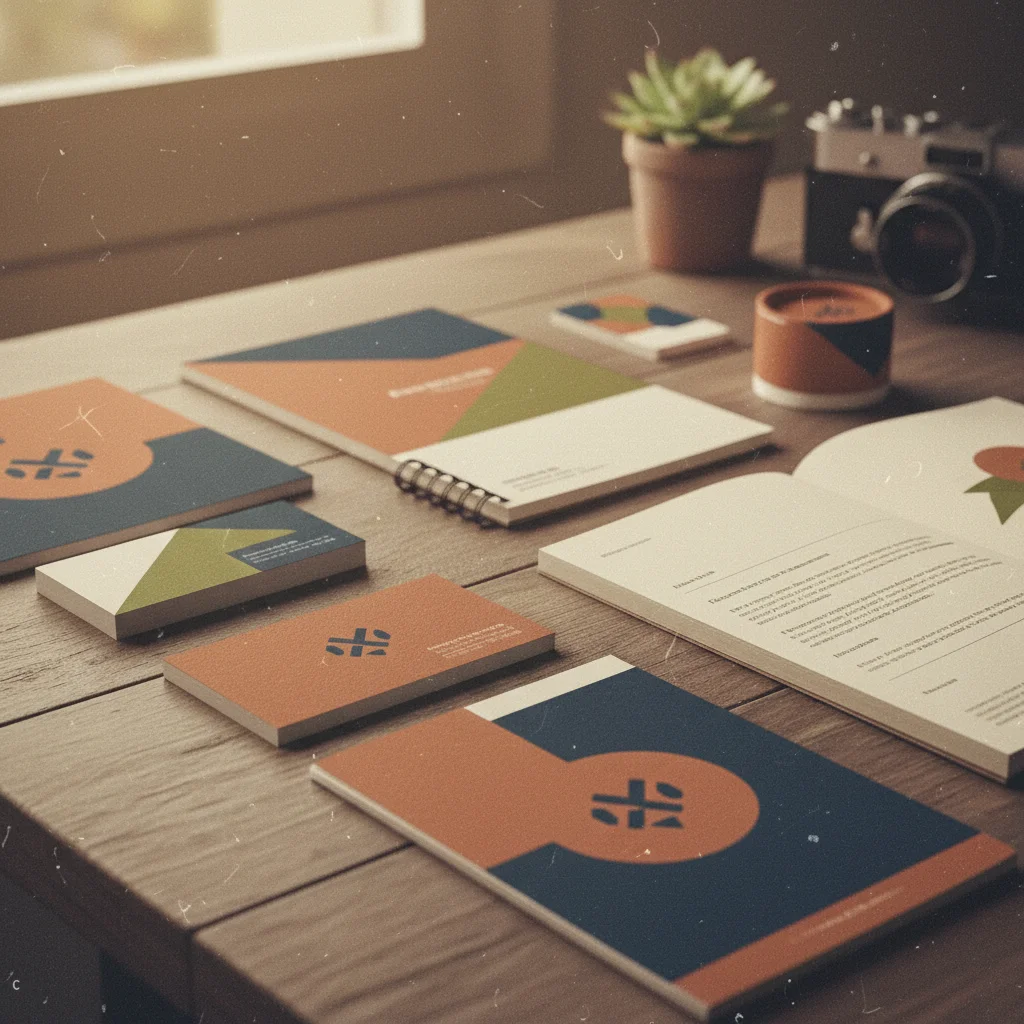
Building facade enhanced
Architectural photo enhanced with dramatic lighting showing form, materials, and design intent.
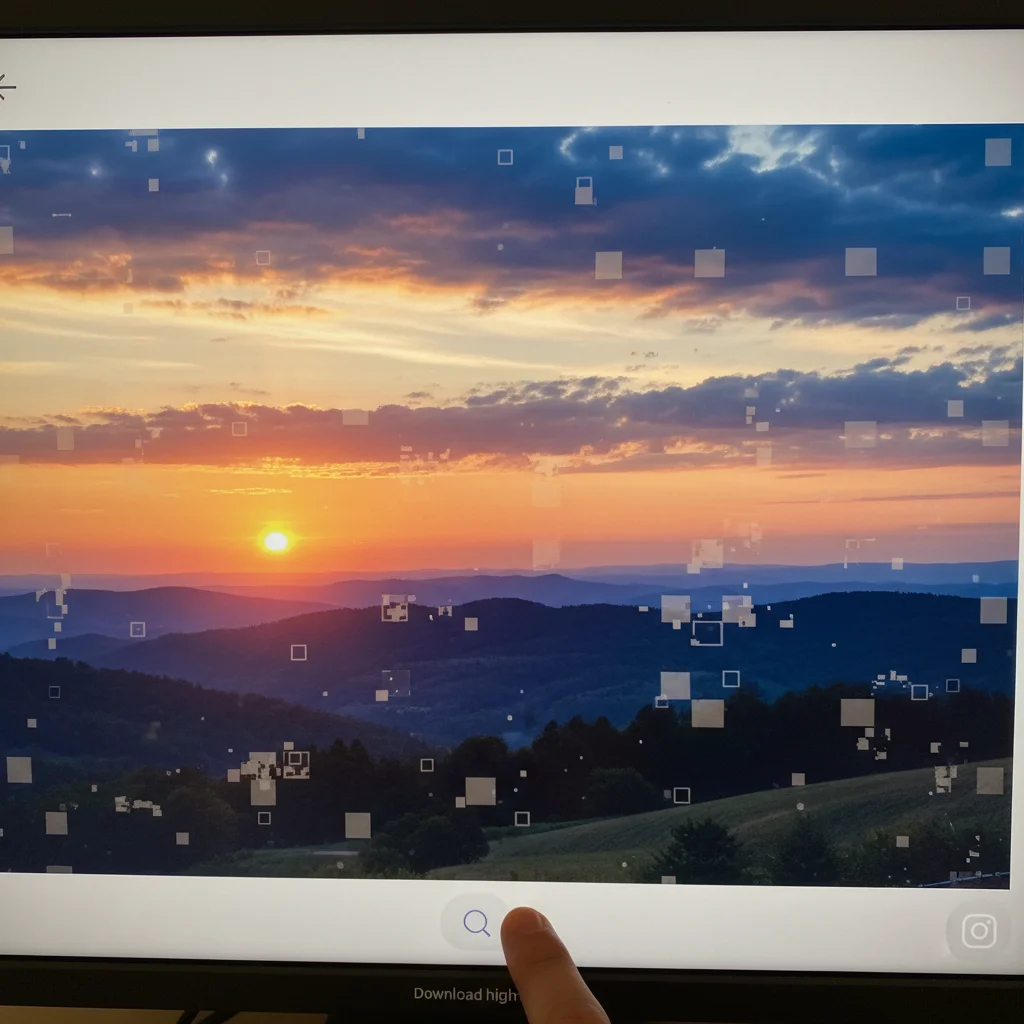
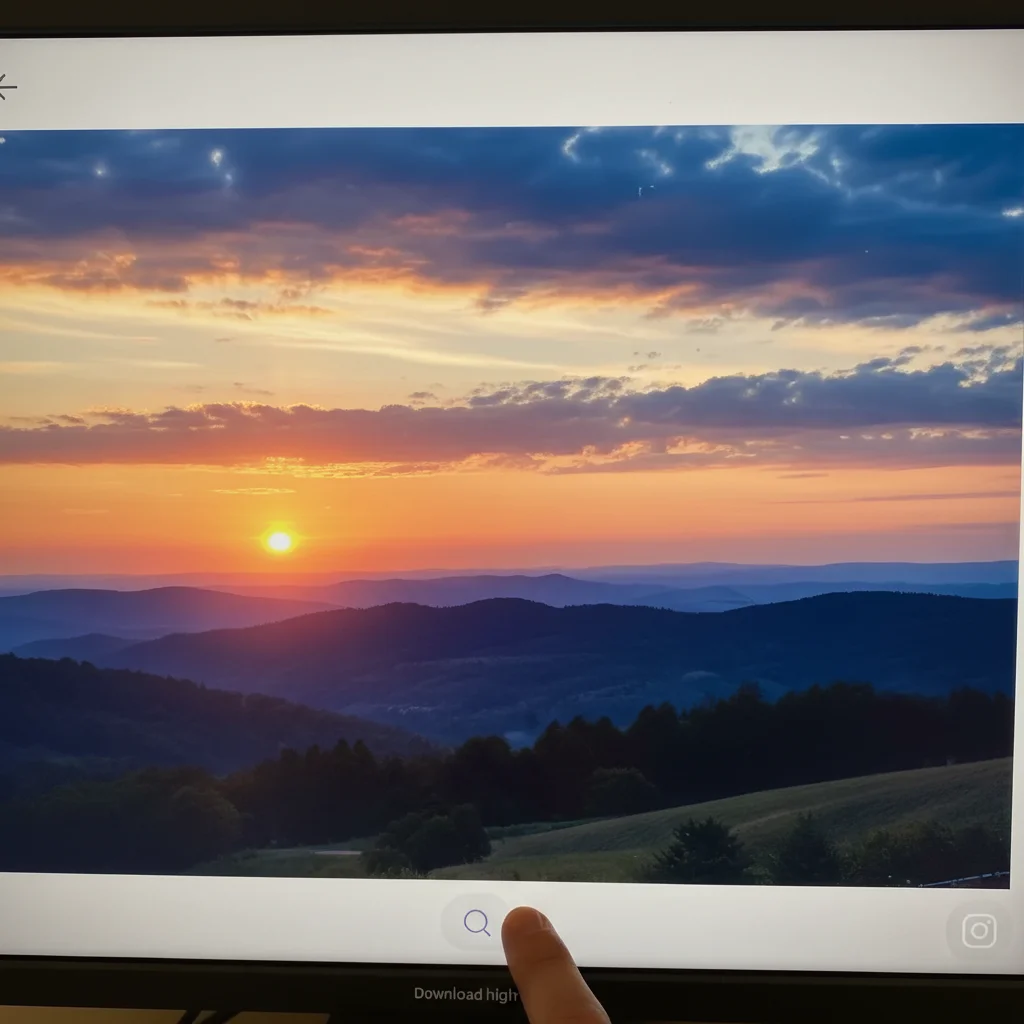
Architectural interior balanced
Interior architectural space enhanced with balanced lighting showing spatial quality and material design.
Common Issues
Edit affected areas you didn't want changed
Why: AI sometimes applies changes too broadly across the image
Use tap markers to precisely indicate what should change — everything else stays
Result looks over-processed or artificial
Why: AI can over-correct, creating an unnatural or HDR-like appearance
Adding 'natural and subtle' to any prompt helps keep results realistic
Colors shifted or look wrong after the edit
Why: Brightness and exposure changes can inadvertently alter color balance
Mention 'preserve original colors' when you only want one specific change
Photo still doesn't look quite right after one edit
Why: Complex issues may need multiple targeted adjustments
Multiple focused passes often produce better results than one big edit
FAQ
How do I photograph buildings in bad weather?
Photograph anyway for documentation. The AI can dramatically improve sky conditions and lighting, turning an overcast documentation shot into a publication-quality portfolio image.
Should I include construction photos in my portfolio?
Yes. Enhanced construction documentation shows process and builds client confidence. Include key milestones and completion comparisons.
What about architectural model photos?
Clean background, even lighting, and careful angles make model photos look professional. Enhancement adds the studio quality that impresses competition juries.
How do I balance interior architectural photos?
Shoot with windows properly exposed, then enhance to recover the darker interior. Or shoot for the interior and let the AI balance the windows. Either approach works.
Can I enhance rendering images?
Yes. Even 3D renderings benefit from enhancement — improved lighting, color grading, and atmospheric effects elevate presentation quality.
Is this free?
Yes — 1 free edit per week. plans start at $4.99/month.
Elevate your architecture portfolio
Publication-quality architecture photos. Free to try.
Upload Your PhotoTrusted by 15,000+ users