Free • No signup Convert Photo to 3D cartoon · Free

AI 3D Cartoon Maker

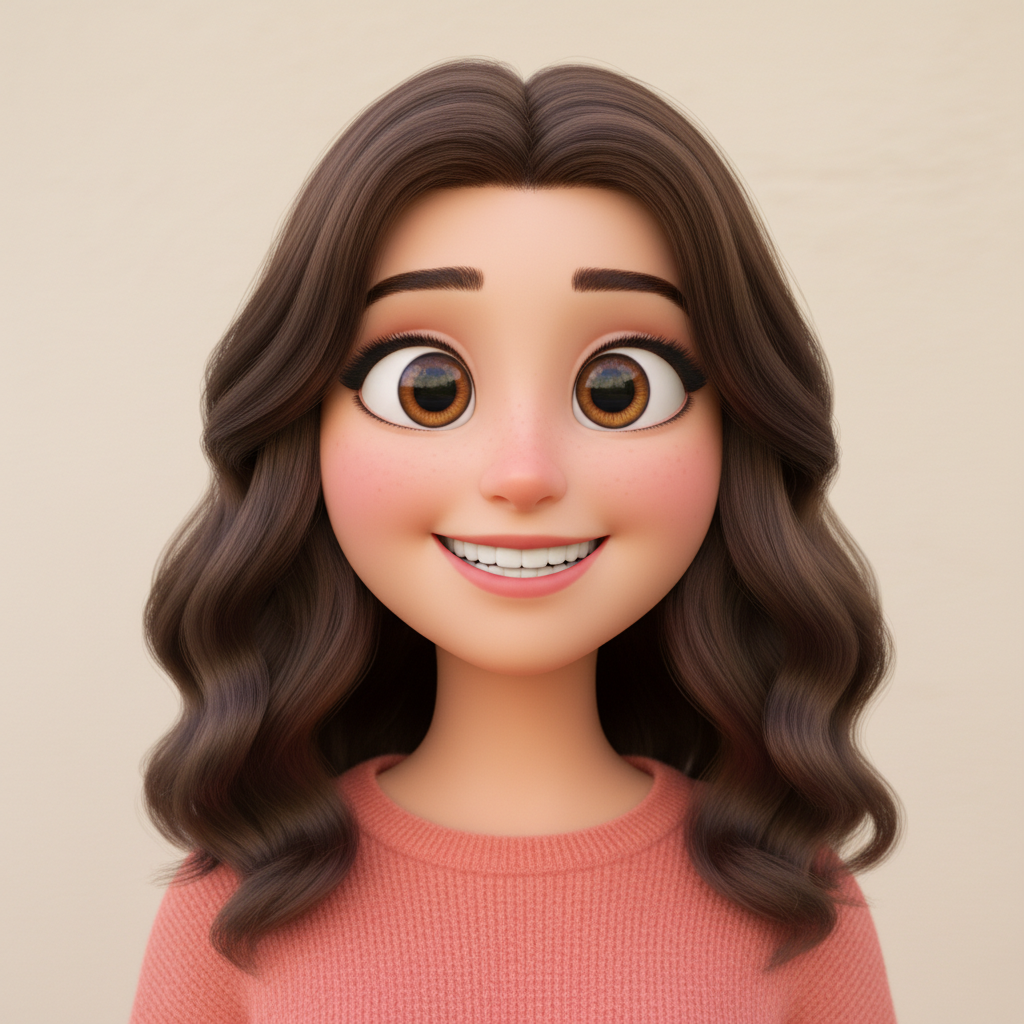
Describe the 3D style and AI transforms your photo into a Pixar-like character in seconds.
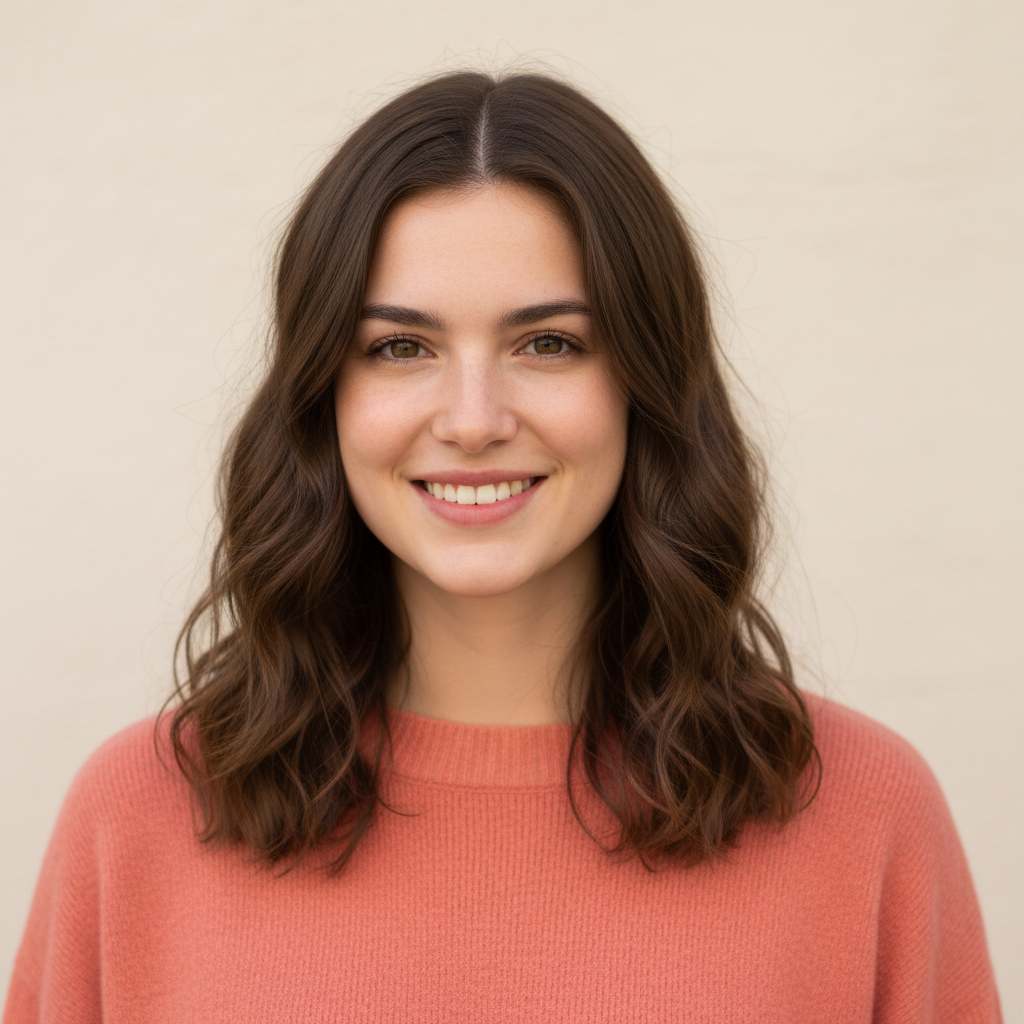
Young man with dark hair and beard in navy blue shirt
Before
Same man as a Pixar-style 3D cartoon character with smooth rendering
After

AI 3D Cartoon Maker

Drop your photo here

or click to browse

Release to upload

Free • No signup

Advertisement
Popular use cases:
  • social media avatars
  • profile pictures
  • custom gifts
  • game character design
  • family portraits
  • Discord avatars
  • YouTube thumbnails
  • digital collectibles

Cost
Free No signup required
Time
Instant results in 15-30 seconds
Works on
Any device - browser, phone, tablet, desktop
Powered by
AI-powered photo editing
Scenario Prompt Time
Pixar-style 3D cartoon convert to Pixar-style 3D cartoon with expressive eyes 35s
Disney animated style turn into Disney-style 3D animated character 40s
Stylized low-poly 3D convert to low-poly 3D character with geometric facets 35s

How it works

  1. Upload your photo

    Drop your image into EditThisPic. JPG, PNG, WebP up to 7MB. Clear face photos with good lighting produce the most impressive 3D cartoon results. Front-facing portraits and selfies work best.

    Expect: Simple 3D cartoon conversion: 30-40 seconds. Complex group scenes: 45-60 seconds and may benefit from refinements.
  2. Describe the 3D cartoon style

    Type your instruction: 'convert this photo to a 3D cartoon character like Pixar with smooth skin, big expressive eyes, and soft studio lighting' or 'turn this into a Disney-style 3D animated character.' Specify the animation studio style, lighting, and level of detail. No marking needed—the AI transforms the entire image.

    Tip: Reference specific studios: 'Pixar-style', 'Disney-style', or 'DreamWorks-style' for distinct 3D animation aesthetics.

    Copy one of these to get started:

    Pixar-style 3D character convert this photo to a Pixar-style 3D cartoon character with smooth skin, big expressive eyes, and soft cinematic lighting
    Disney princess/prince style turn this photo into a Disney-style 3D animated character with sparkling eyes, perfect hair, and magical warm lighting
    Cute 3D avatar convert this photo to a cute 3D cartoon avatar with slightly oversized head, round features, and cheerful expression
    3D cartoon with realistic textures turn this photo into a 3D cartoon with realistic fabric textures on the clothes, detailed hair strands, and subsurface skin scattering
    3 more prompts
    Stylized low-poly 3D convert this photo to a stylized low-poly 3D character with geometric facets, flat shading, and minimalist design
    3D cartoon pet turn this pet photo into a Pixar-style 3D animated animal character with glossy fur, big adorable eyes, and expressive face
    Action figure 3D style convert this photo to a 3D action figure style with sculpted features, dynamic pose impression, and collectible toy aesthetic
  3. Review the 3D character

    Check that the 3D cartoon preserves your likeness while looking like a polished animated character. Look for smooth skin texture, proper lighting, and the characteristic 3D-rendered quality. Zoom in on eyes and hair.

  4. Refine with markers if needed

    If specific features like eyes, hair, or clothing need more detail or different 3D styling, tap markers on those areas and regenerate. Most 3D cartoon conversions look polished on the first try.

    Tip: Markers are for precision refinement only. Try without them first—3D cartoon conversions usually nail the overall look.
Try it free

AI 3D Cartoon Maker

Drop your photo here

or click to browse

Release to upload

Free • No signup

"Made 3D cartoon versions of my whole family and used them as our holiday card. People thought I hired a professional 3D artist. Nope, just EditThisPic." @3DFamilyTom

See it in action

Young man with dark hair and beard in navy blue shirt
Before
->
Same man as a Pixar-style 3D cartoon character with smooth rendering
After

Selfie to Pixar-style 3D character

A casual selfie transformed into a polished Pixar-style 3D cartoon character with smooth rendering and expressive features.

Prompt: convert this photo to a Pixar-style 3D cartoon character with smooth skin, big expressive eyes, and soft cinematic lighting
Young girl with blonde braids in purple dress in garden
Before
->
Same girl as a Disney-style 3D animated character with sparkling eyes
After

Child portrait to Disney-style 3D

A child's portrait photo turned into a charming Disney-style 3D animated character with sparkling eyes.

Prompt: turn this photo into a Disney-style 3D animated character with sparkling eyes, perfect hair, and magical warm lighting
Advertisement

If something looks off

AI changed the wrong area or something I didn't want changed

Why: The AI couldn't determine exactly which part you wanted in 3D style from description alone.

Try: Tap a marker on the specific area you want converted to 3D cartoon, then regenerate with the same prompt

Tip: Markers tell the AI 'I mean THIS area specifically.' Use them for selective 3D effects.

Result looks like a 2D cartoon, not 3D rendered

Why: The AI applied flat cartoon styling instead of the volumetric, rendered 3D look you wanted.

Try: convert this photo to a 3D rendered cartoon with volumetric lighting, smooth rounded surfaces, and depth like a CGI movie character

Tip: 'Volumetric lighting', '3D rendered', and 'CGI' are key terms that push toward true 3D appearance.

3D character doesn't look like the original person

Why: The stylization changed facial proportions too much, losing the likeness.

Try: convert to 3D cartoon style while carefully preserving this person's exact facial structure, features, and proportions

Tip: 'Carefully preserving' and 'exact facial structure' tell the AI to prioritize likeness over generic 3D style.

Skin looks plastic or unnaturally smooth

Why: The AI over-smoothed the skin texture, making it look like a mannequin instead of an animated character.

Try: convert to 3D cartoon with natural-looking skin that has subtle texture and subsurface scattering, not overly plastic

Tip: 'Subsurface scattering' is the rendering technique that makes animated skin look warm and alive.

Hair looks flat or blobby instead of detailed

Why: 3D hair is technically challenging—the AI simplified it into flat shapes instead of detailed strands.

Try: convert to 3D cartoon with detailed, well-defined hair with individual strand groups, highlights, and natural flow

Tip: 'Individual strand groups' pushes toward movie-quality 3D hair rather than simplified blobs.

Quick answers

Do I need to mark my face before creating a 3D cartoon?

No! Just upload your photo and describe the 3D style: 'convert this to a Pixar-style 3D cartoon character.' The AI handles the entire transformation automatically. Only use markers if you want selective 3D effects on specific parts of the image.

How do I turn my photo into a 3D cartoon for free?

Upload your photo to EditThisPic and type 'convert this photo to a Pixar-style 3D cartoon character with smooth skin and expressive eyes.' The AI generates the 3D character in about 30 seconds. Free to use, no account needed, no watermark.

Is there a free 3D cartoon maker that doesn't require login?

Yes. EditThisPic converts photos to 3D cartoon characters with no signup required. Upload your image, describe the animation style, and download. No watermarks, no account walls.

What's the best free AI tool for making 3D cartoon characters from photos?

EditThisPic lets you specify the exact 3D style—Pixar, Disney, DreamWorks, low-poly, or action figure. Unlike preset filters, you describe the exact look you want. Free, no login, results in 30 seconds.

Ready to turn your photo into a 3D cartoon?

Free to try. No signup required.

Try it free