AI Caricature Maker
← Browse all creative effectsLast updated
Upload a photo and describe the exaggeration style. AI creates a fun caricature in seconds.


Upload photo to make caricature
"turn this photo into a boardwalk caricature with a tiny body, huge head, and comically large eyes and grin"
Release to upload
50,000+photos edited
<30stypical edit
1 freeedit weekly
How it works
See it in action


Headshot to classic caricature
A professional headshot transformed into a fun, exaggerated caricature with oversized head and big grin.
Prompt:
create a caricature from this photo with an oversized head, exaggerated facial features, and a humorous expression
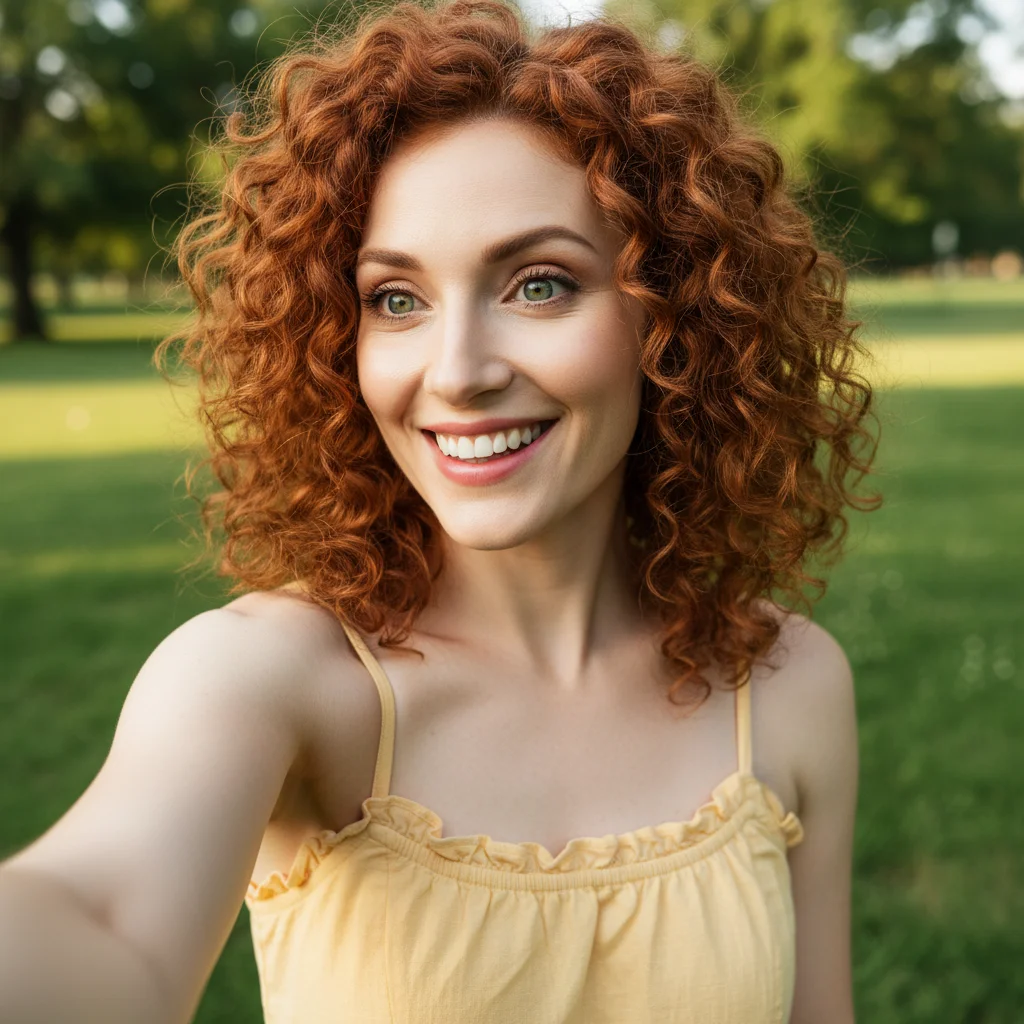
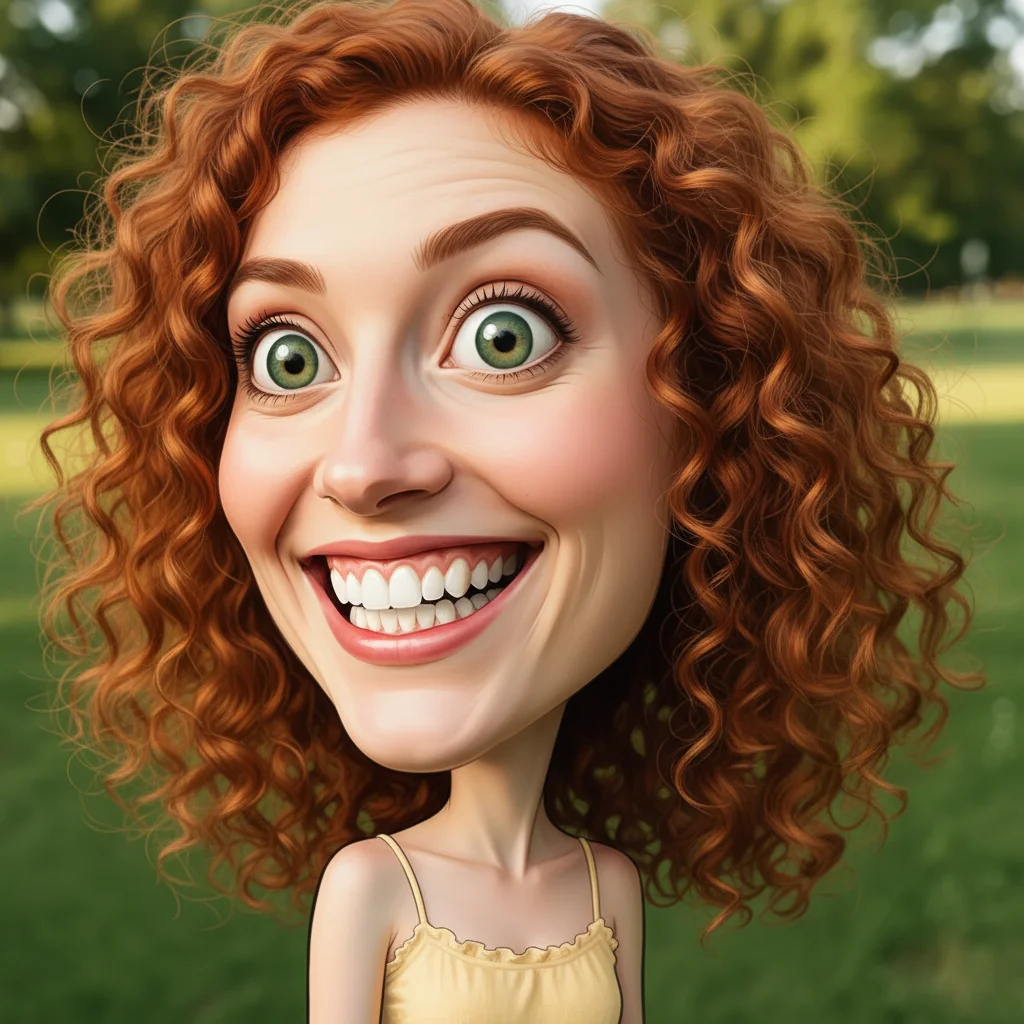
Selfie to boardwalk caricature
A casual selfie turned into a fun boardwalk-style caricature with extreme proportions and comedic style.
Prompt:
turn this photo into a boardwalk caricature with a tiny body, huge head, and comically large eyes and grin
Quick answers
Popular use cases
Ready to make a caricature from your photo?
Free to try. No signup required.