Free • No signup Add Fireplace · Free

AI Fireplace Adder

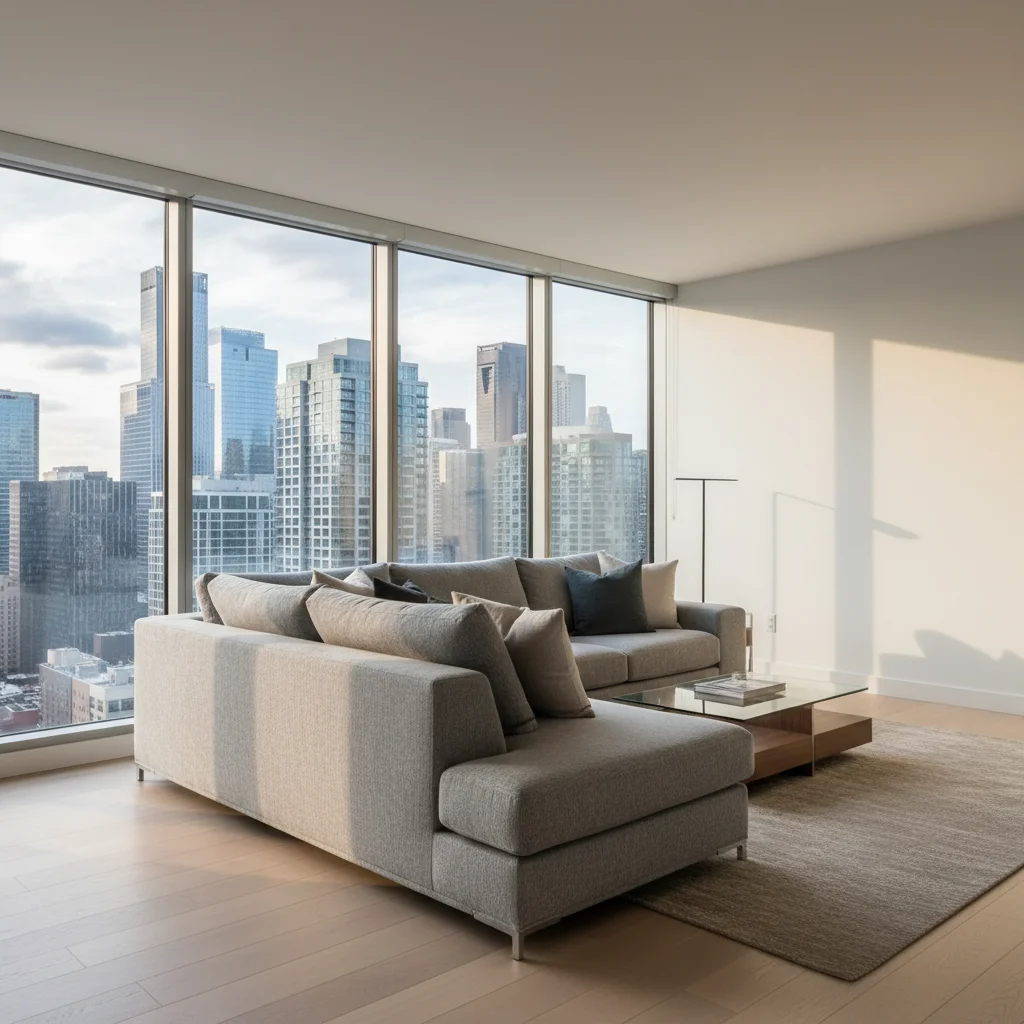
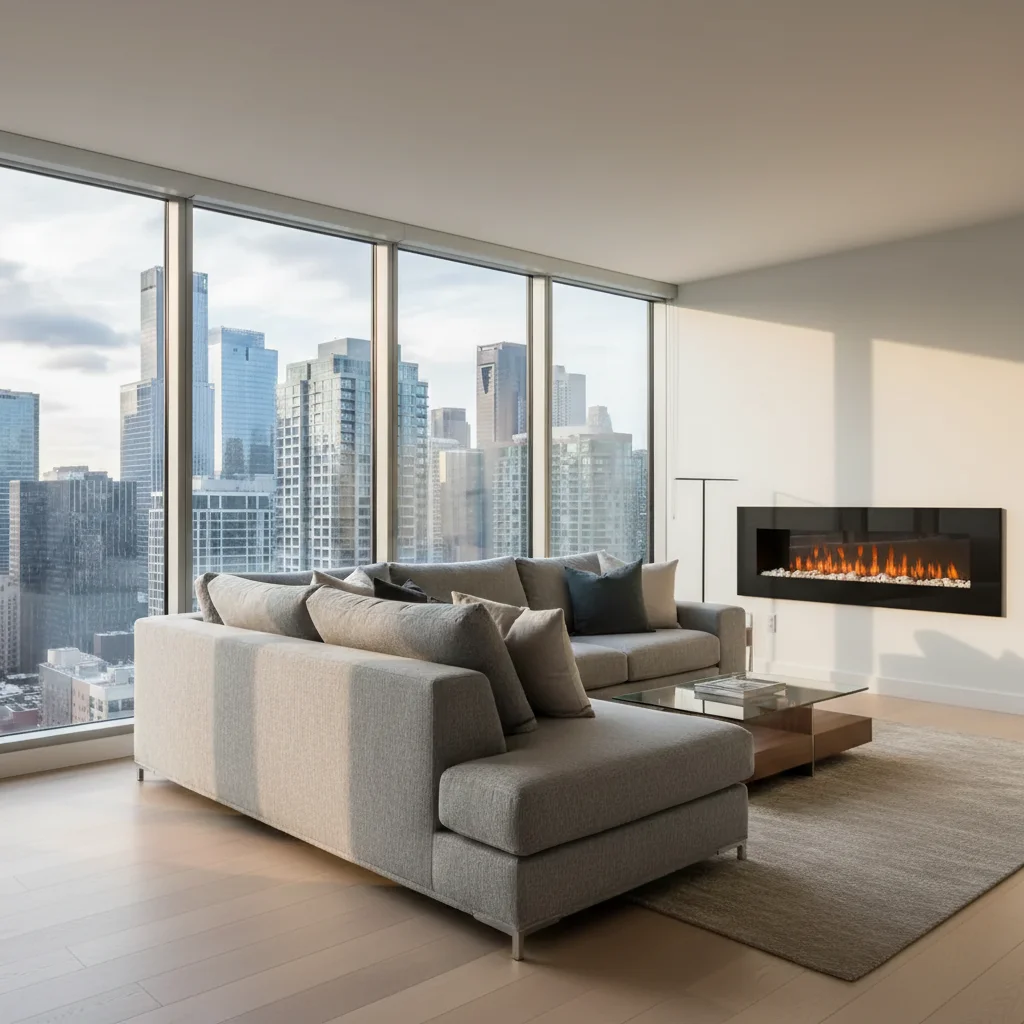
Before
Before
After
After

Free AI Fireplace Adder

Drop your photo here

or click to browse

Release to upload

Free • No signup

Advertisement
Popular use cases:
  • home renovation planning
  • real estate staging
  • interior design visualization
  • fireplace installation planning
  • room enhancement
  • contractor proposals
  • before and after comparisons
  • home value increase

Cost
Free No signup required
Time
Instant results in 15-30 seconds
Works on
Any device - browser, phone, tablet, desktop
Powered by
AI-powered photo editing
Scenario Prompt Time
Modern linear style 15-30s
Traditional with mantel 15-30s
Rustic stone feature 15-30s
Built-in surround 15-30s

How it works

  1. Upload your photo

    Choose any interior room photo where you want to add a fireplace. Works best with clear photos showing a full wall where the fireplace will go. The AI can add fireplaces to living rooms, bedrooms, basements, or any interior space with suitable wall space.

    Expect: Medium complexity change: 30-45 seconds. May need refinements if you want very specific mantel designs or surround materials.
  2. Describe what you want

    Simply type what fireplace you want and where: 'add modern linear fireplace to center wall,' 'traditional brick fireplace with white mantel,' or 'stone corner fireplace.' Be specific about style, materials, size, and location. The AI understands natural language and will generate a realistic fireplace that fits the room's architecture, lighting, and perspective.

    Tip: Specify location, style, and materials for best results: 'add large stone fireplace with wood mantel on main wall' or 'modern black steel fireplace centered on wall.' Mention if you want it 'floor to ceiling' or with 'built-in shelving on sides.'

    Copy one of these to get started:

    add Add modern linear fireplace to center wall
    add Add traditional brick fireplace with white mantel
    add Add stone fireplace with wood mantel on main wall
    add Add contemporary black steel fireplace centered on wall
    4 more prompts
    add Add floor-to-ceiling stone fireplace feature wall
    add Add traditional fireplace with built-in bookshelves on both sides
    add Add corner fireplace with marble surround
    add Add modern double-sided fireplace between rooms
  3. Review the result

    Check that the fireplace looks realistic with proper scale, perspective, and architectural integration. Ensure it matches the room's style and that lighting, shadows, and reflections look natural. If placement or style isn't quite right, refine your description and regenerate.

  4. Download Your Enhanced Room

    Save your room with the new fireplace in high resolution. The result has no watermarks and is perfect for renovation planning, real estate staging, design visualization, or getting approval before construction.

Try it free

Free AI Fireplace Adder

Drop your photo here

or click to browse

Release to upload

Free • No signup

See it in action

Before
Before
->
After
After

Modern Living Room Feature

Add modern linear fireplace centered on main wall, black steel frame, minimalist design
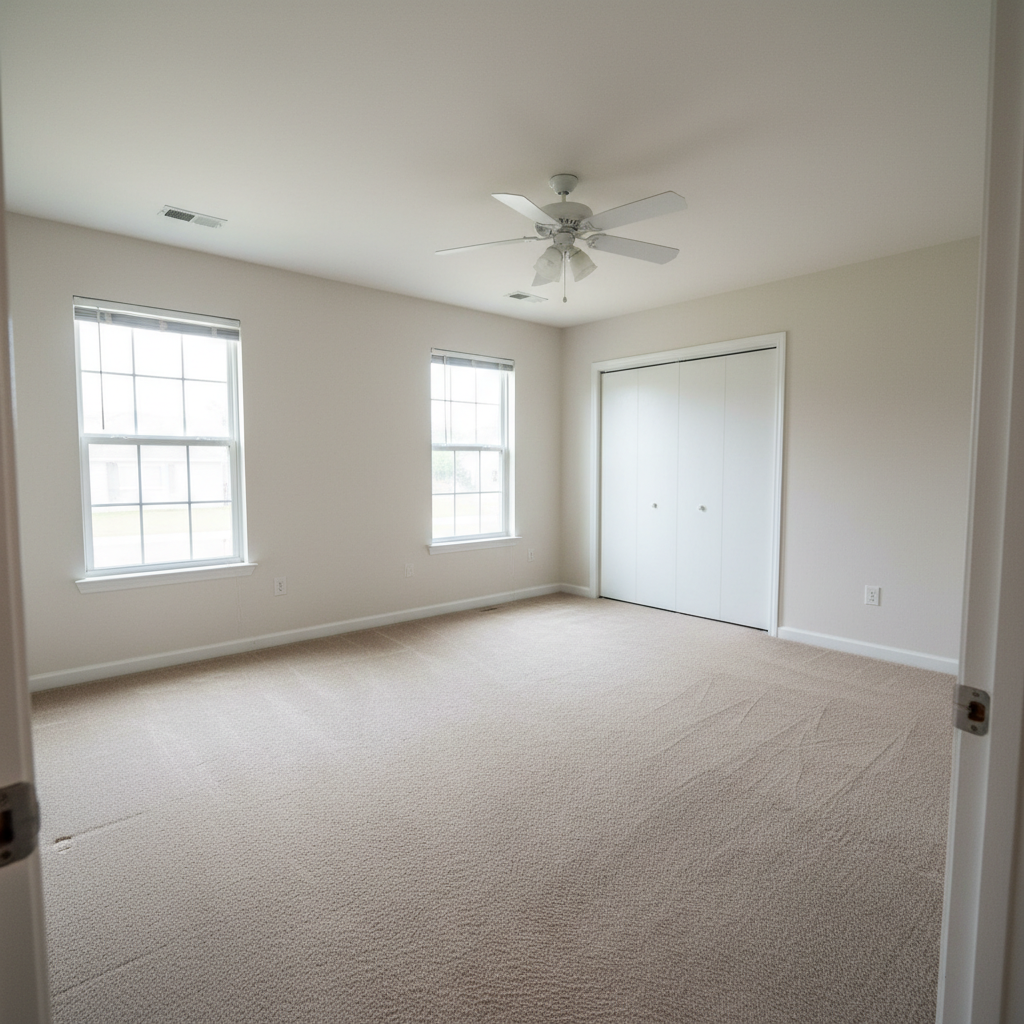
Prompt:
Before
Before
->
After
After

Traditional Family Room

Add traditional brick fireplace with white painted wood mantel and built-in cabinets on sides
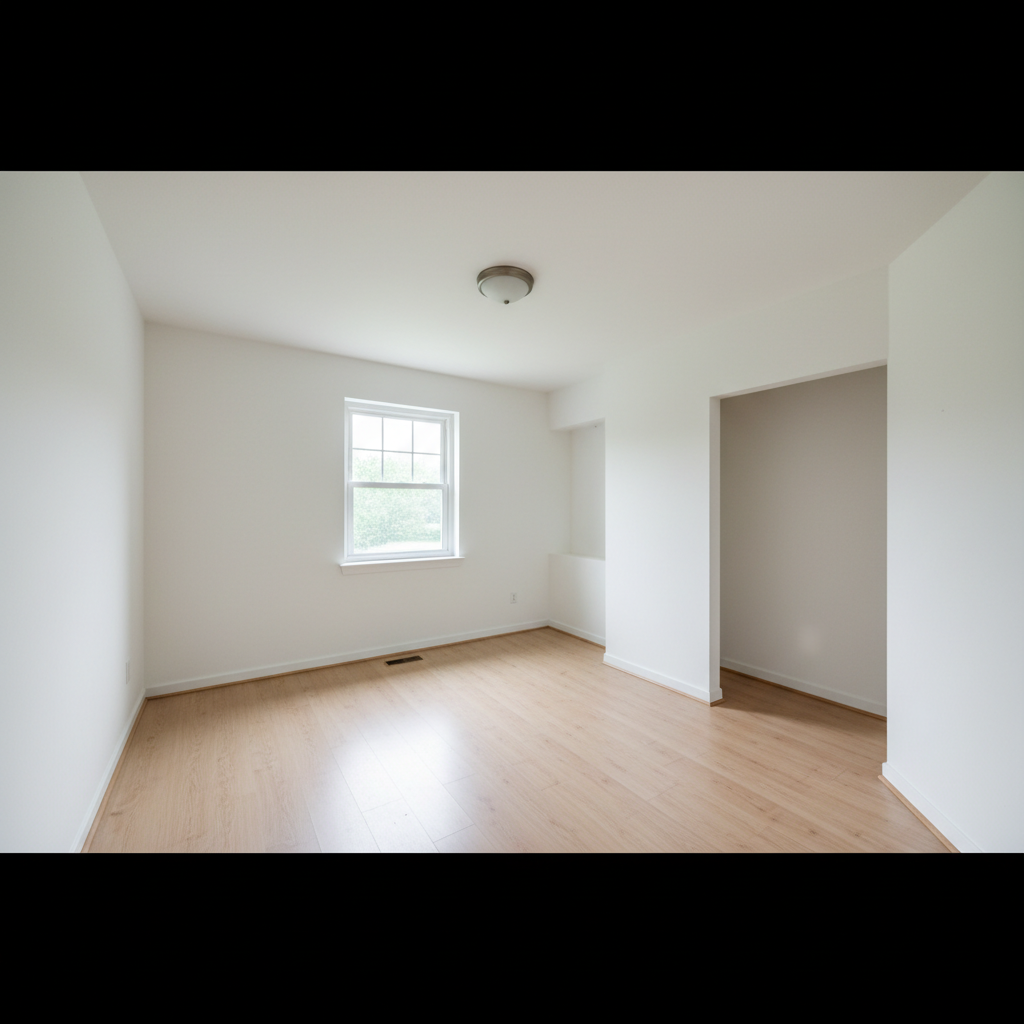
Prompt:
Before
Before
->
After
After

Rustic Stone Statement

Add floor-to-ceiling natural stone fireplace with thick reclaimed wood mantel

Prompt:
Advertisement

If something looks off

AI changed the wrong area or something I didn't want changed

Why: The AI couldn't determine the exact placement from description alone.

Try: Tap a marker on the specific wall location where you want the fireplace, then regenerate with the same prompt

Tip: Markers tell the AI 'I want the fireplace HERE specifically.' Use them for precise placement, especially in rooms with multiple walls or complex layouts.

Fireplace looks too small or too large for the room

Why: Scale wasn't specified or the AI misjudged room proportions.

Try: Add size descriptors: 'large fireplace spanning 8 feet' or 'compact fireplace suitable for small room'

Tip: Specify approximate width in feet or use relative terms like 'large statement fireplace' or 'modest fireplace' for better scale.

Fireplace style doesn't match room's architecture

Why: Style compatibility is a design choice, not a technical issue.

Try: Try different styles until you find one that complements your room's design

Tip: Modern rooms suit linear/contemporary fireplaces. Traditional rooms work with brick or stone and mantels. Rustic spaces look best with stone.

Perspective or angle looks wrong

Why: Complex room angles or curved walls make realistic rendering challenging.

Try: Use photos taken from more straight-on angles, or try 'center wall fireplace' for simpler placement

Tip: Photos taken from the center of the room looking straight at the wall produce the most realistic fireplace additions.

Fireplace covers existing furniture or features

Why: The AI placed the fireplace where you specified, which overlapped with existing elements.

Try: Be more specific about placement relative to existing features, or rearrange furniture first

Tip: Consider the full wall space. If there's furniture, windows, or outlets where you want the fireplace, mention them: 'add fireplace to right of window.'

Lighting or shadows don't look natural

Why: The AI had difficulty matching the room's existing light sources.

Try: Add 'match room lighting' or regenerate—sometimes the second attempt improves shadows

Tip: Fireplaces should cast subtle shadows and receive light like other room elements. If lighting looks off, specify 'realistic shadows and lighting.'

Quick answers

Do I need to mark where I want the fireplace before describing it?

No! Just describe the fireplace and its location in words ('add fireplace to center wall' or 'stone fireplace on right side'). The AI understands and places it automatically. Only add markers if you need very precise placement or have a complex room layout where verbal directions aren't clear.

What fireplace styles can I add?

All common styles: modern/contemporary linear, traditional with mantel, rustic stone, brick, marble surround, corner units, floor-to-ceiling features, and fireplaces with built-in shelving. Specify the style, material (stone, brick, marble, steel), and any special features like mantels or bookcases.

Will the fireplace look realistic in my room?

Yes, when you provide good photos and clear descriptions. The AI matches perspective, lighting, and scale to your room. For most realistic results, use straight-on room photos with clear wall space and specify fireplace dimensions or size relative to the room.

Can I add a fireplace to any room?

The AI can add fireplaces to any interior photo with suitable wall space—living rooms, bedrooms, basements, offices, or dining rooms. Practical installation feasibility (venting, gas lines, etc.) is a separate real-world consideration not addressed by the visualization.

Can I add built-in shelving or cabinets around the fireplace?

Yes! Just specify in your prompt: 'add fireplace with built-in bookshelves on both sides' or 'fireplace with cabinets flanking it.' The more detail you provide about the built-ins, the better the result.

Does this work for real estate staging or renovation planning?

Absolutely. This is perfect for visualizing how a fireplace would transform a space before construction. Real estate agents use it for staging photos, homeowners for renovation planning, and designers for client presentations. It helps make decisions before expensive installations.

Can I show the fireplace with fire burning?

You can try adding 'with fire burning' to your prompt, though results vary. The AI focuses on architectural accuracy of the fireplace structure. For staging and design purposes, most people prefer showing the fireplace unlit.

Ready to add a fireplace to your room?

Free to try. No signup required.

Try it free