Free • No signup Convert Line art · Free

AI Line Art Maker

Transform photos into clean line art with one simple description.
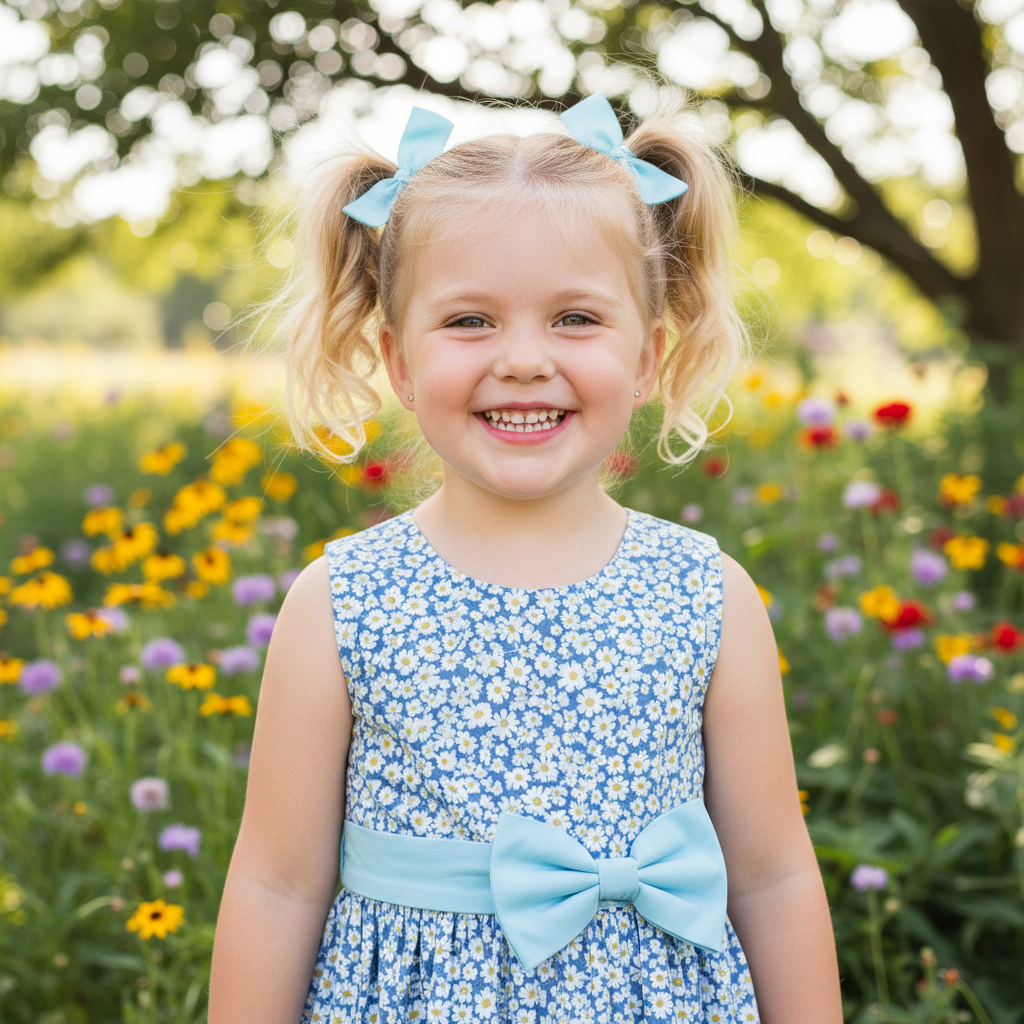
Color portrait photo with clear features
Before
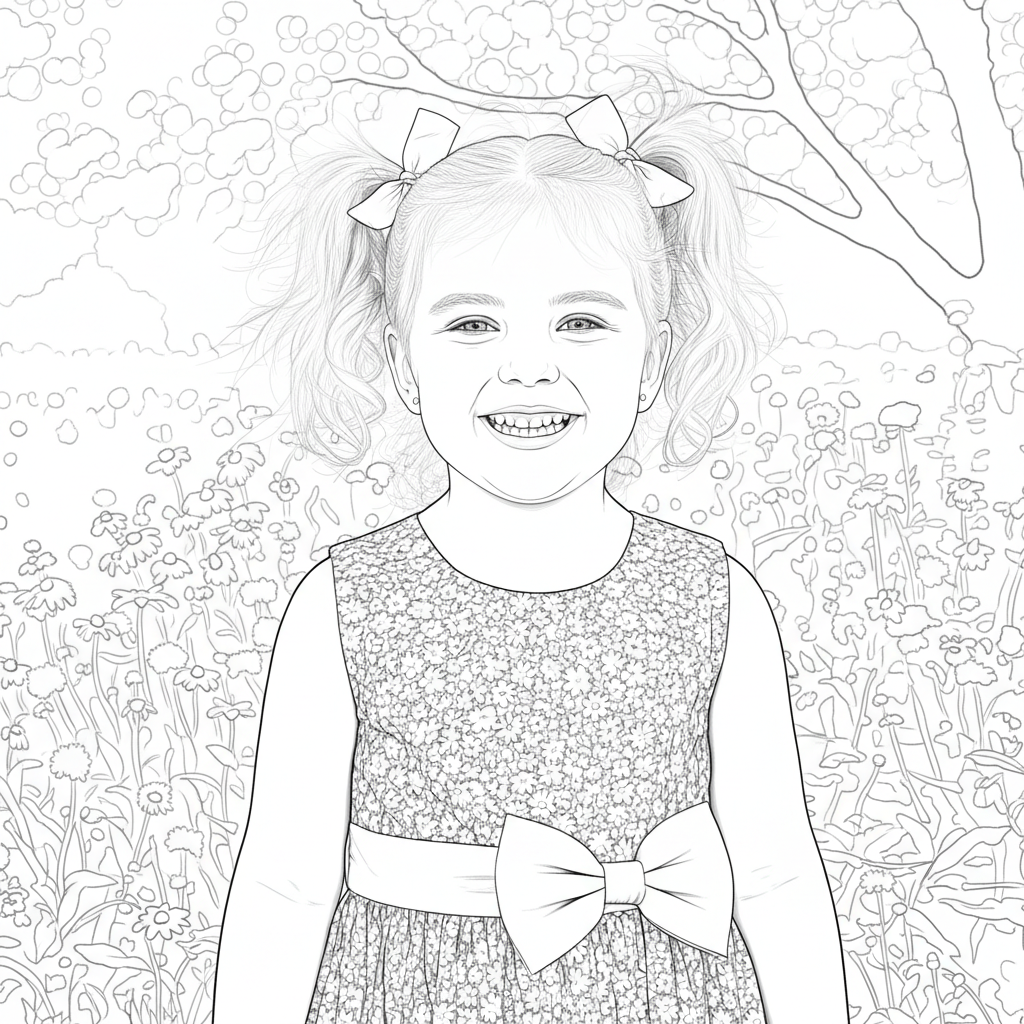
Bold black line art portrait with clean outlines
After

Convert Photo to Line Art

Drop your photo here

or click to browse

Release to upload

Free • No signup

Advertisement
Popular use cases:
  • coloring books
  • graphic design
  • tattoo designs
  • embroidery patterns
  • t-shirt designs
  • illustration projects

Cost
Free No signup required
Time
Instant results in 15-30 seconds
Works on
Any device - browser, phone, tablet, desktop
Powered by
AI-powered photo editing
Scenario Prompt Time
Bold clean line art convert to clean line art with bold black outlines and minimal detail 25s
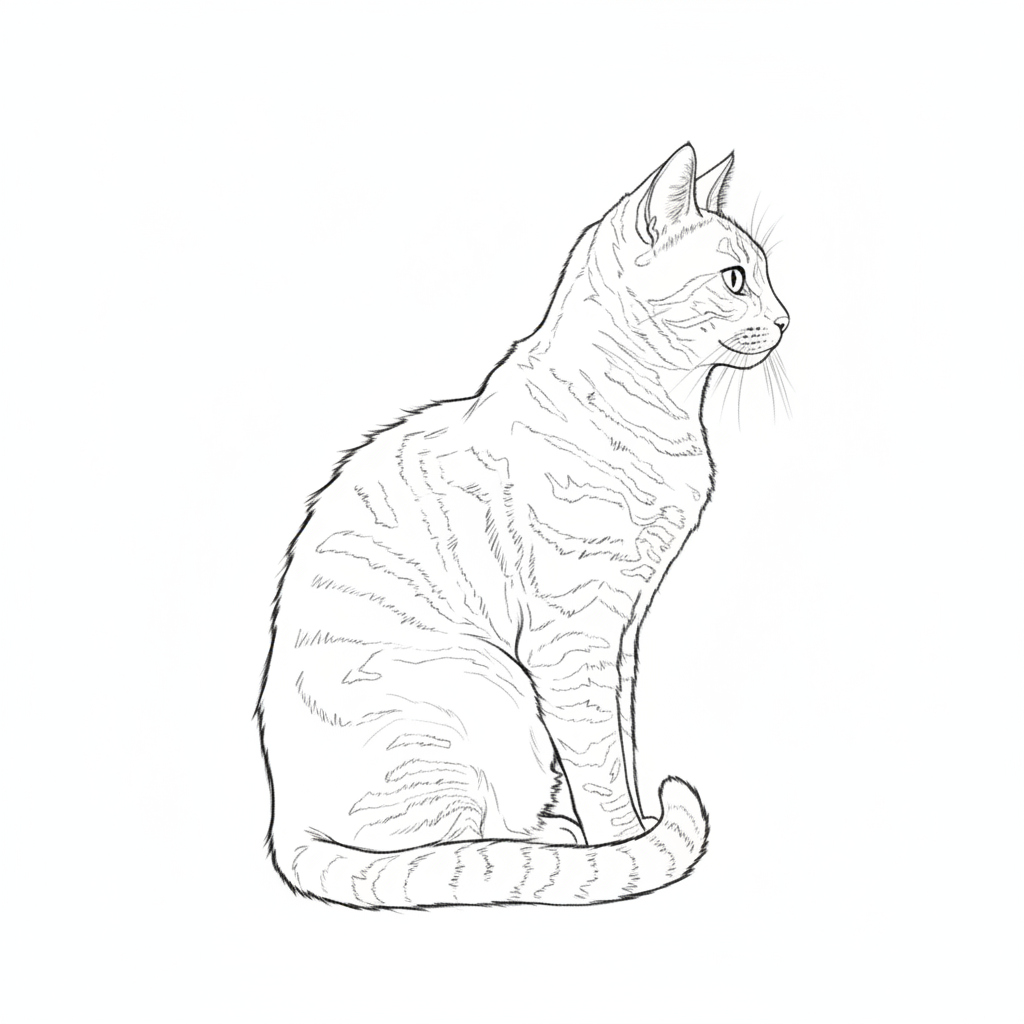
Fine detailed sketch transform into line drawing with fine lines and preserved details 30s
Minimalist simple convert to minimalist line art with simplified shapes and clean outlines 20s

How it works

  1. Upload your photo

    Drop your image into EditThisPic. JPG, PNG, WebP up to 7MB. Photos with clear edges, good contrast, and defined shapes work best for line art conversion. Portraits, objects, and simple compositions produce excellent results.

    Expect: Simple line conversions: 20-30 seconds. Complex adjustments with custom line weight: may need 2-3 refinements for perfect result.
  2. Describe what you want

    Type your instruction: 'convert to clean line art with bold outlines' or 'transform into minimalist line drawing with thin elegant lines.' Specify line weight, detail level, and style. No marking needed—the AI understands line art techniques.

    Tip: Mention specific details like 'bold lines,' 'fine details,' or 'simplified shapes' to control the artistic style and complexity.

    Copy one of these to get started:

    Bold clean line art convert to clean line art with bold black outlines and minimal detail
    Fine detailed sketch transform into line drawing with fine lines and preserved details
    Minimalist simple lines convert to minimalist line art with simplified shapes and clean outlines
    Comic book style transform into comic book line art with varied line weight and dynamic strokes
    2 more prompts
    Technical illustration convert to technical line drawing with uniform line weight and precise edges
    Sketch style with texture transform into sketchy line art with loose strokes and hand-drawn texture
  3. Generate and review

    Click Generate and the AI converts your photo to line art with clean edges and consistent line weight. Review the detail preservation and line quality at full zoom to ensure it matches your needs.

  4. Refine with markers if needed

    If specific areas need more detail or simplified lines, tap markers on those spots and regenerate with adjusted instructions. This is optional—most line art conversions work without markers.

    Tip: Markers are for precision refinement, not required. Try without them first.
Try it free

Convert Photo to Line Art

Drop your photo here

or click to browse

Release to upload

Free • No signup

"Perfect line art conversion. Exactly what I needed for my coloring book project." @creativedesigner

See it in action

Color portrait photo with clear features
Before
->
Bold black line art portrait with clean outlines
After

Portrait to clean line art

Converted portrait into bold line art with clean outlines perfect for coloring book.
Prompt: convert to clean line art with bold black outlines and minimal detail
Color flower photo with detailed petals
Before
->
Fine line drawing of flower with preserved detail
After

Flower to detailed line drawing

Transformed flower photo into line art with fine lines preserving petal details.

Prompt: transform into line drawing with fine lines and preserved details
Color photo of modern building
Before
->
Minimalist line art with simplified building shapes
After

Building to minimalist lines

Created minimalist line art from architectural photo with simplified shapes.

Prompt: convert to minimalist line art with simplified shapes and clean outlines
Advertisement

If something looks off

AI changed the wrong area or something I didn't want changed

Why: The AI couldn't determine exactly which area you meant from description alone. This happens with ambiguous requests.

Try: Tap a marker on the specific area you want to change, then regenerate with the same prompt

Tip: Markers tell the AI 'I mean THIS one specifically.' Use them when description alone is ambiguous.

Lines are too thin or too thick

Why: Line weight doesn't match the desired style or use case.

Try: Specify line weight: 'convert to line art with bold thick lines' or 'thin elegant lines'

Tip: Control line weight by adding 'bold,' 'medium,' 'fine,' or 'thin' to your description.

Too much detail or too simplified

Why: The AI included more or less detail than desired for the line art style.

Try: Adjust detail level: 'with preserved fine details' for more complexity or 'simplified shapes' for less

Tip: Specify 'detailed,' 'moderate detail,' or 'simplified' to control how much information is retained.

Lines look messy or not clean

Why: The source photo had unclear edges or the line extraction needs refinement.

Try: Request clean lines: 'convert to clean line art with smooth edges and uniform line weight'

Tip: Photos with good contrast and clear edges produce cleaner line art. Try 'clean,' 'smooth,' or 'precise' in your prompt.

Important features are missing

Why: The simplification process removed details needed to recognize the subject.

Try: Request preserved features: 'convert to line art with facial features preserved' or specify which details matter

Tip: Name specific features to preserve: 'with eyes and mouth detailed' or 'window details visible.'

Quick answers

Do I need to mark areas before converting to line art?

No! Just describe what you want: 'convert to clean line art with bold outlines' or 'transform into minimalist line drawing.' The AI understands line art techniques and applies edge detection to the entire image. Only use markers when you need precision control over specific areas like emphasizing certain features or adjusting detail level in particular spots.

How do I convert a photo to line art for free?

Upload your photo to EditThisPic and type 'convert to clean line art with bold black outlines.' The AI transforms your image into crisp line drawing in 20-40 seconds. Free to use, no account required, no watermark on downloads. Works on portraits, objects, and any photo with clear edges.

What's the best free line art converter without signup?

EditThisPic converts photos to line art with AI completely free, no signup or account needed. Unlike basic edge detection filters, our AI creates clean, usable line art by intelligently simplifying details and extracting meaningful edges. Just upload, describe the line style you want, and download with no watermark.

Can I use the line art for coloring books or commercial projects?

Yes, you own the line art created from your photos. The output is yours to use for coloring books, graphic design, merchandise, or any commercial purpose. There's no watermark and no usage restrictions on your converted images.

How do I control line thickness and detail level?

Specify line weight and detail in your prompt. Use 'bold thick lines' for strong outlines, 'fine thin lines' for delicate work, 'simplified shapes' for minimal detail, or 'preserved fine details' for intricate line art. The AI adjusts line weight and complexity based on your description.

Ready to convert your photo to line art?

Free to try. No signup required.

Try it free