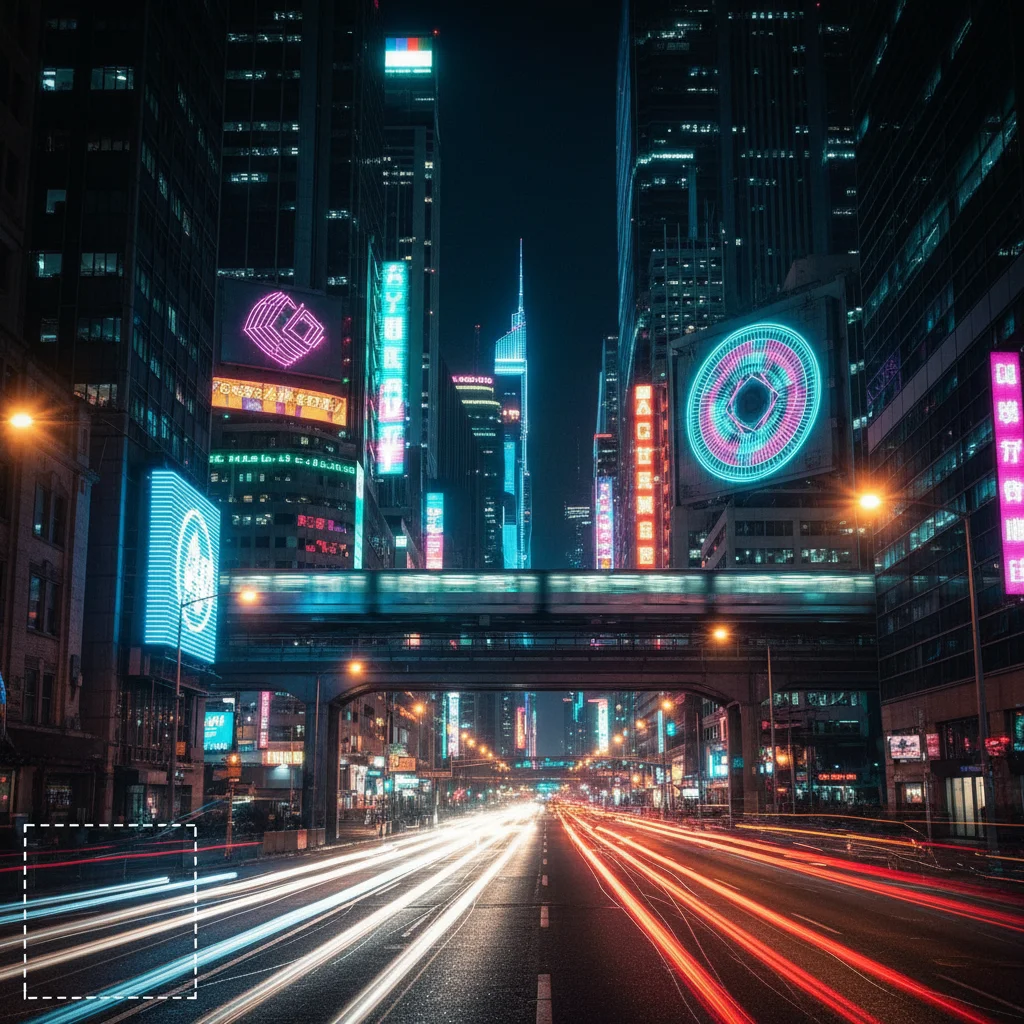
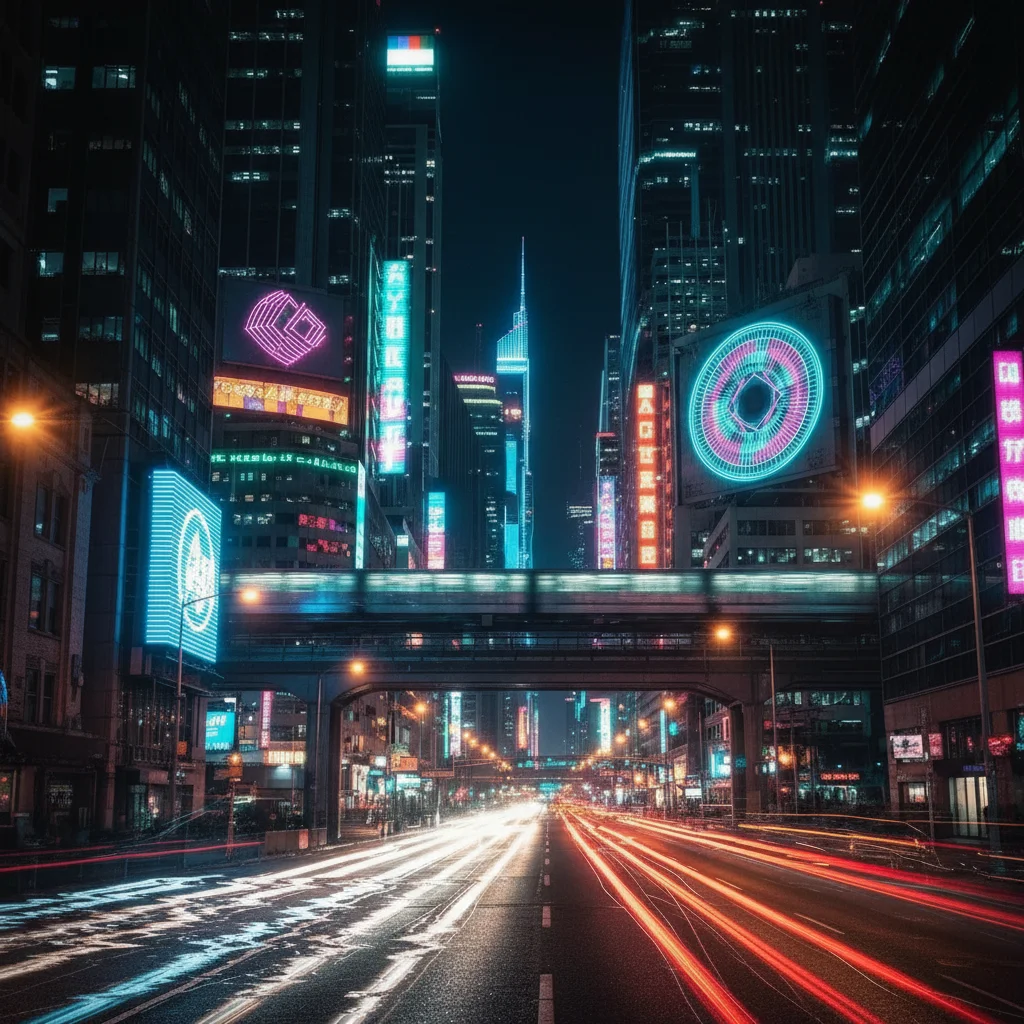
Do I need to mark areas before converting to glitch art?
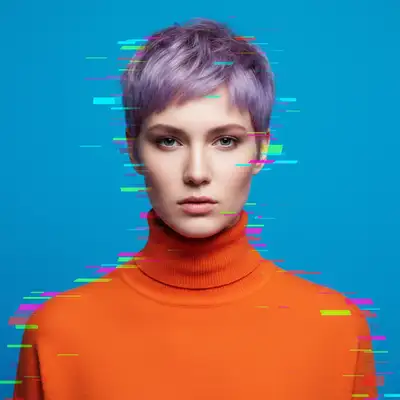
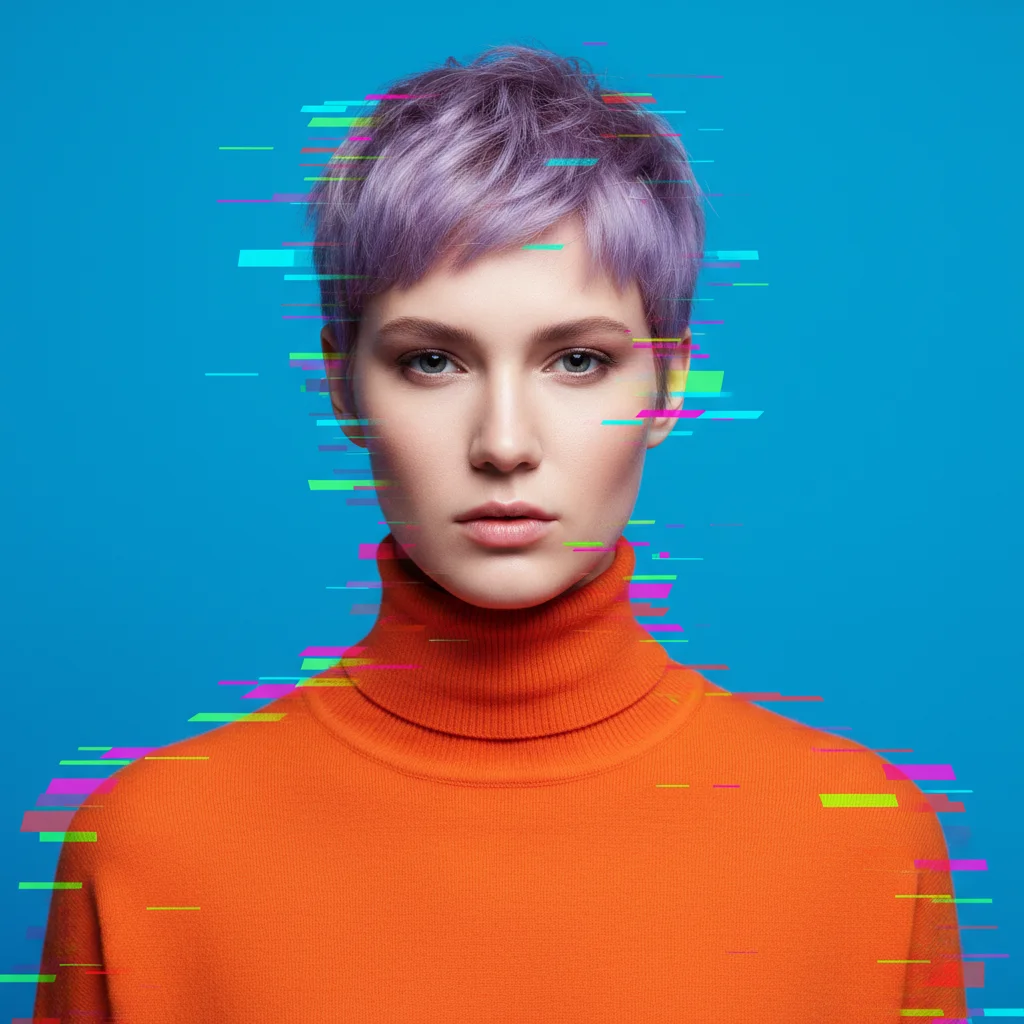
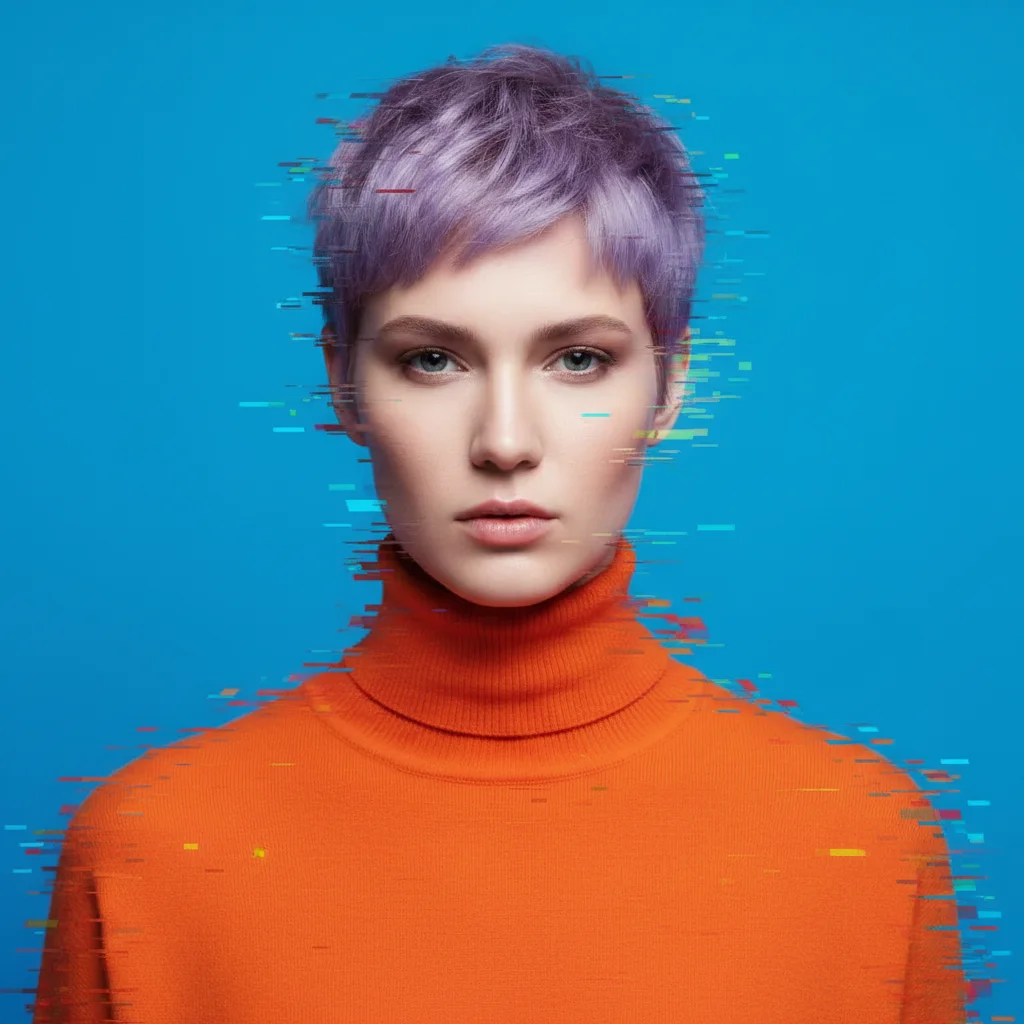
No! Just describe what you want: 'convert to glitch art with RGB separation' or 'apply VHS-style distortion.' The AI understands glitch art aesthetics and applies effects across the image. Only use markers when you want glitch effects concentrated in specific areas—like distorting just the background or just a person's face.
How do I create glitch art for free without Photoshop?
EditThisPic's AI creates glitch art instantly from text descriptions. Upload your photo, type 'convert to glitch art with RGB color shift and pixel distortion', and download your result. Free to try, no account or software installation needed. Works on any device with a web browser.
What types of glitch effects can the AI create?
The AI supports RGB channel separation, VHS tracking errors, pixel sorting, data corruption, chromatic aberration, scan line distortion, color bleeding, digital noise, and more. Specify the effect type in your prompt: 'apply VHS glitch' or 'convert to pixel sorting art' for targeted results.
What photos work best for glitch art conversion?
Bold graphics, portraits, urban scenes, and images with strong colors or high contrast create the most striking glitch art. Landscapes, architecture, and fashion photography also work well. Images with clear subjects stand out better through distortion effects.
Can I control how intense the glitch effect is?
Yes! Add intensity words to your prompt. Use 'subtle', 'light', or 'moderate' for gentle effects: 'apply subtle RGB glitch'. Use 'extreme', 'heavy', or 'intense' for aggressive distortion: 'convert to glitch art with extreme pixel displacement'. Start moderate and adjust.
Is EditThisPic's AI glitch art converter really free?
Yes — you get 1 free edit per week, no account needed. For unlimited edits, plans start at $3.99/month.
Can I convert glitch art on my phone?
Yes. EditThisPic works in any mobile browser — iPhone, Android, tablet. No app download needed.
What photo formats does the AI glitch art converter support?
JPG, PNG, WebP, and HEIC. Upload any common photo format and EditThisPic handles the rest.