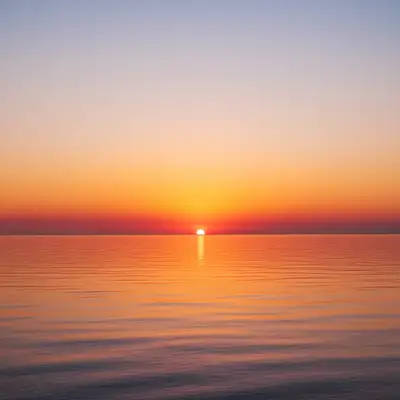
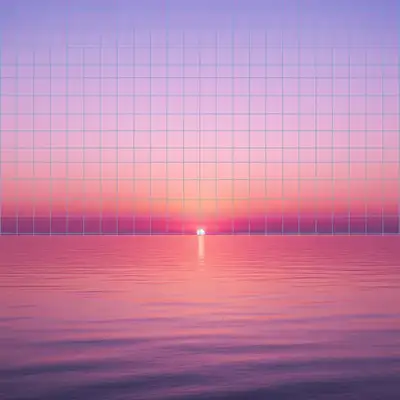
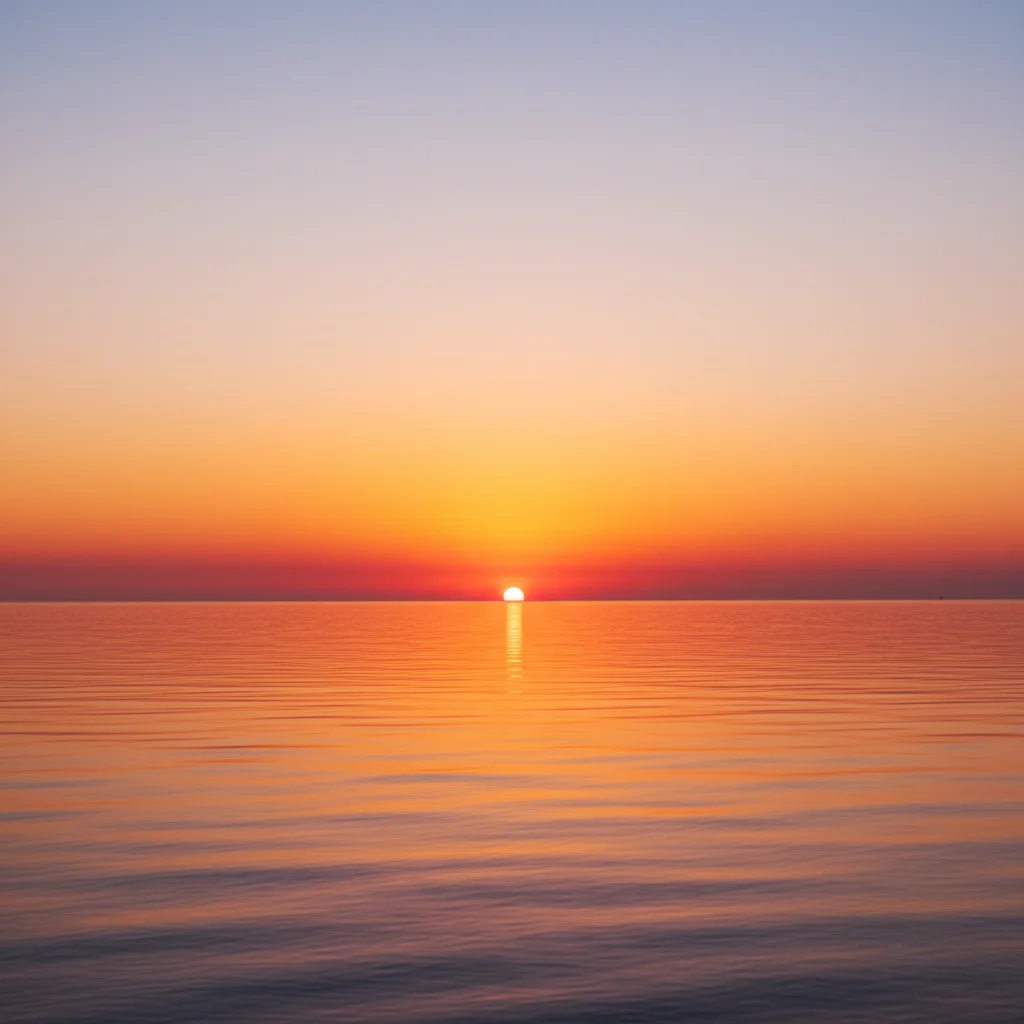
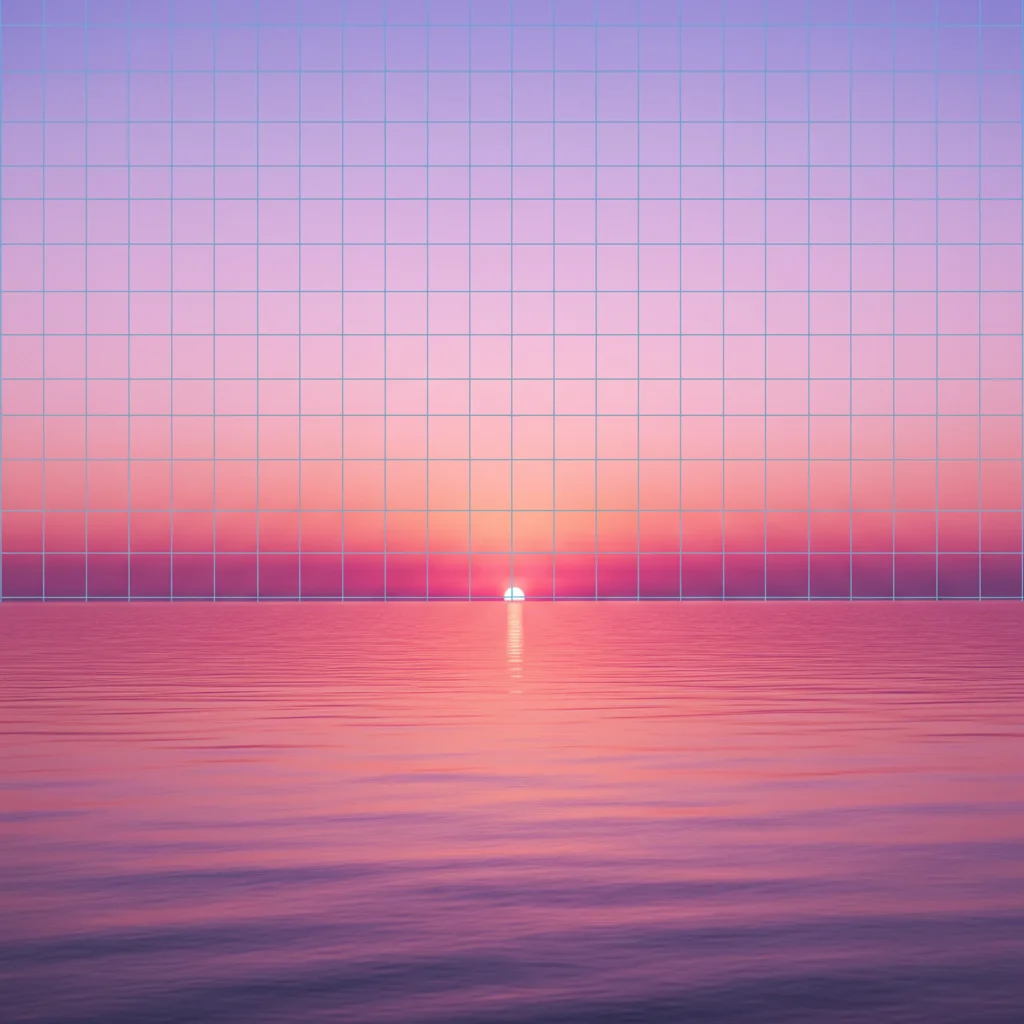
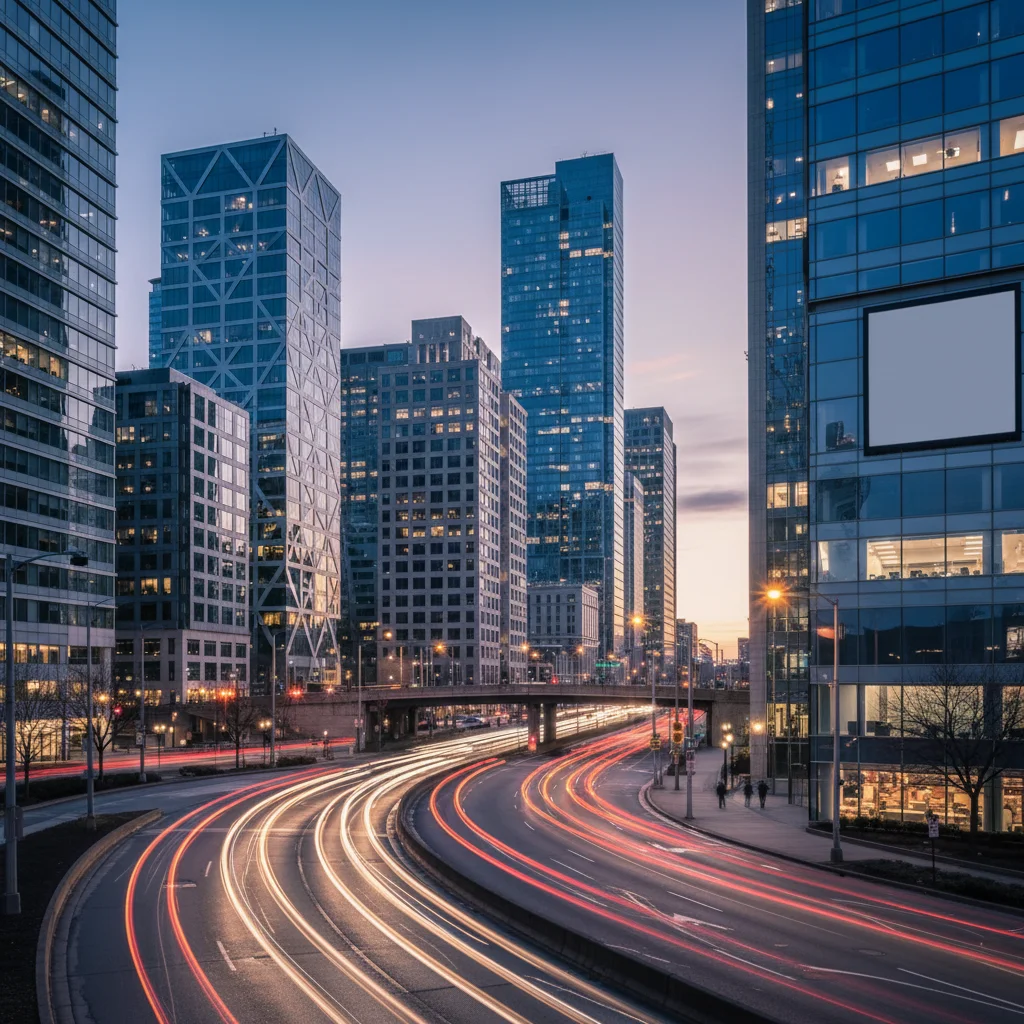
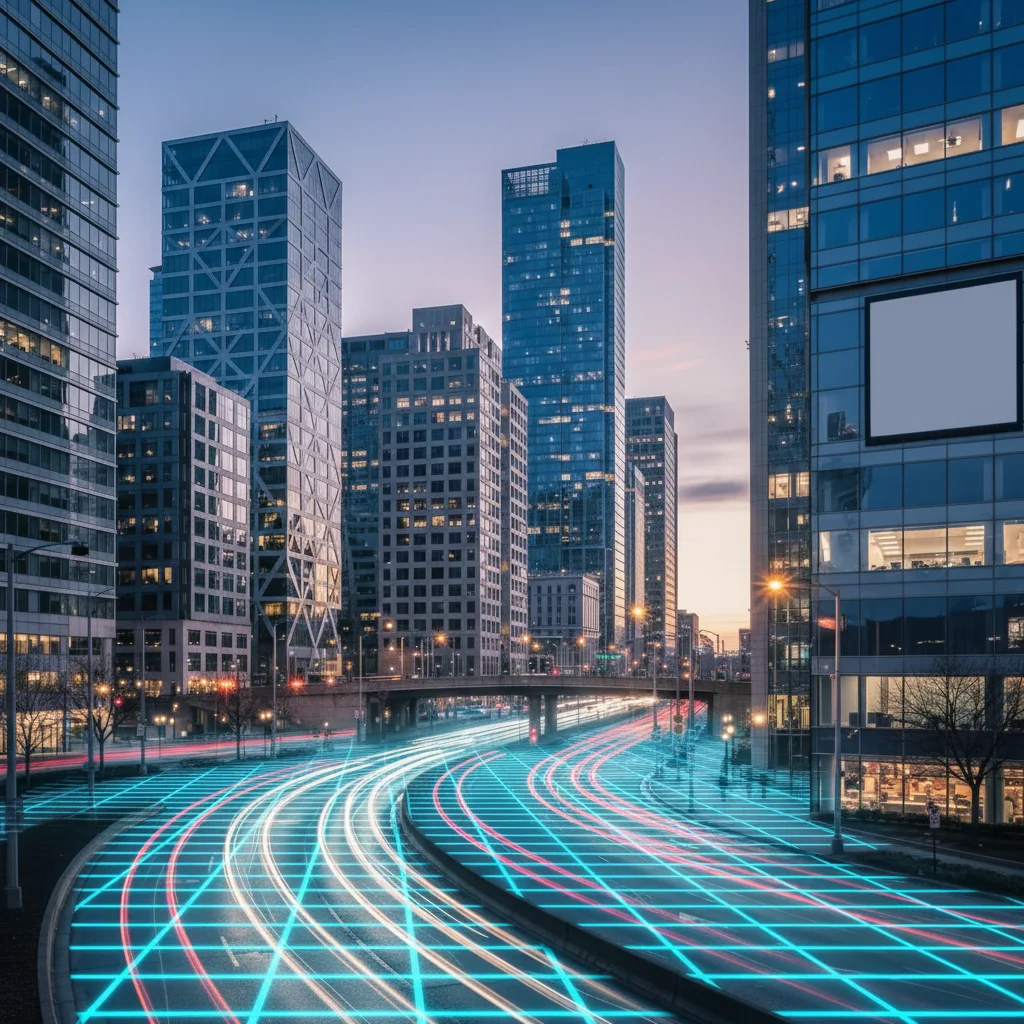
Do I need to mark areas before applying the vaporwave filter?
No! Just describe what you want: 'apply vaporwave filter with pink and purple gradient' or 'transform into vaporwave aesthetic with pastel colors.' The AI understands vaporwave aesthetics and applies the effect to the entire image. Only use markers when you need precision control over where specific colors or elements appear.
How do I apply a vaporwave filter to my photo for free?
Upload your photo to EditThisPic and type 'apply vaporwave filter with pink and purple gradient sky.' The AI transforms your image with pastel colors, retro gradients, and nostalgic 80s atmosphere in 20-40 seconds. Free to use, no account required, no watermark on downloads.
What colors are typical for vaporwave aesthetic?
Classic vaporwave uses pink and purple gradients, cyan and magenta neon, soft pastels (lavender, mint, peach), and sunset colors (orange, pink, purple). These colors evoke 80s nostalgia and retro-futuristic vibes. Specify your preferred color palette in the prompt for custom vaporwave styling.
What elements make a photo look vaporwave?
Key vaporwave elements include pink/purple gradient skies, grid overlays, palm tree silhouettes, classical marble statues, glitch effects, VHS scan lines, and pastel color grading. Combining these retro-futuristic and nostalgic elements creates the signature vaporwave aesthetic. Mention specific elements in your prompt.
Can I create different vaporwave styles?
Yes, vaporwave has many variants. Use 'soft pastel vaporwave' for dreamy aesthetics, 'neon grid vaporwave' for futuristic Tron-style, 'tropical vaporwave' for Miami Vice vibes, or 'glitch vaporwave' for digital nostalgia. Specify the style variant in your prompt and the AI will adjust colors and elements accordingly.
Is EditThisPic's AI vaporwave aesthetic applyer really free?
Yes — you get 1 free edit per week, no account needed. For unlimited edits, plans start at $3.99/month.
Can I apply vaporwave aesthetic on my phone?
Yes. EditThisPic works in any mobile browser — iPhone, Android, tablet. No app download needed.
What photo formats does the AI vaporwave aesthetic applyer support?
JPG, PNG, WebP, and HEIC. Upload any common photo format and EditThisPic handles the rest.