Free • No signup Change Car wheels and rims · Free

AI Wheel Changer

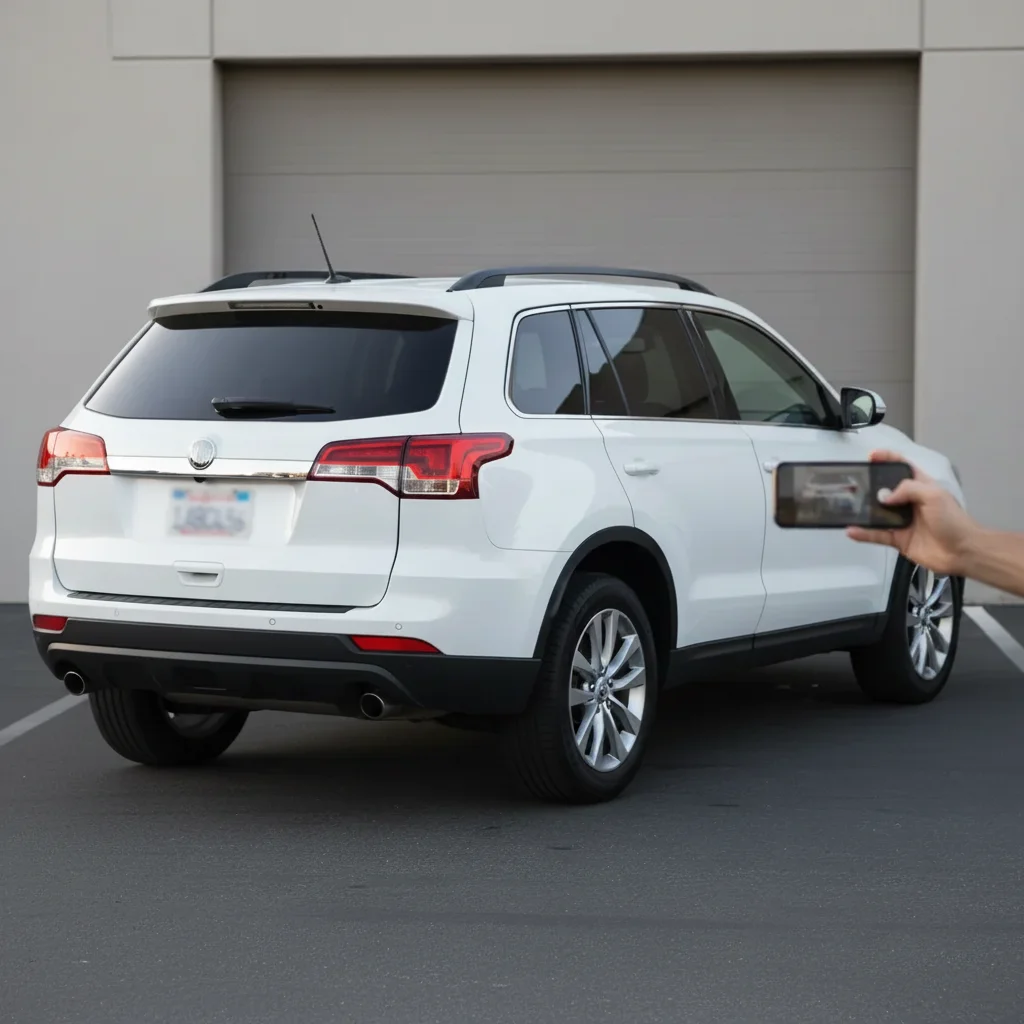
Before
Before
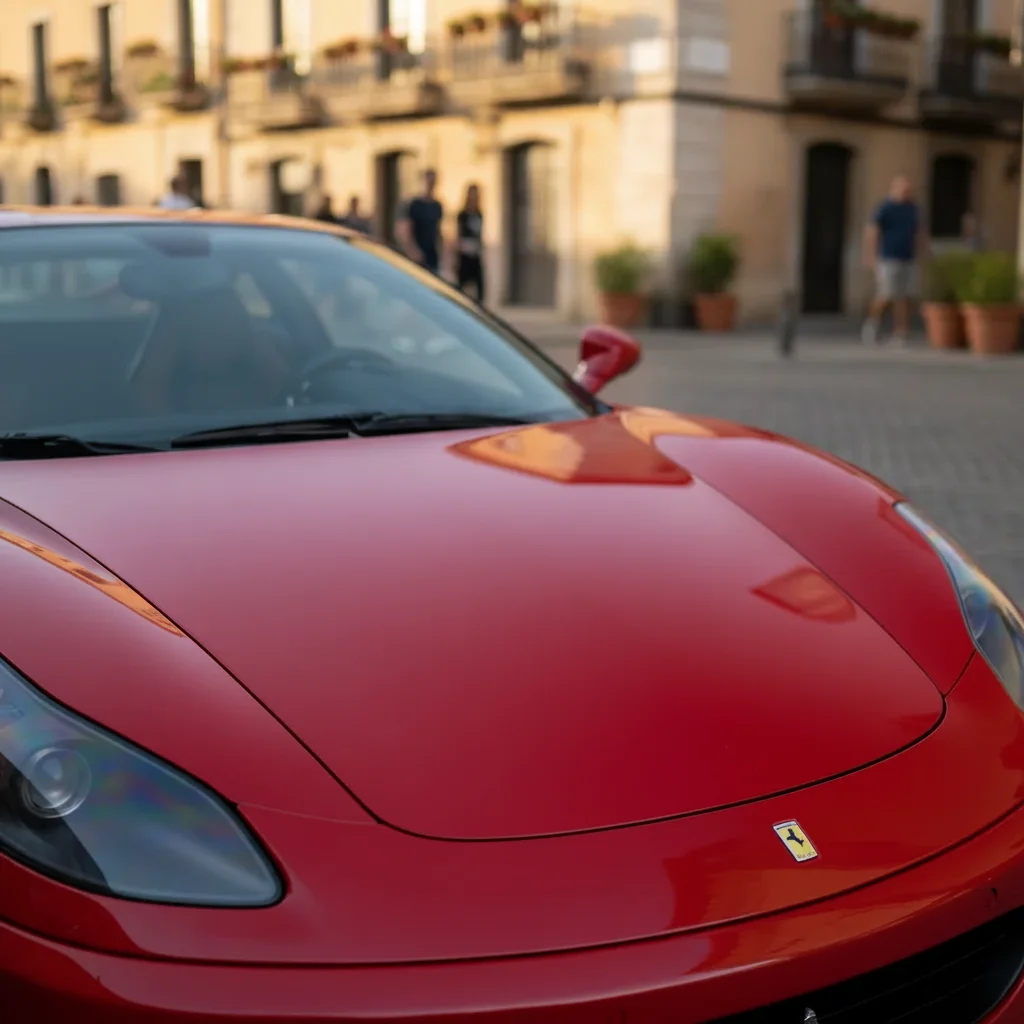
After
After

Free AI Wheel Changer

Drop your photo here

or click to browse

Release to upload

Free • No signup

Advertisement
Popular use cases:
  • wheel visualizer
  • rim preview
  • aftermarket wheels
  • car wheel change
  • custom wheels
  • wheel fitment preview
  • rim color change
  • wheel design visualization
  • car customization
  • wheel shopping tool

Cost
Free No signup required
Time
Instant results in 15-30 seconds
Works on
Any device - browser, phone, tablet, desktop
Powered by
AI-powered photo editing
Scenario Prompt Time
15-30s
15-30s
15-30s
15-30s
15-30s

How it works

  1. Upload your car photo

    Choose a clear photo of your vehicle where the wheels are fully visible. Side or three-quarter angle works best. Make sure wheels are not hidden behind shadows or obscured. Works with any vehicle: cars, trucks, SUVs, motorcycles, sports cars. Clean wheels photograph better than dirty ones.

    Expect: Simple wheel change: 25-35 seconds. Complex custom designs with specific details: 35-45 seconds and may need refinements.
  2. Describe your new wheels

    Type exactly what wheels or rims you want to see on your vehicle. Be specific about spoke style (5-spoke, split-spoke, mesh), color (black, silver, bronze, chrome), finish (gloss, matte, polished), and any special details. The AI understands descriptions like 'black 5-spoke aftermarket wheels' or 'gunmetal gray split-spoke rims' or 'chrome multi-spoke wheels with a polished lip'. No need to mark the wheels—AI detects and replaces them automatically.

    Tip: Mention size context if relevant: 'larger 20-inch wheels' or 'smaller 18-inch rims' helps AI adjust proportions to match your desired look.

    Copy one of these to get started:

    Popular aggressive look for sports cars and sedans Matte black 5-spoke aftermarket wheels with a deep concave face
    Modern luxury aesthetic for sedans and coupes Gunmetal gray split-spoke rims with polished edges
    Classic shiny look for luxury vehicles or customs Chrome multi-spoke wheels with a polished mirror finish
    JDM tuner style for imports and sports cars Bronze-colored mesh-style wheels with dark spokes
    5 more prompts
    Two-tone contrast for trucks and SUVs Black wheels with milled accent details and a polished lip
    Bright contrast for dark-colored vehicles Gloss white 5-spoke wheels with a simple clean design
    Show car or classic custom build Deep-dish 3-piece wheels with chrome outer lip and black center
    Upgraded OEM+ look without being flashy Factory-style alloy wheels in polished silver with a conservative spoke pattern
    Rugged off-road truck or Jeep build Off-road beadlock wheels in matte black with bronze accents for lifted truck
  3. Review the new wheels

    Check that the wheel style matches your vision, the color and finish look realistic, the size is proportional to your vehicle, and the wheels align properly with wheel wells. Make sure spoke patterns are clear and the overall look suits your car's style. If adjustments are needed, refine your description and regenerate.

  4. Download Your Wheel Preview

    Save your car photo with the new wheels in high resolution. Use it to decide which aftermarket wheels to purchase, share with friends or family for opinions, or show your wheel shop exactly what style you want.

Try it free

Free AI Wheel Changer

Drop your photo here

or click to browse

Release to upload

Free • No signup

See it in action

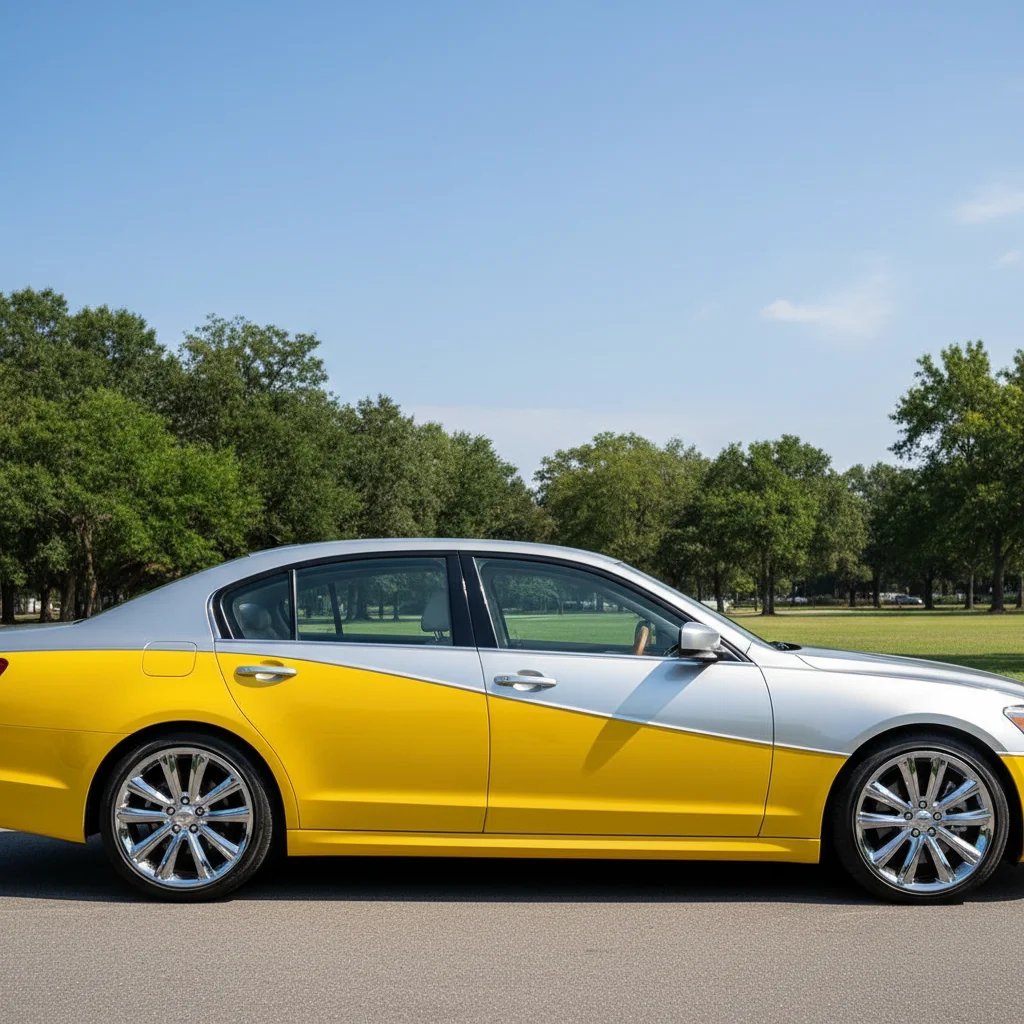
Before
Before
->
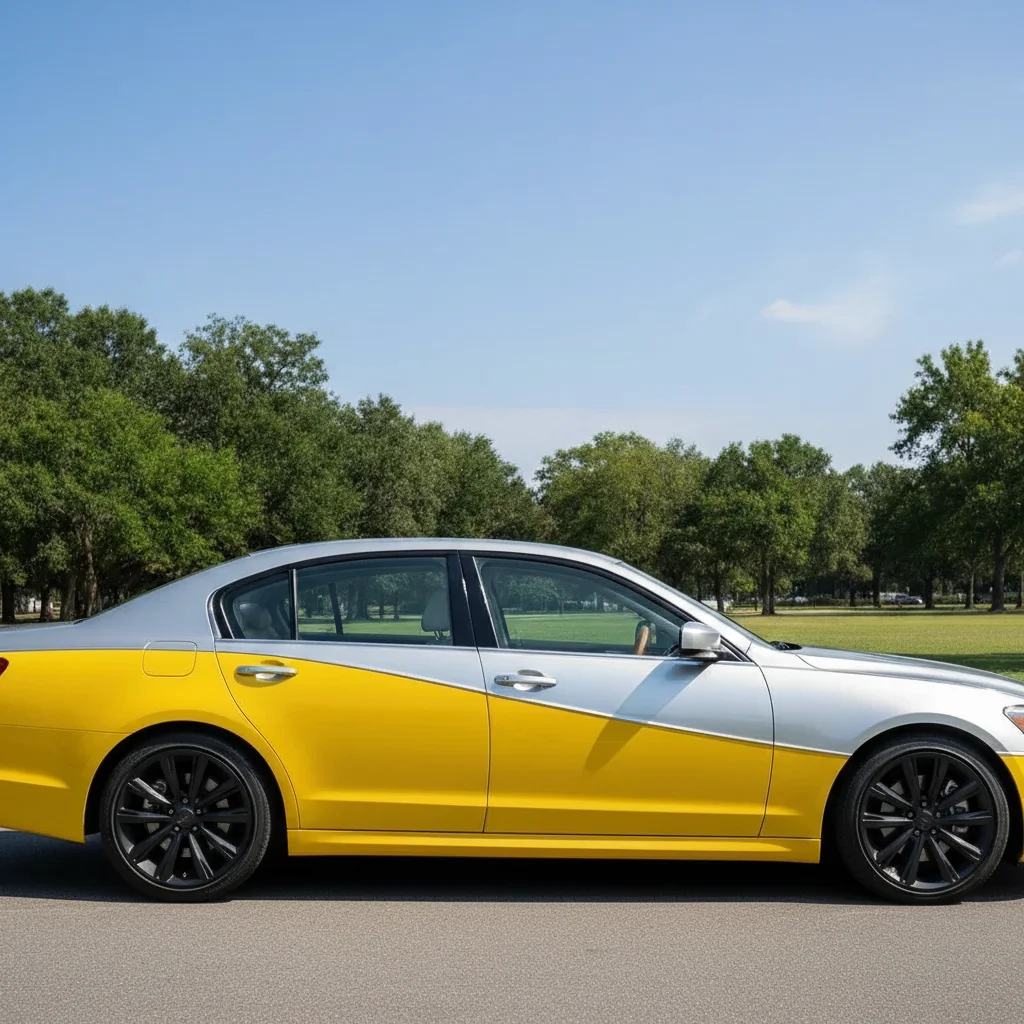
After
After

Prompt: Matte black 5-spoke aftermarket wheels with a deep concave face, modern aggressive design
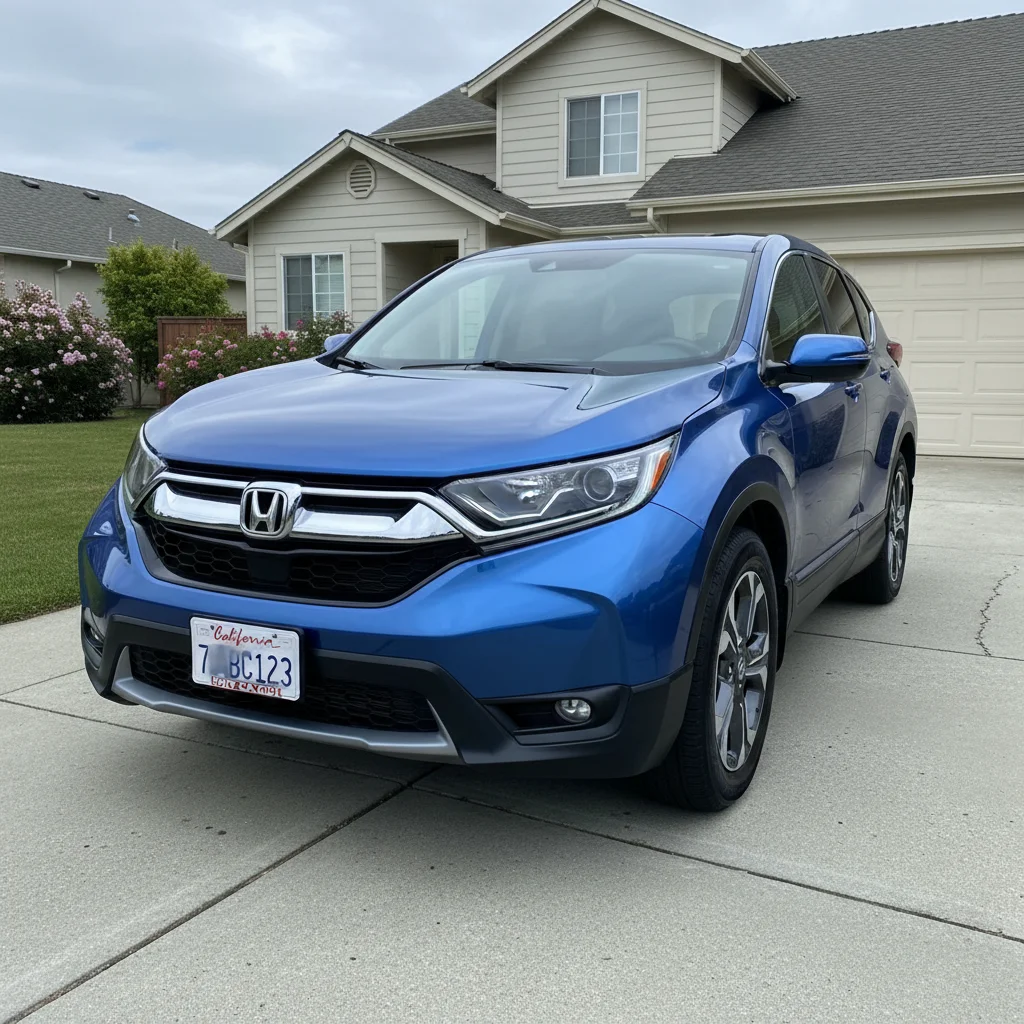
Before
Before
->
After
After

Prompt: Bronze-colored mesh-style wheels with darker bronze spokes and polished lip, JDM tuner style
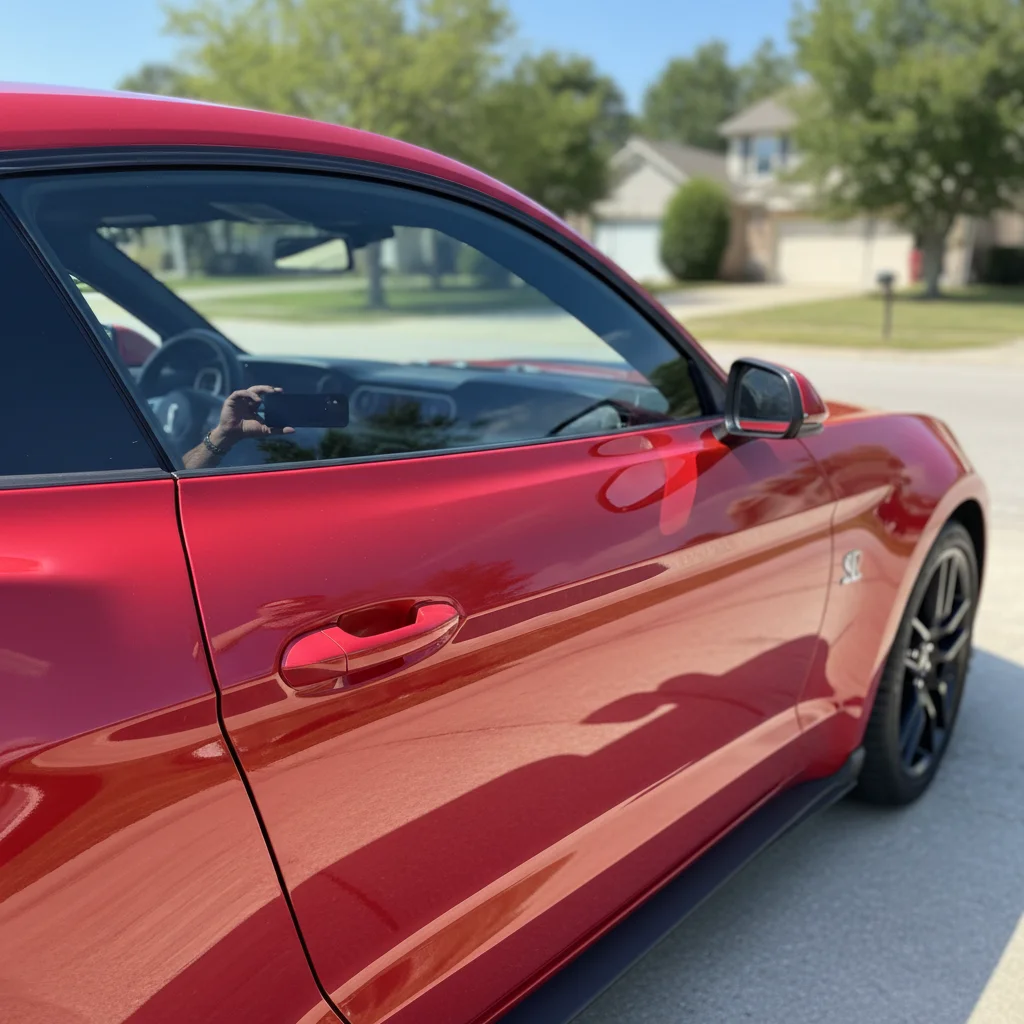
Before
Before
->
After
After

Prompt: Deep-dish 3-piece chrome wheels with mirror-polished outer lip and black center spokes, aggressive stance
Advertisement

If something looks off

AI changed the wrong area or something I didn't want changed

Why: The AI couldn't determine exactly which area you meant from description alone.

Try: Tap a marker on the specific area you want to change, then regenerate with the same prompt

Tip: Markers tell the AI 'I mean THIS one specifically.' Use them when description alone is ambiguous.

New wheels look too big or too small for the car

Why: AI may misjudge wheel proportions without explicit size guidance

Try: Mention size context: 'appropriately sized 19-inch wheels' or 'large aggressive 22-inch wheels' or 'smaller 17-inch wheels'

Tip: Include stance reference: 'wheels filling the wheel wells' or 'flush fitment' helps AI scale correctly.

Wheel design doesn't look like I expected

Why: Vague spoke descriptions lead to generic wheel designs

Try: Be more detailed about spoke pattern: 'thin multi-spoke design with 10 spokes radiating from center' vs 'thick 5-spoke with Y-shaped arms'

Tip: Reference wheel brand styles if helpful: 'Vossen-style concave design' or 'Rotiform mesh pattern' (though exact brand match not guaranteed).

Wheel color or finish doesn't match description

Why: Generic color terms are ambiguous—'black' could be matte, gloss, or satin

Try: Always specify finish with color: 'matte black', 'gloss black', 'satin black', or 'powder-coated black'—each looks different

Tip: Common finishes: gloss (shiny), matte (flat), satin (subtle sheen), chrome (mirror), brushed (textured), polished (reflective).

Only some wheels changed or wheels look mismatched

Why: Partially obscured wheels or complex angles confuse AI

Try: Use a photo where all wheels are clearly visible, or specify: 'change all four wheels to matching style'

Tip: Side-view photos work best—they show 2 wheels clearly. Front/rear angles may obscure wheels behind the car.

Wheel details are blurry or spoke pattern unclear

Why: Overly complex spoke patterns or small details are hard to render clearly

Try: Simplify the design: 'clean 5-spoke design' usually renders better than 'intricate 20-spoke mesh with detailed center cap'

Tip: Bold, simple spoke patterns (3-spoke, 5-spoke, split-spoke) visualize more clearly than complex multi-spoke designs.

Quick answers

Do I need to mark the wheels?

No! Just describe the wheel style you want and AI automatically detects your current wheels and replaces them with the new design. The AI understands wheel positions and applies your new design to all visible wheels. You only need markers if the wheels are partially hidden or if you want different designs on front and rear wheels.

Can I see different wheel styles on the same car?

Yes! Save your original car photo, then generate multiple wheel designs: try 'matte black 5-spoke', then 'chrome multi-spoke', then 'bronze mesh'. Compare all versions side-by-side to decide which aftermarket wheels to actually purchase—much cheaper than buying wheels and finding out you don't like them!

How accurate are wheel colors and finishes?

Very accurate for common wheel finishes like matte black, gloss, chrome, and polished silver. The AI adjusts for your vehicle's lighting. However, specialty finishes (color-shift, custom candy colors) may vary. Screens also display colors differently. Consider this a realistic preview, not an exact match—see real wheel samples before purchasing.

Can I visualize larger or smaller wheel sizes?

Yes! Mention size in your description: 'larger 20-inch wheels for aggressive stance' or 'smaller 17-inch wheels for track use'. The AI will adjust proportions accordingly. However, extreme size changes may require specifying fitment details like 'wheels filling the wheel wells' to look realistic.

What about staggered setups with different front and rear wheels?

You can try this by being specific: 'front wheels 19-inch with X design, rear wheels 20-inch with same design but wider'. For best results, use markers on front wheels and rear wheels separately and describe each specifically, or generate two separate images and combine manually.

Can wheel shops use this to show customers options?

Absolutely! This is perfect for customer consultations. Upload the customer's vehicle photo, visualize different wheel styles in seconds, and let them see options on their actual car before ordering. Much faster than traditional Photoshop mockups and helps customers make confident purchasing decisions on $1000-$3000+ wheel sets.

Ready to change your car wheels?

Free to try. No signup required.

Try it free