Free • No signup Preview Window tint level · Free

AI Window Tint Preview
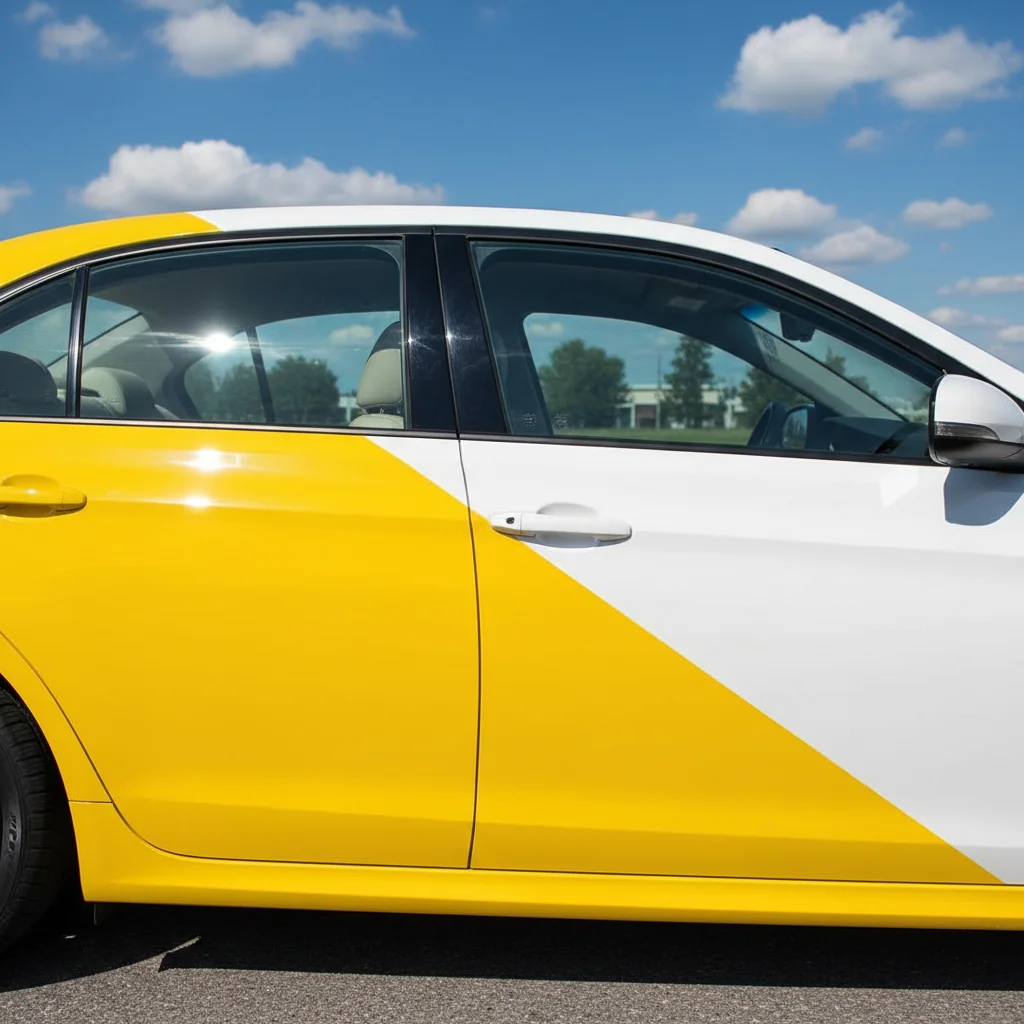
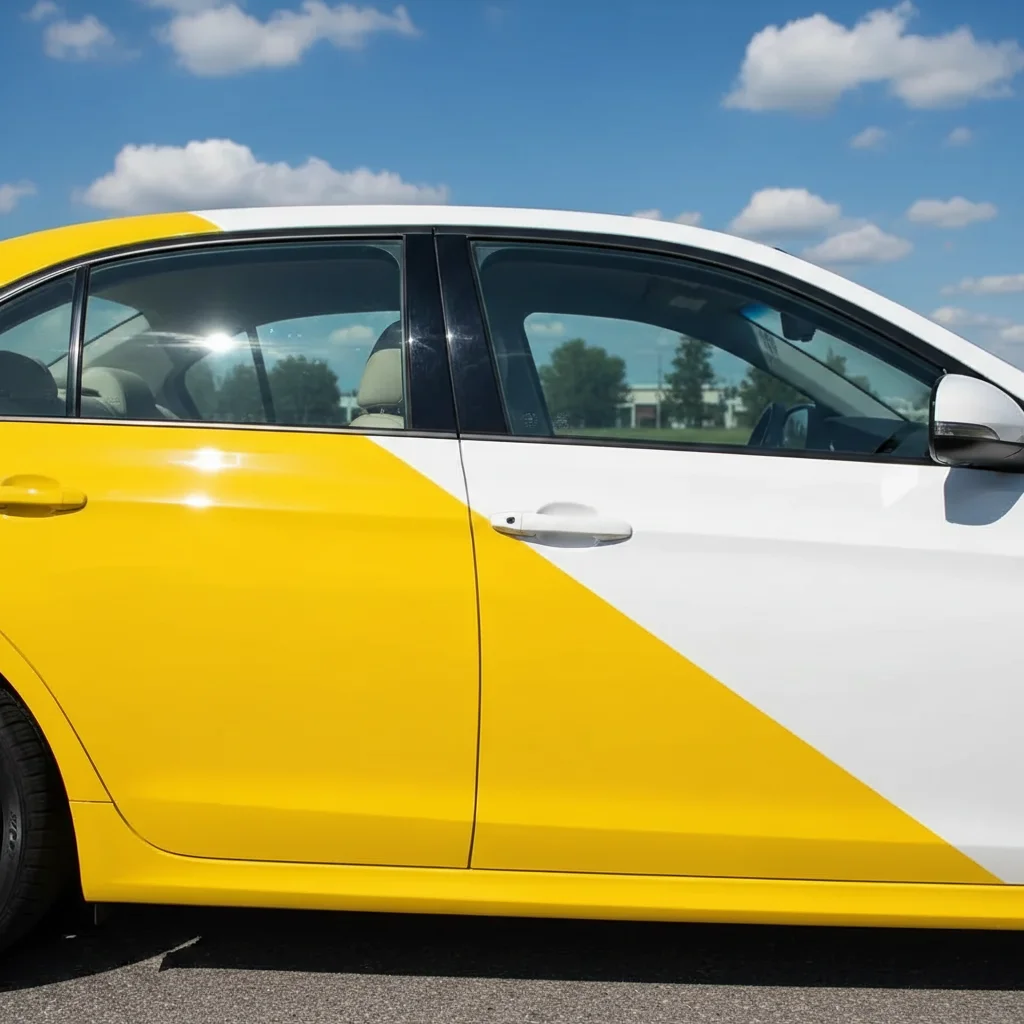
Before
Before
After
After

Free AI Window Tint Preview

Drop your photo here

or click to browse

Release to upload

Free • No signup

Advertisement
Popular use cases:
  • window tint preview
  • tint percentage visualizer
  • car tint preview
  • tint darkness levels
  • before tinting decision
  • automotive window tint
  • tint shop tool
  • legal tint check
  • VLT preview
  • vehicle tint comparison

Cost
Free No signup required
Time
Instant results in 15-30 seconds
Works on
Any device - browser, phone, tablet, desktop
Powered by
AI-powered photo editing
Scenario Prompt Time
15-30s
15-30s
15-30s
15-30s
15-30s

How it works

  1. Upload your car photo

    Choose a clear photo of your vehicle showing the windows you want to tint. Side or three-quarter angle works best so windows are clearly visible. Make sure the photo is well-lit and shows window surfaces clearly. Works with cars, trucks, SUVs, vans, and any vehicle type.

    Expect: Simple tint on clear windows: 20-30 seconds. Complex tinting with multiple vehicles or challenging angles: 30-40 seconds and may need refinements.
  2. Describe your tint darkness

    Type the tint percentage you want to see on your windows. Be specific about darkness level and which windows to tint. The AI understands descriptions like '35% tint on all windows' or '20% tint on rear and back windows, 50% on front sides' or '5% limo tint all around'. Window tint percentages: 50% (light), 35% (medium), 20% (dark), 5% (limo/very dark). No need to mark windows—AI detects and tints them automatically.

    Tip: Check your state's legal tint limits before choosing. Most states allow 35-50% on front sides, darker on rear. Specify which windows to avoid legal issues.

    Copy one of these to get started:

    Popular medium darkness, legal in most states 35% tint on all side windows and rear window, windshield stays clear
    Legal compliance with darker rear privacy 50% tint on front side windows, 20% tint on rear side windows and back window
    Dark tint for maximum privacy and heat reduction 20% tint on all windows including rear, windshield stays clear
    Maximum rear privacy, keeping front legal 5% limo tint on all rear windows and back window, front windows stay factory clear
    5 more prompts
    Modern ceramic tint with heat blocking properties 35% ceramic tint on all windows for heat rejection while maintaining visibility
    Windshield protection without visibility loss 70% clear tint on windshield for UV protection, 35% on all other windows
    Very dark tint for show cars or where legal 15% tint on all windows except windshield for aggressive dark look
    Gradient tint approach from front to back 20% tint on driver and passenger front windows, 5% limo tint on all rear windows
    Minimal appearance change with functional benefits 50% light tint on all windows for subtle heat reduction and UV protection
  3. Review the tinted windows

    Check that the tint darkness matches what you expected, the tint is applied evenly to all intended windows, and you can still see through at a comfortable level. Make sure the tint looks natural and matches realistic automotive tint appearance. If you need adjustments, change the percentage and regenerate.

  4. Download Your Tint Preview

    Save your window tint preview in high resolution. Use it to decide which tint level to install, show family members before committing, or share with your tint installer to confirm the exact darkness you want.

Try it free

Free AI Window Tint Preview

Drop your photo here

or click to browse

Release to upload

Free • No signup

See it in action
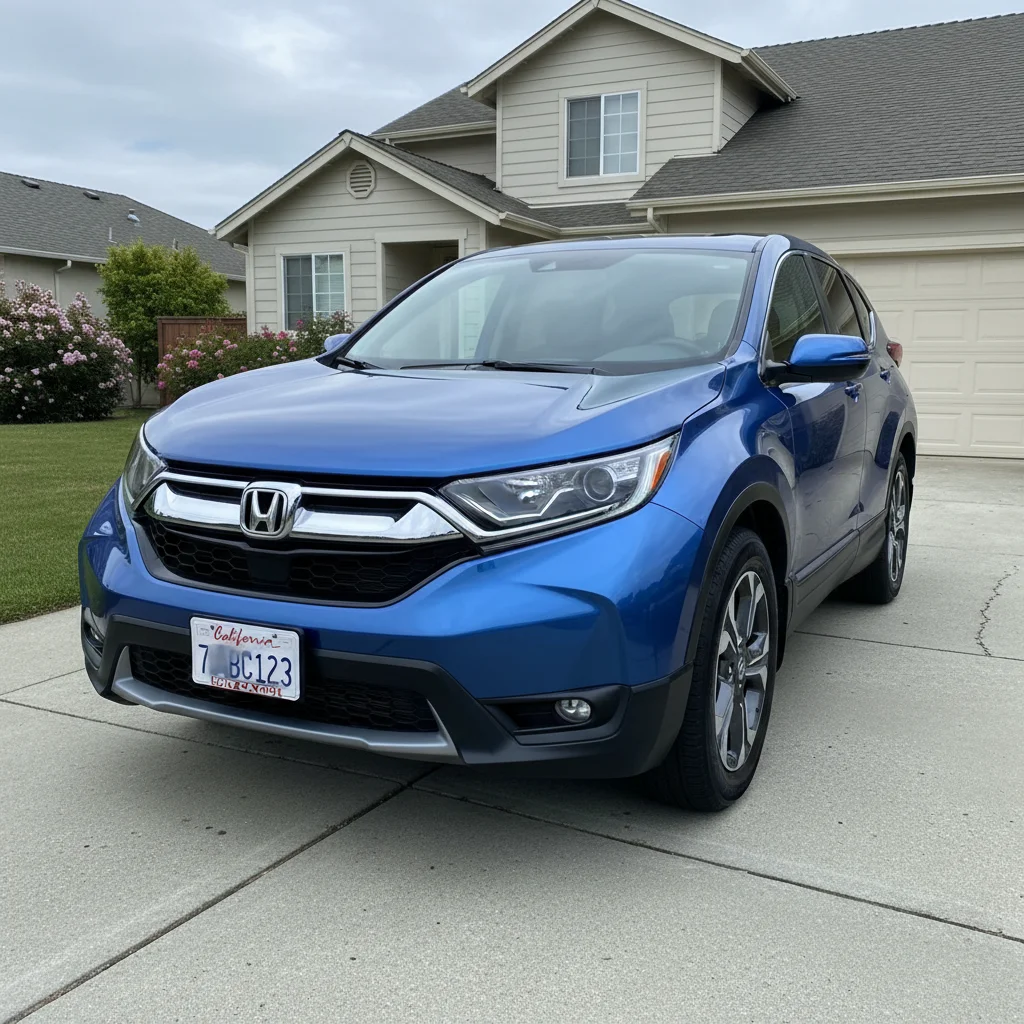
Before
Before
->
After
After

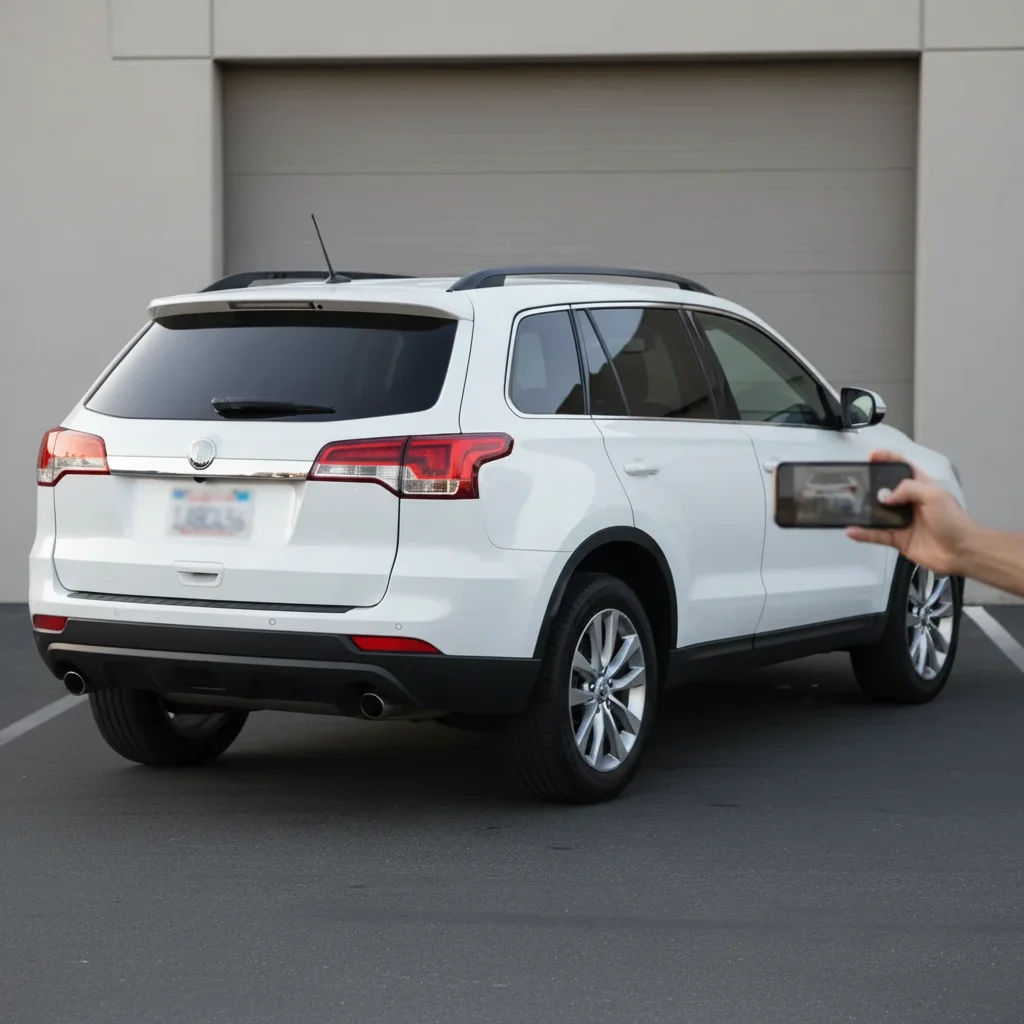
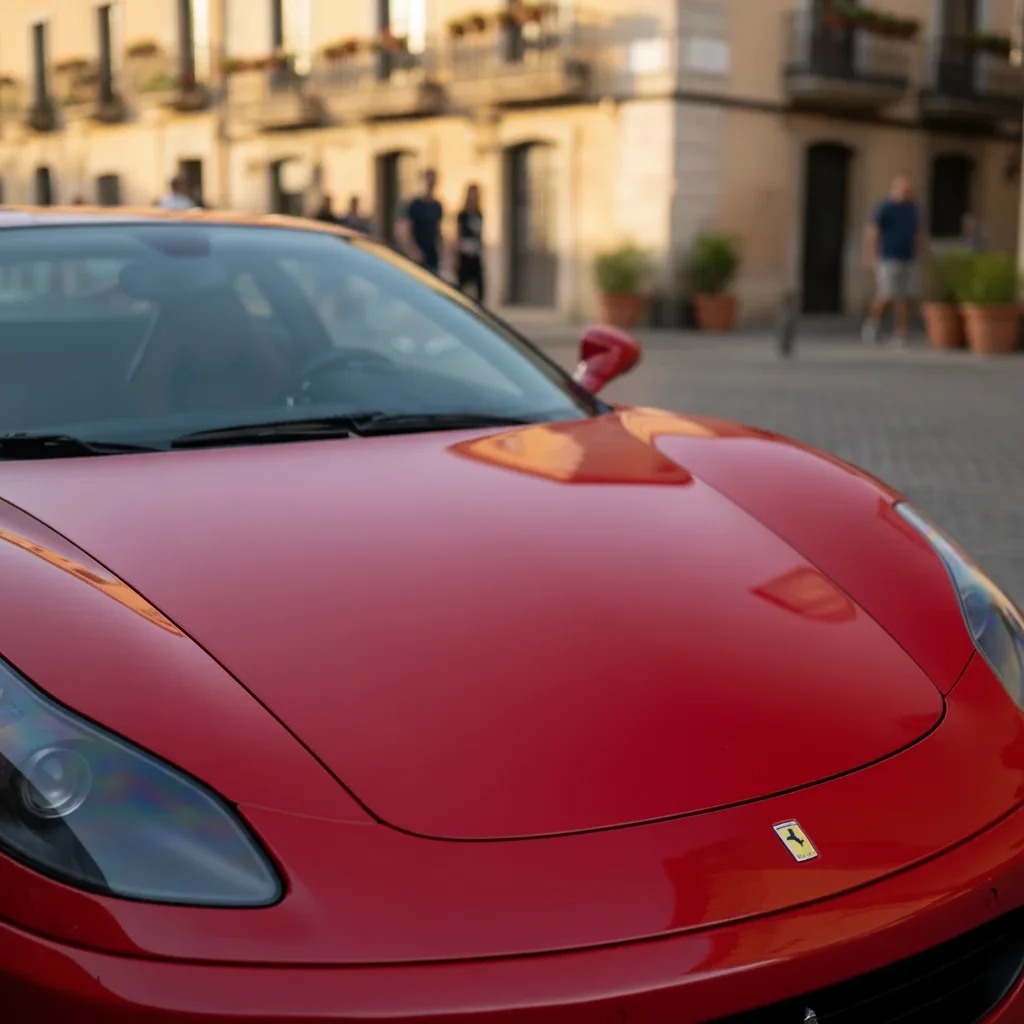
Prompt: 35% tint on all side windows and rear window, keeping windshield clear
Before
Before
->
After
After

Prompt: 50% tint on front side windows for legal compliance, 20% dark tint on rear side windows and back window for privacy
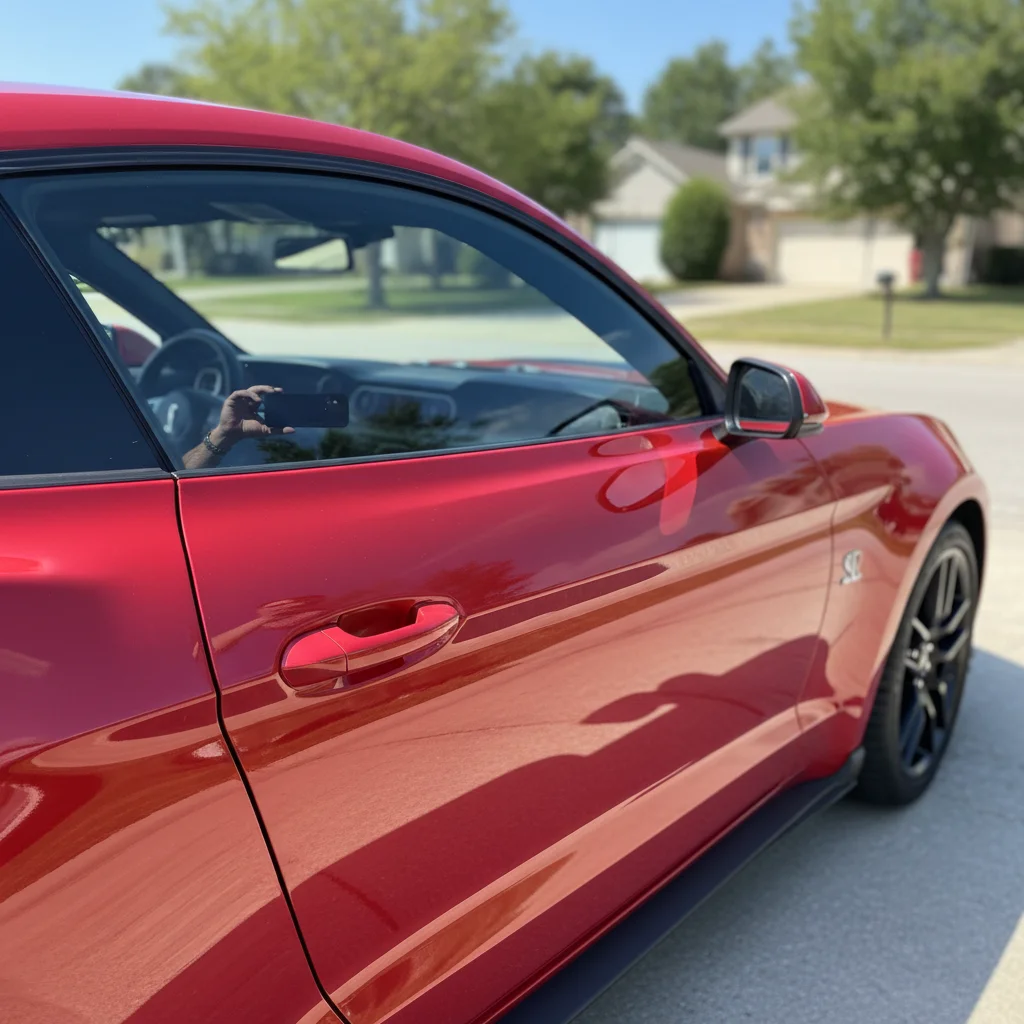
Before
Before
->
After
After

Prompt: 5% limo tint on rear cab windows and back window, front windows stay factory clear to remain street legal
Advertisement

If something looks off

AI changed the wrong area or something I didn't want changed

Why: The AI couldn't determine exactly which area you meant from description alone.

Try: Tap a marker on the specific area you want to change, then regenerate with the same prompt

Tip: Markers tell the AI 'I mean THIS one specifically.' Use them when description alone is ambiguous.

Tint appears too dark or too light compared to the percentage I requested

Why: Photo lighting affects how tint darkness appears—bright sunlight vs shade makes a big difference

Try: Adjust the percentage up or down: try '25%' if '35%' looks too light, or '40%' if it looks too dark

Tip: Tint always looks darker in person than in photos. If the preview looks right, actual tint may be slightly darker.

Tint was applied to windshield when I only wanted side and rear windows

Why: Without specific instructions, AI may tint all visible glass

Try: Explicitly exclude windshield: '35% tint on all side windows and rear window, windshield stays completely clear'

Tip: Always specify which windows: 'front sides, rear sides, back window' or 'all windows except windshield' for precision.

Tint looks uneven or blotchy on windows

Why: Reflections, glare, or existing window features confuse the AI

Try: Use a photo with less glare and reflections, or describe: 'smooth even tint with no variations in darkness'

Tip: Photos taken in even lighting (overcast days or shade) work better than bright direct sunlight with glare.

Can't tell the difference between tint percentages

Why: Small percentage differences (like 30% vs 35%) are subtle and hard to see in photos

Try: Try comparing larger differences: generate 50%, 35%, 20%, and 5% separately to see clear distinctions

Tip: Standard tint levels: 50% (light/barely noticeable), 35% (medium/popular), 20% (dark), 5% (limo/very dark).

Tint doesn't look realistic or looks painted on

Why: Poor photo quality or extreme angles make realistic tint application difficult

Try: Use a clearer photo from a better angle—direct side view or slight three-quarter angle works best

Tip: Clean windows in the original photo help. Dirty windows or existing reflections reduce tint realism.

Quick answers

Do I need to mark each window to tint it?

No! Just describe which windows you want tinted and the darkness percentage. AI automatically detects all car windows and applies tint to the ones you specify. You only need markers if you want to tint unusual glass areas or need to clarify which specific window in a complex photo.

What do tint percentages mean?

Tint percentage is Visible Light Transmission (VLT)—how much light passes through. 50% = light tint (half the light blocked), 35% = medium darkness (most popular), 20% = dark tint (80% light blocked), 5% = limo tint (very dark, 95% light blocked). Lower percentage = darker tint. Check your state laws—most allow 35-50% on front sides.

How accurate is the tint darkness preview?

Very accurate for standard tint percentages. However, your photo's lighting affects appearance—the same 35% tint looks lighter in bright sun than in shade. Also, screens display colors differently. Use this as a realistic guide, but expect slight variations based on lighting conditions when actually installed.

Can I preview different tint levels before deciding?

Absolutely! Save your original car photo, then generate multiple previews: try 50%, 35%, 20%, and 5% to compare. View them side-by-side to see exactly which darkness level you prefer before spending $150-$500 on professional tint installation.

What about different tint colors like blue or green?

Yes! While most automotive tint is neutral gray or charcoal, you can specify colored tint: 'light blue 35% tint' or 'green 20% tint'. Just note that colored tints are less common and may be illegal in some jurisdictions—check local laws before installing colored tint.

Can tint shops use this tool for customer consultations?

Yes! This is perfect for showing customers what different tint levels look like on their actual vehicle before installation. Much better than generic tint samples—customers see their specific car with the exact tint they're considering, leading to better decisions and fewer complaints about darkness after installation.

Ready to preview window tint?

Free to try. No signup required.

Try it free