Free • No signup Remove Wrinkles · Free

AI Wrinkle Remover

Describe the wrinkle reduction you want and AI smooths them naturally. No marking needed.

Man with prominent forehead wrinkles and crow's feet
Before
Same man with softened wrinkles looking naturally refreshed
After

AI Wrinkle Remover

Drop your photo here

or click to browse

Release to upload

Free • No signup

Advertisement
Popular use cases:
  • wrinkle removal
  • fine line reduction
  • crow's feet removal
  • forehead lines photo
  • anti-aging photo editing
  • portrait wrinkle smoothing
  • professional headshot refresh
  • age reduction photo

Cost
Free No signup required
Time
Instant results in 15-30 seconds
Works on
Any device - browser, phone, tablet, desktop
Powered by
AI-powered photo editing
Scenario Prompt Time
Targeted area (forehead only) smooth the forehead wrinkles only 30s
Common areas (forehead + crow's feet) reduce forehead lines and crow's feet naturally 40s
Full face wrinkle reduction reduce all wrinkles while keeping age-appropriate look 50s

How it works

  1. Upload your photo

    Drop your image into EditThisPic. JPG, PNG, WebP up to 7MB. Clear, well-lit portraits where facial lines are visible work best. Both close-ups and standard headshots produce good wrinkle reduction results.

    Expect: Targeted wrinkle reduction (one area): 30-40 seconds. Full face wrinkle reduction: 45-60 seconds and may need refinements.
  2. Describe the wrinkle reduction

    Type what you want: 'reduce the wrinkles and fine lines on the face naturally' or 'smooth the forehead lines and crow's feet while keeping the face character.' Be specific about which wrinkles—forehead, crow's feet, nasolabial folds, or all. No marking needed—the AI knows where wrinkles are.

    Tip: Use 'reduce' instead of 'remove' for the most natural results. Completely removing all lines can look unnatural—reducing them preserves character.

    Copy one of these to get started:

    Natural wrinkle reduction reduce wrinkles and fine lines on the face while keeping a natural, age-appropriate appearance
    Forehead lines only smooth the forehead wrinkles and horizontal lines, keep all other facial features exactly the same
    Crow's feet reduction reduce the crow's feet wrinkles around the eyes while keeping the eye area natural and expressive
    Smile line softening soften the nasolabial folds and smile lines around the mouth without completely removing them
    3 more prompts
    Professional headshot refresh reduce all visible wrinkles for a refreshed professional headshot look - forehead, eyes, and mouth area
    Neck line reduction reduce the horizontal neck lines and wrinkles on the neck area while keeping skin texture natural
    Subtle anti-aging across face subtly reduce all signs of aging - wrinkles, fine lines, and age spots - while keeping the face looking like the same person
  3. Review the result

    Check that wrinkles are reduced but the face still looks age-appropriate and natural. Zoom in on treated areas—forehead, eye corners, around the mouth. Verify that expression lines still show some natural depth.

  4. Refine with markers if needed

    If specific lines like a deep forehead crease or crow's feet on one side need more attention, tap markers on those spots and regenerate. Most wrinkle reduction works well on the first try.

    Tip: Markers are for precision refinement only. Try without them first—you usually won't need them.
Try it free

AI Wrinkle Remover

Drop your photo here

or click to browse

Release to upload

Free • No signup

"Updated my professional headshot without doing a whole new photo shoot. One prompt smoothed the forehead lines and crow's feet that bothered me. Still looks like me, just a bit more refreshed." @HeadshotRefresh_Tom

See it in action

Man with prominent forehead wrinkles and crow's feet
Before
->
Same man with softened wrinkles looking naturally refreshed
After

Forehead and crow's feet reduced for headshot

A portrait with prominent forehead lines and crow's feet softened for a refreshed professional headshot.

Prompt: reduce wrinkles and fine lines on the face while keeping a natural, age-appropriate appearance
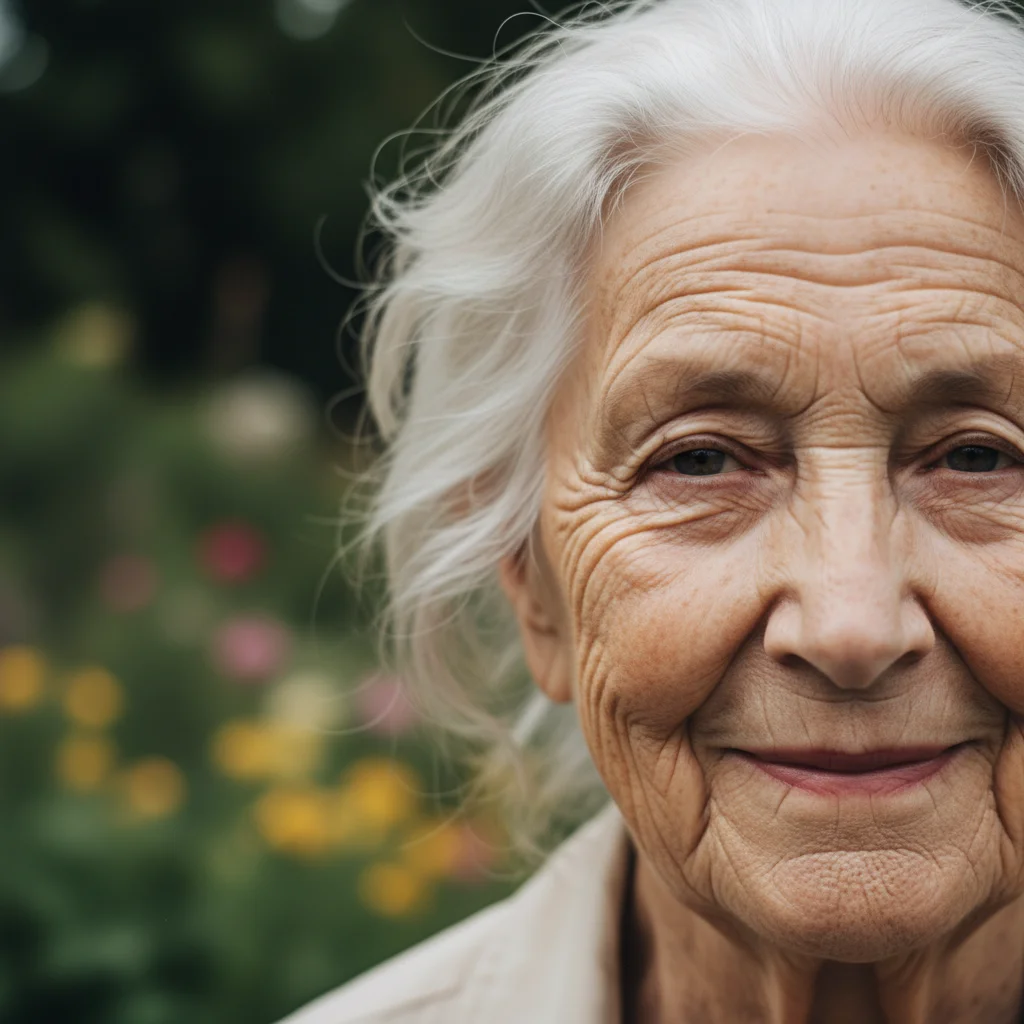
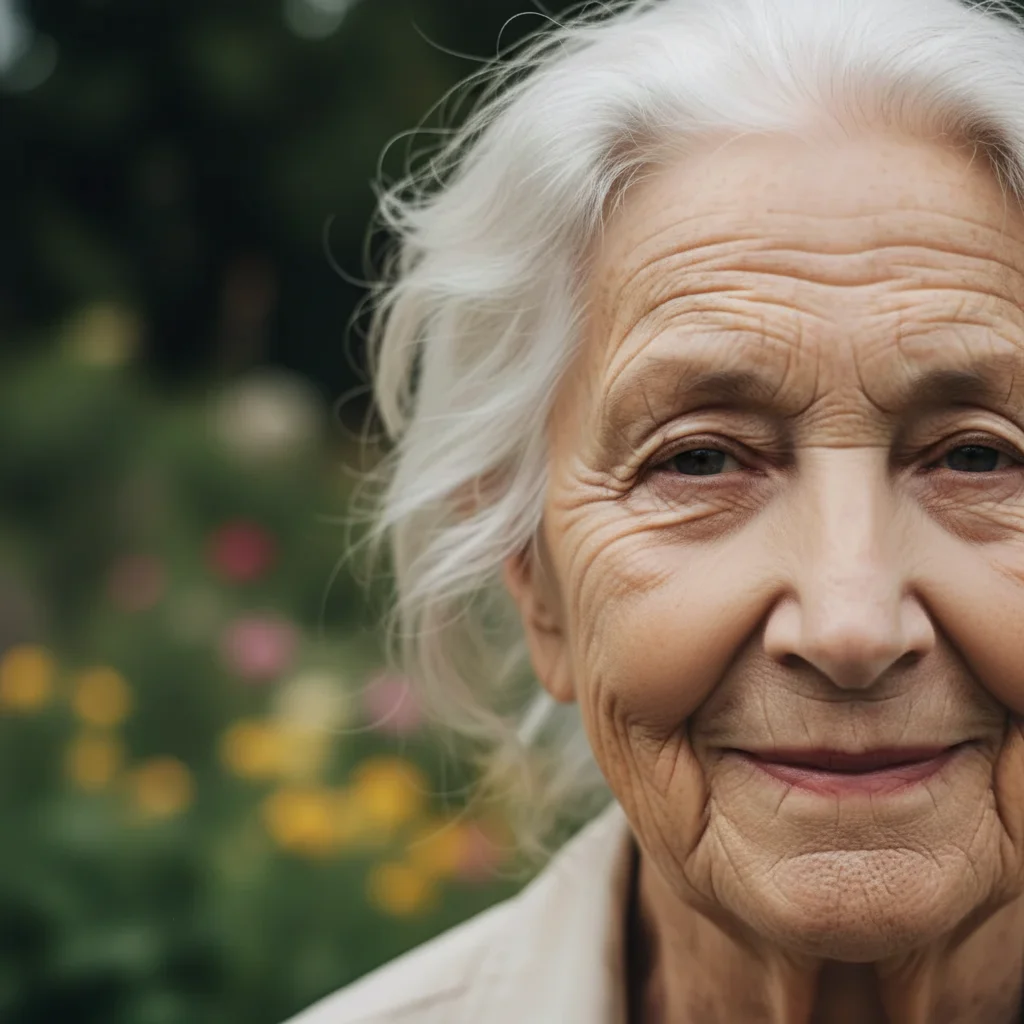
Woman with deep nasolabial folds and smile lines
Before
->
Same woman with softened smile lines looking natural
After

Smile lines softened for family photo

Deep smile lines around the mouth area reduced for a more youthful yet natural appearance.

Prompt: soften the nasolabial folds and smile lines around the mouth without completely removing them
Advertisement

If something looks off

AI changed the wrong area or something I didn't want changed

Why: The AI smoothed expression lines you wanted to keep alongside the wrinkles you wanted reduced. This happens when you have both types of lines.

Try: Tap markers on only the specific wrinkles you want reduced, then regenerate: reduce only these marked wrinkles, keep all other lines

Tip: Markers tell the AI 'I mean THIS line specifically.' Use them when description alone is ambiguous.

Face looks too young or unnatural after wrinkle removal

Why: Too many lines were removed at once, making the face look decades younger than it should—which is immediately noticeable as edited.

Try: reduce the wrinkles by about 50% only - soften them but don't remove completely, keep the face age-appropriate

Tip: 'About 50%' and 'age-appropriate' guide the AI to a believable middle ground.

Skin texture looks artificially smooth in treated areas

Why: The wrinkle reduction removed natural skin texture along with the lines, creating plastic-looking patches.

Try: reduce wrinkles while keeping natural skin texture, pores, and micro-detail visible in the smoothed areas

Tip: Adding 'keep pores and micro-detail' preserves the skin's natural appearance while reducing lines.

Wrinkle reduction is uneven across the face

Why: Different depth wrinkles responded differently to the same reduction level, with shallow lines disappearing while deep ones remained.

Try: reduce all wrinkles to a consistent, even depth - shallow and deep lines should be softened proportionally

Tip: 'Proportionally' tells the AI to reduce all wrinkles by the same relative amount.

Expression changed after wrinkle removal

Why: Some wrinkles are integral to facial expressions—removing them altered the perceived emotion or personality.

Try: reduce wrinkles while preserving the exact same facial expression and emotional character of the original photo

Tip: 'Preserve expression' ensures the AI keeps smile lines, brow position, and other expression markers.

Quick answers

Do I need to mark wrinkles before describing the reduction I want?

No! Just describe what you want: 'reduce forehead wrinkles and crow's feet.' The AI knows where wrinkles are on a face and targets them automatically. Only use markers when you want to reduce specific wrinkles while keeping others—like softening forehead lines but keeping smile lines.

How do I remove wrinkles from a photo without looking obviously edited?

Use 'reduce' instead of 'remove' and add 'naturally' to your prompt: 'reduce wrinkles naturally while keeping an age-appropriate look.' The goal is softening, not erasing. Faces with zero lines look clearly edited—keeping some depth in expression areas maintains believability.

Is there a free AI wrinkle remover that doesn't require login?

Yes, EditThisPic is free to try with no account needed. Upload your photo, describe the wrinkle reduction you want, and download the result. No watermarks on outputs. Works for fine lines, crow's feet, and deep wrinkles without any signup.

What's the best free AI tool for reducing wrinkles in photos?

EditThisPic offers free AI wrinkle reduction with no signup required. Unlike apps with simple smoothing filters that blur the whole face, you describe exactly which wrinkles to target. It handles forehead lines, crow's feet, and nasolabial folds individually for natural results in seconds.

Ready to reduce wrinkles in your photos?

Free to try. No signup required.

Try it free